Best Back Up Cameras for 2026: What Your Money Really Gets You at Every Price
Disclosure: We may earn a commission when you buy through links on this page, at no extra cost to you. As an Amazon Associate I earn from qualifying purchases. Learn more
Compare the best back up cameras at every price point. Learn what you get at budget, midrange, and premium levels and where spending more pays off.
Prices for back up cameras range from under $50 for a simple wired kit to over $300 for a wireless system built for a long RV, and the gap is not only about picture sharpness. The best back up cameras for your vehicle depend on its length and your display. Use the comparison table below to match price to the view and signal you actually need.
This guide walks through what each price tier adds, which features change daily use, and which extras you can skip. It covers cars, SUVs, and RVs, plus wired and wireless choices, so you spend on coverage and clarity rather than on claims that do not help you reverse.
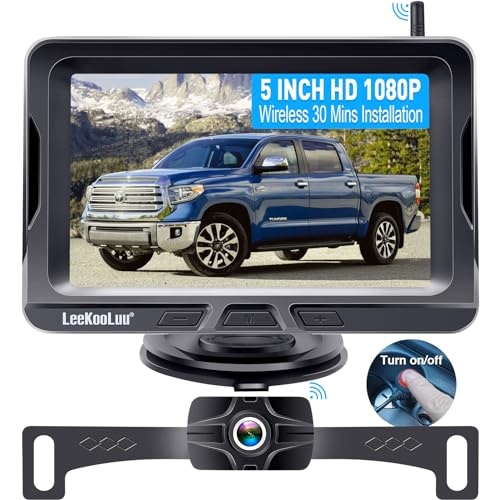
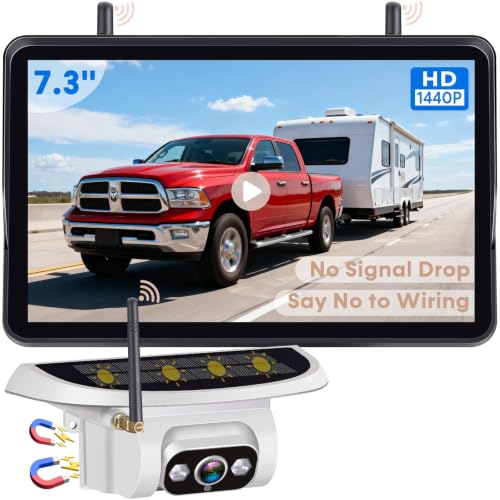

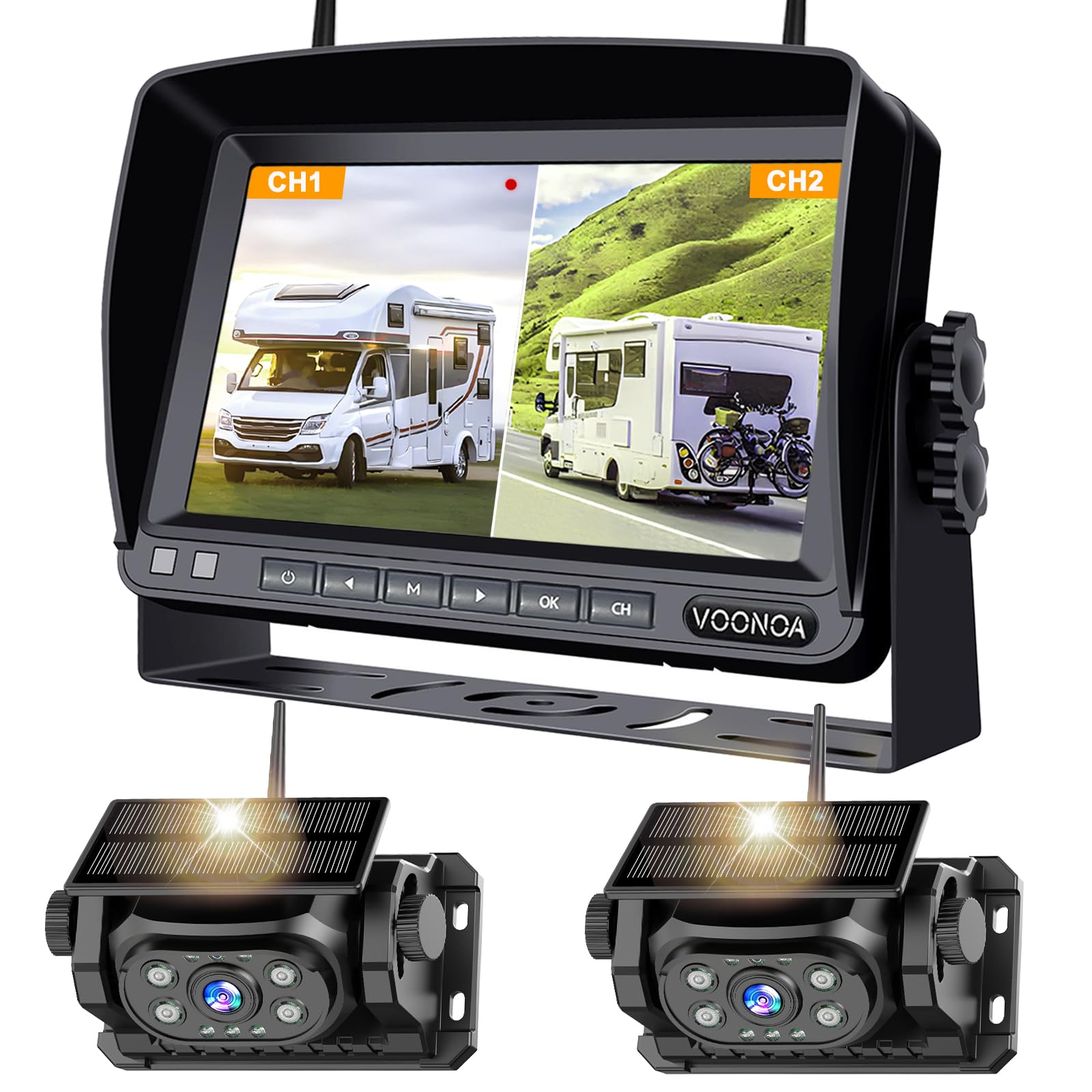

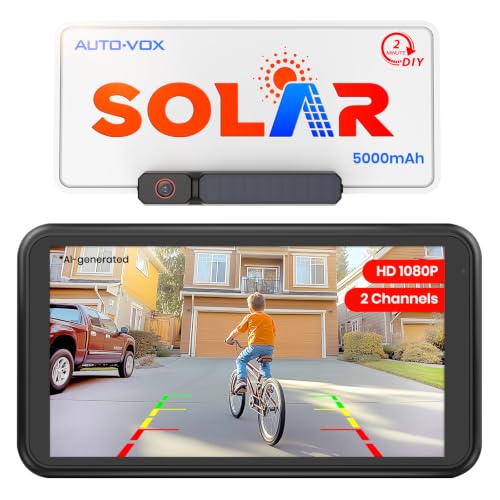

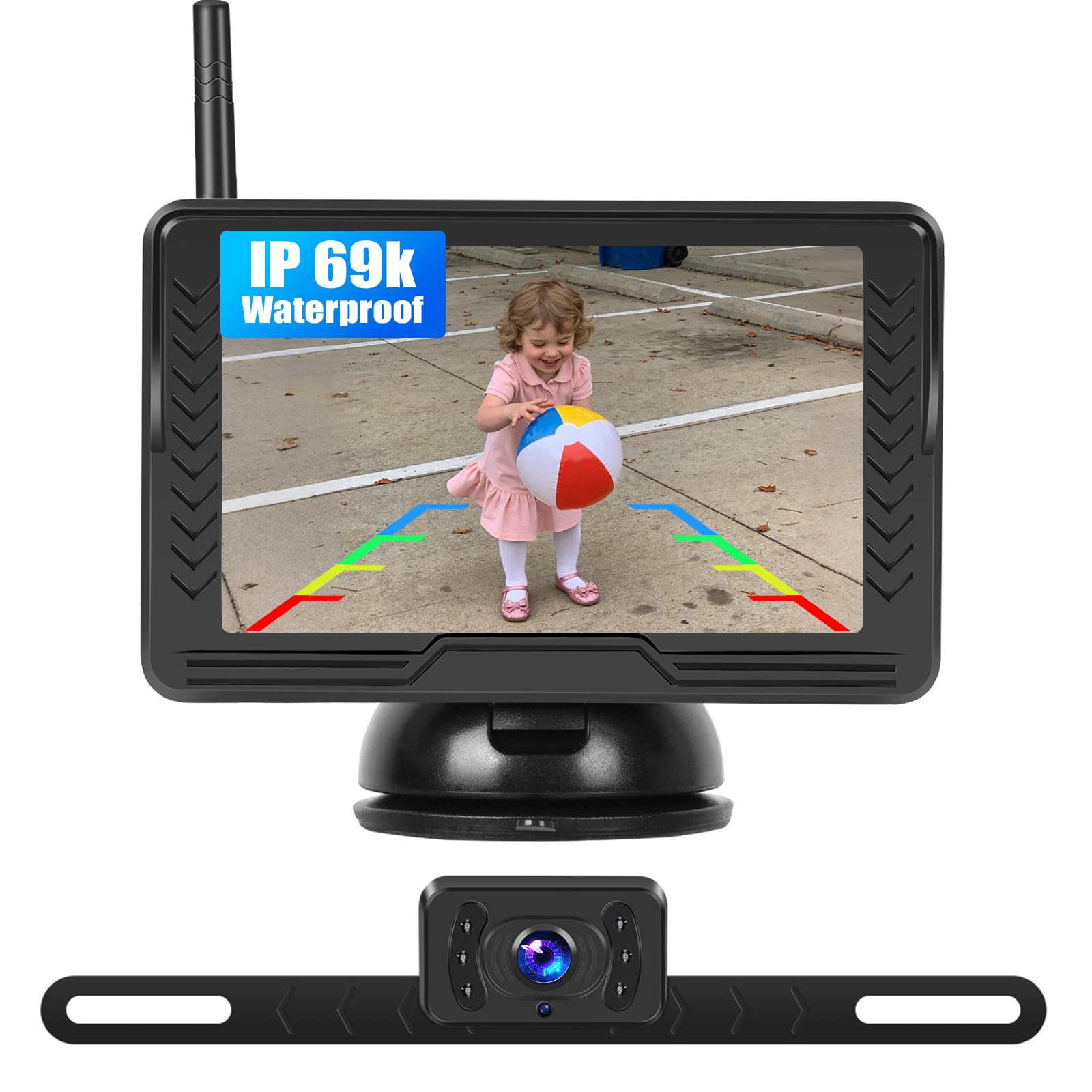
Back Up Camera Price Tiers: Basic Rear Views to Long Range RV Systems
Ticket price alone tells you little, because a kit includes both the camera and the way you view its picture. When you shop the best back up cameras by budget, judge each tier by view, signal, and display together.
Budget Tier: A Clear Basic View for Short Vehicles
For about $50 to $90, expect a wired camera with a small dedicated display or a feed to a compatible head unit. The picture is usually enough to spot a bike, a curb, or a low obstacle behind a car. The trade off is a narrower view, a weaker night picture, and more time routing cable through the cabin.
Midrange Tier: Wireless Ease and a Sharper Picture
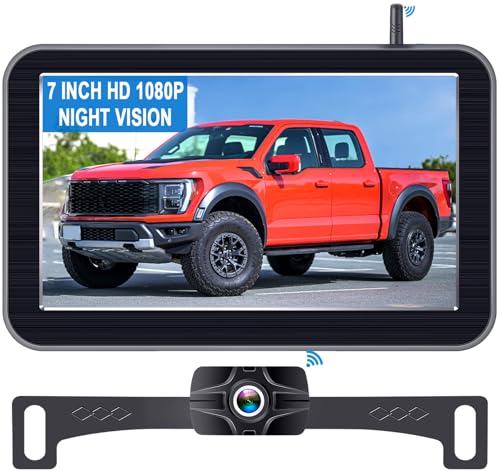
For about $100 to $200, you gain a larger display, a sharper daylight picture, and often a digital wireless link. Night views improve and housings seal better against rain. This tier fits most cars and SUVs that reverse daily in mixed light and tight spaces, and it is where most drivers stop needing more.
Premium Tier: Long Range Signals and Wide Coverage
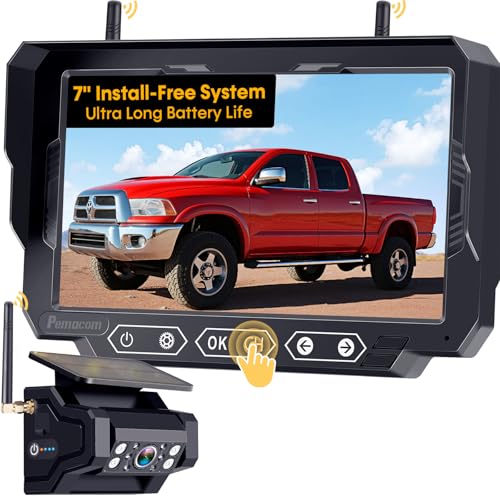
For about $200 to $350, you pay for a stronger wireless signal over a long vehicle, support for a second camera on some systems, and the clearest night picture in the range. Displays grow larger and brighter, which helps in sun glare. Choose this tier for an RV, a truck with a trailer, or any driver who needs clear detail at a longer distance.
Key Features to Compare
Five factors decide how a camera performs once it is mounted.
Viewing Angle and Camera Placement
Most back up cameras show about 120 to 170 degrees. A wider view reveals cross traffic and the bumper corners, while a narrower view makes objects look larger. A camera centered above the license plate gives a balanced picture, and a camera set too low can fill the screen with pavement and miss a low wall.
Image Clarity and Night Vision
Look for a picture that stays clear in rain and at dusk, not only a high pixel count on the box. Many good kits offer a 720p or 1080p picture, enough to judge distance on a typical display. At night, small lights around the lens light the area behind you, but a washed out picture can still hide a dark post, so display brightness counts too.
Wired Versus Wireless Signal
A wired link is steady and has almost no delay, but routing the cable takes time. A wireless link cuts installation work, yet a weak signal can freeze or lag just as you move. For wireless, see our guide to the best wireless back up cameras for signal range advice by vehicle length. Digital wireless holds a cleaner picture than older analog designs on longer vehicles.
Weatherproof Build and Durability
A back up camera lives in rain, road spray, and winter salt, so sealing is a core feature rather than a bonus. Ratings such as IP67 or IP69 mean the housing resists water and dust, and a weatherproof lens coating helps drops clear. Either housing material can last if cable entry points stay sealed and mounts stay tight.
Display Options and Parking Guidelines
You can view the picture on a dedicated monitor, a mirror display, a phone app, or a factory screen if the kit supports it. If your car has no screen, see our guide to the best aftermarket back up cameras for kits that add both camera and display. Static lines show a fixed path, while lines that move with the wheel on supported systems help you aim into a bay.
Picking the Right Back Up Cameras for Different Uses
Vehicle length and connection type change the right choice more than brand does.
Best WiFi Back Up Cameras
A WiFi back up camera sends its picture to a phone or tablet, so you skip a separate display and keep the dash clear. Check app delay, because a slow feed makes fine parking harder. It suits a driver who already mounts a phone in a car or small SUV.
Best Car Back Up Cameras
A car needs a compact camera at the license plate and a view wide enough for street parking and store lots. Low light clarity matters for evening errands, and a short signal run stays steady. Choose a display that does not block your windshield view.
Best Digital Back Up Cameras
A digital back up camera sends a cleaner signal than an older analog design, with less static. That clarity helps on longer vehicles. If you also take photos, see our guide to the best digital cameras for that separate job, since a vehicle camera is fixed, sealed, and built only for reversing.
Best Rear Back Up Cameras
Rear mounting is the standard position, centered and high enough to show the bumper edge and the ground behind it. Confirm the picture is mirrored correctly for reversing, and check that a spare tire or bike rack does not block the lens. A slight downward tilt helps judge the last few feet.
Best RV Back Up Cameras
An RV needs signal range above all else, because the camera sits far from the display and metal walls can weaken a wireless link. Many owners choose a wired system or a digital wireless kit rated for their full vehicle length. A second camera input can also watch a towed car.
Best SUV Back Up Cameras
An SUV sits higher, so camera height and angle decide how much ground near the bumper you can see. A wide view helps in crowded lots where children and carts move behind you. If your SUV came without a screen, a mirror display keeps the cabin tidy and starts fast.
Common Mistakes to Avoid
Most problems come from placement and wiring choices.
- Mounting the camera off center skews distance and can pull you toward one side of a bay.
- Choosing a wireless kit rated for a shorter vehicle than yours leads to a frozen picture on an RV.
- Skipping a display check in bright sun leaves you with a picture you cannot read.
- Tapping power from the wrong wire can leave the camera on and drain the battery.
- Trusting the screen alone means a child or pet outside the camera view can go unseen.
Long Term Costs and Care for Your Back Up Camera
Beyond the kit, budget for mounts, extra cable, and in some cases paid installation, which can add about $75 to $200. Check whether parts are sold on their own and how long the warranty runs, since one half of a kit can fail first.
Wipe the lens with a soft damp cloth each time you wash the vehicle, because road film dims the night picture. Check mount and cable seals each season, and clear leaves or snow from the lens before you reverse. If the picture flickers, check the power connection at the reverse light first, and have a professional installer inspect wiring near airbag circuits if you are unsure.
Frequently Asked Questions
How wide a view should a back up camera for a car have?
A view of about 120 to 150 degrees suits most cars. It shows the bumper corners and nearby traffic without shrinking objects. Wider views near 170 degrees help in busy lots, but they bend straight lines at the edges, so use the parking lines and mirrors to confirm distance.
Can a smartphone replace a dedicated back up camera display?
A smartphone can work as the display for a WiFi camera and saves buying a separate screen. The trade off is timing. You must open the app before reversing, and a call or alert can cover the picture. A dedicated display wakes with the reverse gear, so many daily drivers find it faster.
Do wireless back up cameras work well on a long RV?
Yes, wireless back up cameras can work well on a long RV if the system is rated for that length. Place the transmitter as the maker directs, often high and toward the front of the coach body. Test the picture at full distance before a trip, because a signal that holds in a driveway can fade on the road.
How much should you spend on a first back up camera for an older car?
About $100 to $200 is a sensible first budget for an older car. That range usually buys a clear picture, a usable display, and a steady signal. Spend less only if your car is short and parks in good light, and keep some budget aside in case you pay for tidy wiring.
Can you install a back up camera on a vehicle with no factory screen?
Yes, you can add a back up camera to a vehicle with no factory screen by choosing a kit with its own monitor or mirror display. Measure dash or mirror space before ordering, because a large monitor can block controls. Kits with a display also simplify wiring, since camera and screen were made to pair.
The Bottom Line
Match the camera to your vehicle length first, then choose the clearest picture and night view your budget allows. A steady signal and a display you can read in sun help more each day than a long list of extras. Use the product table above to compare view angle, signal type, and full kit price.
When you choose from the best back up cameras with those points in mind, you get a view you can trust each time you reverse. Pick the tier that fits your vehicle and keep the lens clean.