
Best Aux Speakers: A Practical Buying Guide for 2026
Disclosure: We may earn a commission when you buy through links on this page, at no extra cost to you. As an Amazon Associate I earn from qualifying purchases. Learn more
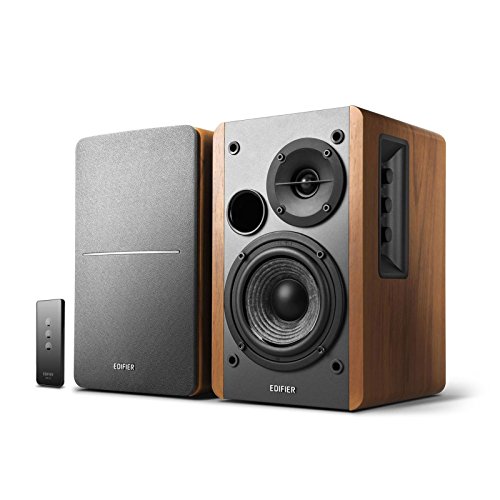
Compare the best aux speakers by sound balance, size, power source, and cable length, with setup guidance for desks, bedrooms, and travel.
A speaker with an aux input is the simplest way to get better sound from a phone, laptop, TV, turntable, or game console: plug in a 3.5 mm cable and play, with no pairing, app, or codec to worry about. The best aux speakers pair clean sound with a quiet, well seated input and a size that suits where you will listen. The product table above lines up current options, and this guide explains how to choose among them.
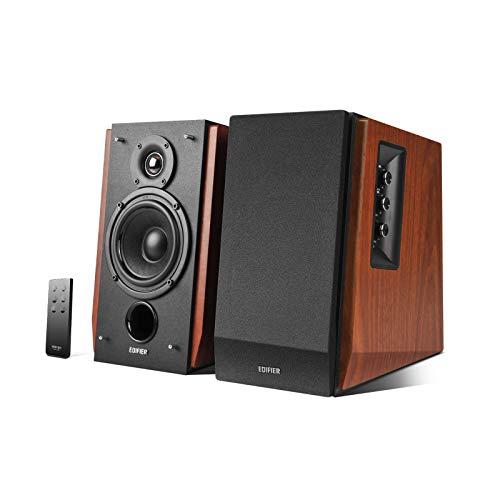
Aux speakers fall into a few clear families, from compact desktop pairs to powered bookshelf monitors and portable Bluetooth speakers with a wired backup input. Knowing which family suits your room matters more than any single spec.



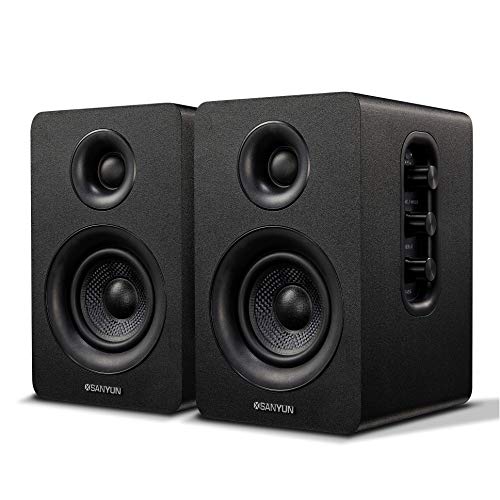
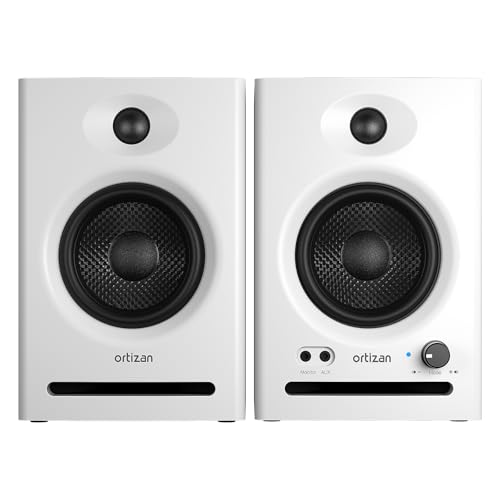
Types of Aux Speakers
| Type | Suits | Trade Off |
|---|---|---|
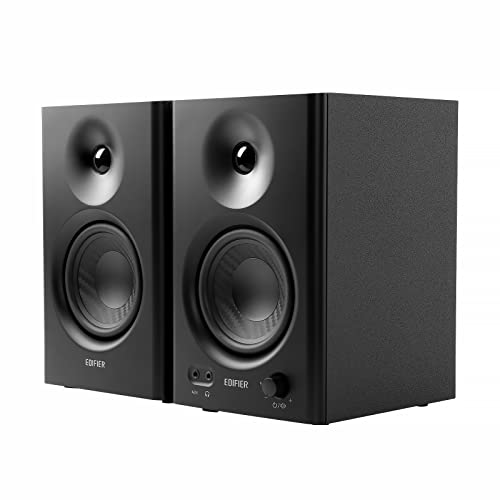
| Powered desktop speakers | Desks, dorms, small rooms | Limited bass without a subwoofer |
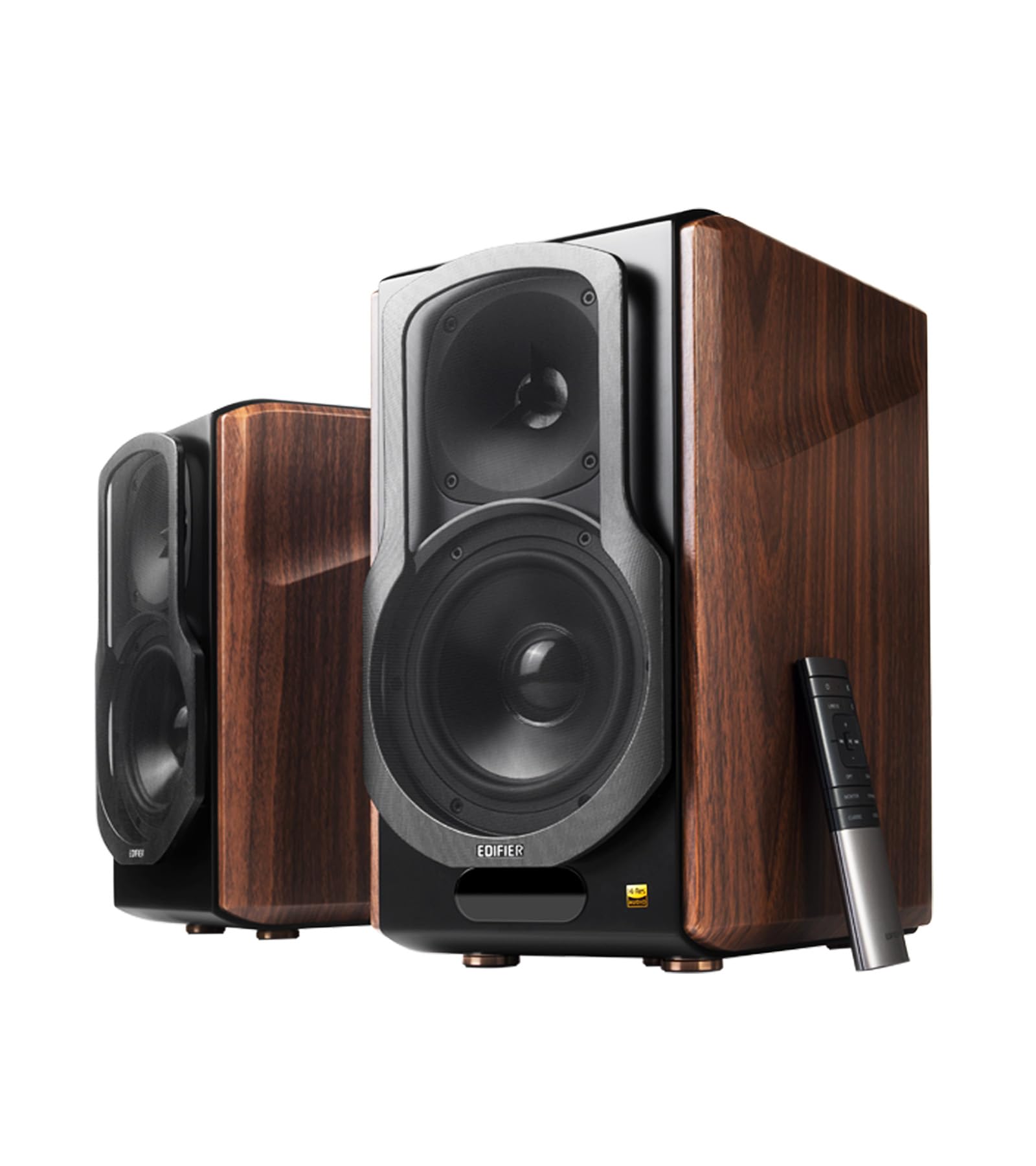
| Powered bookshelf monitors | Music listening, turntables, larger rooms | Bigger, needs wall power and shelf space |
| Portable Bluetooth with aux input | Travel, patios, flexible use | Sound is tuned for loudness over accuracy |
Powered Desktop Speakers
These small pairs sit on either side of a monitor and run on USB or a wall adapter. They are the easiest upgrade over laptop speakers, and many include a headphone jack and a front volume knob. Bass is limited, but voices and music come through clearly at desk distance.
Powered Bookshelf Monitors
Active bookshelf speakers carry their own amplifier and usually accept RCA, 3.5 mm, and sometimes optical or Bluetooth inputs. They suit music listeners who want fuller sound and a wider sweet spot. Placement matters, so plan for a shelf or stands with space behind the cabinets.
Portable Bluetooth Speakers with Aux Input
Many portable speakers include a 3.5 mm socket as a wired backup. That helps when Bluetooth lags, when you want to play from an older device, or when the battery is low and you can run on power. Check that the input is a true line input and not a service port.
How to Choose the Best Aux Speakers
Sound Balance
Driver size and cabinet volume decide bass more than any wattage claim. Look for a clear midrange so voices stay natural, and for controlled bass rather than a boomy low end that blurs dialogue. If you listen to podcasts, video, or acoustic music, favor neutral tuning. Bass boosted tuning flatters pop at first but tires the ear over a long session.
Input Quality and Connections
A clean aux input has no hiss at low volume and a socket that holds the plug firmly. Check what else the speaker offers, such as RCA for a turntable or TV, optical for a console, and Bluetooth for guests. Extra inputs matter if you plan to connect more than one source.
Power and Output
For desks, 10 to 30 watts is plenty. Rooms of 150 square feet or more benefit from 50 watts or higher and a larger driver. Treat peak power claims with caution, and look at the continuous (RMS) figure and driver size instead.
Size and Placement
Measure your desk or shelf before you buy. Place speakers at ear height, angled slightly toward the listening spot, and keep them a few inches from the wall if bass sounds muddy. Rubber feet or isolation pads reduce buzzing on hard surfaces.
Controls and Extras
A front volume knob and headphone jack save reaching behind a monitor. Tone controls help correct a room that is too bright or too boomy. Remote controls, subwoofer outputs, and Bluetooth are useful extras, but they should not outrank sound and input quality.
Matching Aux Speakers to Your Space
In a dorm or small office, a compact desktop pair with a front volume knob is usually enough, and it keeps the desk clear. In a living room or bedroom, powered bookshelf monitors fill the space better and handle a turntable or TV at the same time. For patios, workshops, and travel, a portable model with a wired backup input gives you flexibility, although you should not expect the same accuracy as a stationary pair. If more than one person shares the room, think about late night listening and choose speakers with a headphone output and smooth volume control at low levels.
Setting Up Your Aux Speakers
Check which output your source has. Phones without a headphone jack need a USB C or Lightning adapter, and TVs often provide a headphone or variable line output. Use a short, shielded cable to avoid hum, and keep audio cables away from power cords. Start with the source volume near its upper range and use the speaker volume to adjust, which usually gives the cleanest signal.
- Plug the cable in fully, until the plug seats with a firm click.
- Set the volume low before connecting or disconnecting any device.
- If you hear hum, move the cable away from power adapters or try a different outlet.
- If sound is weak or one sided, test another cable and another source before blaming the speaker.
Common Mistakes to Avoid
The most common mistake is buying for wattage alone and ignoring driver size and input quality. Another is placing speakers inside a cabinet or against a wall, which makes bass boomy. Finally, check the return policy, since sound preference is personal and a short trial is the best test.
To compare close alternatives, see our guides to the best speakers with aux input, the best portable aux speakers, and the best sounding speakers. If you prefer wireless, the guide to the best bt speakers covers that side.
Aux Speakers Questions Answered
Do aux speakers sound better than Bluetooth?
A wired connection avoids Bluetooth compression and dropouts, so it can sound slightly cleaner and never lags with video. The difference is small with modern Bluetooth, and wireless wins on convenience.
Do I need a special cable?
Most aux speakers use a standard 3.5 mm stereo cable. Some bookshelf monitors use RCA or a 3.5 mm to RCA cable, so check the input type before ordering.
Can I connect aux speakers to a TV?
Yes, if the TV has a headphone jack, a variable line output, or an optical output with a converter. Some TVs disable the jack when internal speakers are on, so check the sound settings.
Why do my speakers hum or hiss?
Hum often comes from a ground loop or a cable running next to a power cord. Hiss usually means the source volume is too low and the speaker is amplifying noise. Try a shielded cable, a different outlet, or a higher source volume.
How many watts do I need?
For a desk or bedroom, 10 to 30 watts is plenty. Larger rooms benefit from more power and bigger drivers, but clean sound at moderate volume matters more than the number on the box.
Choosing Between Wired and Wireless Listening
If your sources stay in one place, wired playback is simple and reliable, and it keeps sound quality consistent from day to day. If you move around the house or share music from several phones, a speaker with Bluetooth plus an aux input gives you both options in one box. Keep a spare cable in your bag or desk drawer so you are never stuck without the wired backup.
Final Thoughts
Choose the type that matches your room, then check sound balance, input quality, and size before price. Compare your shortlist in the product table above on those points, and the best aux speakers for you will be the ones that sound clear at the volume you actually use.


