
Best Auditorium Projectors for 2026: Budget, Midrange, and Premium Levels
Disclosure: We may earn a commission when you buy through links on this page, at no extra cost to you. As an Amazon Associate I earn from qualifying purchases. Learn more

Auditorium projectors compared by brightness, throw distance, lens options and light source, with price tiers for schools, worship halls and venues.
Prices for auditorium projection span a wide range, and a low price can hide a picture that looks washed out on a large screen. The best auditorium projectors match brightness, throw distance, and lens flexibility to your room, so every seat sees clear text and color. Use the comparison table below to check those basics before you commit a venue budget.
Start with your room rather than a spec sheet. Note the screen width, the distance from mount to screen, the ceiling height, and how much daylight enters during events. Those four facts narrow your choices fast.


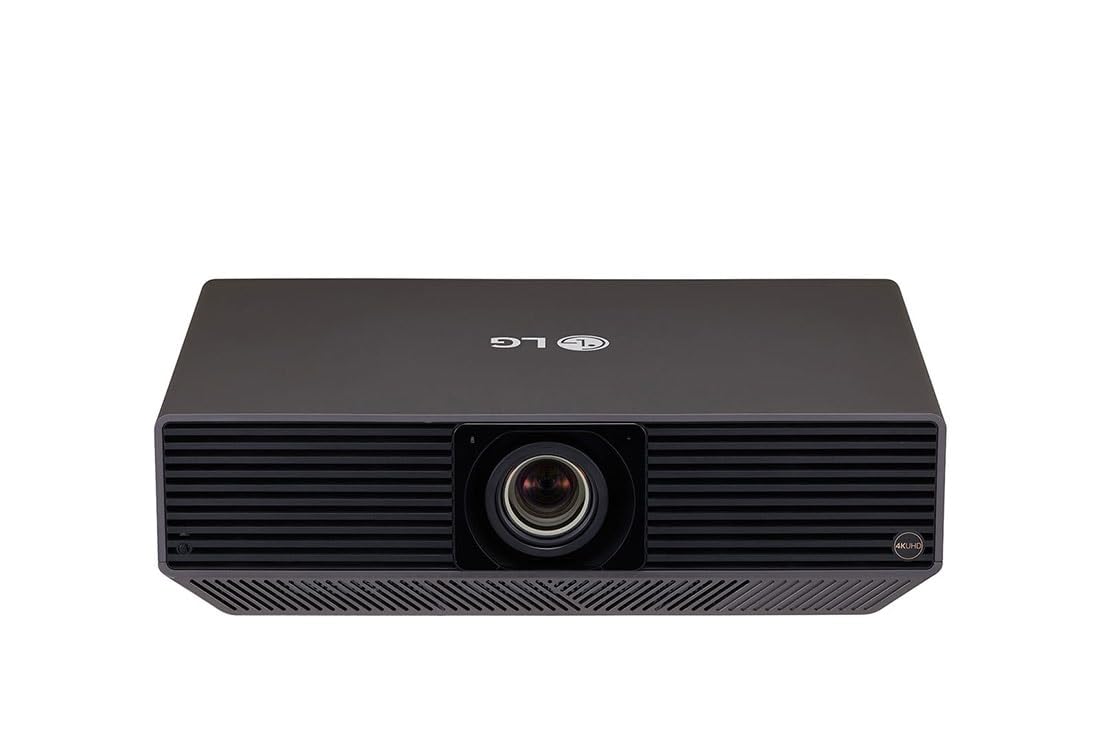
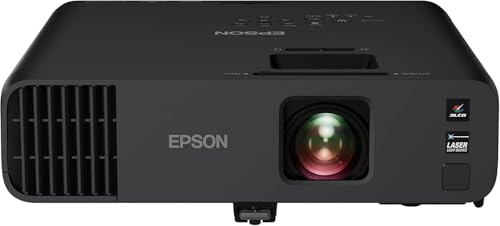
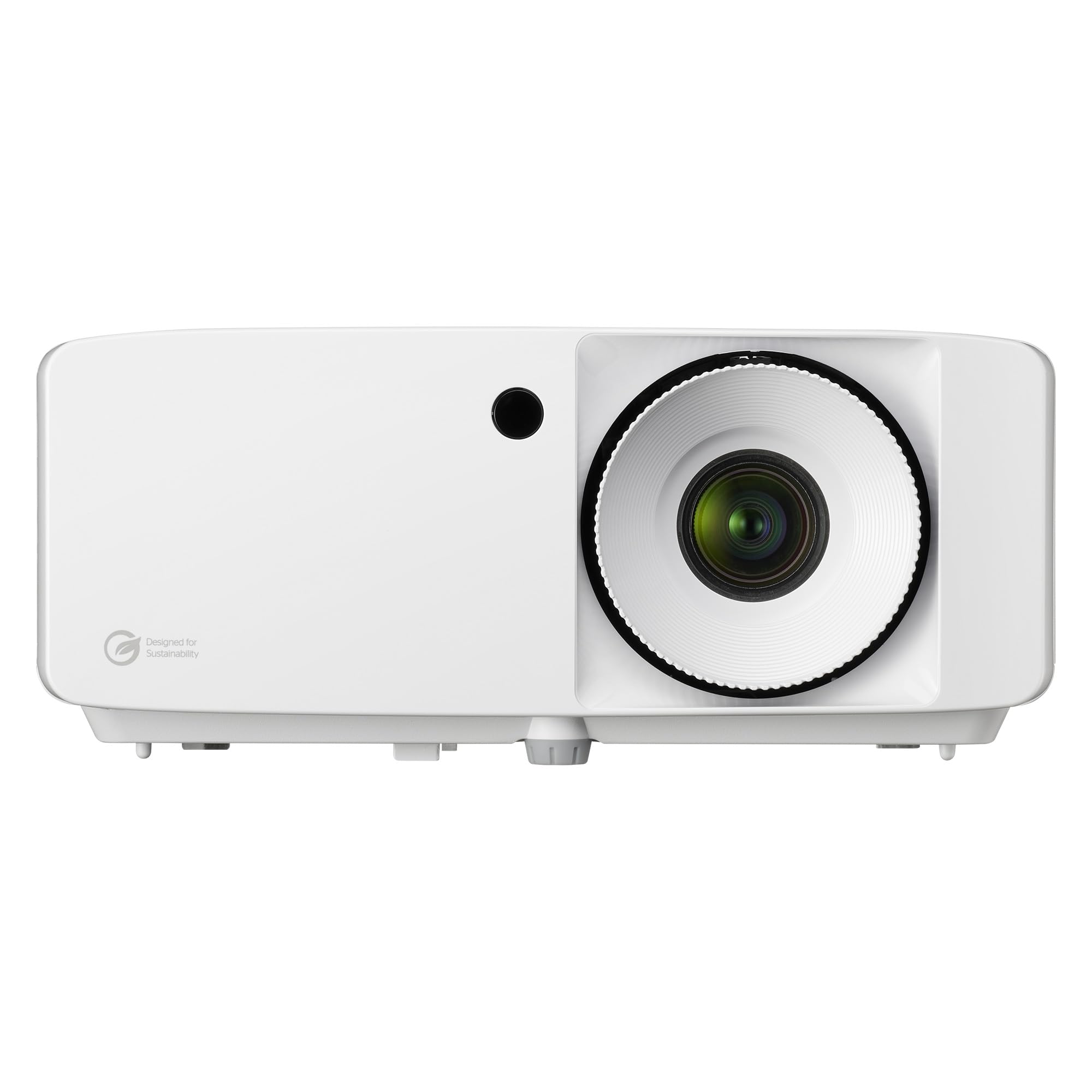

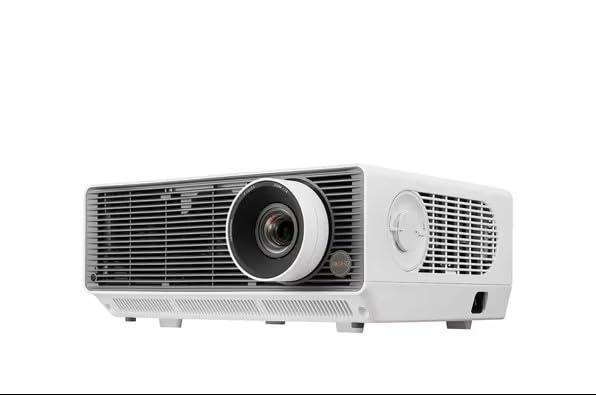
Who Should Buy Which Auditorium Projectors?
Buyers differ mainly by screen size, room light, and how often the system runs each week.
Schools and Universities With Large Lecture Halls
You present slides, diagrams, and video to students far from the screen, often with lights partly on for note taking. Prioritize strong brightness, crisp text at the back row, and a lens that fills your existing screen from the current mount. A laser light source suits a busy timetable, since it starts fast and needs less service.
Houses of Worship and Community Halls
You show lyrics, readings, and video to a mixed age audience, and volunteers often run the system. Choose simple controls, reliable startup, and enough brightness for windows that cannot be fully darkened. A quiet fan matters during spoken parts of a service, and clear menus help a volunteer fix an input fast.
Conference Centers and Performing Arts Venues
You host varied events, from keynote talks to film nights, for paying guests. You need flexible lens options, strong contrast for dark scenes, and network control for staff who manage several rooms. Plan for professional installation and a spare input path for event day failures.
Auditorium Projector Price Tiers for Small and Large Venues
When you compare best auditorium projectors by tier, judge the room each tier can serve well, not the longest feature list. Prices below cover the projector alone, before mount, screen, and installation.
Budget Tier: Core Brightness for Smaller Auditoriums
Budget models cost about $1200 to $2500 and suit screens up to about 150 inches in a room you can darken. Expect a fixed lens with limited zoom, a lamp or entry level laser light source, and basic HDMI inputs. You give up wide lens shift, so mount placement must be precise. This tier fits classrooms and small halls with a fixed setup.
Mid Tier: Laser Light and Flexible Lenses for Most Venues
Mid tier models cost about $2500 to $6000 and serve most school, worship, and community auditoriums well. You typically get higher brightness, a laser light source with long service life, wider zoom, and useful lens shift for mounts that are not perfectly centered. Extra inputs and network monitoring appear at this level.
Premium Tier: High Output and Swappable Lenses for Large Halls
Premium models start at about $6000 and rise well above that for very large screens and bright rooms. You pay for much higher light output, interchangeable lenses for unusual throw distances, and stronger color and contrast. Installation and lens costs add a great deal to the total, so choose this tier only when screen size, daylight, or event standards truly demand it.
Key Features to Compare
Compare these factors in order, since a failure on brightness or throw cannot be fixed by a higher resolution badge.
Brightness and Room Light
Brightness, rated in ANSI lumens, decides whether the image survives room light. Small dark halls may work with about 4000 to 5000 lumens, while large or daylight filled auditoriums often need about 6000 to 10000 lumens or more. A larger screen spreads the same light over more area, so it looks dimmer. Outdoor events face the same problem, so see our guide to the best projectors for outside if your program moves outdoors.
Throw Distance, Screen Size, and Lens Shift
Throw ratio links mount distance to image width, so a projector fills a screen only within a certain distance range. Measure both numbers before you buy, and confirm the zoom range covers your mount with room to spare. Lens shift moves the image without tilting the unit, which keeps text square and sharp.
Resolution and Image Detail on a Large Screen
Native resolution sets the detail the projector can show. Full HD can serve slides and video on moderate screens, while WUXGA adds height for data and text, and 4K helps very large screens where viewers sit closer. Judge detail from the farthest seat. If image quality in a smaller room is your main focus, see our guide to the best quality projectors for more on color and contrast standards.
Light Source and Service Life
Lamp models cost less at purchase but need new lamps every few thousand hours, and brightness falls as a lamp ages. Laser models cost more, hold brightness longer, and often run about 20000 hours with little service, which suits mounts that are hard to reach. Match this to how often you can access the mount.
Connectivity and Control for Fixed Installations
A fixed system needs more than one HDMI input. HDBaseT carries video over a long network cable run from a lectern or booth, which avoids signal loss on long HDMI cables. Look for a wired network port for monitoring and control, and a control link if a motorized screen is part of the room.
Contrast, Color, and Brightness Uniformity
Contrast shapes dark scenes in film and drama, while accurate color matters for art, medical images, and branded talks. Vendor contrast numbers use different test methods, so treat them as rough guides only. Uniformity matters too, since a bright center with dim corners distracts on plain slides.
How to Plan Throw, Screen Size, and Mounting for an Auditorium
Sketch the room to scale with screen width, mount position, ceiling height, and the nearest and farthest seats. Check that no beam, light fixture, or speaker blocks the light path, and leave space around the unit for warm air to escape. Confirm the ceiling structure can carry the projector and mount.
Fan noise deserves a place in the plan, since a loud unit above quiet seats competes with speech. Look for a lower noise rating in quiet mode. Portable events in small rooms follow different rules, so see our guide to the best small projectors if you need a unit you can carry between rooms.
Long Term Costs for Auditorium Projectors
The purchase price is only part of the total. Budget for the mount, a lens if it is sold separately, cable runs, installation labor, and a screen if your current surface is textured or off white. Add lamp costs for lamp models and periodic filter and lens cleaning. A longer warranty helps venues that cannot cancel events.
Common Mistakes to Avoid
- Buying by resolution alone leaves a dim image that washes out under auditorium lights.
- Skipping the throw calculation leads to an image that cannot fill or fit the screen.
- Mounting without lens shift forces a tilted unit and soft, uneven focus on screen.
- Ignoring fan noise places a loud projector above quiet seats and competes with speech.
- Forgetting cable length causes signal loss on long runs from lectern to projector.
- Choosing a lamp model for a hard to reach mount creates costly service visits.
Care and Maintenance for Auditorium Projectors
Clean or replace air filters on the maker schedule, since clogged filters raise internal heat and can trigger shutdowns during events. Clean the lens only with a soft lens cloth and gentle air, never with paper towels or sprays that can mark the coating.
Log the light source hours, test the spare input path monthly, and record focus and zoom settings after installation. If brightness falls sharply or colors shift across the screen, book a professional service visit rather than raising brightness settings to mask a failing light source.
Frequently Asked Questions
How many lumens does an auditorium projector need for a large screen?
Most auditoriums need about 6000 to 10000 ANSI lumens for a large screen, and bright rooms may need more. The right number rises with screen size and daylight, so a shaded 150 inch screen needs less than a sunlit 250 inch screen. Test at the brightest time your events run, since evening tests flatter a weak unit.
Is 4K resolution worth it for an auditorium projector?
4K is worth it when viewers sit close to a very large screen or you show detailed images such as artwork, maps, or medical scans. For slides and standard video viewed from far seats, added brightness and a correct lens usually improve the result more per dollar. Spend on 4K only after brightness and throw needs are covered.
How far should an auditorium projector sit from the screen?
The correct distance comes from the throw ratio and your screen width, not from a fixed rule. Multiply the throw ratio by the screen width to estimate the distance, then confirm the zoom limits for the exact lens. Leave a small margin at both zoom ends, since extremes leave no room for alignment errors.
Does an auditorium projector need an external sound system?
Yes, an auditorium projector should feed sound to a room sound system rather than rely on its small internal speaker. Speech clarity depends on speakers placed for the audience, not on a speaker inside a ceiling unit far from listeners. Test speech from the back row before each season.
How long does an auditorium projector light source last?
A laser light source often lasts about 20000 hours before brightness drops to about half, while a lamp usually lasts a few thousand hours. Heat, dust, and full brightness hours shorten that span. Keep a service fund from the first year, since a light source fault rarely arrives at a convenient time.
The Bottom Line
Let the room decide. Measure the screen, the throw distance, and the daylight first, then choose brightness and a lens that fit those facts. Use the product table above to check lumens, throw range, and light source side by side.
Chosen with care, the best auditorium projectors are the ones your staff can run without fuss and your farthest seat can read without strain. Buy for the room you have, keep a service budget, and the picture will serve event after event.


