
Best Audiophile Computer Speakers of 2026: Complete Buying Guide
Disclosure: We may earn a commission when you buy through links on this page, at no extra cost to you. As an Amazon Associate I earn from qualifying purchases. Learn more

Compare audiophile computer speakers by tuning, inputs, desk placement, and noise floor, so you can choose detailed nearfield sound for your setup.
The best audiophile computer speakers give listeners detailed, natural sound at a desk, with accurate tone, a low noise floor and controls that suit nearfield listening. This guide compares the main speaker types, the features that change daily use and the mistakes that waste money. The product table below lets you check specific pairs against your desk.
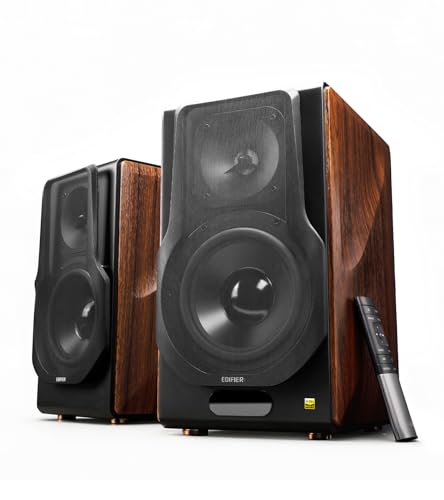

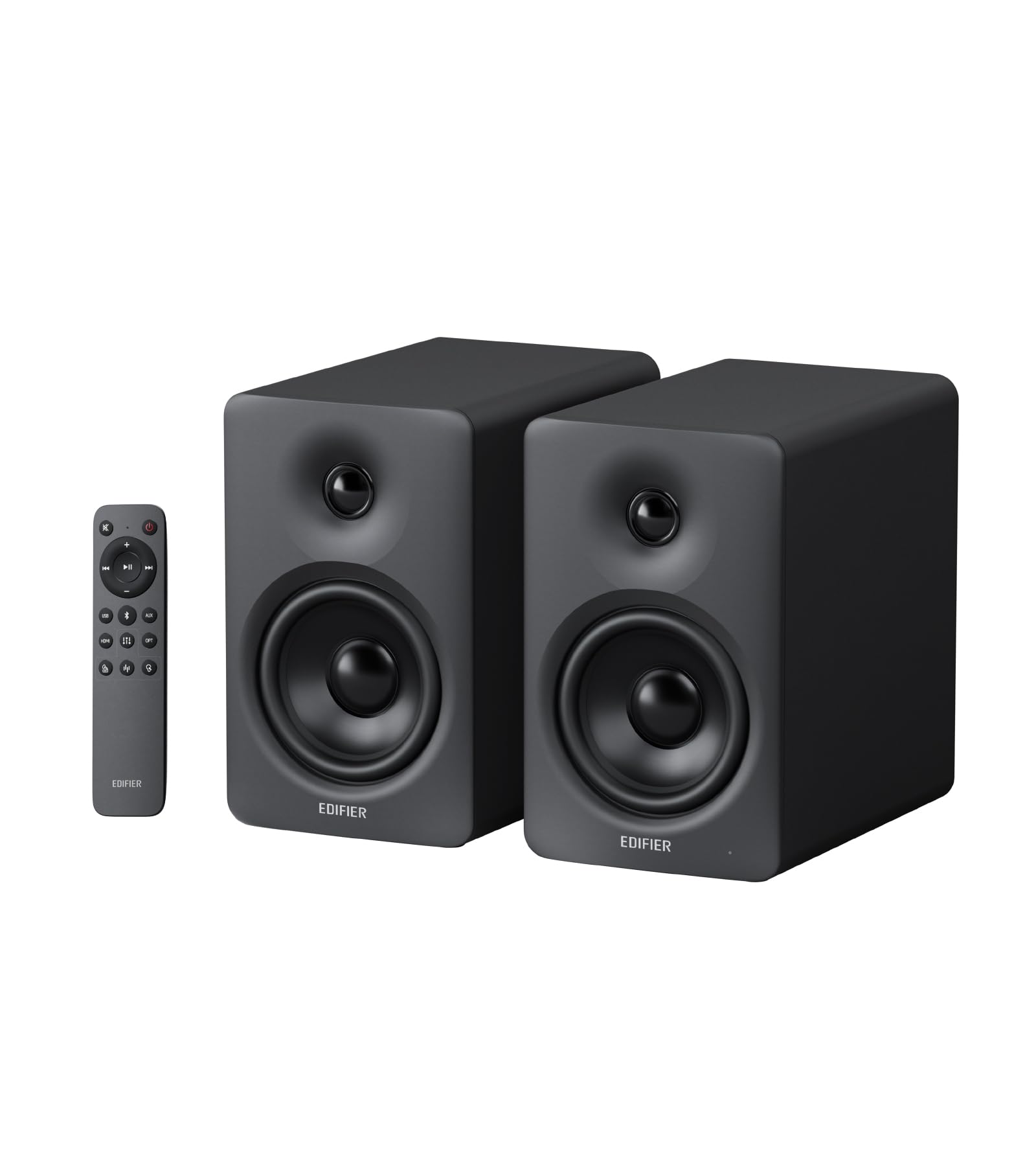
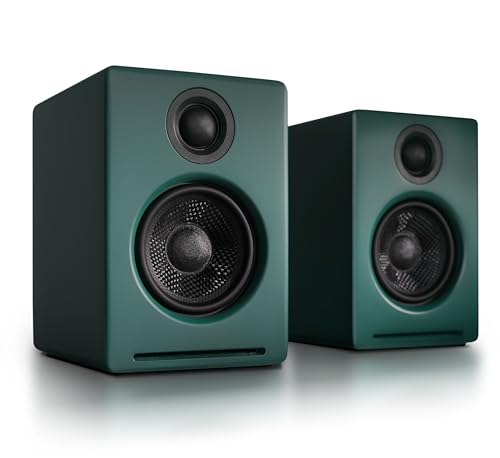
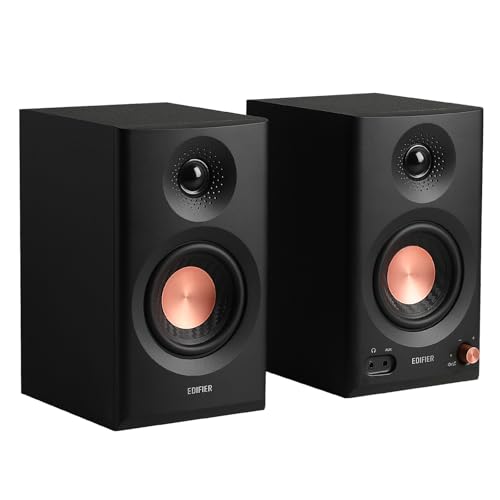
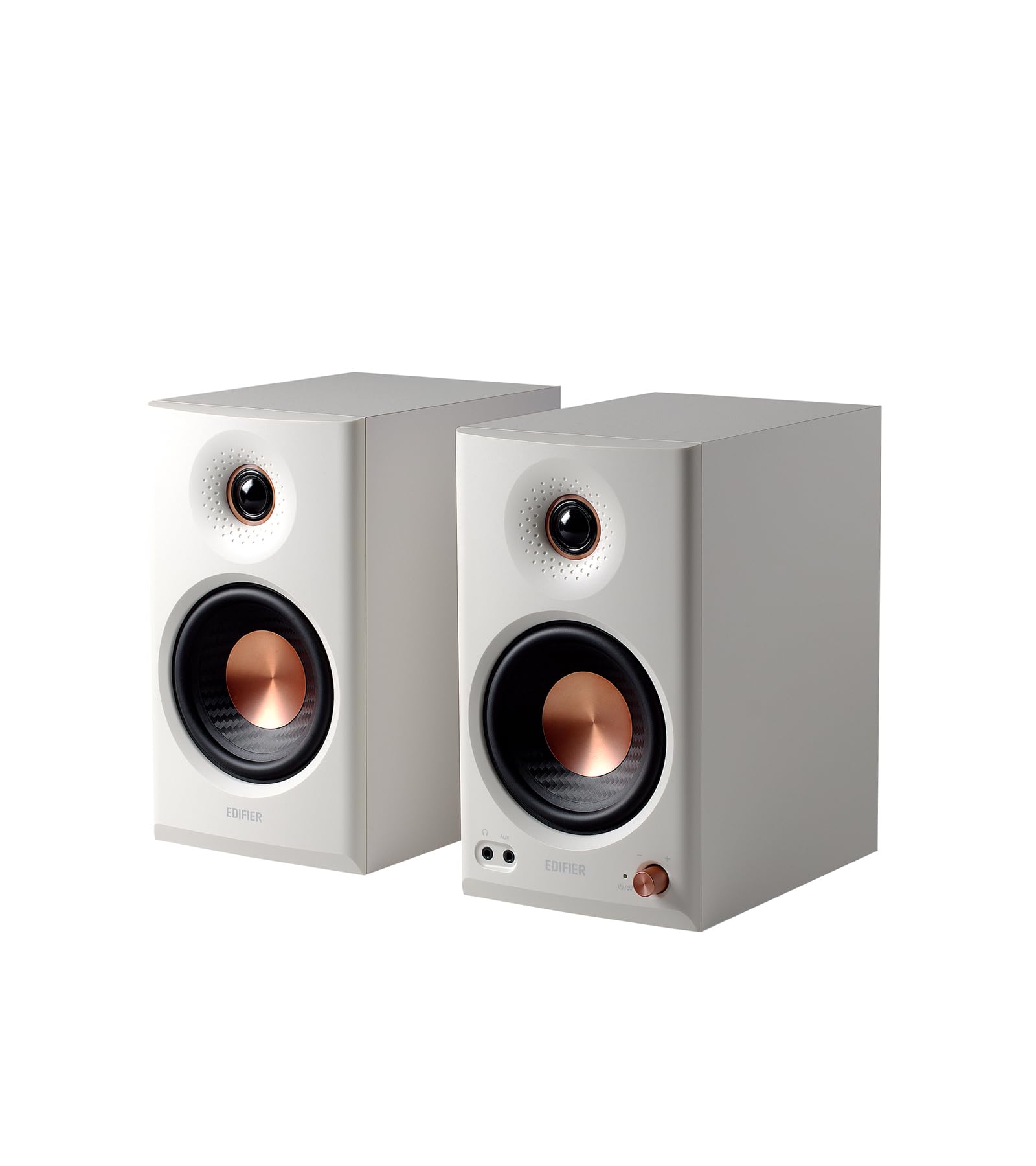
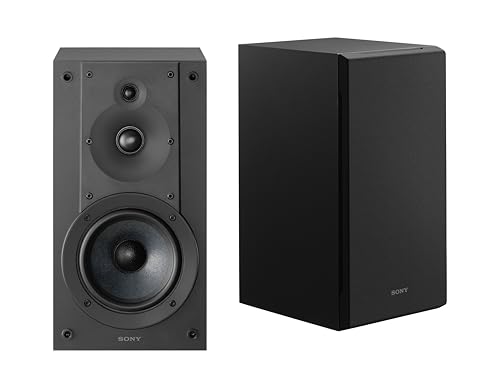
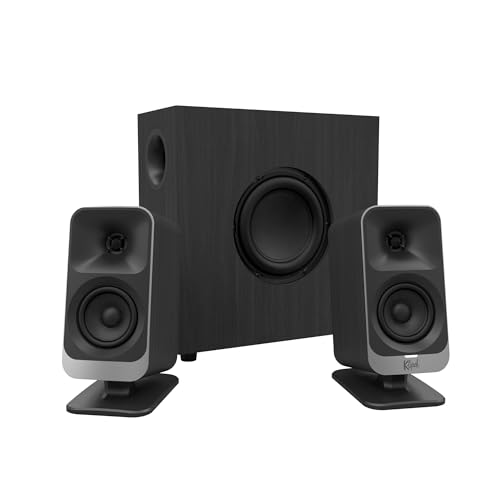
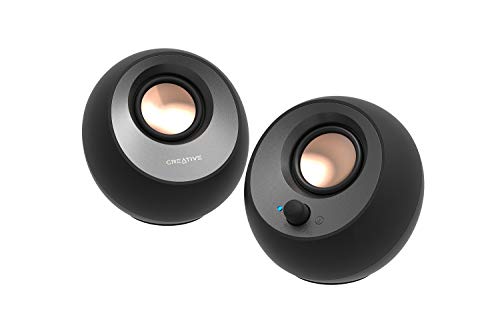
Types Compared
The table below compares the main types, and the notes after it explain who each suits best.
| Type | Best For | Key Trade Off | Typical Price |
|---|---|---|---|
| Two way bookshelf styles | desks with room for stands or pads | separate drivers for bass and treble | about $80 to $250 |
| Compact nearfield styles | small desks and close listening | a focused soundstage at arm length | about $80 to $250 |
| Two point one styles | listeners who want deeper bass | a subwoofer that handles low frequencies | about $80 to $250 |
Two way bookshelf styles
Two way bookshelf styles suit desks with room for stands or pads. The main appeal is separate drivers for bass and treble, which keeps voices and instruments clearer than a single full range driver. They suit anyone with a few inches of space on each side of the monitor.
Compact nearfield styles
Compact nearfield styles suit small desks and close listening. The main appeal is a focused soundstage at arm length. Bass is limited by cabinet size, but at close range that is often enough, and the small size keeps the desk tidy.
Two point one styles
Two point one styles suit listeners who want deeper bass. The main appeal is a subwoofer that handles low frequencies, freeing the small satellites to focus on mids and treble. It needs floor or desk space for the extra box, and the volume must be set carefully so bass does not boom.
Key Features to Compare
Driver and tuning
When you compare driver and tuning, look for how the speaker balances bass, mids, and treble. Voices should sound natural and cymbals should not hiss. Play music you know well at your normal desk volume, since tuning that flatters demo tracks can tire you over a long session.
Amplifier and inputs
When you compare amplifier and inputs, look for built in power, USB, optical, and analogue connections. USB and optical inputs keep the signal digital longer and avoid some computer noise, while analogue inputs suit a phone or turntable. A remote or front panel volume knob saves reaching behind the cabinet.
Desk placement
When you compare desk placement, look for distance from walls, angle, and height at ear level. Place the speakers at ear height, angled toward you, and a few inches away from the wall where possible. A small pad or stand can reduce desk vibration.
Noise floor
When you compare noise floor, look for hiss or hum at low volume on a quiet desk. A low noise floor matters because nearfield speakers sit close to your ears. Keep cables tidy and away from power bricks to avoid interference.
Fit, Size, and Everyday Use
Place speakers at ear height, angled toward you, and away from the wall by a few inches where possible. Keep cables tidy and away from power bricks, and test at low volume for hiss before judging tone. A small pad or stand can reduce desk vibration.
Common Mistakes to Avoid
A common mistake is judging desk speakers from across the room. Nearfield speakers are tuned for close listening, so test them at your normal seat and volume, and compare tone with music you know well rather than only with test tracks.
Another common mistake is ignoring return and warranty terms. Check how long you have to test the product, what return costs apply, and what the warranty actually covers. Clear terms protect you when a product that looked right in theory feels wrong in use.
Related Guides to Compare
For a related comparison, see our guide to best audiophile speakers.
For a related comparison, see our guide to best sounding computer speakers.
For a related comparison, see our guide to best computer speakers for gaming.
For a related comparison, see our guide to best inexpensive computer speakers.
For a related comparison, see our guide to best computer speakers with subwoofer.
Frequently Asked Questions
Do computer speakers need a separate amplifier?
Many audiophile computer speakers have a built in amplifier, so they connect directly to a computer. Separate amplifiers suit passive speakers and larger setups, but they add cost, cables, and desk space. Check whether the model is active or passive before you buy.
What inputs matter for computer speakers?
USB and optical inputs can reduce interference from a computer, while analogue inputs suit many sources. Bluetooth adds convenience but can vary in quality, so use a wired connection for critical listening and wireless only for casual use.
How far should desk speakers sit from me?
About an arm length to a little more works for most nearfield setups, with the tweeters near ear height. Too close can narrow the soundstage, while too far can lose detail. Angle the speakers inward so the sound meets at your seat.
Do I need a subwoofer for computer speakers?
Not always. Good two way speakers cover most music well at a desk, while a subwoofer adds depth for films and bass heavy music. If you add one, set its volume low and place it where bass sounds even, not boomy.
Why do my desk speakers hiss?
Hiss can come from a noisy source, a high gain setting, or a poor cable route near power supplies. Lower the computer volume slightly, raise the speaker volume, try a different input, and move audio cables away from chargers and power bricks.
Final Thoughts
Match type, inputs and placement to your desk, and the best audiophile computer speakers for you will be the pair that sounds clean at your normal volume and fits without adapters.


