
Best ASIO Sound Cards: What Matters Before You Buy
Disclosure: We may earn a commission when you buy through links on this page, at no extra cost to you. As an Amazon Associate I earn from qualifying purchases. Learn more
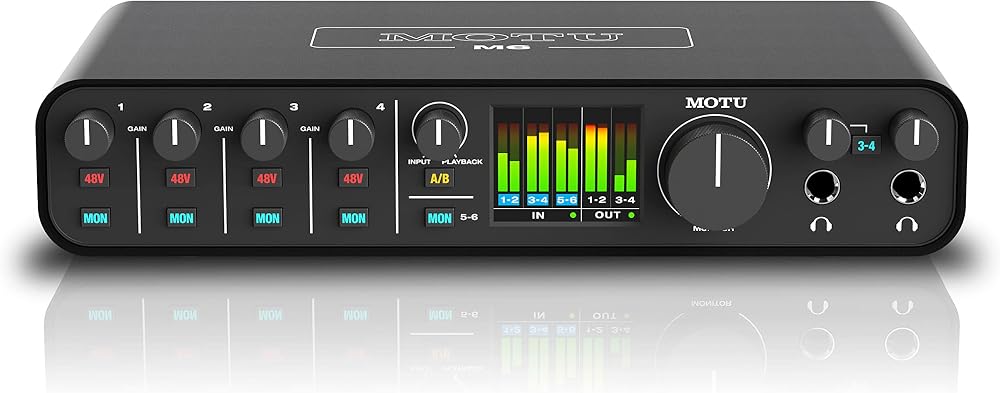
Latency, native drivers, inputs, and converter quality matter most. Compare the best asio sound cards with this checklist and care tips.
A sound card can look strong on a spec sheet and still frustrate you in a session if its driver stumbles under load. The best asio sound cards earn their place with stable native drivers, low delay and clean inputs, and the product table helps you check those points side by side.
Use this guide as a checklist rather than a race for the longest feature list. Start with how you record or listen, then match buffer settings, connections and converter quality to that work. A modest card that fits your computer and your software will serve you better than a costly card with ports you never use.


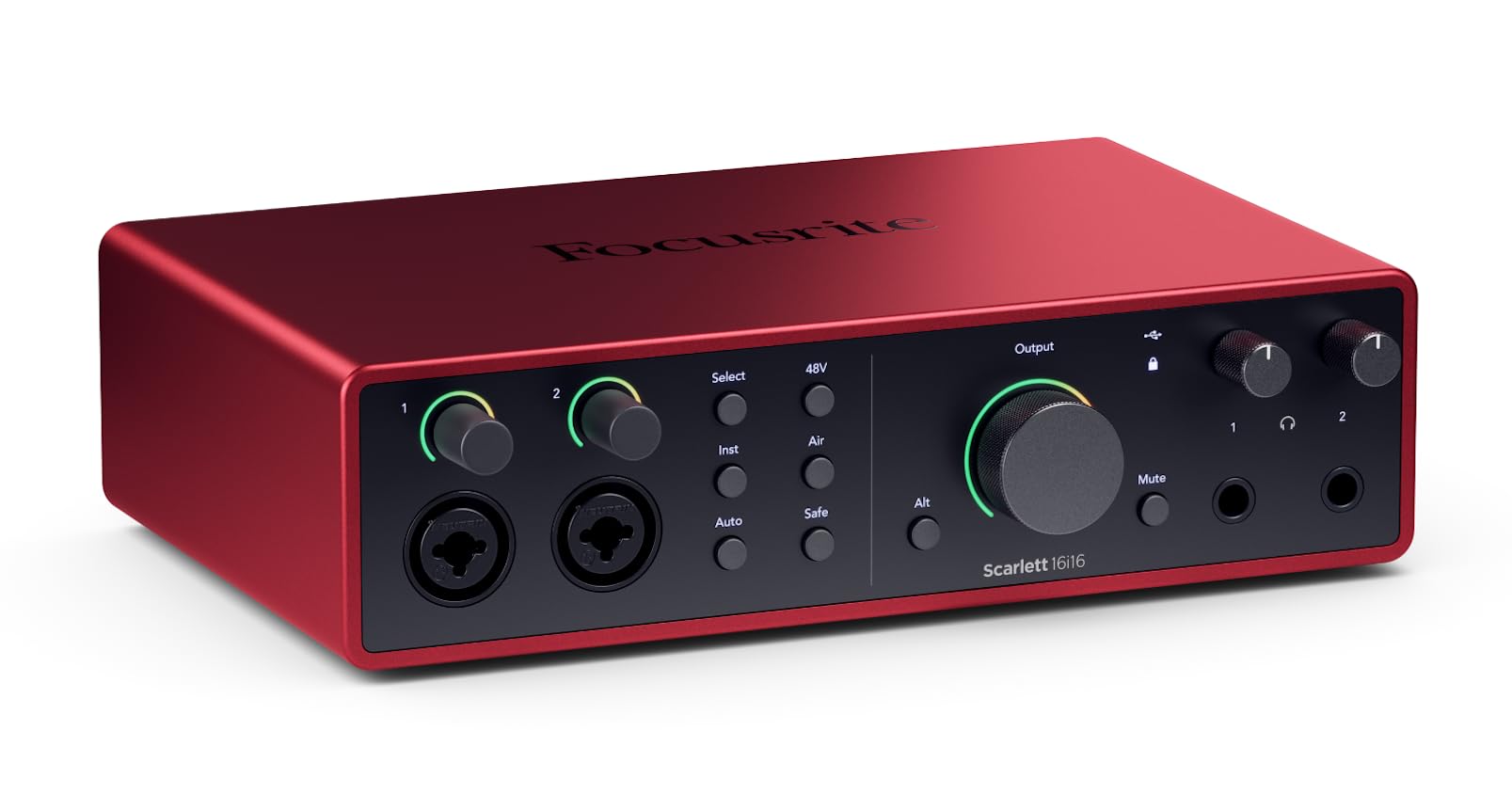



Who Should Buy Which ASIO Sound Cards?
Your main task decides the driver load, the port count and the form that fits your desk or tower. Find your closest group below first.
Home Studio Musicians and Producers
You record vocals, guitar or keys and play software instruments while you monitor your own performance. You need a native driver that stays stable at small buffer sizes, at least one microphone input with phantom power and a direct monitor control. If music work is your main goal, see our guide to the best sound cards for music for recording focused choices.
Podcasters, Voice Artists and Streamers
You speak for long stretches and need your voice to stay in sync with video and with any guest feed. One clean microphone input, a strong headphone output and controls you can reach without opening software matter most for you. Choose a card that is easy to use, because a driver fault found while you are live costs far more than a small gap in playback specs.
Laptop Users Who Need Compact Options
You work on a laptop or a small desk and move your setup between rooms. External compact options powered over USB suit you best, since they need no slot inside the computer and pack away with your cables. If you record away from a fixed desk, see our guide to the best sound cards for laptops for portable choices.
Key Features of the Best ASIO Sound Cards
Score each card against the same six points below, in this order, so a low price cannot hide a weak driver.
Native ASIO Driver Support and Stability
A native ASIO driver is written by the maker for that exact hardware, and it lets your recording software bypass the slower general audio path in Windows. That direct path lets you play a software instrument and hear it at once. Check that the maker lists your Windows version and still updates the driver. Generic driver wrappers can work for simple playback, but they often wobble once you add tracks and effects.
Latency, Buffer Size and Direct Monitoring
Latency is the delay between a note you play and the sound you hear back. Buffer size controls much of that delay, with settings such as 32 to 256 samples for tracking and 512 to 1024 samples for mixing large projects. Smaller buffers feel instant but load your processor harder and can cause clicks. Direct monitoring sends your input straight to your headphones with almost no delay, which helps singers, though software effects stay off that path.
Inputs, Outputs and Phantom Power
Count the sources you record at the same time, not the sources you own. A solo singer needs one microphone input, while a singer with a guitar needs two, and a small group needs four or more. Combo sockets accept microphone and line level plugs, and a high impedance input keeps a direct guitar bright. Check for phantom power for condenser microphones, a headphone output with its own level control and main outputs for studio speakers.
Sample Rate, Bit Depth and Converter Quality
Sample rate and bit depth describe how the card turns sound into data and back again. Rates of 44.1 or 48 kilohertz suit most music and video work, while 96 kilohertz helps with detailed editing. Look for a dynamic range figure around 100 decibels or higher and a clear signal to noise figure, since those point to quiet backgrounds. Readers who put converter quality first can see our guide to the best quality sound cards for a closer look at clean playback.
Internal or External Form and Connection
Internal cards sit in a PCIe slot inside a desktop tower and draw power from the computer, but they can pick up electrical noise if shielding is poor. External cards sit on the desk, move between computers and put controls within reach. Desktop builders can see our guide to the best pc sound cards for slot based options. USB suits most buyers, while faster desk connections help when many channels record at once.
Build Quality, Warranty and Support
Knobs, sockets and the case take daily strain each time you plug in a microphone or adjust a level. Metal cases and firm controls point to durability, while loose sockets can crackle when a cable moves. Read the warranty length before you buy and check how support is reached, since driver help often matters more than hardware repair for this product. Keep your proof of purchase and serial number with your studio notes so a claim starts fast.
Quick Buyer Checklist for an ASIO Sound Card
When you shop for best asio sound cards, answer each question below with a clear yes. If you answer no twice, keep looking, because the card will likely fight your daily routine. Budget options earn a fair look here, since passing every line beats a costly card that fails one.
- Does the maker supply a native ASIO driver for your Windows version?
- Can the card hold a 64 or 128 sample buffer without clicks?
- Do you have enough microphone inputs for everyone recording at once?
- Does the card supply phantom power if your microphone needs it?
- Can you monitor your input directly while you record?
- Does the form fit your computer, with a free slot or port?
- Is the warranty at least one year, with updates still posted?
- Does the cost leave room for cables and headphones you need?
Common Mistakes to Avoid
Most returns trace back to a short list of avoidable errors.
- Buying on sample rate alone leaves you with a weak driver that clicks and drops out during takes.
- Choosing a generic driver wrapper instead of native support can add delay that makes software instruments feel sluggish.
- Counting total ports instead of simultaneous inputs can leave a second singer with no microphone channel.
- Setting the buffer very small for a whole mix can overload your processor and spoil a good take with clicks.
- Letting cables pull at external sockets can loosen connections and add crackle to quiet recordings.
- Skipping the manual check for phantom power can send power to a ribbon microphone that cannot handle it.
Care and Maintenance for Your ASIO Sound Card
Keep the card and its vents free of dust with a dry cloth or gentle air, and never spray liquid into sockets or controls. Leave space around an external case so heat can escape during long sessions. Coil cables loosely and support heavy plugs, since steady pull bends socket contacts and causes dropouts that look like driver faults.
Update the driver and firmware only from the maker page, and note your current buffer and sample rate settings before you start, so you can restore them if a session goes wrong. Check the card at low volume after any update, and store a portable card in a padded case away from damp rooms.
FAQ
How much should you spend on an ASIO sound card for a home studio?
Most home studio buyers should plan on about $100 to $250. Lower priced cards can handle one microphone and simple playback, while mid priced models add a second input and a stronger headphone output. Keep part of that budget for a sturdy microphone stand and a pop filter, since those small items clean up sung and spoken takes in ways a small converter upgrade cannot match.
What features matter most when buying an ASIO sound card for live monitoring?
Driver stability and a direct monitor path matter most for live monitoring. A card that holds a steady buffer in an empty project may still click once your usual effects load, so try one of your usual projects during the return window. Also check that the monitor mix knob blends input and playback smoothly, because jumps near the middle make level setting slow.
How do you maintain an ASIO sound card that you use every day?
Keep a saved copy of the last driver version that worked well on your computer, stored apart from the card itself. If an update clashes with your software, you can roll back at once and still finish the session. A brief monthly check of headphone and speaker levels at a fixed knob mark also reveals drift or a dirty control before it ruins a mix.
Are expensive ASIO sound cards worth it for a small home studio?
An expensive ASIO sound card is worth it only if your work uses what the extra money buys, such as more simultaneous inputs, quieter microphone preamps or separate headphone mixes. In a noisy room, the room itself sets the quality limit, so a costly card cannot fix traffic rumble or echo. Buy for a bottleneck you can name, not for a spec you hope to grow into.
How long does an ASIO sound card usually last in home use?
An ASIO sound card usually lasts about five to eight years in home use. The hardware often outlives driver support, so a card may still power on after newer Windows versions leave it behind. A maker that keeps posting updates for older models extends that useful life further. Plan a replacement when support ends, rather than waiting for a total failure.
Our Verdict
Start with the driver, then count your inputs, then judge converter quality and form. Those three checks remove most poor fits before price enters the choice. Use the product table to confirm ports, connection type and current cost.
When those points line up, the best asio sound cards stop being a spec contest and become a tool you forget during a take. Pick the simplest card that passes your checklist, and spend the time you save on the music itself.


