
Best Arms for Monitors of 2026: Complete Buying Guide
Disclosure: We may earn a commission when you buy through links on this page, at no extra cost to you. As an Amazon Associate I earn from qualifying purchases. Learn more

Compare the best arms for monitors by VESA fit, weight capacity, reach and mount type, with setup and sizing guidance for a calmer, roomier desk.
A monitor that sits too low or at a fixed angle forces you to adapt your body to your desk all day. The best arms for monitors lift the screen to eye level, free the footprint of a bulky stand, and let you pull the display closer or push it back in seconds. Use the comparison table below to match fit, capacity, and movement to your screen.
Start with two facts. Note the weight of your monitor without its stand and the mounting pattern on its back panel. Those numbers rule out more arms than style or price, and the sections below show how to use them with reach, mount type, and desk layout.



Who Should Buy a Monitor Arm?
An arm helps most when your current stand limits height, distance, or desk space. Your screen count and work pattern point you to the right type.
Desk Workers With Neck and Shoulder Strain
You read, write, and join calls for long hours, and your stock stand rarely puts the screen at the right height. Choose an arm with smooth height adjustment so the top of the screen sits near eye level. Stability matters here, because small wobble during typing pulls your focus and adds to fatigue over a full shift.
Creators and Coders Using Two or Three Screens
You keep code, timelines, or reference material beside your main work, and two stands crowd the desk quickly. A dual arm aligns both screens at the same height so your eyes travel less between them. If that layout fits, see our guide to the best monitor arms for dual monitors for pair focused setups. Plan the center screen first before you add side screens.
Small Desk Owners Who Need Space Back
Your desk holds a keyboard, notebook, and speakers, and wide stand feet leave little room to work. An arm lifts the screen so the area below can hold papers or a closed laptop. Confirm your desktop can support a clamp at the edge, and see our guide to the best desks for monitor arms if your top feels thin or has a raised lip.
Key Features to Compare
Work through these factors in order. When you shop for best arms for monitors, a model that fails fit or capacity will not become suitable because it costs less.
VESA Pattern and Weight Capacity
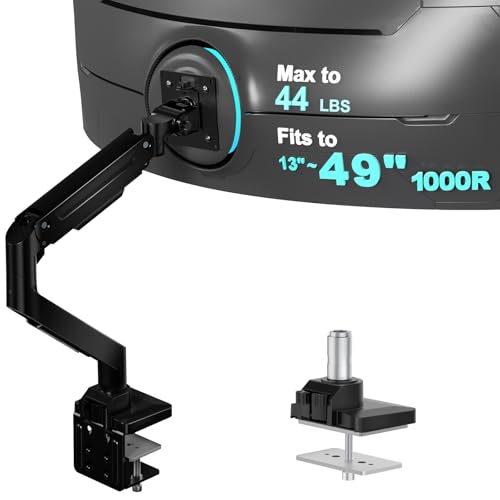
The VESA pattern is the square of screw holes on the back of your monitor, most often 75 by 75 mm or 100 by 100 mm. The arm plate must match it, and some monitors need an adapter sold apart. Capacity must cover the full weight of the monitor without its stand, with a clear margin above that figure. An arm near its limit may drift down, tilt forward, or refuse to hold a setting through the day, so stay well inside the rated range.
Height, Tilt, Swivel, and Rotation Range
Height range decides whether the screen reaches eye level while you sit and, on some desks, while you stand. Tilt angles the panel to cut glare, swivel turns it toward a colleague, and rotation turns it to portrait for long documents. Check each range in inches or degrees, and favor firm stops over loose joints. Reach matters too on deep desks, where the screen must travel farther forward.
Clamp Mounts and Grommet Mounts
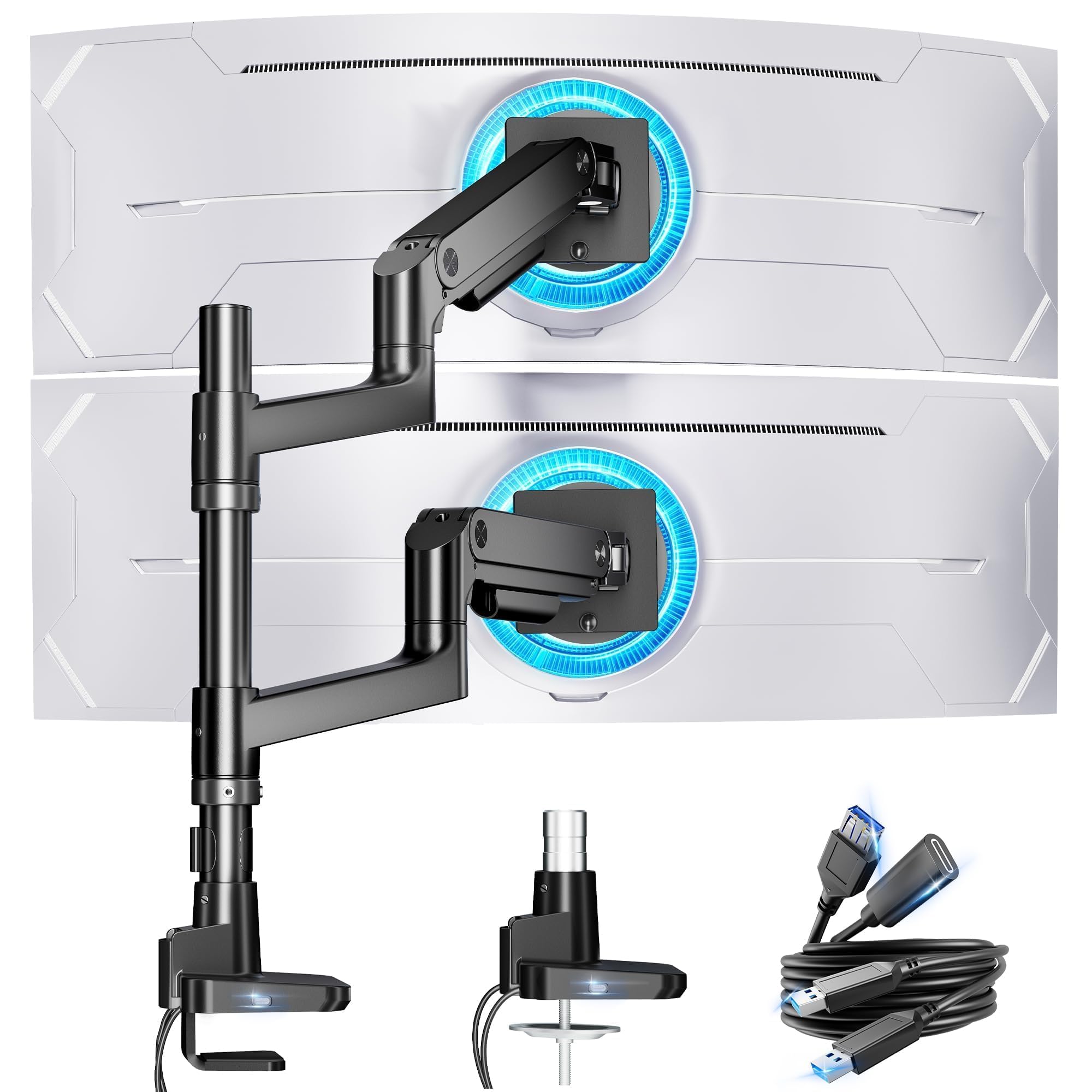
A clamp grips the back edge of the desk, installs without drilling, and can move to a new desk later, so it suits most buyers. Check its range against your desktop thickness and leave room below for cables and drawers. A grommet mount passes a bolt through a hole in the desk and gives a firm hold in a fixed spot, which suits thick tops or edges blocked by a metal frame. Wall mounting is a third path when no desk edge is free.
Gas Spring and Mechanical Spring Tension
Spring arms counterbalance screen weight so you can move the display with light pressure and it stays where you leave it. Gas spring models feel smooth across the full range and suit people who reposition the screen many times a day. Mechanical spring and friction pole models cost less and hold a fixed position well, which suits a screen you set once. Either type needs tension set for your monitor weight, so adjust in small steps and test the hold each time.
Build Quality, Stability, and Cable Routing
Metal arms with firm joints stay steadier under large screens than light plastic parts. If your display is wide or heavy, see our guide to the best monitor arms for heavy monitors for capacity focused options. Look for channels or clips that guide cables along the arm. Loose cables can pull when you move the screen, while covers that open without tools make changes quick.
Types of Monitor Arms Compared
Most arms fall into three types. How often you move the screen decides which one fits.
Fixed Pole Arms for Simple Setups
A fixed pole arm slides the screen up or down a pole and locks it in place, with tilt and swivel at the head. It is compact, affordable, and easy to park close to a wall, so it suits a single screen in a set position for office work. The trade off is effort: changing height means loosening a collar, so it fits poorly if you share the desk or switch posture often.
Fully Articulated Arms for Daily Movement
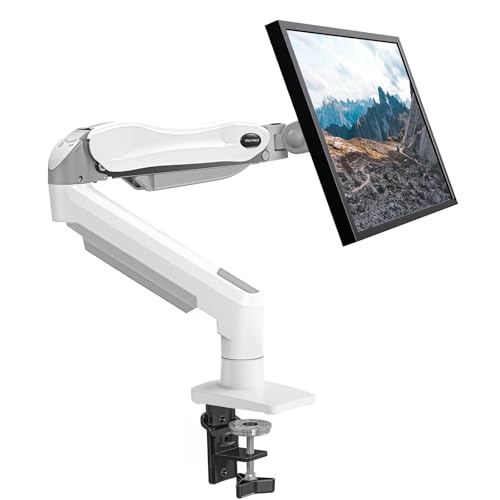
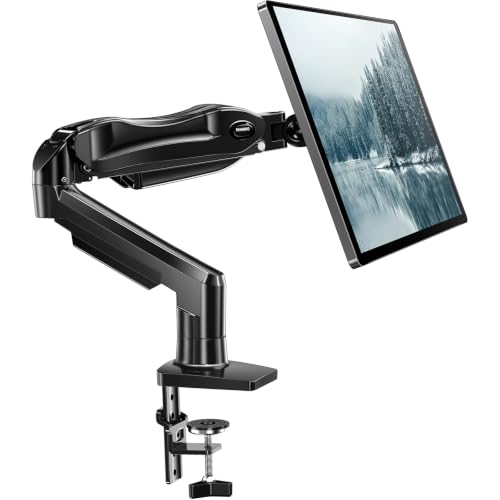
An articulated arm has joints at the base, elbow, and head, so the screen moves in any direction in one motion. It suits shared desks and anyone who changes posture through the day, and solid single models often cost about $60 to $150. Keep the swing path clear, because the elbow can extend behind the desk when the screen sits close.
Multi Screen Arms for Wide Layouts
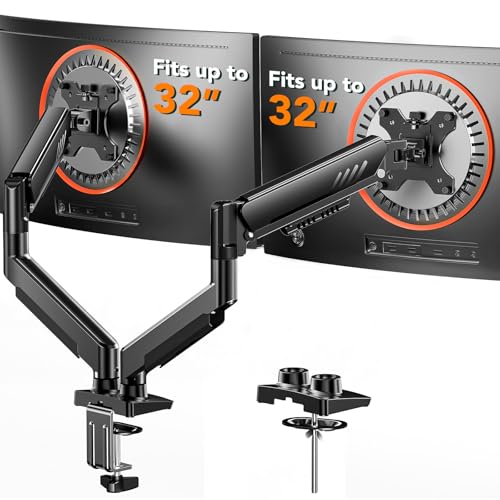
A multi screen arm holds two or three displays from one mount, which keeps alignment even and avoids separate bases. It suits traders, editors, and programrs who treat all screens as one workspace, but total load is the limit to watch. If three displays are your plan, see our guide to the best monitor arms for 3 monitors and confirm your desk depth holds the side screens at a comfortable angle.
Common Mistakes to Avoid
Most returns trace back to a quick fit check skipped in advance.
- Ignoring the VESA pattern leaves you with a plate that cannot attach to your monitor.
- Choosing capacity too close to your monitor weight lets the screen drift down during work.
- Clamping to a thin or hollow desktop without support can crack the top or loosen over time.
- Forgetting space behind the desk means a folding arm hits the wall before it reaches you.
- Routing cables too tightly pulls ports and limits movement each time you reposition the screen.
- Mounting the screen too high forces your chin up and strains your neck by midday.
Care and Maintenance for Monitor Arms
Check every joint and the desk clamp about once a month at first, then a few times a year. Tighten any fastener that has worked loose with the tool supplied with the arm, using a firm hand rather than force. If the screen starts to sink, raise spring tension in small steps until it holds without springing upward when you let go.
Wipe the arm with a soft dry cloth and keep liquids away from spring housings. Inspect cables where they bend, and replace one with a cracked jacket before it fails. If a joint grinds or no longer holds the rated load, contact the maker about repair or parts.
FAQ
What features matter most when choosing arms for monitors?
Fit and capacity matter most, starting with the VESA pattern and the weight of your monitor without its stand. Next, check height range against your seated eye level. Desk depth adds a point many buyers miss: a deep desk needs more reach, while a shallow desk needs an arm that folds flat so the panel does not crowd your keyboard.
What monitor arm size should you choose for your desk?
Choose a monitor arm by weight and mounting pattern first, then by the reach your desk depth requires. Diagonal alone is a weak guide, because a light 27 inch panel can weigh less than an older 24 inch model. Also measure your seated viewing distance. Most readers work best with the screen about an arm length away, and the arm must park the panel near that distance.
How do you know if a monitor arm will hold an ultrawide monitor?
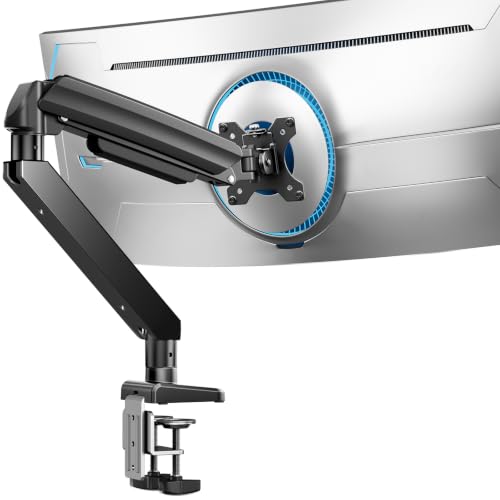
You know a monitor arm will hold an ultrawide monitor when its capacity sits well above the panel weight and its head handles the width without tilting. Wide screens place more leverage on the tilt joint, even when weight looks modest. Check any maker limit for screen width, and leave extra side clearance for swiveling.
Can you add a monitor arm to a desk that is already set up?
Yes, you can add a monitor arm to a desk that is already set up, and most clamp models install in about 15 to 30 minutes. Clear the back edge, remove the stock stand, and attach the plate while the monitor rests face down on a soft surface. Keep the original stand and screws in a labeled bag, because you will want them if you sell or relocate the monitor.
Do monitor arms work with curved monitors?
Yes, monitor arms work with curved monitors when the VESA pattern and weight match the arm rating. The curve changes how the screen catches light, so tilt becomes more useful for cutting reflections from side windows. It also shifts weight slightly forward. Set tilt tension a touch firmer than for a flat panel of the same weight, and test the hold before you trust it over a keyboard.
The Bottom Line
Match VESA pattern and weight first, then choose reach and mount type for your desk, and only then compare movement style and price. A pole suits a fixed single screen, while a spring arm earns its cost when you move the display daily. Use the product table above to confirm capacity, range, and mount fit.
Chosen with those checks, the best arms for monitors give you a screen that sits where your body needs it and a desk with room to work.


