
Best Apple Thermostat: What Matters Before You Buy for 2026
Disclosure: We may earn a commission when you buy through links on this page, at no extra cost to you. As an Amazon Associate I earn from qualifying purchases. Learn more
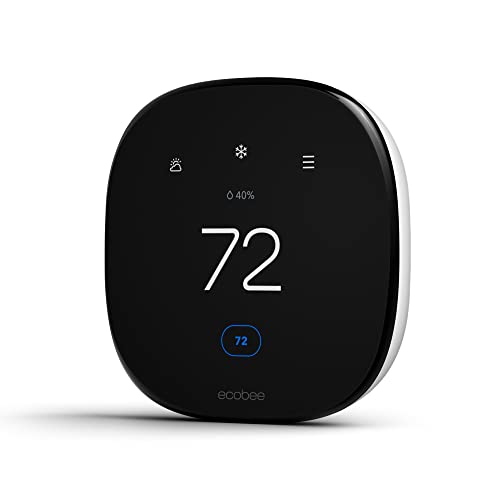
A buying guide to the best apple thermostat, covering Home compatibility, wiring, sensors, schedules, energy use, and lasting value before you buy.
When people say Apple thermostat, they mean a smart thermostat that works with Apple Home, Siri, and the Home app on your iPhone. Apple does not sell its own thermostat, so your job is to pick a model from another maker that integrates cleanly with the Apple ecosystem you already own. This checklist shows you how to judge the best apple thermostat options on compatibility, wiring, sensors, and long term cost.
Compatibility comes first, because a thermostat that fights your heating and cooling system or your WiFi network will annoy you every day. Work through the criteria below, then compare the models in the product table against the ones that apply to your home.
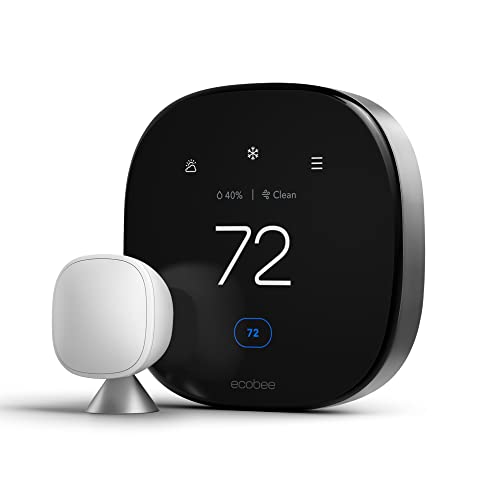
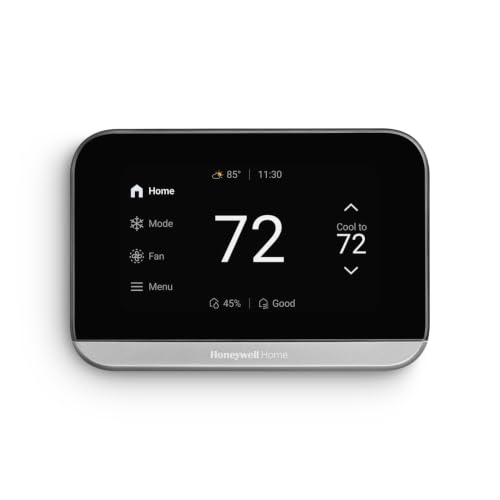
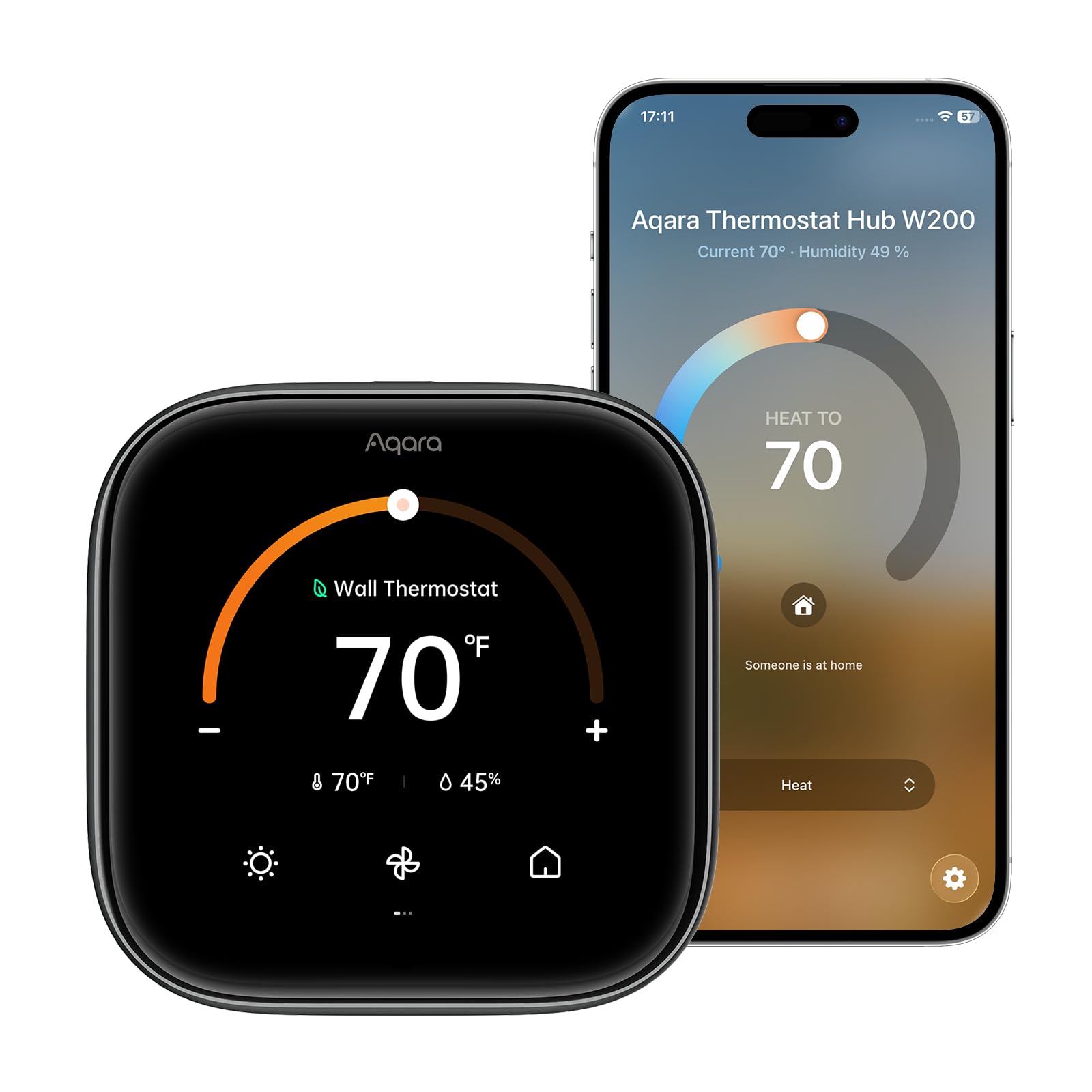
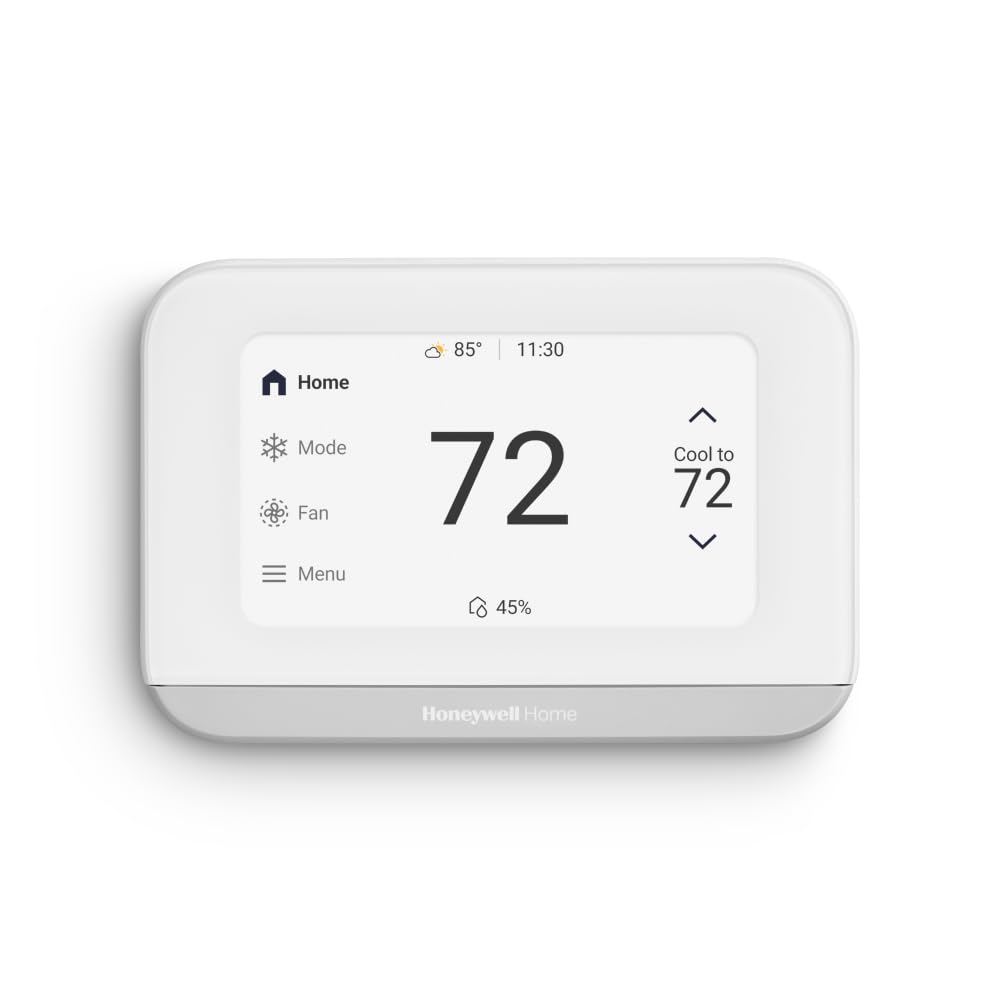


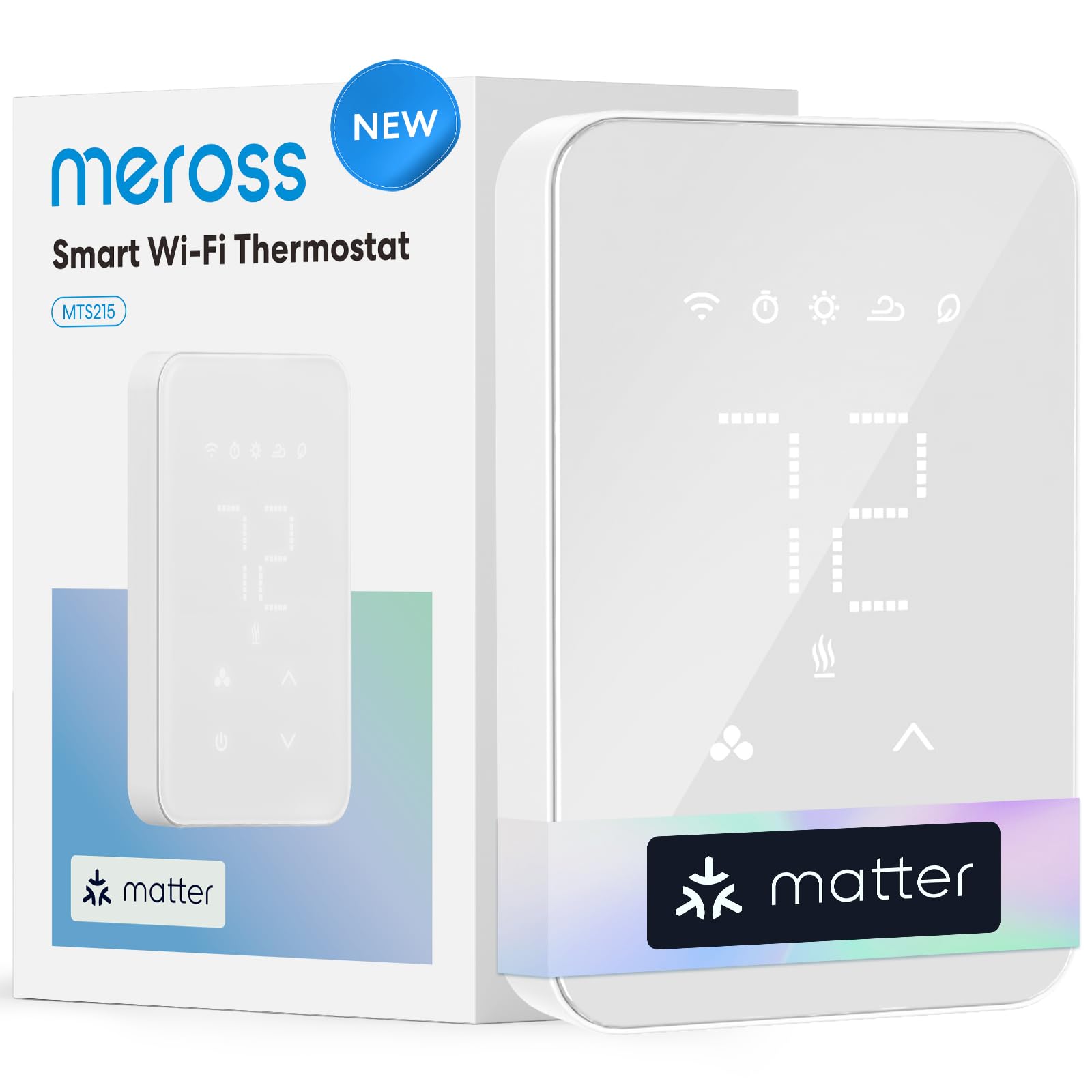
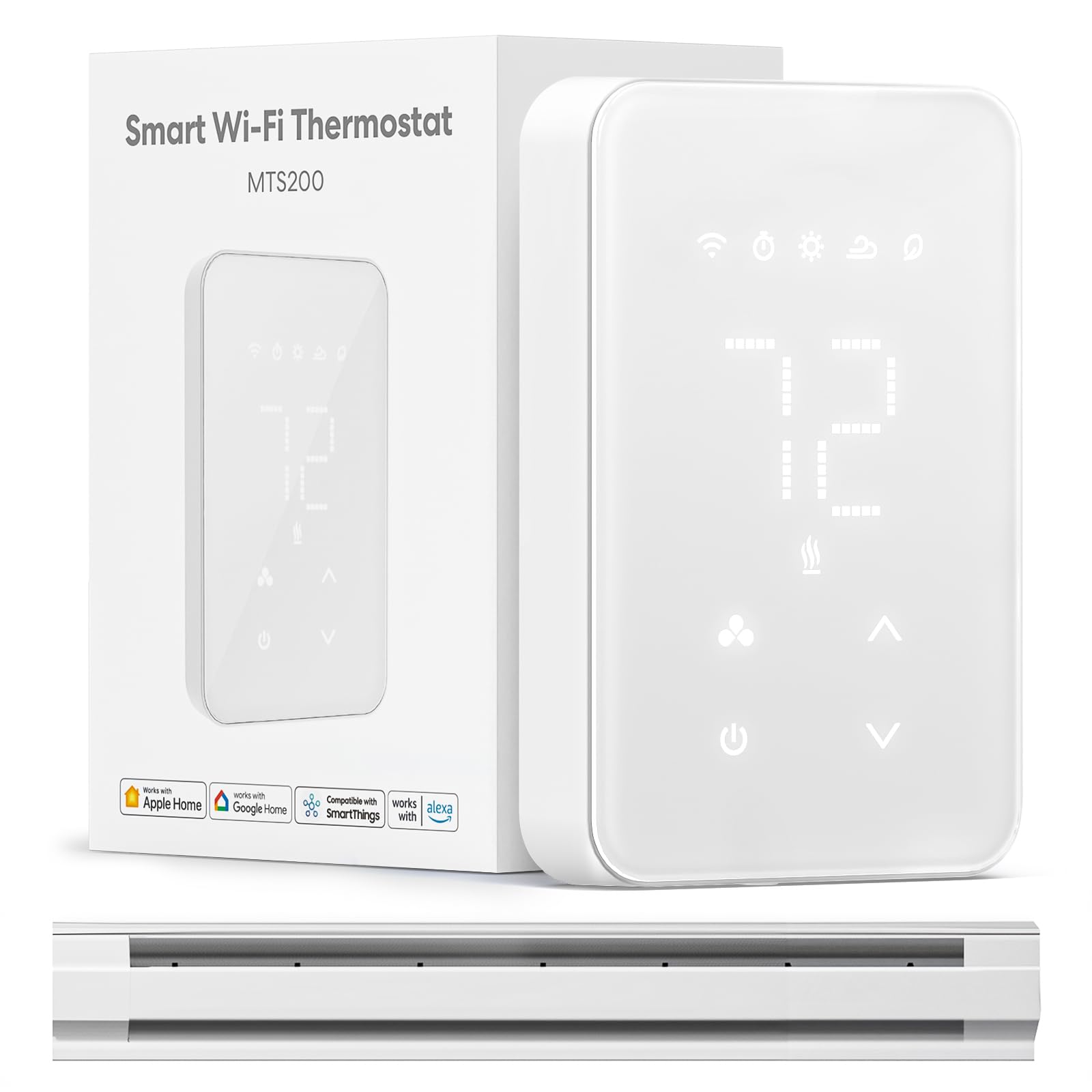
How to Evaluate Apple Thermostats
Score each thermostat on seven areas: ecosystem compatibility, system fit, safety, installation, sensors and scheduling, energy cost, and everyday usability. A model earns its place only if it passes the wiring and system checks for typical homes, because no app feature can fix a thermostat that cannot run your furnace or heat pump correctly. The most focused shortlist lives in our guide to the best apple homekit thermostat models, which uses these same criteria.
Apple Home and Matter Compatibility
Confirm the thermostat lists Apple Home support in writing, and note whether it connects through HomeKit, Matter over WiFi, or Matter over Thread. Matter support is valuable because it keeps the device working across platforms if your household mixes Apple and other phones. Thread models need a border router, which many Apple households already own in the form of a HomePod or Apple TV. Avoid models that promise Apple support only through a third party workaround app.
Heating and Cooling System Fit
Your system type decides which thermostats can even be installed. Most models support standard furnaces, air conditioners, and heat pumps, but multistage systems, dual fuel setups, and homes with separate heating and cooling transformers need explicit confirmation. Check the maker compatibility tool with your exact system details before ordering. If you run a heat pump with auxiliary heat, confirm the thermostat can control balance points, because wrong settings there can quietly double a winter heating bill.
Safety Features
A thermostat is a control device wired into expensive equipment, so safety is about protection on both sides. Look for equipment safeguards such as compressor delay, which prevents short cycling that wears out air conditioners, and freeze protection that keeps pipes safe if settings are changed by mistake. Listings should carry clear electrical ratings and proper certification marks. Temperature alerts to your phone are a genuine safety bonus, warning you early if the home gets dangerously hot or cold while you are away.
Installation and Wiring
The single most common installation problem is a missing common wire, often called a C wire, which powers the thermostat. Many Apple compatible models include a power adapter kit for homes without one, but confirm that before buying. Installation usually takes 30 to 60 minutes with the breaker off, labeled wires, and a photo of the old wiring. Renters should keep the old thermostat and restore it when moving, and anyone unsure about wiring should hire a technician rather than guess.
Sensors, Schedules, and Automation
Good scheduling is where a smart thermostat earns its price. Look for easy weekly schedules, geofencing that reacts when your phone leaves home, and support for remote room sensors that average out hot and cold spots. In Apple Home, check that the thermostat can join automations and scenes, so arriving home can set temperature, lights, and locks together. Models aimed at Apple households are compared in depth in our guide to the best smart thermostat for apple users, including sensor options.
Energy Efficiency and Operating Cost
ENERGY STAR certified smart thermostats are independently shown to cut heating and cooling costs for typical homes, mainly by avoiding conditioning an empty house. Your real savings depend on your current habits: households with regular schedules gain the most, while people home all day gain less. The thermostat itself draws very little power, so operating cost is really about how well its scheduling and sensors match your routine. Review the energy reports in the app after the first month and adjust setbacks that prove uncomfortable.
Display and Controls
You will touch the wall unit less once automations work, but guests, kids, and visiting family will use it directly. A clear display, simple temperature controls, and a screen that wakes as you approach all make the device feel friendly rather than fussy. In the app, look for clean schedule editing and useful alerts rather than crowded dashboards. Voice control through Siri on a HomePod or iPhone is the everyday convenience most Apple households actually use, so try it during the return window.
Price Tiers That Pass the Checklist
Thermostats group naturally into three price tiers, and each tier passes the checklist for a different kind of home. Use the product table above to see which current models sit in each band, then match the tier to your system and your interest in automation.
Balanced Tier
The balanced tier, usually around $169 to $249, offers full Apple Home or Matter support, strong scheduling, remote sensor options, and energy reports. This is the right starting point for most houses with standard systems, because it covers comfort and savings features without paying for decorative extras. Its main limit is that advanced system types, such as dual fuel heat pumps, may still need the tier above or a professional model confirmed by your installer.
Value Tier
The value tier, often around $99 to $149, covers the essentials well: app control, Siri support, schedules, and alerts in a simpler body with fewer sensors included. It suits apartments, smaller homes, and anyone upgrading from a basic programmable thermostat for the first time. Expect to give up room sensor averaging and some automation depth. For a broader shortlist at this level, our roundup for the best thermostat for apple users groups value models by system type.
Premium Tier
The premium tier, generally around $249 to $329, adds refined displays, more included sensors, learning features that adapt schedules automatically, and support for more complex systems. Choose it for larger homes with uneven room temperatures or for households that want the thermostat to manage itself with minimal setup. The trade offs are price and complexity: learning features need a week or two of consistent routine to work well, and they help least in homes with irregular schedules.
Quick Buyer Checklist
Answer these before you order, because returns on installed thermostats are a hassle nobody enjoys.
- Does the model list Apple Home or Matter support in its official specifications?
- Has the maker compatibility checker confirmed your exact heating and cooling system?
- Does your home have a C wire, or does the box include a power adapter kit?
- Is your WiFi signal strong at the thermostat location?
- Do you have a HomePod, Apple TV, or other hub for remote access and automations?
- Are remote room sensors available if your home has hot and cold spots?
- Does the warranty run at least two years, with clear support channels?
Red Flags to Watch For
Thermostats are installed devices, so a bad purchase costs more time than money. Treat these signs seriously.
- Apple support described with vague phrases like works with iPhone apps but no Home or Matter listing.
- No compatibility checker and no clear list of supported system types.
- Warranty of only one year on a device expected to serve for a decade.
- Required subscriptions for basic scheduling or temperature alerts.
- Listings with no stated electrical ratings or certification marks.
Setup and Care Tips
Photograph your old wiring before you disconnect anything, and label each wire with the tags most kits include. After setup, test both heating and cooling for a full cycle, then confirm the temperature reading against a simple room thermometer placed nearby. Keep the area around the thermostat free of lamps and direct sun, since stray heat fools the sensor. Once a season, review your schedule and energy report, clear dust from the unit with a dry cloth, and check that automations still match your routine. A deeper comparison of platform support lives in our guide to the best smart thermostat apple homekit options, and general quality signals across brands are covered in the best rated thermostat roundup.
Frequently Asked Questions
Is a smart thermostat expensive to run all the time?
No, the thermostat itself uses only a few watts, similar to a phone charger. Your real energy cost is the heating and cooling it controls, and a smart model usually lowers that cost by avoiding empty house conditioning. The app energy reports make this visible, showing run time by day. If bills rise after installation, the cause is almost always an aggressive schedule or heat pump auxiliary heat settings, both of which you can adjust.
Where is the best place to put a thermostat?
The best place is an interior wall in a central, regularly used room, about five feet above the floor. Avoid exterior walls, direct sunlight, kitchens, and spots above lamps or electronics, because stray heat makes the sensor misread the room. Most homes keep the existing location, which is fine if the old thermostat read temperatures sensibly. Remote sensors can correct a poor location by letting the system follow a bedroom or living room instead.
What size thermostat do I need for my home?
Thermostats are not sized like air conditioners; one unit controls one heating and cooling system or one zone. The right question is coverage: a single story home with one system needs one thermostat, while zoned homes need one per zone. Large homes benefit more from remote sensors than from a second thermostat on the same system. If rooms differ by several degrees, sensors or duct adjustments will help more than a premium thermostat alone.
Do Apple compatible thermostats really work well?
Yes, when the model has genuine Home or Matter support and your system is compatible. Day to day control through Siri and the Home app is reliable, and automations such as lowering heat when the last person leaves work consistently. Most complaints trace back to weak WiFi at the wall location or missing C wire power, not to the Apple side. Fix those two basics before installation and the experience is usually smooth for years.
How often should I check or maintain a smart thermostat?
Check it briefly each season rather than on a fixed repair schedule. Confirm the temperature reading, review the schedule, look at the energy report, and make sure the software is current. Battery powered sensors typically need fresh batteries every year or two, and the app will warn you before they die. Beyond that, a quality thermostat needs almost no care, which is exactly why choosing a well supported model at purchase matters so much.
Our Verdict
Compatibility, wiring, and sensor fit decide this purchase, in that order. Get those three right and the best apple thermostat for your home will quietly save energy and add Siri control you use every day. Confirm your system on the maker checker, compare finalists in the product table above, and only then choose between the value and premium tiers.


