
Best Apple Smartphones: What Matters Most for 2026
Disclosure: We may earn a commission when you buy through links on this page, at no extra cost to you. As an Amazon Associate I earn from qualifying purchases. Learn more
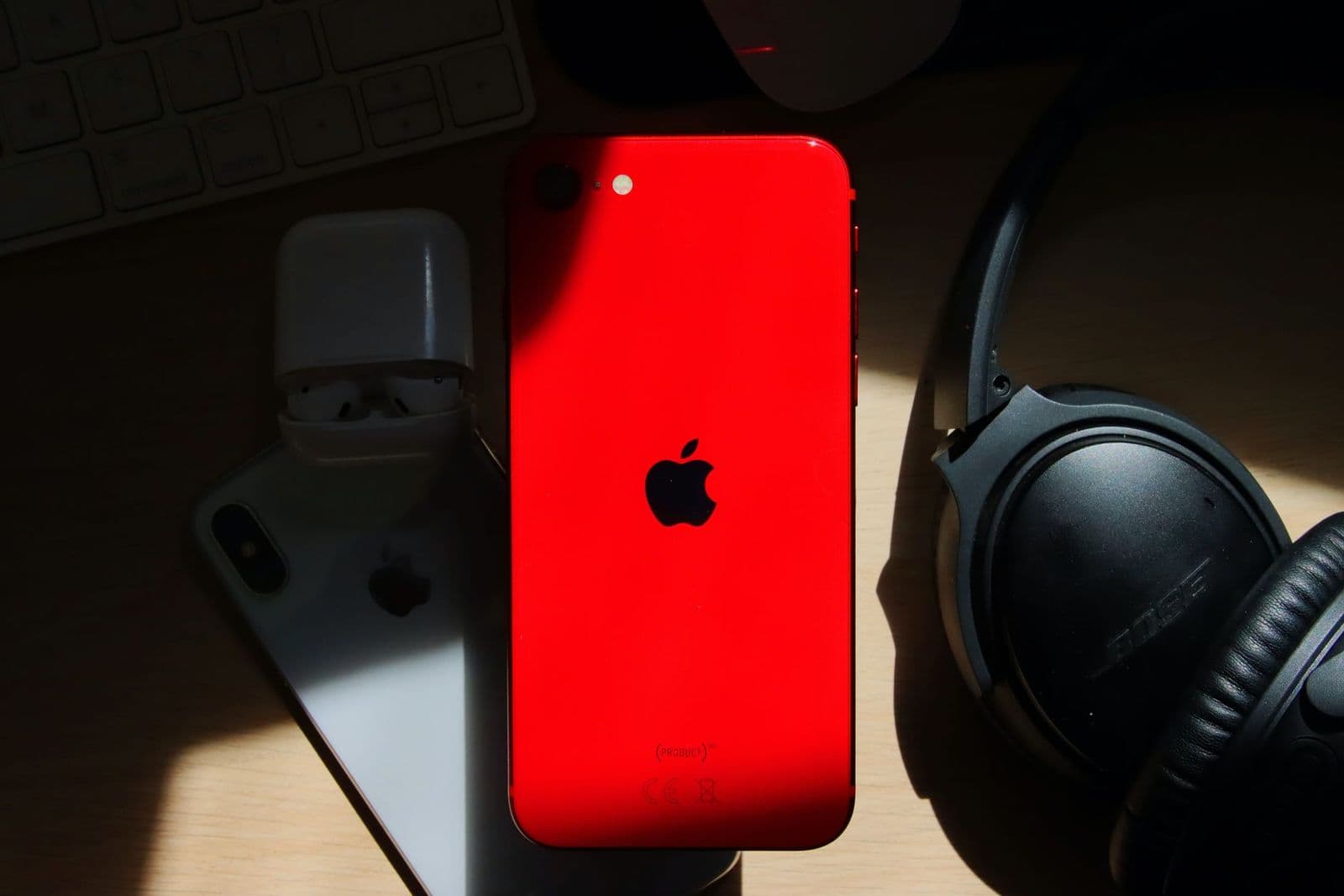
Choose the best apple smartphones by display, cameras, storage, battery life and update support, and see what each price tier buys.
Apple phones all look similar in a store lineup, and the price gaps between them can be hundreds of dollars. The differences that matter are not always the ones on the display card. This checklist walks you through the criteria that matter when you judge the best apple smartphones, so you can see exactly what each extra dollar buys and where it buys nothing you will notice.
Work through the seven evaluation areas below, note which ones matter most for how you use a phone, and then compare your shortlist against current prices and storage options. That order keeps the decision grounded in your habits instead of in launch day excitement.
How to Evaluate Apple Smartphones
Score each phone on display, performance, software support, carrier fit, storage, cameras, and battery life. A phone only needs to excel in the areas you care about, but weakness in support window or battery life hurts every owner eventually. For context on how the wider market stacks up, you can also browse the best smartphones ranked across brands once you know your must have criteria.
Display Size and Quality
Every current Apple phone uses an OLED screen, so colors and contrast are strong across the range. The real differences are size, brightness, and refresh rate. Screens around 6.1 to 6.3 inches suit one handed use, while models near 6.7 to 6.9 inches favor video and reading. Higher refresh rates on pro models make scrolling feel smoother, and higher peak brightness helps maps and photos stay readable in direct sunlight.
Processor and Everyday Performance
Apple chips are fast enough that even the entry model handles apps, games, and multitasking without strain. Newer chips mainly add headroom: smoother high end gaming, faster photo processing, and support for the newest software features for longer. RAM is not advertised, but higher tiers quietly include more of it, which keeps more apps ready in the background. For most buyers, last years chip at a discount performs identically in daily use to the newest one.
Software Updates and Support Window
Apple supports its phones with iOS updates for roughly five to six years, among the longest in the industry. A longer support window means new features, security patches, and app compatibility for more of the time you own the phone. It also protects resale value, since buyers pay more for phones that still receive updates. When comparing a new budget model with an older premium one, check which will be supported longer; the newer release often wins.
Carrier Compatibility and 5G
All current Apple phones sold in the United States support 5G and the major carrier bands, but details still matter. Models differ in physical SIM versus eSIM only designs, which affects travelers who swap local SIM cards abroad. Unlocked phones work on any major carrier and make switching easy. If you live in a rural area, ask your carrier which 5G bands it actually uses near you, because coverage type changes real world speed more than the phone model does.
Storage Options
Apple phones have no memory card slot, so the storage you buy is the storage you keep. A 128 GB model suits light users who stream everything and clear photos to the cloud. Most people are safer with 256 GB, especially if they shoot lots of video, download shows, or keep big game and photo libraries offline. Heavy video shooters should look at 512 GB or more, since high resolution video can consume several gigabytes in a single afternoon.
Camera System
Camera hardware is where the price tiers separate most clearly. Standard models pair a strong main camera with an ultrawide lens, which covers travel, family, and social photos well. Pro models add a telephoto lens for portraits and distant subjects, larger sensors for low light, and advanced video formats. Think about your last hundred photos: if few were zoomed or taken in dim rooms, the standard system will satisfy you and save real money.
Battery Life and Charging Speed
Bigger phones hold bigger batteries, and the largest models routinely last into a second day of moderate use. Smaller models usually need a nightly charge but suit lighter users fine. All current models support wireless charging and fast wired charging with a suitable adapter, though the charger itself is sold separately. Battery health habits matter as much as size: a phone charged gently and kept cool will hold its capacity noticeably longer over three or four years.
Price Tiers That Pass the Checklist
Instead of naming individual models, think of the lineup as three tiers, each passing the checklist for a different kind of owner.
Mainstream Tier
The mainstream tier, usually around $799 to $899, is where most buyers should land. You get the current chip, a bright OLED display, the full main and ultrawide camera system, and the longest remaining support window. The compromises are a standard refresh rate and no telephoto lens. For anyone upgrading from a phone that is three or more years old, this tier delivers the biggest felt improvement per dollar in the whole lineup.
Value Tier
The value tier, often around $599 to $699, typically means the smaller entry model or a recent prior year phone still sold new. Performance and camera quality stay close to the mainstream tier, and the support window remains long. You give up some screen size, battery capacity, and the newest design touches. If you compare against the best non apple smartphones at the same price, this tier competes on update length and ecosystem rather than on spec sheet volume.
Premium Tier
The premium tier, generally around $999 to $1,199 and up, buys the best cameras, the brightest and smoothest displays, premium frame materials, and the largest battery options. It suits photographers, mobile video creators, and anyone who keeps a phone for four or five years and wants no compromises along the way. The honest limit is value: the everyday experience is better in small ways, not transformed, so buy this tier for specific features you know you will use weekly.
Quick Buyer Checklist
Answer these questions honestly before you order. They take two minutes and prevent the most common regrets.
- Does the screen size fit your hand and your daily carry, not just your viewing hopes?
- Is the storage at least one step above what your current phone uses today?
- Will the model still receive iOS updates for as long as you plan to keep it?
- Does it work fully with your carrier, including the SIM type you need?
- Does the camera system include the lens types your photos actually use?
- Have you added the cost of a case, a charger, and any storage plan to the total?
- If you travel abroad, does the SIM setup work with local carriers there?
Red Flags to Watch For
Most bad phone purchases come from the seller or the listing, not from the phone itself. Slow down when you see any of these signs.
- Refurbished phones with no stated battery health percentage or warranty.
- Listings that hide the exact model year behind vague names like latest version.
- Prices far below every other seller, which often means a locked or imported unit.
- Storage described in marketing terms instead of a clear gigabyte figure.
- Carrier locked phones sold without naming the carrier they are locked to.
Care and Maintenance Tips
Use a case and a screen protector from day one, because a single drop can cost more than both combined many times over. Keep software updated so security patches arrive promptly, and enable automatic backups so a lost phone is an inconvenience rather than a disaster. Avoid charging in extreme heat, such as on a sunny car dashboard, since heat is the fastest way to age a battery. Finally, restart the phone now and then and clear apps you no longer use to keep storage and performance healthy.
FAQs
Do I need 5G?
For most buyers, 5G comes standard and needs no special decision. It improves speeds where coverage is strong and future proofs the phone as carriers expand networks. What matters more is your local coverage map: in areas with weak 5G, the phone will use 4G LTE and still work fine. Do not pay extra for a plan tier promising top speeds unless your area and usage, like frequent hotspot work, can actually use them.
Is a mid range phone good enough?
Yes, for the large majority of users. Mid range Apple models run the same apps, take excellent photos in good light, and receive updates for years. The premium tiers mainly add camera zoom, display smoothness, and build materials. A practical test is your photo library: if your shots are mostly people, food, and travel scenes in daylight, a mid range model will not hold you back in any way you will notice.
How much storage do I need?
Check your current phone first: its settings show exactly how much you use. Then buy one step above that number, because photos, videos, and apps grow every year and Apple storage cannot be expanded later. Cloud storage helps with photos but does not hold apps or offline media. If you shoot video regularly or plan to keep the phone beyond three years, 256 GB is the safest default for most people.
How many years of updates should a phone get?
Look for at least four to five years of major updates from the date you buy, not from the original launch if the model is older. Updates deliver security fixes that protect banking and messaging apps, plus compatibility with new app versions. Apple historically supports phones for five to six years, which is a genuine reason its older models hold value. Always confirm the specific model still appears on the current iOS compatibility list before buying used.
Should I buy unlocked?
Buying unlocked is the safer choice for most people. An unlocked phone works on any major carrier, travels abroad more easily, and usually resells for more because the next buyer has the same freedom. Carrier deals can lower the upfront price, but the savings often come with installment terms that keep you on that network. If you do take a carrier offer, read the unlock policy and the total paid over the full term.
Wrapping Up
Choose by support window, storage, and camera fit, in that order, and the rest of the lineup sorts itself out. The best apple smartphones are not the most expensive ones; they are the ones whose strengths match your habits for the whole time you own them. Compare your finalists on those points, confirm the total cost with accessories, and buy the tier you will not second guess.


