
Best Anker Nebula Projector (2026): Mini, Home and Laser Models
Disclosure: We may earn a commission when you buy through links on this page, at no extra cost to you. As an Amazon Associate I earn from qualifying purchases. Learn more

Best Anker Nebula Projector guide: compare mini, home and laser models by room size, brightness, sound and budget for family movie nights.
Picture a Friday night when the kids want a cartoon in the living room, you want a film after they are in bed, and the spare room doubles as your office for video calls. One compact projector can serve all three jobs, but only if you match it to your rooms. Finding the best anker nebula projector for your household comes down to space, light, and how your family actually watches.
This guide sorts the lineup by room size, seating distance, and budget. Work through the checklist, browse the models in the product table below, and use our wider guide to the best projector options to see how this brand sits in the full market.
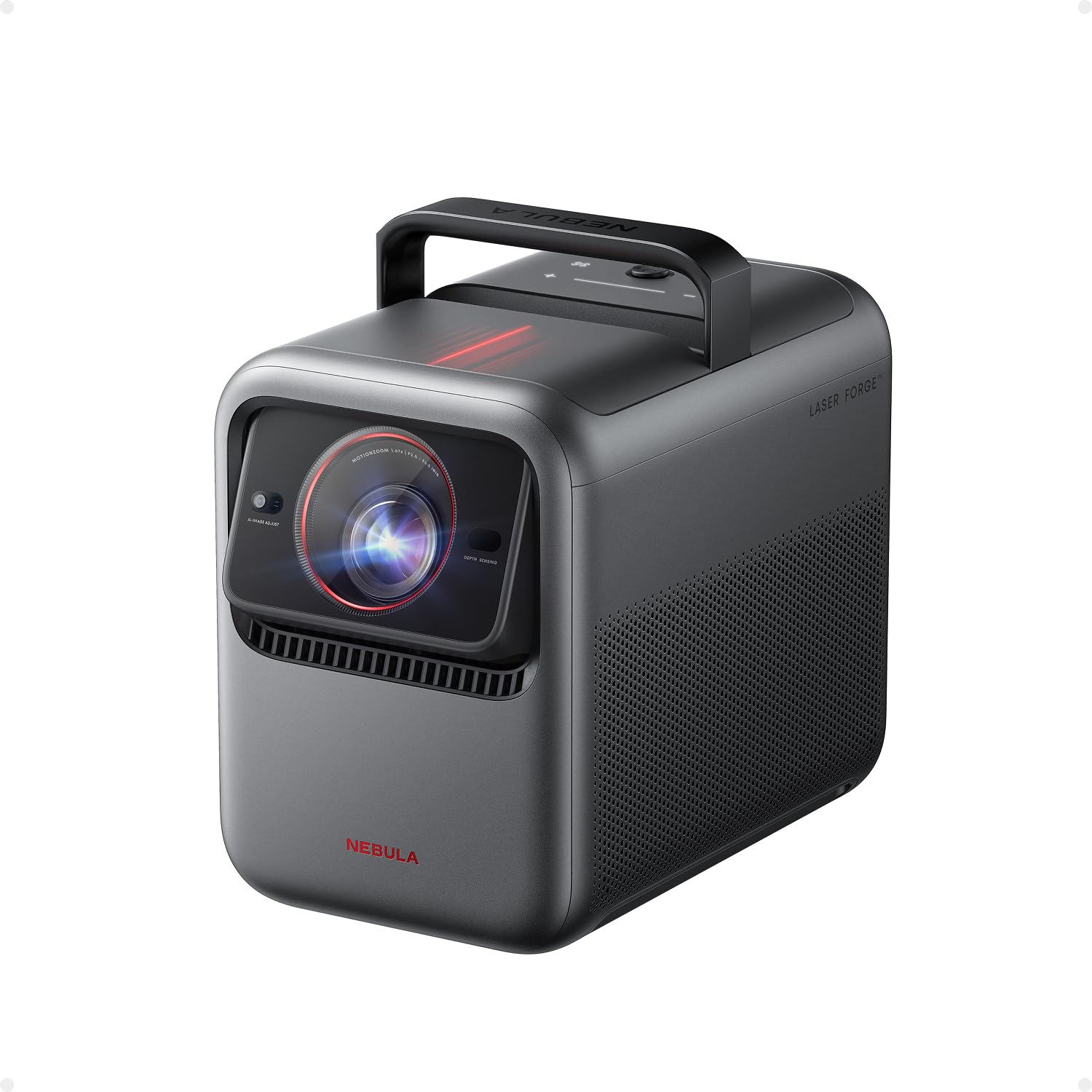
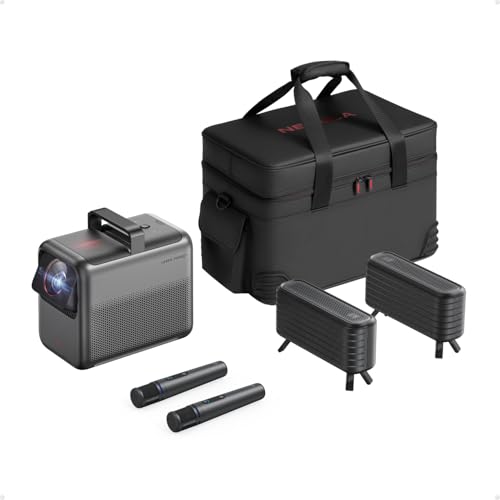
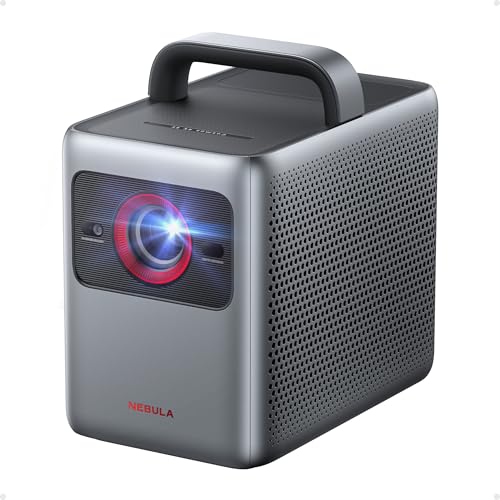
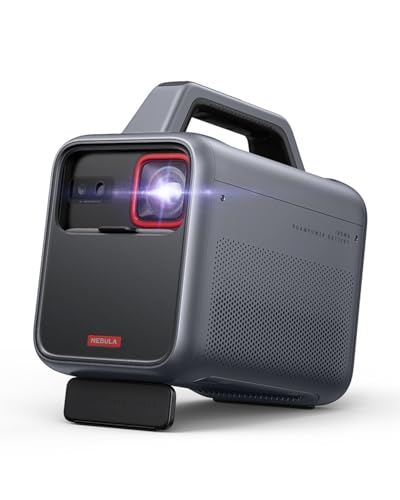


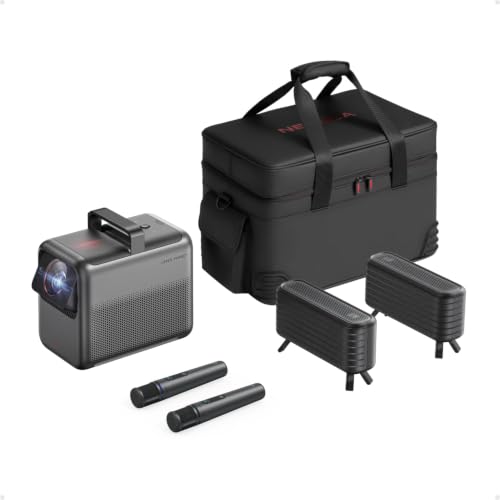
Quick Answer: How to Choose in 30 Seconds
Start with the room, not the resolution. Small bedrooms and travel use point to a mini portable model. A family living room with some daylight points to a brighter home model with a larger speaker. A dedicated dark room points to a 4K laser model with the biggest image your wall allows. Set your budget after you know the room, because brightness and sound are what you feel every night.
Before You Buy: A Quick Checklist for Choosing a Projector
Size: Match It to Your Space
Projectors in this range fall into three rough footprints. Mini models are about the size of a drinks can or a small lunchbox and move easily from room to room. Portable models are larger, with a handle or a flat base, and suit a shelf or a coffee table. Full size home models stay in one place and need a stable stand or mount. Measure the shelf or table before you order, leave room behind the unit for cables and airflow, and check the weight if you plan to carry it upstairs often.
Which Type Fits Your Routine
Think about your week, not a single movie night. If the projector moves between a bedroom, a kitchen wall, and a garden fence, portability and a battery matter most, and our guide to the best outdoor projector models covers that use in more depth. If it lives in the living room for streaming shows and sports, a brighter home model with strong built in sound fits better. If it anchors a fixed media room, a 4K laser model rewards the setup effort with a larger, sharper picture.
Features Worth Paying For, and Ones to Skip
Pay for automatic focus and keystone correction, because they save you several minutes of fiddling every time you move the unit. Pay for a licensed streaming platform with the apps your family already uses, so nobody has to cast from a phone for everyday viewing. Skip paying extra for a battery you will never use away from an outlet, for gaming modes where nobody plays fast paced games, and for the highest resolution if your seating is far enough away that 1080p already looks clean.
Screen Size for Your Room and Seating Distance
A practical starting point is an image of about 80 to 100 inches in a typical living room, with seating roughly 8 to 12 feet from the wall or screen. Short throw models can fill that image from just a few feet away, which helps in small rooms. Ultra short throw models sit inches from the wall on a media console. Check the throw distance in the spec sheet against your room depth before you buy.
Brightness for Bright and Dark Rooms
Brightness, listed in lumens, decides whether the picture looks washed out or rich. A dark bedroom at night can look good with a modest rating, because your eyes adjust and there is little competing light. A living room with windows and lamps needs a much higher rating to keep colors looking solid during the day. Curtains help every model, so do not pay for extreme brightness if you mostly watch at night with the lights off. Match the rating to your worst normal viewing condition, not to a rare sunny afternoon.
Display Technology and Light Source
Most models in this lineup use DLP or LCD imaging with either an LED or a laser light source. LED models tend to be smaller and cheaper, and they suit portable use well. Laser models are brighter and hold their brightness longer, which suits a fixed living room setup. Lamp based designs are now rare in this brand and bring bulb replacement into the picture. Comparing DLP and LCD designs side by side helps you read the rest of the spec sheet with more confidence.
Smart Platform, Sound and Ports
Check three things. First, the smart platform: Google TV or a similar system should carry Netflix, YouTube, and the services your household pays for, with profiles for kids and adults. Second, sound: small portables have modest speakers that fill a bedroom, while larger home models add fuller sound that can carry a living room without a soundbar. Third, ports: you want at least one HDMI input for a games console or a streaming stick, a USB port for local files, and Bluetooth if you plan to send audio to headphones late at night.
Realistic Budget Ranges
Expect clear steps as you spend more. At about $100 to $250 you get compact 720p or 1080p portables for bedrooms and travel. At about $250 to $500 you get brighter 1080p models with better speakers and faster setup. At about $500 to $1000 you step into 4K home models with laser light and sound that fills a family room. Above about $1000, you pay for the brightest laser picture and the fullest smart platform.
Types Compared: How the Nebula Range Splits
The lineup makes more sense as three types than as a long list of model names. The mini type puts portability first: a small body, a battery on many versions, and a picture that suits a bedroom wall or a ceiling above a bed. If that is your main use, compare this type against the wider field in our guide to the best mini projector models before you commit.
The home type is the middle ground most families should study first. These models drop the battery or shrink it, and put the money into brightness, 1080p or 4K detail, and speakers that can handle dialogue and music without extra gear. They sit on a shelf or a stand, connect to WiFi once, and serve the whole household from one spot.
The premium laser type is built for a fixed room and a big image. You get the strongest brightness in the range, the sharpest picture, and the largest supported screen sizes. The trade off is size, weight, and price, so choose it only when the room is settled and the screen size will not change.
Our Selection Process for the Best Anker Nebula Projectors
We judge each type against six criteria: picture quality, brightness and HDR handling, the smart platform and its apps, sound, ports and connectivity, and value for the money. We work from manufacturer specifications and verified buyer feedback about setup, noise, and everyday reliability, and we weigh family use most heavily.
The Anker Nebula Projector Lineup Explained
Names in this lineup signal the job more than the quality. Portable lines are built around moving the projector: low weight, quick setup, and modest brightness. Home lines are built around staying put: more brightness, bigger speakers, and a remote driven smart platform the whole family can use. Laser lines sit at the top and trade portability for picture strength in a dedicated space, which is why readers planning a fixed room also browse our guide to the best projector for home theater setups.
Ownership costs follow the same split. Portable models need little beyond a case and a charging cable. Home and laser models may justify a screen, a mount, and a soundbar over time. None are required on day one, but knowing the likely path helps you compare the true cost of each type.
Common Buying Mistakes to Avoid
- Buying the smallest model for a bright living room, so the picture looks faded every afternoon.
- Choosing by resolution alone and ignoring seating distance, so you pay for detail your eyes cannot see from the sofa.
- Forgetting throw distance, so the image is too big or too small for the only wall you can use.
- Skipping the app check, so a streaming service your family uses daily is missing or awkward to reach.
- Ignoring fan noise ratings for a bedroom, so a loud unit distracts from quiet scenes at low volume.
- Leaving no budget for a screen or a mount, so a good projector ends up aimed at a textured wall from an unstable pile of books.
Cost of Ownership and Care
Running costs are low compared with a large TV. LED and laser light sources are rated for many thousands of hours, so there is no routine bulb budget for most models in this range. Electricity use is modest, closer to a bright lamp than to a large appliance. Your real extra costs are accessories: a screen if your walls are dark or textured, a mount or a stand, and a longer HDMI cable.
Care is simple. Keep the vents clear and dust the exterior with a dry cloth. Clean the lens only with a soft microfiber cloth and no household sprays, because coatings scratch easily. Store a portable model in a padded case so the lens survives travel.
Your Questions, Answered
How many lumens does an Anker Nebula projector need for a living room?
For daytime use in a living room with curtains drawn, look for the higher brightness ratings in the range, because ambient light competes with the image even on a cloudy day. For evening only viewing, a mid range rating is enough and often runs quieter. One point buyers miss: two models with similar lumen claims can look different on a gray or textured wall, so a plain white wall or a screen closes the gap more than a small spec increase.
How do I connect a phone to an Anker Nebula projector?
Most models offer wireless casting from Android and iPhone, plus an HDMI input with an adapter as a backup. Casting is fine for photos and short clips, but a wired link is steadier for a full film on hotel or home WiFi that drops. Our step by step walkthrough on how to connect phone to projector covers the casting settings and the adapter route in order.
How do I set up an Anker Nebula projector for the first time?
Place it square to the wall, power it on, let automatic focus and keystone do the first pass, then sign in to WiFi and your streaming apps. A useful extra step is to set up a separate kids profile before the first family movie night, so viewing limits are in place from the start. For mounting and screen alignment detail, follow our guide on how to set up a projector once your room layout is final.
Which Anker Nebula projector should a family of four buy?
A family of four sharing one living room should start with the home type in 1080p or 4K, because shared viewing rewards brightness and clear dialogue more than portability. Add a second look at the mini type only if the projector will sleep in a kids room most nights. One factor rarely listed in specs is remote simplicity: a remote that grandparents and children can use without help saves more frustration than any extra port.
Is Anker Nebula a good projector brand for home use?
Yes, for home use the brand is a sensible choice, because its models focus on simple setup, licensed streaming apps, and compact designs that suit normal rooms. Firmware updates arrive through the smart platform. Go in knowing the limits: no model in this range matches a large OLED TV for contrast in a bright room, so set expectations around screen size and convenience.
Final Thoughts
The right choice is the type that fits your room, your light, and your routine, and the product table above lets you compare those types against your shortlist. Start with the home type for a shared living room, the mini type for bedrooms and travel, and the laser type for a fixed media room. Chosen that way, the best anker nebula projector for your household is simply the one your family will use without fuss, night after night.


