Best Android Tablets for Note Taking 2026
Disclosure: We may earn a commission when you buy through links on this page, at no extra cost to you. As an Amazon Associate I earn from qualifying purchases. Learn more

Compare the best android tablets for note taking by pen feel, screen size, battery life and apps for study and work.
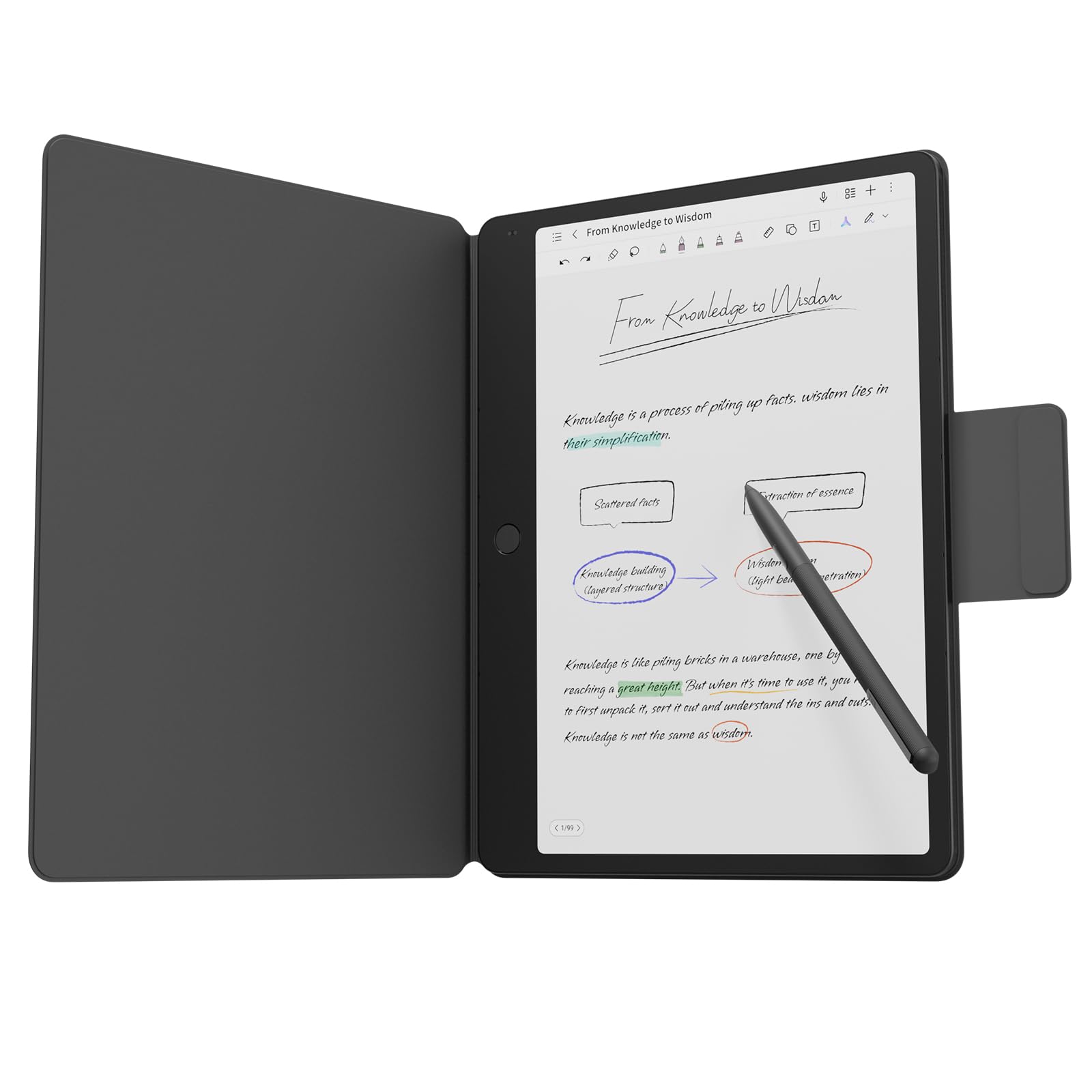
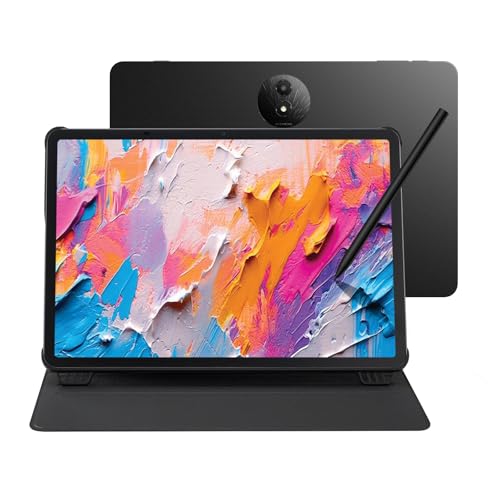
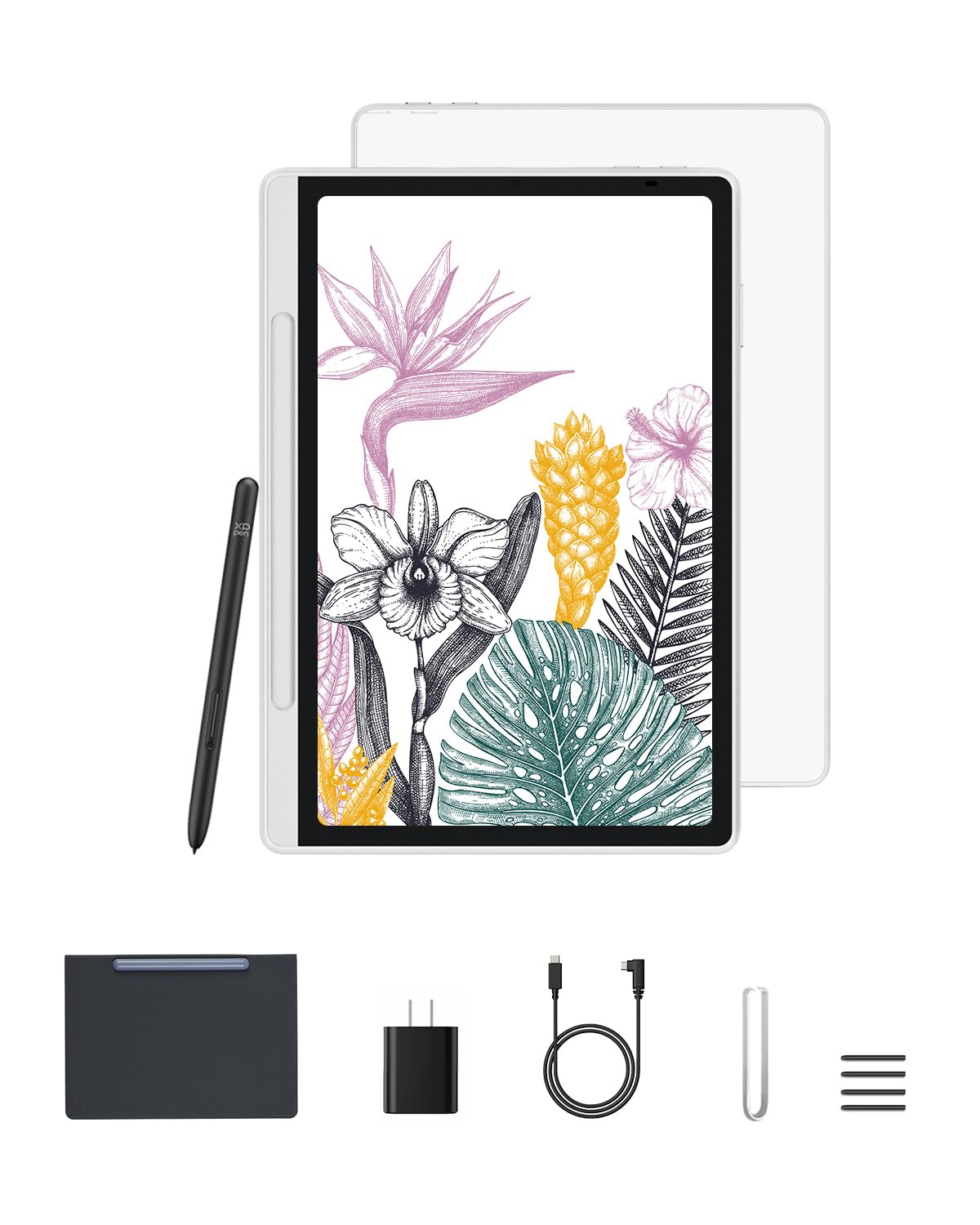
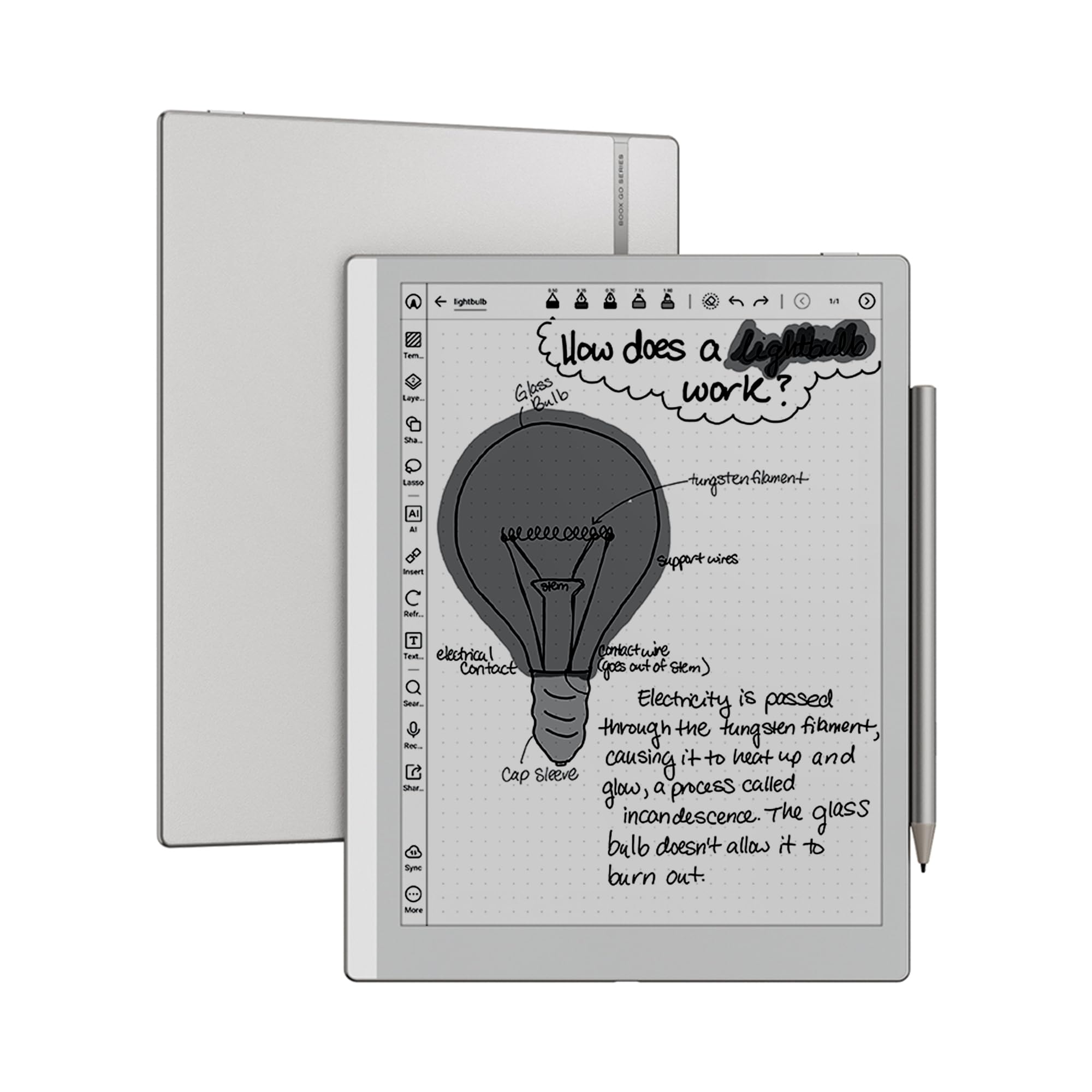
A tablet can replace paper only if writing feels natural and notes stay easy to find. This guide to the best android tablets for note taking looks at pen latency, palm rejection, screen size, and app choice. The comparison table below gives a quick side by side view of the leading options. The right combination depends on whether you take lecture notes, meeting notes, sketches, or annotated documents.
Start with how you write. Fast handwriting needs low pen latency and a screen that does not feel slippery. Long study sessions need a comfortable size and strong battery life. If you also read and annotate documents, screen quality and file handling matter just as much as pen feel.

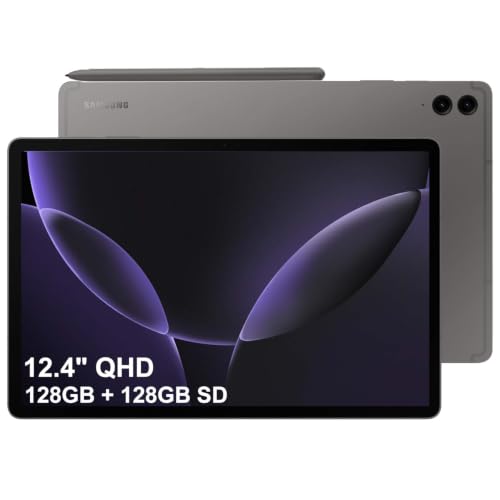
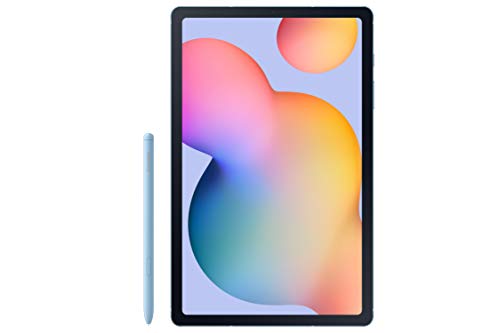
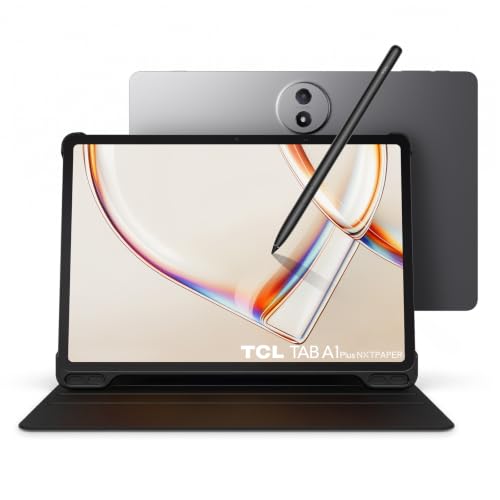
Who Should Buy a Note Taking Tablet
Students, professionals, and researchers who write by hand daily benefit most from a dedicated note taking tablet. If you attend lectures, meetings, or site visits, a tablet keeps notes searchable and backed up in one place. It also suits people who annotate PDFs and want to mark up documents without printing.
A note taking tablet is less useful if you mainly type. In that case, a laptop or a tablet with a keyboard may serve you better. Handwriting tablets shine when freeform notes, diagrams, and sketches are part of your work, not when typing dominates, as covered in best note taking apps for android tablets.
Key Features of the Best Android Tablets for Note Taking: Pen, Screen, and Latency
Pen feel is the deciding factor. Look for low latency, pressure sensitivity, and reliable palm rejection, so the tablet ignores your resting hand. A matte screen protector can add paper like friction, though it slightly softens display sharpness. Try the pen at your normal writing speed, not just slow strokes.
Screen size is a trade off. Larger screens give more writing room and suit split screen use, while smaller tablets are easier to carry and hold for long sessions. Resolution matters for reading small text, but refresh rate matters less for handwriting than for gaming.
Apps and File Organisation
The app shapes your workflow as much as the hardware. Good note apps offer handwriting search, folders, tags, and PDF annotation. Check whether your notes export cleanly to PDF or other formats, since lock in becomes painful when you change devices later.
Cloud sync protects your notes if the tablet is lost or damaged. Choose an app with reliable sync and offline access, so you can write without wifi and sync later. Back up regularly, especially before exams, deadlines, or important meetings, as covered in best tablets for taking handwritten notes.
Battery Life and Everyday Carry
Battery life matters because note taking often happens away from chargers. A tablet that lasts a full study or workday without anxiety is worth prioritising over a slightly faster chip. Screen brightness and pen use both affect endurance, so check results for writing heavy use rather than video playback alone.
Weight and case choice affect daily carry. A tablet with a pen slot or magnetic pen attachment is harder to lose, while a folio case protects the screen in a bag. If you carry the tablet all day, a lighter model with a good case often beats a heavier, more powerful one.
Common Mistakes to Avoid
Do not buy a tablet for its pen if the pen is sold separately and costs far more than expected. Check the total price including pen and case before comparing models. Also avoid assuming every stylus works with every tablet, since pen technologies differ and are not always interchangeable.
Another mistake is choosing a screen that is too small for your handwriting. If your writing is large or you draw diagrams, a cramped screen forces constant zooming and breaks flow. Try writing a full page on the size you are considering before committing, as covered in best note taking app for tablets.
A Closer Look Before You Order
Before buying, try the pen on the exact tablet model if possible, since pen feel varies even within one brand. A pen that feels smooth on a display model may feel different with your handwriting speed and pressure. Writing a full paragraph, drawing a quick diagram, and checking palm rejection reveals far more than a few slow strokes in a shop.
Consider the total system cost, including pen, case, and app subscriptions, since those extras can add substantially to the tablet price. Some pens are included, others are expensive extras, and note apps may charge for cloud sync or advanced features. Adding up the full system cost before comparing tablets gives a fairer value picture.
Think about how your notes will move between devices, since a note system that only works on one tablet becomes a trap later. Choose an app with reliable export to PDF and other formats, and try exporting a sample notebook before committing years of notes to it. Portability protects your work if you change devices or platforms in future.
To compare nearby options, see our guides to the best samsung tablets for note taking and the best tablets for reading and note taking.
Frequently Asked Questions
Do I need a special pen for note taking?
Yes, in most cases the tablet needs a compatible active pen for pressure sensitivity and palm rejection. A generic capacitive stylus can write, but it feels less precise and lacks pressure control. Check pen compatibility and total cost before buying, since pens vary widely in price and feel.
Can handwriting be searched later?
Many note apps convert handwriting to searchable text or index it for search. Accuracy depends on handwriting clarity and the app used. If search matters to you, try it with your own writing before relying on it for exams or work, and keep a clear folder structure as backup.
Is a larger tablet always better for notes?
Not always. Larger tablets offer more writing space and better split screen use, but they are heavier and harder to hold for long sessions. A medium size often balances writing room and portability. Your handwriting size and bag should guide the choice more than screen size alone.
How do I protect notes from loss?
Use an app with cloud sync, enable automatic backup, and export important notebooks to PDF regularly. Offline access matters too, so your notes remain available without wifi. A simple weekly export habit protects years of work from device failure or account problems.
Can an Android tablet replace a paper notebook fully?
For many people yes, provided the pen feels natural and the app fits their workflow. The main gaps are battery dependence and the feel of paper. A matte screen protector and a comfortable pen close much of that gap, while search and backup offer advantages paper cannot match.
Final Thoughts
The best note taking tablet is the one whose pen feels natural, whose screen suits your writing size, and whose app keeps notes organised and backed up. Use the product table above to compare the leading options, then try the pen at your normal speed before deciding.
Invest in the pen and case as part of the total price, and set up backups from day one. With the right setup, digital notes can be faster to find and easier to keep than paper. In short, choosing the right best android tablets for note taking comes down to matching the guidance above to your own needs and routine.