Best Android Tablets for Work 2026: A Buying Guide
Disclosure: We may earn a commission when you buy through links on this page, at no extra cost to you. As an Amazon Associate I earn from qualifying purchases. Learn more

Pick the best android tablets for work by battery, screen quality, keyboard support and security for meetings, travel and documents.
An Android tablet for work needs a clear screen, a reliable battery and apps that handle documents, email and video calls without fuss. The best android tablets for work add enough memory for several apps at once, a keyboard and pen that fit the model and security that keeps client files safe. The product table lines up current options, and this guide explains how to judge performance, accessories and software.
Work tablets suit people who travel light, take notes in meetings, or read and mark up documents away from a desk. They are a weaker choice for heavy spreadsheet work or specialist desktop software, where a laptop still wins on speed and screen space.


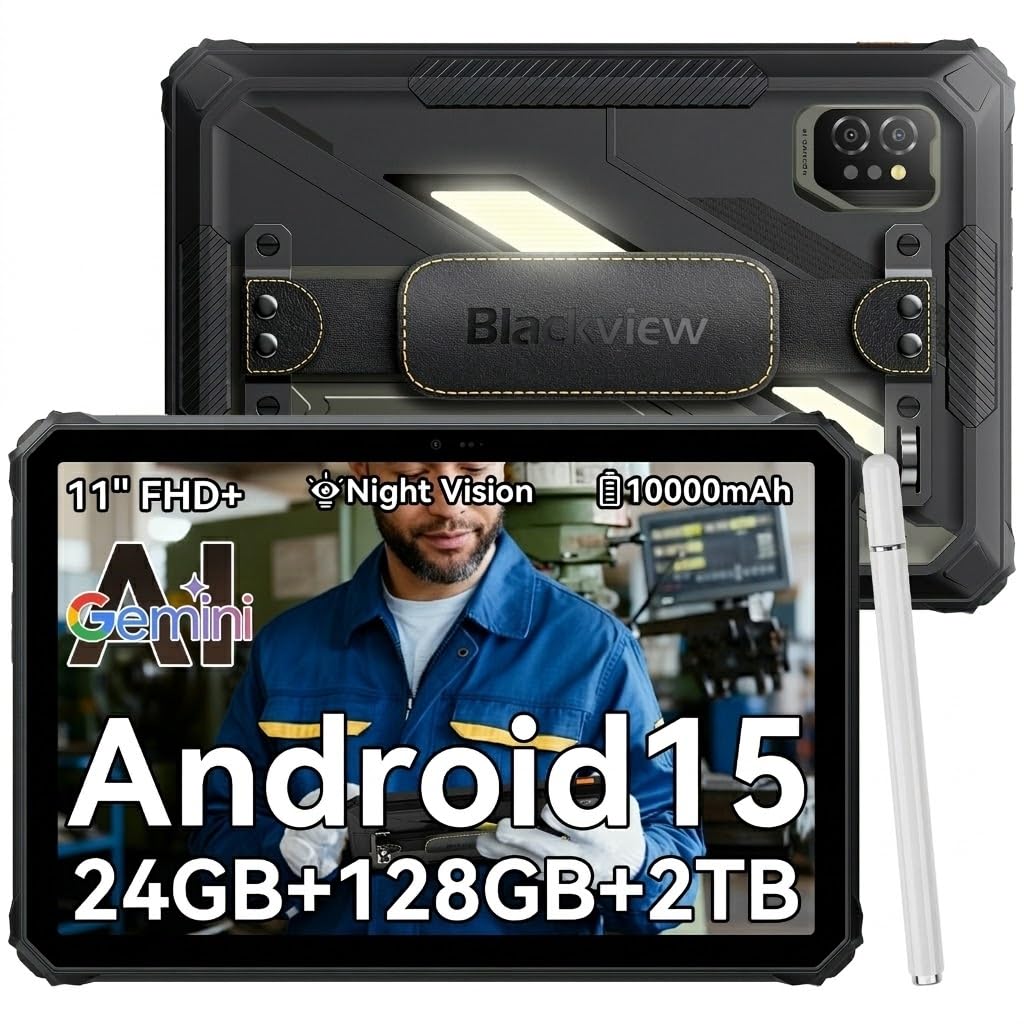
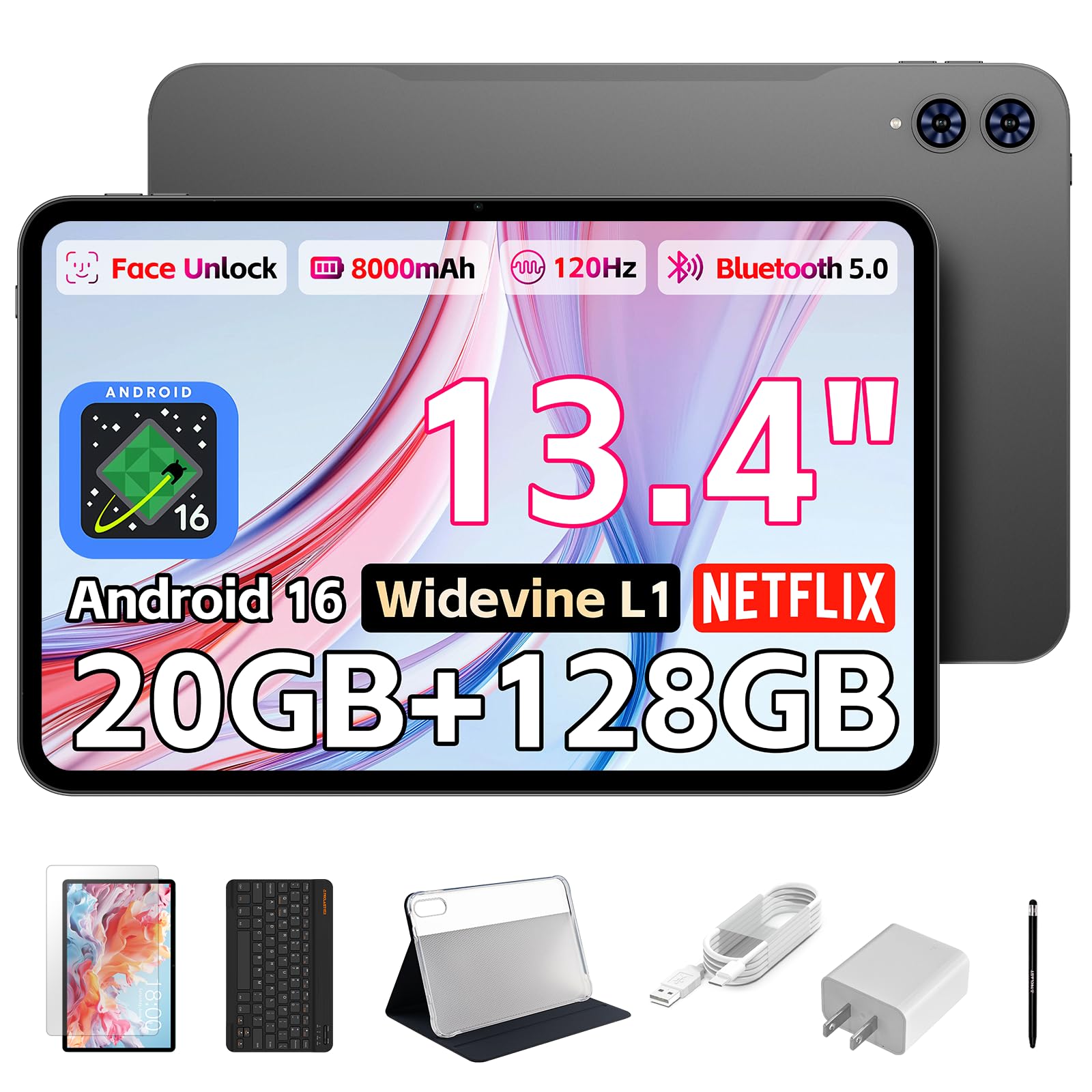
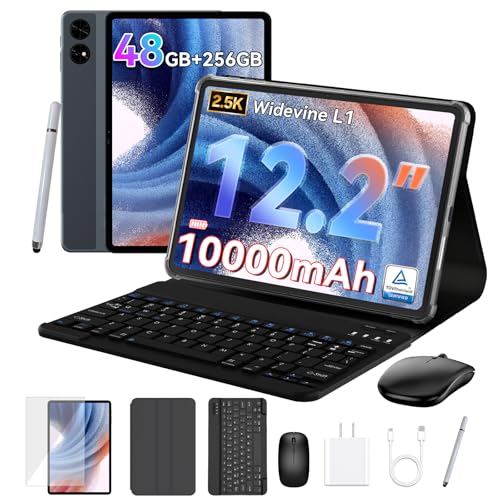
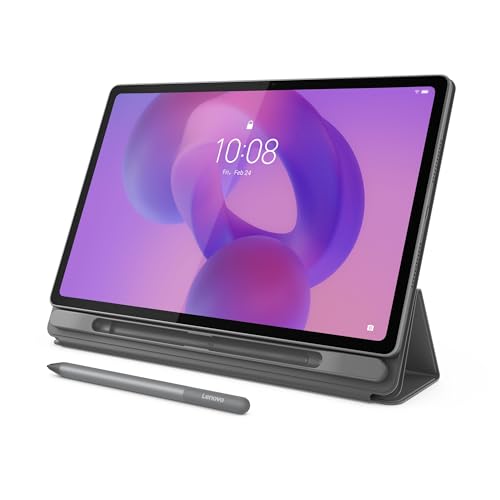
Who Should Buy a Work Tablet and Who Should Skip It
Start with how you will use the tablet most days, not with the longest feature list. If your day is email, calendar, video calls, document review and handwritten notes, a tablet fits well. If you build large spreadsheets or run desktop only programs, keep a laptop and treat the tablet as a companion.
Think about your budget and how long you expect the tablet to last. Mid range models with several years of updates often beat a cheaper tablet that is replaced early.
Types of Work Tablets to Compare
Light travel tablets
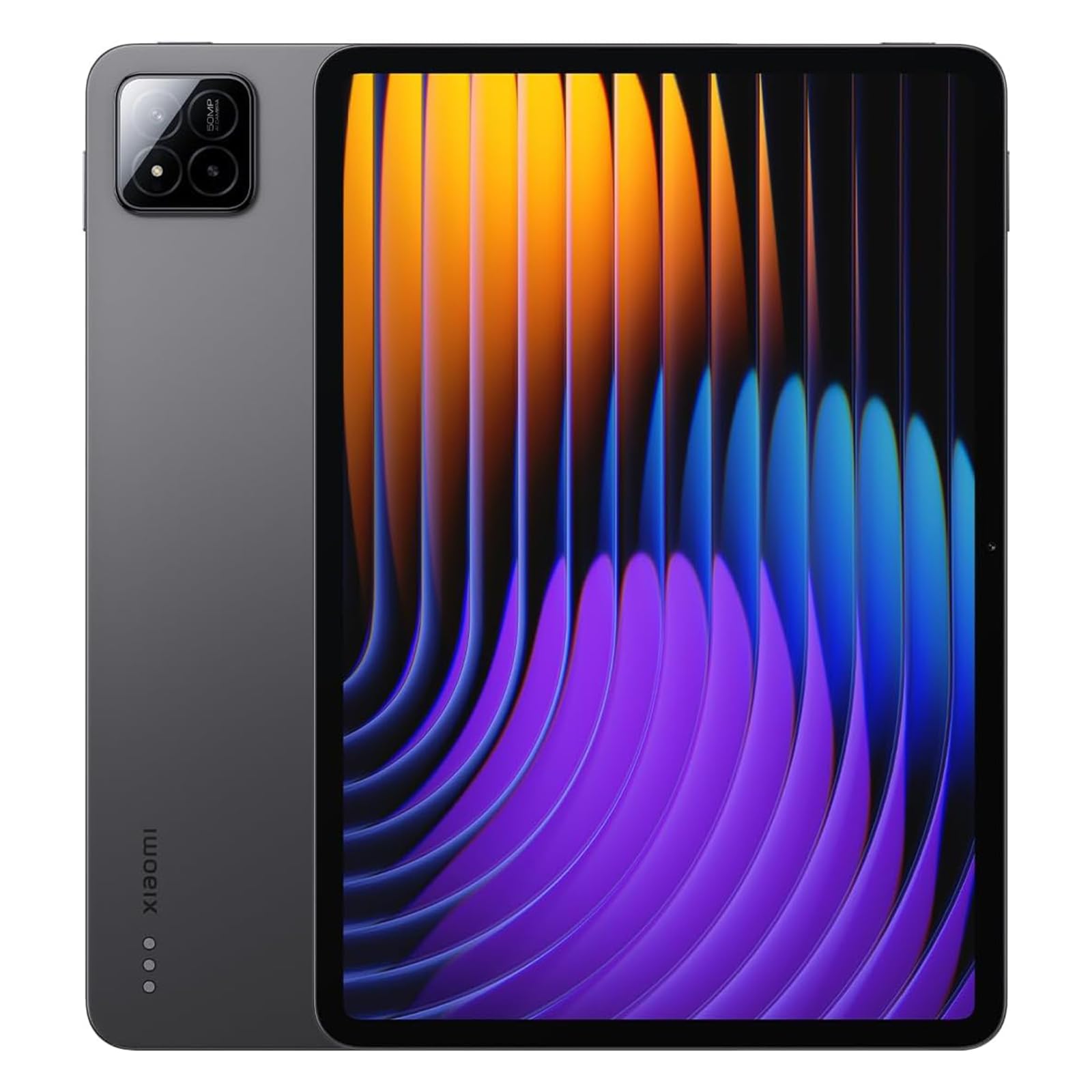
A 10 or 11 inch tablet fits in a small bag and works well for email, reading and notes. Look for a bright screen for outdoor use and a battery that lasts a full workday without a charger.
Large screen tablets
A 12 inch or larger screen suits split screen work and document markup. It weighs more and needs a larger bag, so check whether you will carry it daily or mostly use it at a desk.
Tablet and keyboard bundles
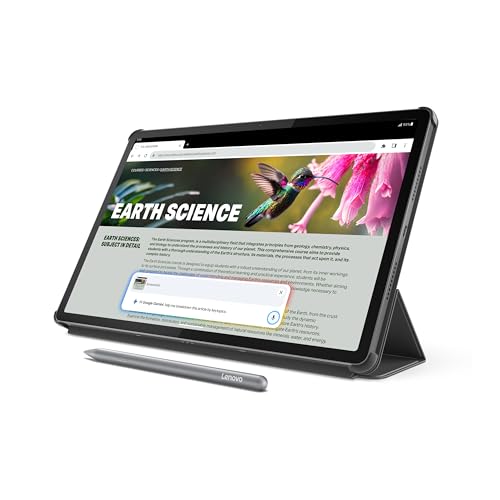
A keyboard cover turns a tablet into a light laptop for writing and email. Check the keyboard size and trackpad before you buy, because a cramped keyboard will slow you down more than a slower chip.
Stylus tablets
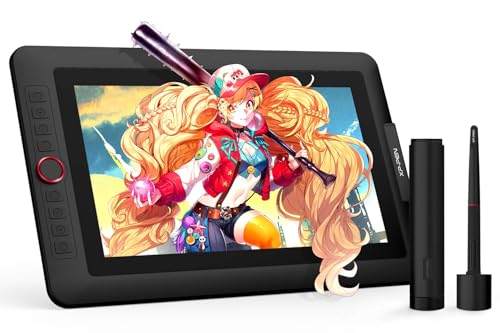
A stylus suits handwriting, sketching and signing documents. Check palm rejection, pen pressure and whether the pen is included, because buying it separately adds to the total cost.
Rugged work tablets
A rugged tablet handles dust, drops and outdoor sites better than a slim consumer model. It is heavier and thicker but can save money if you work on sites, in warehouses or in the field.
Key Features of the Best Android Tablets for Work
Performance for real tasks
Focus on how the tablet handles your actual apps, such as a video call with documents open, rather than benchmark numbers alone. At least 6 GB of memory helps multitasking, and more helps if you keep many tabs and apps open.
Screen quality
Look for a bright, sharp screen with good color for reading documents and presenting to clients. A matte screen protector can cut glare, but it may soften the image slightly.
Battery and charging
A work tablet should last a full day of meetings, email and browsing. Check charging speed too, because a slow charge can leave you short on a busy travel day even if the battery is large.
Keyboard and accessory support
Check which keyboards, mice and docks the tablet supports, and whether they connect by Bluetooth or a physical connector. A physical connector usually feels more stable, while Bluetooth accessories work across more devices.
Security and management
Work use needs a fingerprint or face unlock, encryption and timely security updates. If your employer manages devices, confirm that the tablet works with its management tools before you buy.
Mistakes to Avoid
- Buying the cheapest tablet and expecting it to handle video calls plus documents smoothly.
- Choosing a screen too small for the split screen work you do every day.
- Forgetting the cost of a keyboard, stylus and case in the total budget.
- Assuming every Android app works as well on a tablet as on a phone or laptop.
Setting Up for the Workday
Set up work profiles to keep personal apps separate from work data, and check your key apps during the return window. Keep the tablet updated, back up documents to cloud storage and carry a charger that matches the tablet's fast charging standard for travel days.
If you are still comparing options, these related guides cover nearby choices: the best android tablets, the best pc tablets and the best affordable android tablets.
Making a Tablet Part of Your Workflow
The best work setup is built around a few habits. Keep documents in cloud storage so they open on any device, use a notes app that supports handwriting and search, and set up a split screen layout for your most common pair of apps, such as email beside a calendar or a document beside a video call.
A small kit helps on the road: a compact USB C charger, a short cable, a folding stand and a keyboard that fits the case. If you present often, check that the tablet can send video to a TV or projector over USB C or wireless casting, and carry the adapter that your meeting rooms need.
Frequently Asked Questions
Can an Android tablet replace a laptop for work?
It can for email, notes, reading, video calls and light document work, especially with a keyboard. It struggles with heavy spreadsheets, specialist desktop software and large multi window workflows. Try your real work tasks during the return window before you give up a laptop.
How much memory and storage do I need for work?
Choose at least 6 GB of memory for smooth multitasking and 128 GB of storage for documents, apps and offline files. More memory helps if you keep many browser tabs open, while cloud storage can cover documents if you have reliable internet.
Do I need a keyboard and stylus?
A keyboard is worth it if you write emails and documents daily, while a stylus matters mainly for handwriting, markup and signing. A good keyboard can matter more than a faster chip for daily writing.
Are Android tablets secure for work?
Modern Android tablets offer encryption, fingerprint unlock and regular security updates, which cover most work needs. Keep the system updated, use a strong lock screen and avoid installing apps from unknown sources.
What screen size is best for work?
A 10 to 11 inch screen balances portability and readability for most mobile work. A larger screen suits split screen and document markup but adds weight and needs a bigger bag.
Final Thoughts
The right choice among the best android tablets for work is the one that fits your main tasks, your bag and your budget, not the one with the longest feature list. Compare finalists in the product table, check keyboard and security support, and give yourself a trial period to confirm it suits your routine.