Best Android Tablets from China for 2026: Everything to Know Before Your First Purchase
Disclosure: We may earn a commission when you buy through links on this page, at no extra cost to you. As an Amazon Associate I earn from qualifying purchases. Learn more

First time buyer? Learn the key terms and compare the best android tablets from china while avoiding the usual rookie mistakes.
Buying a tablet from a Chinese brand for the first time can feel like reading a menu in a language you half know. The prices look tempting, the feature lists look generous, and yet the model names and chip names mean little if this is your first purchase. This guide to the best android tablets from china starts with the basics, explains each key term in plain English, and ends with the mistakes first time buyers most often make.
Work through the sections in order if you are new, or skim to the feature you are unsure about. When you are ready, the comparison table below shows how current models stack up, so you can connect each term here to a real listing.


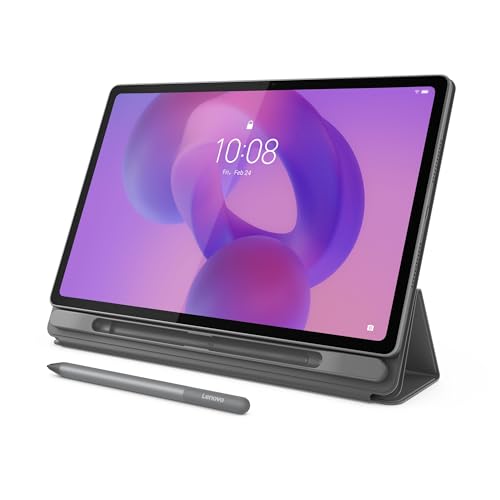
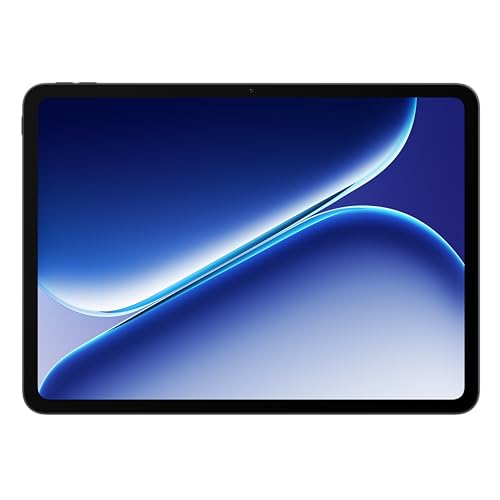
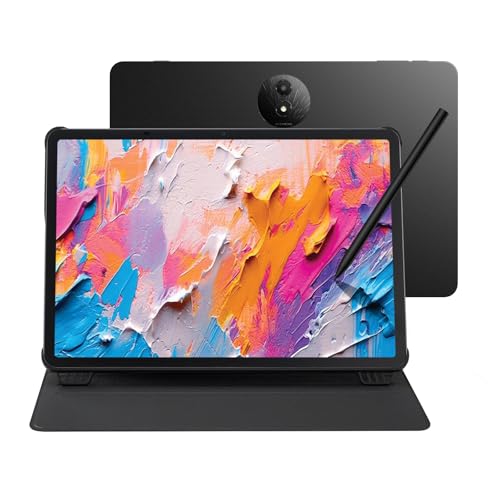
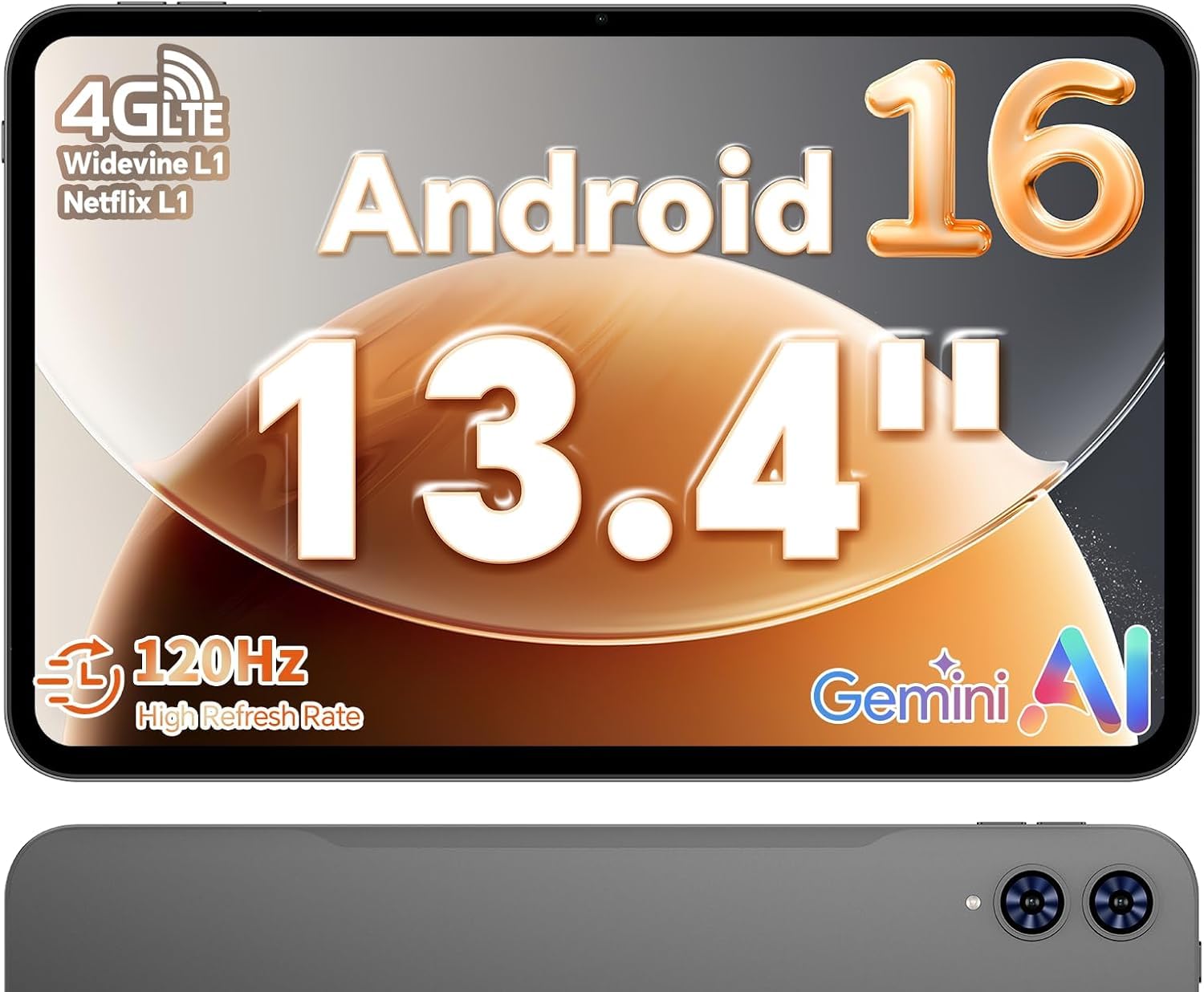
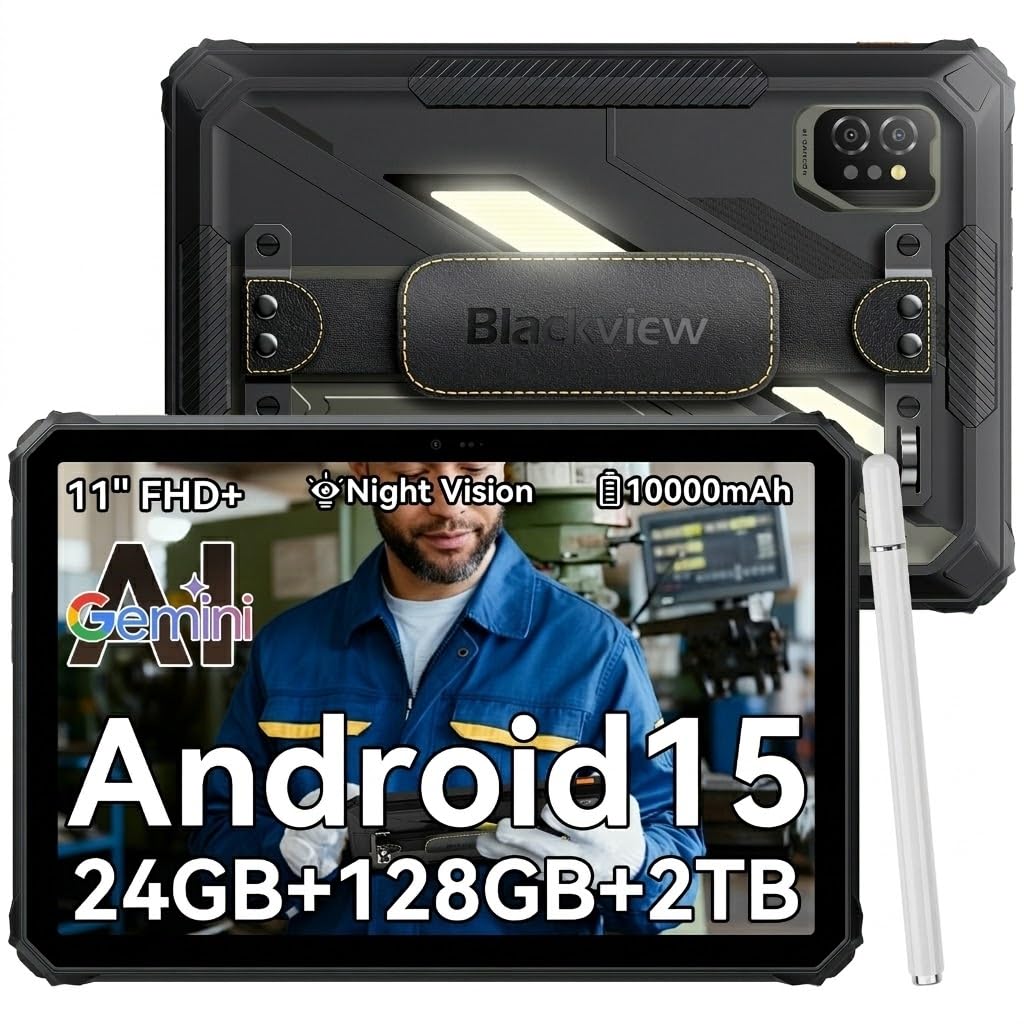
Android Tablets from China 101: The Basics
Chinese tablet brands range from large global companies with official stores in many countries to smaller makers that sell mainly through online marketplaces. Both kinds run standard Android, support the Google Play Store on most export models, and compete by offering bigger screens, larger batteries, or more storage at a given price than better known rivals. The savings usually come from leaner marketing and simpler packaging rather than from magic.
What deserves your attention is the support side. Check whether the brand sells an official version for your region, since regional versions get the right charger, local warranty handling, and software tuned for your language and services. A model built for the Chinese domestic market may lack Google services or carry apps you cannot remove. If a listing does not state which version it sells, ask the seller before ordering. That one question prevents the most common disappointment in this category.
Key Specs of the Best Android Tablets from China Explained
Every spec below follows the same pattern: what the term means, what good looks like, and what to skip. Keep this section open while you browse listings. Readers comparing across brands may also find our overview of the best android tablets useful for general benchmarks.
Processor and Performance Tier
The processor is the engine of the tablet, and its name tells you more than any marketing slogan. Chips fall into rough tiers: entry level chips handle browsing, reading, and video; midrange chips add smooth multitasking and light gaming; flagship class chips do everything quickly and stay useful longest. A useful rule for beginners is to search the exact chip name plus the word benchmark to see how it ranks. If a listing hides the chip name behind vague phrases like octa core power, treat that as a sign the chip is weak, because strong chips are always named proudly.
Battery Life in Real World Use
Battery size is listed in milliamp hours, and bigger is generally better, with most 10 inch tablets carrying about 7,000 to 10,000 mAh. In daily life that usually means a full day of mixed use or about 8 to 12 hours of video. Fast charging over USB C matters more than a small size edge, because a tablet that regains half its charge in about half an hour is easier to live with. Be skeptical of claims far beyond these ranges. Screen brightness is the biggest drain, so turning it down on indoor days stretches any battery further.
Display Size, Resolution, and Brightness
Screen sizes run from about 8 inches for one handed reading to 13 inches for split screen work. Resolution is the pixel count, and 2000 by 1200 is a good target at 10 to 11 inches, since text stays sharp and video looks clean. Brightness, measured in nits, decides whether the screen fights glare near windows; about 400 nits is a sensible floor. Some panels advertise a 90 Hz or 120 Hz refresh rate, which makes scrolling look smoother. It is pleasant but optional for beginners, and it should never come at the cost of basic resolution.
Weight and Portability
A 10 to 11 inch tablet usually weighs about 1 to 1.2 lb, light enough for reading in bed or carrying in a small bag. Larger models approach the weight of a small laptop once a case goes on, which is fine for desk use but tiring to hold. Think about where the tablet will live: a commuter tablet earns a slim build and a tough case, while a home tablet can trade weight for screen size. A practical know how point: hold a similar sized object at reading distance for ten minutes before choosing the biggest screen. Your wrists will give you honest feedback.
Operating System and Updates
Tablets from Chinese brands run Android, sometimes with the maker own interface layer on top. Android gives you the Play Store, broad app choice, and easy file handling, and it pairs naturally with Windows or Chromebook computers as well as with Android phones. What varies by brand is update policy. Some makers promise two or three Android version upgrades plus security patches, while others ship one version and go quiet. For a first purchase, favor the brand that states its update plan in writing. Our roundup of the best tablets from china covers non Android options if you are still comparing systems.
Graphics (Integrated vs Dedicated GPU)
Graphics on every tablet come built into the main processor, so there is no separate graphics card to choose. The graphics tier rises and falls with the processor tier, which keeps your decision simple: pick the processor for the games you play, and the graphics take care of themselves. Casual games and puzzle titles run on any current chip. Demanding 3D games need a midrange chip or better for smooth play at higher settings. If gaming is your main goal rather than a side use, see our guide to the best android tablets for gaming for the performance details that matter there.
Rookie Mistakes to Avoid
- Buying the domestic Chinese version by accident, then finding no Play Store and no easy fix. Confirm the version is the global or regional export edition.
- Judging by core counts and megapixels instead of named parts. A named midrange chip beats an unnamed eight core chip almost every time.
- Skipping the return and warranty terms. Marketplace sellers differ widely, so buy where returns are simple and warranty claims have a local address.
- Paying extra for huge storage you will never fill while accepting a dim screen you will look at daily. Fund the display and processor first.
- Ignoring accessory fit. Cases and keyboard covers are model specific, so confirm that accessories for your exact model are easy to buy before ordering.
Getting Started: Setup and First Use
When the box arrives, charge the tablet fully, then run the system update check before installing your apps, because updates often include camera, battery, and security fixes. Sign in with your Google account, enable device finding in settings, and set a screen lock you will actually use. Next, install your core apps and remove or disable bundled apps you do not want, since a clean home screen makes the tablet feel faster and simpler.
In the first week, keep the operating system and firmware updated as new patches appear, and avoid leaving the tablet at 100 percent charge on the charger for days at a time. Add a case before the first trip out of the house. Finally, run the return window basics right away: check the screen for dead pixels on a plain white and a plain black image, check WiFi range in your farthest room, and confirm the charger in the box matches your outlets.
Android Tablets from China: Your Questions Answered
Is a dedicated GPU worth it?
There is no dedicated GPU option in any tablet, so the question becomes whether a stronger processor tier is worth paying for. For reading, browsing, and streaming, it is not; entry and midrange chips already feel smooth. For gaming or drawing with large files, the step up is real and noticeable every day. A smart beginner move is to buy the midrange tier, which covers nearly every common task without flagship prices, and put the savings toward a case and a spare charger.
How much RAM do I need?
Most first time buyers should choose 8 GB of RAM. It keeps several apps open without reloading and gives the tablet room to grow as apps get heavier. Models with 6 GB are fine for light single task use, while 4 GB models feel slow within a year. Watch out for virtual RAM claims in listings, where storage is counted as extra memory. That feature is not a substitute for real RAM, so compare the physical figure printed in the full spec sheet.
How long should an android tablet from china last?
Expect about three to five years of useful life. Hardware rarely fails first; software support ends first, when updates stop and new app versions require a newer Android release. Brands with stated update policies and official regional stores tend to support devices longer and stock parts like screens and batteries. You can extend life by replacing the battery once if the brand offers the service, and by using a case from day one to prevent the drop damage that ends many tablets early.
Should I buy a laptop or a tablet?
Buy a tablet if your days center on reading, video, browsing, notes, and light documents, because it is lighter, quieter, and cheaper for the same screen quality. Buy a laptop if you write long documents daily, run specialist software, or need many ports. Beginners often underestimate typing comfort, so if essays or long emails are routine, budget for a keyboard case or choose the laptop. Many first time buyers start with a tablet and later add an inexpensive keyboard for the best of both.
One more resource worth a look before you order: our guide to the best apps for android tablets shows the software that makes a new tablet feel complete in its first week.
Wrapping Up
Your first purchase goes well when you confirm the export version, choose a named midrange processor with 8 GB of RAM, and fund the screen before storage extras. Check the update policy and the return terms as carefully as the specs, because support is where brands in this category differ most. Compare the best android tablets from china in the product table above with those checks in hand, and if budget is your tightest limit, our guide to the best affordable android tablets can help you trim the price without giving up the essentials.