
Best Android Projectors: Buying Guide for 2026
Disclosure: We may earn a commission when you buy through links on this page, at no extra cost to you. As an Amazon Associate I earn from qualifying purchases. Learn more

Compare the best android projectors by brightness, native resolution, Android apps, focus and sound, with setup tips for movies, sports and travel use.
An Android projector puts your streaming apps inside the projector itself, so you can watch on a big wall without a separate streaming stick. The best android projectors combine enough brightness for your room, a sharp native picture and simple setup. This guide explains the choices that matter so you can read the comparison table below with a clear plan.
Start with where you will watch most often. A dark living room, a bright family room and a small bedroom each need a different mix of brightness, throw distance and sound.

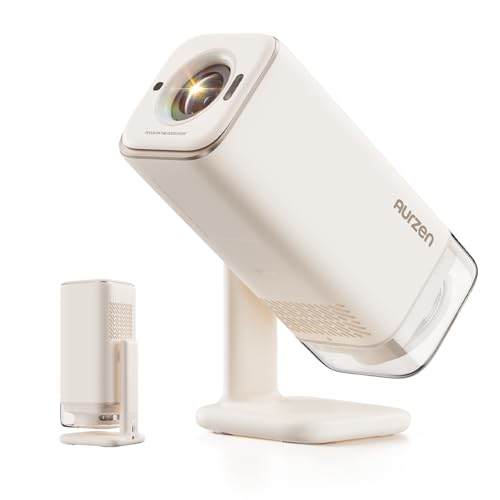
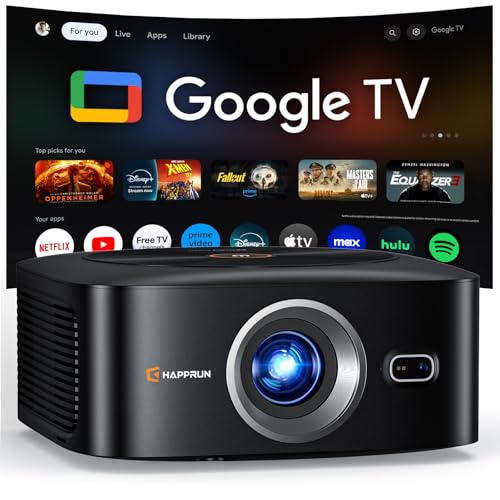
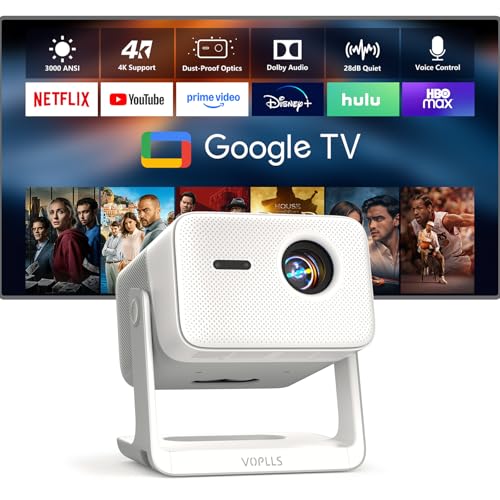
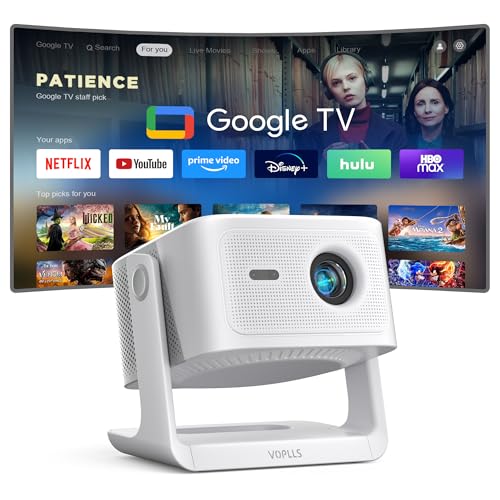

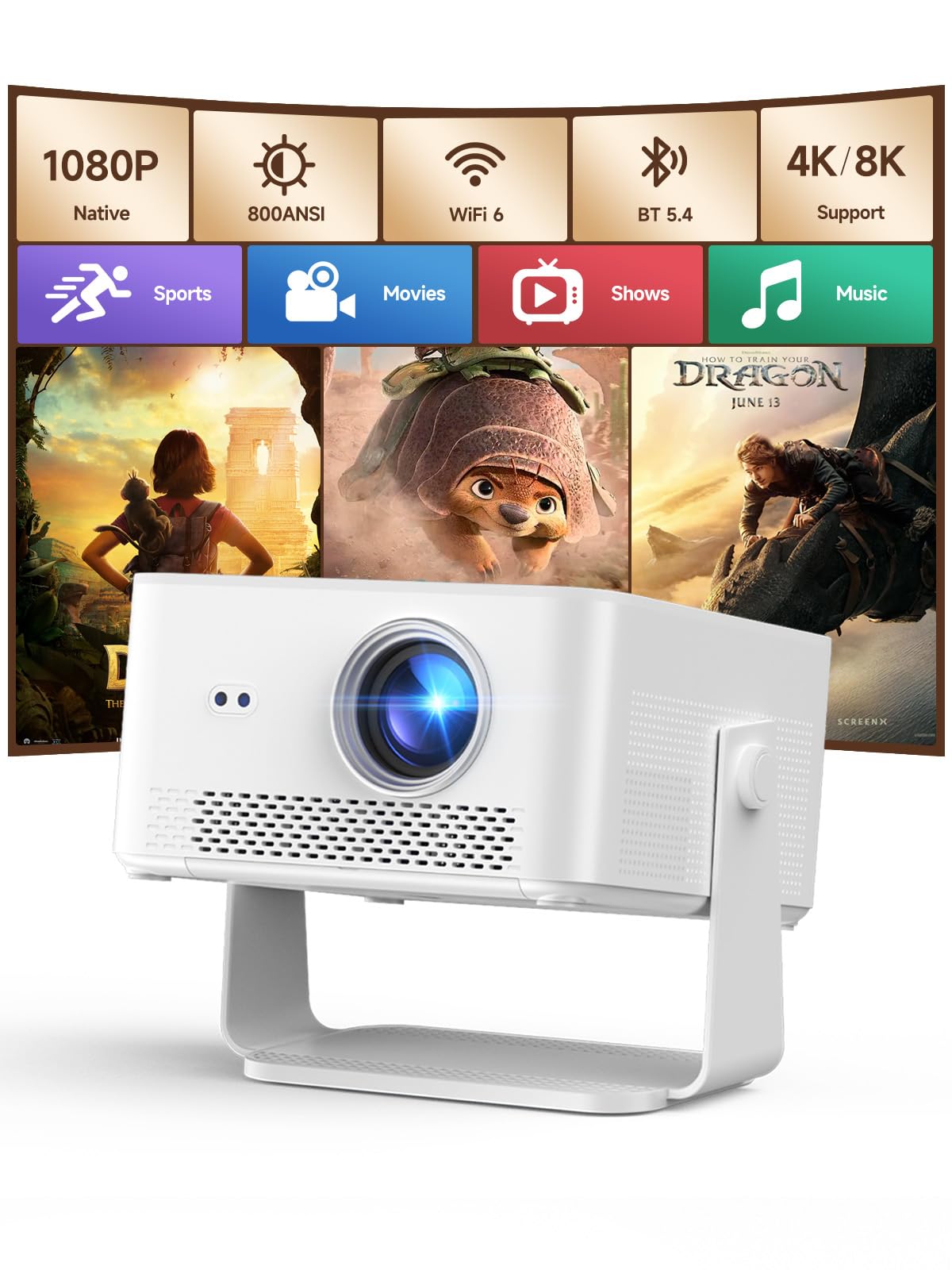
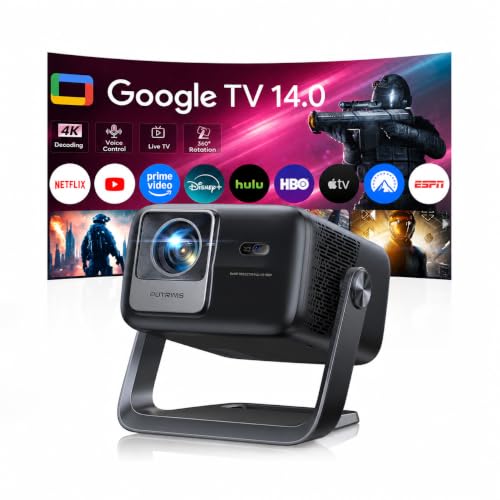
Who Should Buy Which Android Projectors?
Pick by the room and viewing habit you repeat most often.
Movie Lovers With a Dark Living Room
You watch films at night and care most about contrast, color and a large steady image. Choose a standard throw model with native 1080p or higher, strong contrast and quiet fan noise, and plan a screen size of about 100 to 120 inches.
Families Who Stream in Bright Rooms
You watch sports and shows during the day with curtains open and lights on for kids and guests. Brightness matters more for you than ultimate contrast, so look for a higher ANSI lumen rating and a lens that fills your wall from the distance you have. Built in speakers with clear dialogue help for everyday viewing without extra audio.
Travelers and Renters Who Move the Screen Often
You set up in different rooms or pack the projector for trips, and you cannot drill holes or fix a screen to the wall. Choose a compact model light enough to carry in one bag, with autofocus and automatic keystone correction so setup takes minutes. A model that runs from a wall outlet still suits most rentals and hotel rooms.
Key Features to Compare
Compare these factors in the same order each time.
Brightness in ANSI Lumens and Room Light
Brightness decides whether the picture looks washed out or solid once light enters the room. Look for a rating stated in ANSI lumens, because that method follows a shared measurement standard, while vague lumen claims can run far higher on paper. A dark room can work well at about 500 to 1000 ANSI lumens, while a bright living room often needs about 1500 ANSI lumens or more. See our guide to the best quality projectors for how optics change across price levels.
Native Resolution and Throw Distance
Native resolution is the actual pixel count the projector creates, and it matters more than a supported input signal that the chip scales down. Native 1080p suits most streaming at 100 inches, while native 4K adds fine detail for large screens and close seating. Throw distance is the space the lens needs to reach your target size, stated as a throw ratio. Measure from your shelf to the wall before you buy, because a lens at the wrong distance gives an image that is too small or too large.
Android Platform, App Store and Updates
The platform decides which apps you can install directly and how smooth the menus feel. Models that run Google TV or certified Android TV give you the Google Play store, built in Chromecast casting and voice search, while a basic custom Android build may lack some major apps. Check the Android version, storage and whether the maker promises software updates, because a projector kept for years should not lose its main apps early.
Focus, Keystone and Screen Alignment
Focus and keystone tools decide how square and sharp the picture looks when the projector cannot sit dead center before the wall. Autofocus adjusts sharpness on its own after you move the unit, and automatic keystone correction straightens the sides when the projector sits at an angle. Use minimal correction where you can, because heavy digital correction shrinks the usable picture and can soften subtitles.
Built In Sound, Ports and Wireless Links
Built in speakers suit news and casual viewing, and output power shapes how clear dialogue sounds from your seat. For films, an HDMI port with ARC support, an optical output or a 3.5 mm audio jack lets you send sound to a soundbar. WiFi connects the projector to your router for streaming and casting, and a wired HDMI port still matters for consoles and laptops.
Types of Android Projectors Compared
Android projectors fall into three broad shapes, and the shape sets limits on brightness, size and price.
Standard Throw Home Models
Standard throw models sit on a table or ceiling mount several feet from the wall and suit a fixed home setup. They usually offer the highest brightness and strongest speakers in this category, with prices often about $300 to $800.
Short Throw Models for Tight Rooms
Short throw models create a large image from a short distance, often from a low table close to the wall. They help in small bedrooms where a long throw path would cross the seating area and cast shadows when people stand up. Expect to pay more for the special lens, with many models around $600 to $1200.
Portable Models for Rooms and Yards
Portable models trade some brightness for a small body, a carry handle and fast setup on any flat surface. They suit dorm rooms and backyard movie nights where a fixed install makes no sense. If outdoor use is your main goal, see our guide to the best projectors for outside for screen and weather points.
Choosing for Wireless Audio and Small Spaces
Two requests change the shortlist more than any other, so each gets its own focused section.
Best Android Projectors with Bluetooth
Bluetooth lets the projector send sound to a wireless speaker or headphones. Check the Bluetooth version and whether the model supports audio output at all, because some units use Bluetooth only for the remote. Headphones help with late night viewing, and a wireless speaker suits yards where a cable is awkward. If compact size is your other priority, see our guide to the best small projectors for models built around easy carrying.
Best Mini Android Projectors
The appeal of best mini android projectors is a screen that packs into a bag and sets up on a shelf or tripod in minutes. Judge mini models by weight, built in battery life if offered, and brightness at a realistic screen size of about 60 to 80 inches, because mini lenses rarely fill a huge wall well in a lit room. Look for a tripod mount, USB power for travel and quiet cooling, since the unit often sits close to your head. For the smallest bodies of all, see our guide to the best pocket projectors.
Common Mistakes to Avoid
These errors are common and easy to avoid before you order.
- Trusting a vague lumen claim instead of an ANSI rating leaves a picture that fades in daylight.
- Buying before you measure throw distance gives an image that is too small or too large for your wall.
- Assuming every Android build includes every app leads to missing services and casting workarounds.
- Placing the projector in a closed cabinet traps heat and shortens light source life.
- Using heavy digital keystone correction to fix a bad position softens the whole picture.
- Ignoring fan noise ratings puts a loud unit beside your seat during quiet scenes.
Care and Maintenance for Android Projectors
Keep the lens clean with a soft dry microfiber cloth, and never spray liquid cleaner straight onto the lens. Dust the air vents often and keep clear space around the unit while it runs, because blocked airflow raises internal heat and can trigger a shutdown during a film.
Clean or replace the dust filter on the schedule the manual gives, and store a portable unit in its case with the lens cap on if one is supplied. Install software updates when offered, since updates often fix app faults. Let the fan finish its cooling cycle before you unplug the projector.
FAQ
What brightness do Android projectors need for daytime sports?
Android projectors for daytime sports in a lit room generally need about 1500 ANSI lumens or more to keep colors and the score graphic readable. Closing curtains on the window closest to the screen helps more than a small step up in rated brightness. Night viewers can trade some brightness for better contrast at the same price.
Can an Android projector work without WiFi?
Yes, an Android projector can work without WiFi when you connect a laptop or console by HDMI cable. You lose direct app streaming and casting until a network returns, and some setup screens ask for a connection on first use. A phone hotspot can handle that first setup if your data plan allows it.
How long does the light source in an Android projector last?
The light source in most current Android projectors lasts about 20000 to 30000 hours in normal use, far longer than older lamp based models that needed bulb changes. Using the brightest mode every night in a hot room can shorten that figure. At a few hours a day, the light source should outlast the streaming platform inside the same unit.
How far from the wall should an Android projector sit?
Distance depends on the throw ratio and the screen size you want, so read both numbers together rather than guessing from room size alone. Many standard throw models need about 8 to 11 feet to fill a 100 inch image, while short throw models need only a few feet. Try the position on a stack of books before you mount anything.
Does input lag matter on an Android projector for casual gaming?
Input lag matters once you play fast games, because a slow response makes controls feel delayed even when the picture looks smooth. Casual party games feel fine on most models, while racing and shooter fans should look for a stated low lag mode with a figure in milliseconds. Turning off extra picture processing usually lowers lag at no cost.
Final Thoughts
Match brightness to your room light first, then check native resolution, throw distance and the Android platform version. Add sound and alignment tools that fit how often you move the setup. Use the product table above to confirm size, rating and price for the models that meet your list.
When you compare best android projectors with those points settled, the right choice is usually clear. Buy the simplest model that covers your screen size and apps.


