
Best Android Phones for Selfies in 2026: A Clear Buying Guide
Disclosure: We may earn a commission when you buy through links on this page, at no extra cost to you. As an Amazon Associate I earn from qualifying purchases. Learn more

Front camera autofocus, pixel size and lens width matter most when choosing the best android phones for selfies. Start with this plain guide.
If you take a lot of photos of yourself, the front camera matters more than almost any other part of your phone. The best android phones for selfies pair a sharp front lens with smart software, so your skin, hair and background look natural instead of flat or blurred. This guide starts with the basics and then walks you through each choice in plain language. Use it to read the product table with confidence.
You do not need the most expensive phone to get a selfie you like. You need the right mix of lens width, light handling, screen brightness and storage for the way you actually shoot, so you spend on what you will notice every day.
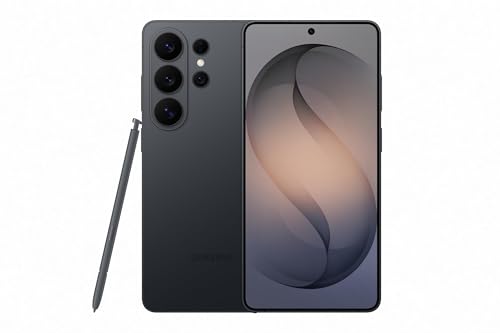

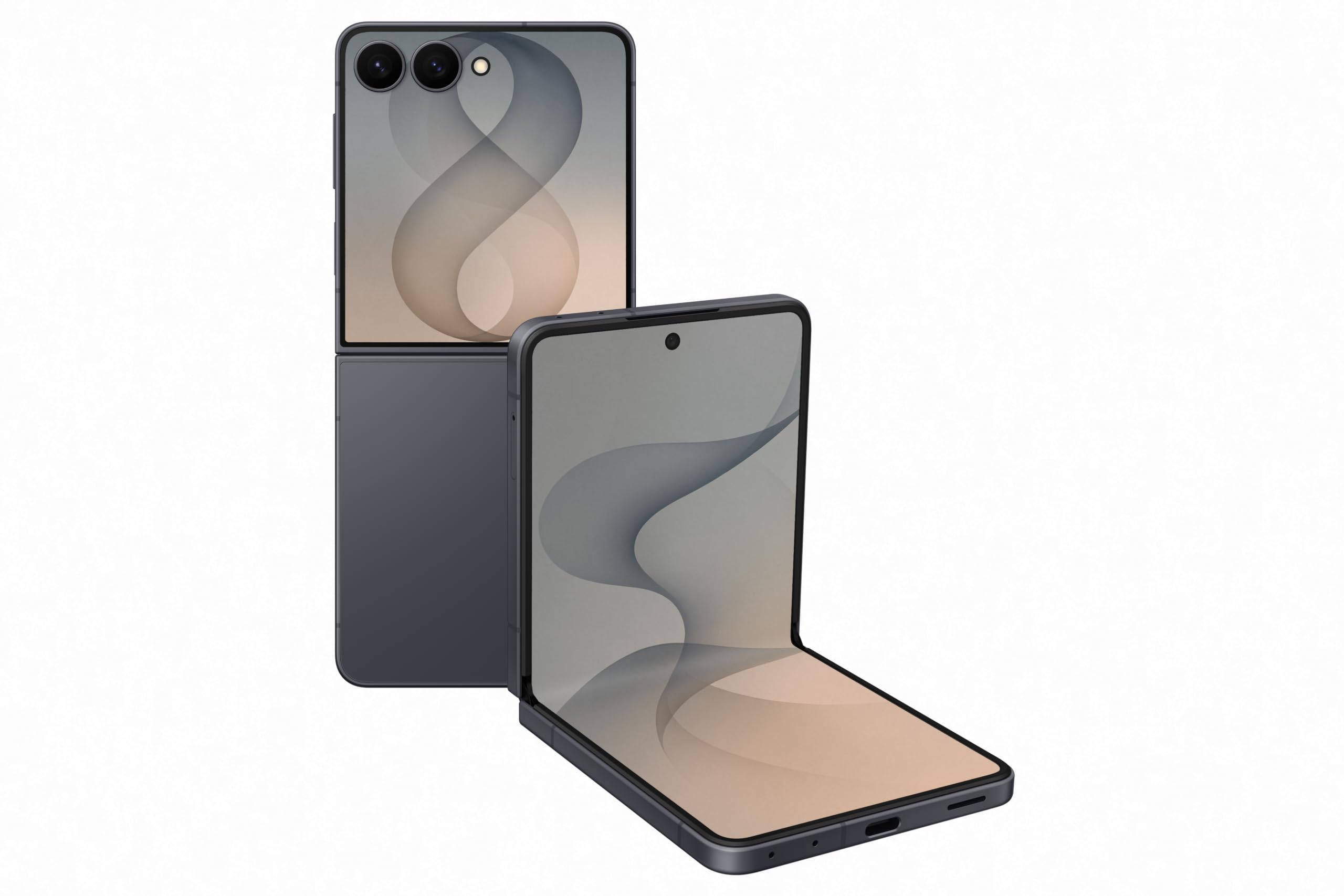
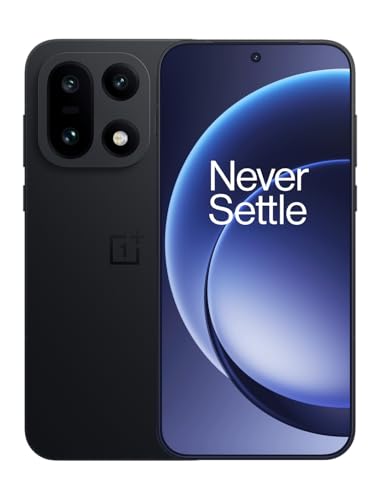

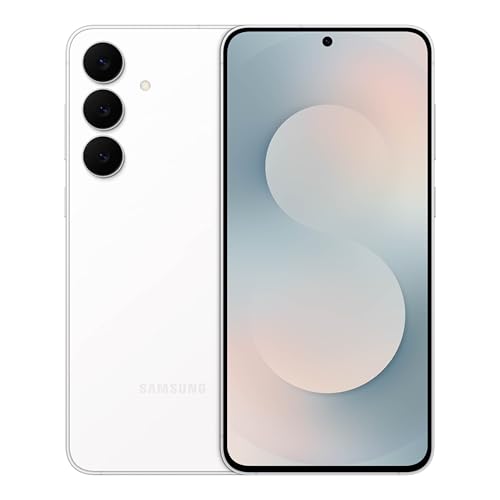
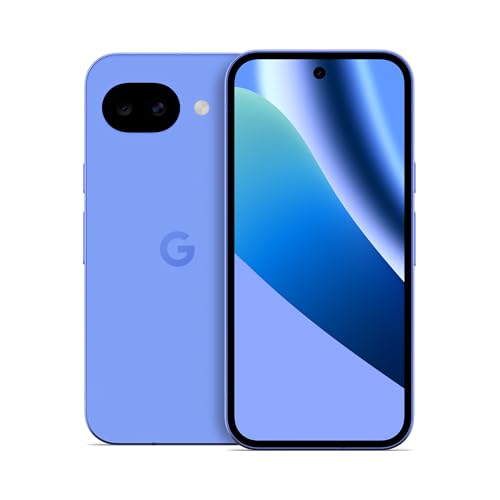
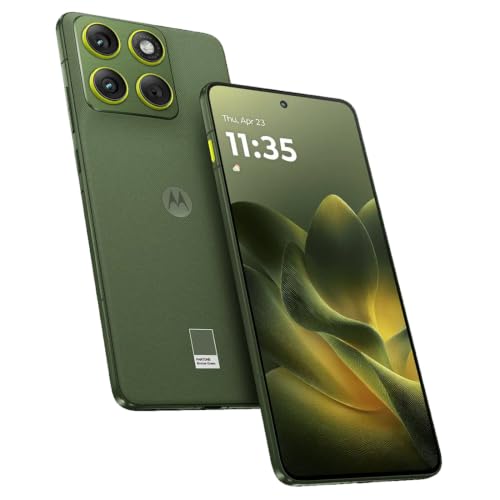
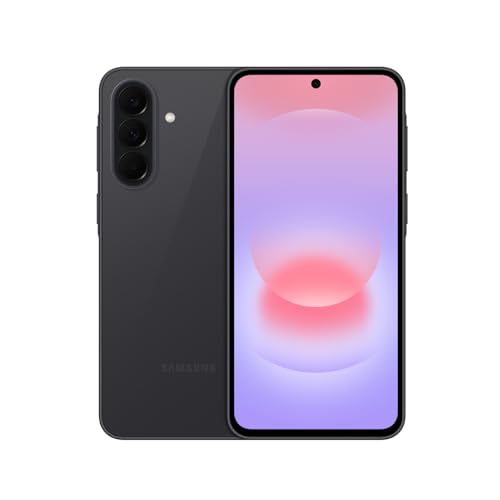

Android Phones 101: The Basics for Selfie Buyers
An Android phone runs the Android system from Google, and many brands build phones on it at many prices. That choice helps you, because front cameras improve fast and strong options exist well below flagship prices. Three terms come up again and again. A megapixel is one million tiny dots of image detail. Portrait mode blurs the background so your face stands out. Night mode combines several frames into one brighter image when light is low.
Who Should Buy Which Android Phone for Selfies?
Start from the photos you take most, not from the longest spec list. Your light, group size and budget point to different phones.
Solo Portrait and Social Media Creators
You post often and care how your face looks up close. Put your money into front camera detail, gentle beauty processing and a bright screen for framing outdoors. A mid range phone often covers this well, and you can compare options in our guide to the best inexpensive android phones if price matters most.
Friends Who Take Group Selfies
Your problem is fit, not detail. One person always ends up cut off at the edge. Look for a wider front lens, a group mode that widens the view when it senses more faces, and a palm timer so nobody has to stretch for the shutter button.
Video Callers and Vlog Style Shooters
You hold the phone at arm length and talk, walk or cook while recording. You need steady front video, clear microphones and a battery that survives a long call. Smooth everyday speed matters too, so read our guide to the best performing android phones alongside this one.
Key Features to Compare
Compare these factors in the same order each time. That is why the best android phones for selfies are rarely the phones with the longest rear camera list, because the front camera, screen and software do most of the work here.
Front Camera Detail, Pixel Size and Autofocus
Front cameras commonly offer about 10 to 50 megapixels, but the number alone can mislead you. Larger pixels gather more light, so a lower count with bigger pixels can look cleaner indoors than a higher count with tiny pixels. Autofocus on the front camera is the feature many buyers miss. It keeps your eyes sharp as you move closer or farther away, while fixed focus lenses assume one set distance and can soften a close portrait.
Portrait Mode, Beauty Processing and Night Mode
Software shapes your selfie as much as the lens does. Good portrait mode finds the edge of your hair and glasses cleanly, while weak processing cuts chunks from curly hair. Beauty settings should be adjustable, because a light touch smooths skin while a heavy setting can erase texture and make you look waxy. Night mode matters if you shoot at restaurants or events, so check that it works on the front lens, since some phones limit it to the rear cameras.
Front Lens Width for Solo and Group Shots
Lens width decides how much fits in the frame at arm length. A narrow front lens flatters one face and keeps the background small, which suits solo portraits. A wider lens fits two to four friends plus more of the place behind you, but faces near the edges can stretch slightly. Some phones offer two framing choices in the camera app, a close view and a wide view, from one lens.
Display Quality for Framing and Reviewing Photos
Your screen is both your viewfinder and your editing desk. An OLED display shows deep blacks and rich color, so you can judge contrast and skin tone more honestly before you post. Brightness matters outdoors, because a dim screen hides focus errors in sunlight. A refresh rate of 120Hz makes scrolling and camera previews feel smoother, though it does not change photo quality itself. Choose a size you can hold firmly in one hand, since a steady grip prevents blur.
Battery Life for Long Selfie and Video Call Days
Selfie heavy days drain a battery fast, because the screen stays bright, the camera app runs often and uploads follow each outing. Most modern phones carry about 4,000 to 5,500 mAh, and a larger number generally means longer use between charges. Fast charging helps when you top up before a night out. If you travel for photos, favor battery size and fast wired charging, since outlets are easier to find than charging pads.
Storage, Processor and Software Updates
Photos and short videos fill storage quietly, so 128 GB is a sensible floor and 256 GB suits heavy shooters who rarely delete. A capable processor opens the camera fast and applies portrait effects without a pause while you edit. Long software update support also protects your photos and accounts, because security patches close holes that older phones leave open. Many brands now promise about four to seven years of updates on better models.
First Setup Steps for a Selfie Focused Phone
Unbox the phone, fit a case and a screen protector, then charge it fully before you move your accounts and photos over. Run every pending software update on WiFi, because updates often include camera fixes. Open the camera app and set your front camera defaults once. Turn on the palm timer or voice shutter, choose your beauty level, and set the grid on to keep horizons straight.
Place the camera and photo apps within thumb reach, and explore our guide to the best widgets for android phones for quick gallery shortcuts. Take sample selfies in bright light, indoor light and near darkness, and view each one at full size.
Common Mistakes to Avoid
First time buyers often judge a selfie camera by one number or one store demo. These errors are easy to skip once you know them.
- Choosing by megapixels alone leaves you with noisy indoor selfies when the pixels are small and light is weak.
- Checking only the rear cameras means the front lens you use daily may disappoint you for years.
- Ignoring lens width makes group photos a struggle, with friends cropped out at arm length.
- Leaving beauty mode at full strength gives skin a plastic look that editing cannot fully undo.
- Buying small storage to save money forces constant deleting once videos and photo backups pile up.
- Skipping carrier checks on an unlocked phone can leave you without full 5G coverage in the United States.
Care and Maintenance for Your Phone and Its Cameras
Wipe the front lens with a clean microfiber cloth before important photos, because skin oil and pocket lint soften detail more than most settings can fix. Keep the phone in a separate pocket away from keys and coins that scratch glass. A case with a raised edge guards the screen and camera area on a table.
Back up your photos weekly to a cloud account or a computer, so a lost phone does not take your memories with it. Install updates promptly, and avoid leaving the phone in a hot car, since heat ages the battery.
Selfie Phone Questions Buyers Ask Most
What features matter most in an android phone bought mainly for selfies?
Front camera autofocus, pixel size and honest beauty processing matter most, in that order. Autofocus keeps your eyes sharp as you move, larger pixels keep indoor shots cleaner, and gentle processing keeps skin looking like skin. In store, take one selfie with the screen flash on, then zoom in on your hair to see which phone keeps fine strands clear.
How wide should the front lens be on an android phone used for group selfies?
A wider front lens suits groups of three or more, while a standard lens flatters one or two people. Stand in the middle of the group rather than at the side, because edge stretching affects the outer faces most. Raise the phone slightly above eye level and angle it down a touch, and taller friends behind you will fit more easily.
How many years of software updates should an android phone for selfies get?
Aim for at least four years of security updates, and more is better if you keep phones a long time. Updates protect the accounts where your photos live and can refine camera processing after launch. Set updates to install overnight on WiFi so they never interrupt a day of shooting.
Is a mid range android phone good enough for great selfies?
Yes, a mid range phone is good enough for most selfie shooters, because front cameras and portrait software improve quickly at these prices, often around $300 to $600. Spend the savings on storage or a small tripod instead. Higher prices mainly add front autofocus, better low light results and longer update support.
How much storage does an android phone for selfies need?
Choose 128 GB at minimum, and pick 256 GB if you record front video weekly. A single minute of high resolution video can use several hundred megabytes, so video habits decide this more than photo counts. Turn on automatic cloud backup over WiFi as a safety net, but keep local space free too.
Our Verdict
Pick the front camera first, the screen second and everything else after that. Autofocus, sensible pixel size and adjustable beauty processing will shape your photos far more than a long list of rear lenses. Match lens width to your group size, and confirm update support and carrier fit before you pay.
When you compare best android phones for selfies with those points in mind, the right choice usually becomes clear. Use the product table to check front camera details, storage and price, then buy the simplest phone that meets your needs.


