
Best Android Phones for Privacy in 2026: Which One Fits the Way You Use It?
Disclosure: We may earn a commission when you buy through links on this page, at no extra cost to you. As an Amazon Associate I earn from qualifying purchases. Learn more

Long security support and clear permission controls make the best android phones for privacy. Compare hardware and setup tips by risk level.
There is no single phone that protects everyone in the same way, because your apps, your work and your habits create different risks. The best android phones for privacy are the ones that give you clear controls, long security support and few surprises from preinstalled software. Use the product table to match those strengths to the way you use your phone each day.
Start by naming what you want to protect. Private messages, location history, photos and work files each call for different settings and hardware. A phone with strong privacy tools still needs a careful setup, so the sections below sort buyers by risk first, then compare controls, updates, hardware and storage.
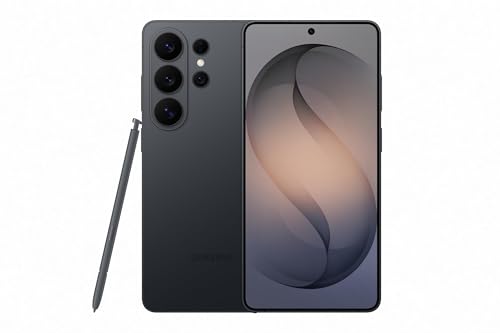


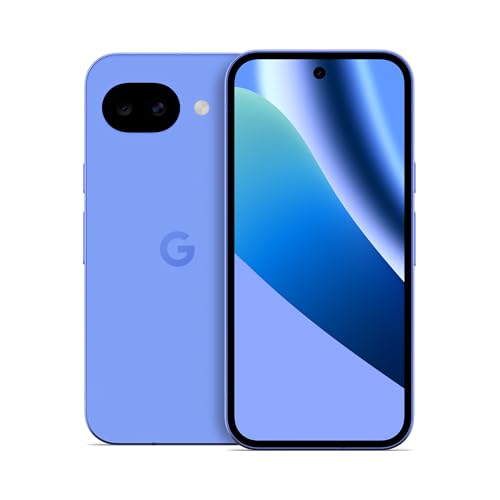
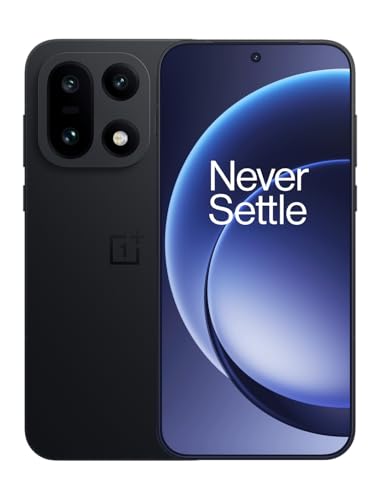

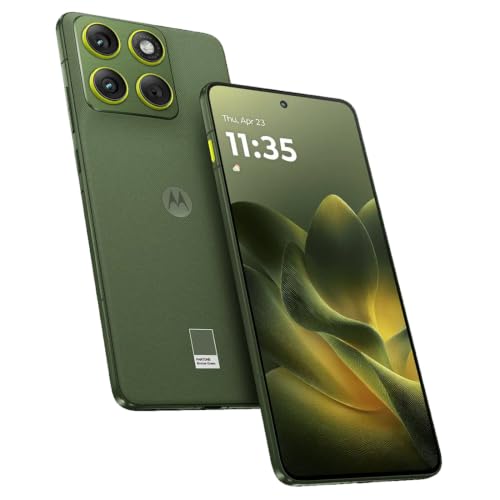
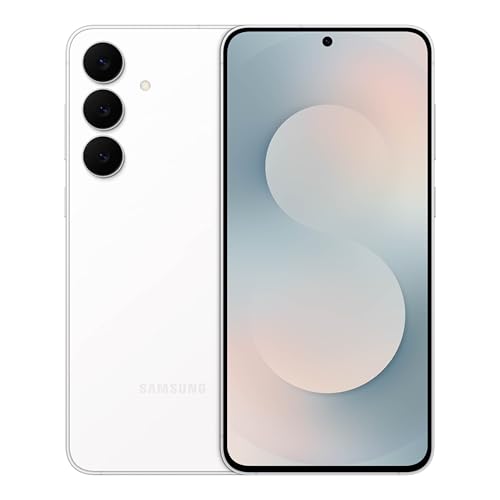


Who Should Buy Which Privacy Focused Android Phones?
Your risk level should decide your budget and your feature list. A casual user needs fewer trackers and clear prompts, while a person who handles sensitive files needs stronger defaults and longer patch support.
People Who Handle Sensitive Work and Private Messages
You may discuss client details, legal papers or family matters that should stay on your device. Prioritize a phone with a private space for apps, strong device encryption and a maker that publishes a clear end date for security patches. Choose face or fingerprint unlock only as a convenience layer over a long passcode, since a passcode is harder for another person to use without your consent.
Everyday Users Who Want Less Tracking and Fewer Ads
You may not handle secrets, but you still share location, photos, searches and app habits every day. Look for one tap controls that revoke camera, microphone and location access, and for a setting that deletes your advertising ID. Phones that limit ad tracking by default also build a smaller profile of you over time.
Value Seekers Who Will Not Trade Privacy for a Low Price
A low price means little if support ends in two years and you must replace the phone early. Budget phones can still offer solid permission controls, so spend on patch length and a clean software build before you spend on camera extras. If price leads your search, see our guide to the best inexpensive android phones and then check each option for update length and removable preinstalled apps.
Key Features to Compare
Compare privacy features before cameras and colors. The five factors below decide how much data leaves your phone, how fast flaws get fixed and how much control stays in your hands.
Privacy Dashboard, Permissions and Tracker Controls
Open the privacy dashboard and check how much history it shows. A useful dashboard lists which apps used your location, camera and microphone, and it lets you grant location as approximate rather than exact. Prefer phones that warn you about trackers in apps, block third party cookies in the default browser and reset permissions for apps you have not opened in months. These tools matter daily, because each prompt you can answer once stays answered instead of returning.
Software Updates and Security Patch Support
Security patches close flaws that let apps or websites reach data they should never see, so the support window is a privacy feature, not a footnote. Prefer makers that promise at least five years of security patches and publish a monthly or quarterly schedule you can verify. Phones with long support also receive new privacy controls over time, which means the controls you buy today can improve instead of freezing at launch.
Hardware Privacy Controls and a Build That Lasts
Hardware controls work even when software settings confuse you. Look for clear dots or icons that show when the camera or microphone is live, a quick tile that shuts off sensors, and on some models a physical switch for the microphone. A sturdy build with IP68 water resistance and tough glass protects that investment, because a phone you can keep for years is a phone that can stay patched for years.
Processor, Display and Speed for Daily Privacy Tools
Privacy tools run all day, including VPN apps, encrypted messaging and tracker blocking, so a slow processor makes you turn them off. Choose a chip and memory that keep those tools responsive, and an OLED screen with a 120 Hz refresh rate if you read and review permissions often. Night mode helps late checks strain your eyes less. If raw speed is your top need, see our guide to the best performing android phones and compare its leaders against your privacy list.
Storage, Encryption and Backup Choices
Your photos, messages and files should sit behind device encryption that turns on by default, and most buyers do well with 128 GB or 256 GB of storage. More local storage lets you keep media on the device instead of sending every file to a cloud account. Treat a microSD card with care, since a removable card can be read in another device unless you encrypt it or keep sensitive files in internal storage.
How to Set Up a New Android Phone for Privacy
Work through privacy settings before you install social apps and games, because defaults favor convenience over control. Turn off ad personalization, set location to approximate for apps that only need your area, and remove or disable preinstalled apps you never use. Add a VPN you trust if you often join public WiFi, and check what each home screen widget can read before you place it, with ideas from our guide to the best widgets for android phones.
Even the best android phones for privacy cannot protect accounts that reuse weak passwords, so turn on two factor sign in for your accounts and store codes in an app you control. Set the screen to lock within a minute, hide message previews on the lock screen and require a passcode after a restart. Review the app list once setup ends and delete anything you do not recognize.
Common Mistakes to Avoid
Each mistake below costs privacy that settings alone cannot restore.
- Buying for camera specs while ignoring patch length leaves you with a sharp camera on a phone that no longer receives fixes.
- Granting every app exact location and contacts access at setup shares your routines and address book with apps that never needed them.
- Keeping a short pattern or a four digit PIN makes casual snooping easy if the phone leaves your sight for a few minutes.
- Leaving cloud backup on for every app sends copies of chats and photos to an account you may not have secured yet.
- Skipping the unlocked option check can lock you to a carrier build that adds its own apps and delivers patches late.
Protecting the Hardware That Guards Your Data
Use a case and a screen protector from the first week, since one cracked screen can end a phone that has years of patch support left. Keep the battery away from extreme heat while charging, and avoid leaving the phone on a hot car seat or a sunny sill. A battery that ages slowly keeps the phone useful through its full support window.
Install patches soon after they arrive and restart the phone now and then so updates finish cleanly. Clear unused apps and old downloads each season, since clutter hides the apps you should review and slows the phone you rely on. Wipe the screen and ports with a soft dry cloth, and store the phone dry when you travel.
FAQ
What features matter most in an Android phone bought for privacy?
Update length and permission controls matter most, because they decide how long flaws stay fixed and how much data apps can reach today. After those two, check the location history setting inside your Google account and turn on auto delete, since that history lives outside the app permissions on the phone. A phone that surfaces that setting during setup saves you a hunt through menus later.
How many years of updates should a privacy focused Android phone get?
Aim for at least five years of security patches, and treat seven years as a bonus for a phone you plan to keep. Count the window from the launch date, not the day you buy, since a phone sold late in its cycle may have far less time left. Makers that print an end date on the product page make this check simple before you pay.
Should I buy an unlocked Android phone for privacy?
Yes, an unlocked Android phone helps privacy when it lets you choose or change carriers without asking permission. You can pick a carrier whose data practices you accept, use a local SIM while you travel instead of roaming accounts, and keep work and personal numbers apart with dual SIM use. Check band support for your carrier before you buy, since an unlocked phone still needs the bands your carrier uses.
How much storage does a privacy focused Android phone need?
Most buyers who value privacy should start at 256 GB, because private habits use more local space than cloud habits. Offline maps, downloaded music and podcasts, and photos kept off cloud backup all live on the device, and encrypted chat apps store media inside the app as well. If you stream everything and back up often, 128 GB can still work, but you will manage space more often.
Is a mid range Android phone private enough for daily use?
Yes, a mid range Android phone can be private enough for daily use if its patch cadence stays monthly. Price does not set privacy, since many mid range models share the same permission controls as flagships. The gap to check is support habits, so open the maker support page and confirm patches arrived each month, not each quarter, before you trust the phone with banking and work apps.
Wrapping Up
Match the phone to your risk first, then judge controls, patch length and storage in that order. Use the product table to compare support windows and storage side by side, since those two facts are hard to change after you buy. A simple phone with long support protects you better than a costly phone with short support.
When you choose best android phones for privacy with those points in mind, you keep control of your data without giving up daily ease. Set the phone up with care on day one, and it will serve you quietly for years.


