
Best Android Phones for Elderly in 2026: Budget, Midrange, and Premium Types
Disclosure: We may earn a commission when you buy through links on this page, at no extra cost to you. As an Amazon Associate I earn from qualifying purchases. Learn more

Compare the best android phones for elderly by display, large text, loud sound, battery and updates, with a simple checklist for each budget.
Phone prices stretch from under $100 to well over $1,000, yet a higher price does not always mean an easier phone. Clear text, loud calls, and simple menus often matter more than raw speed. The best android phones for elderly balance those daily comforts with fair cost, and the product table lists current models.
Start with how the phone will be used. Calls and messages need one level of screen and battery. Video chats, photos, maps, and health apps ask for more brightness, storage, and support. The sections below sort buyers by need, then explain what each budget adds.

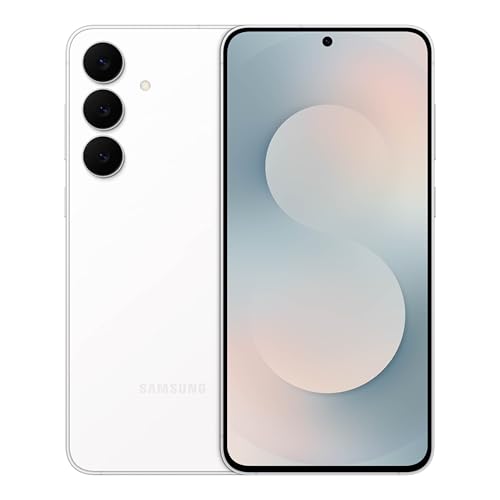

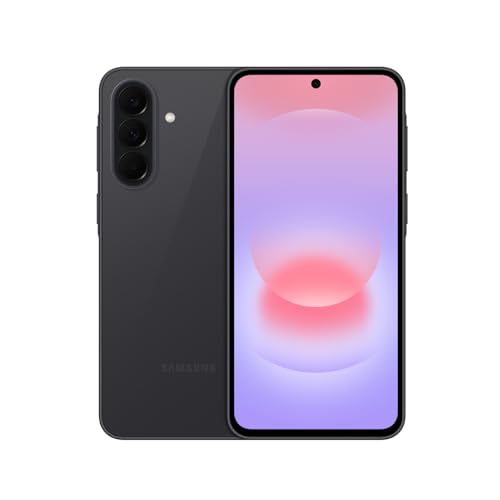
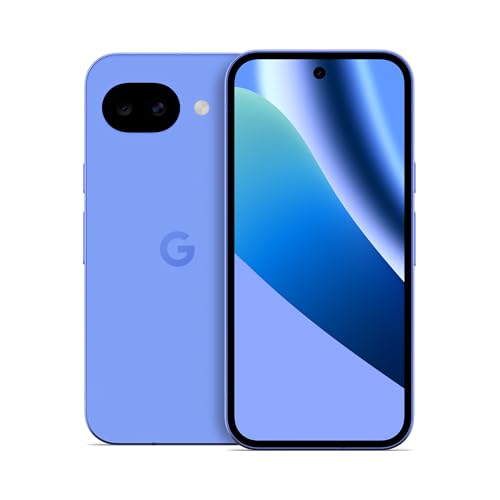

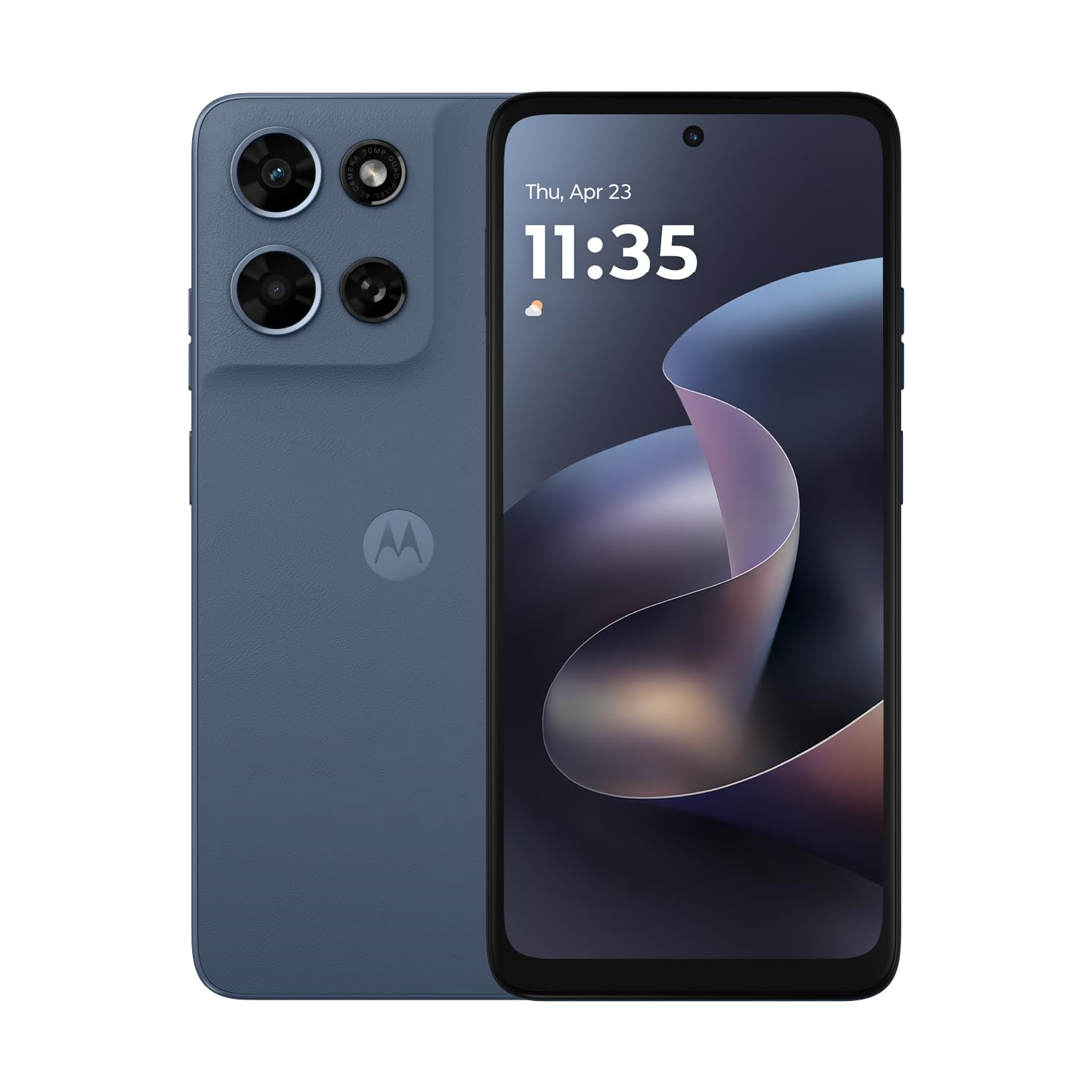

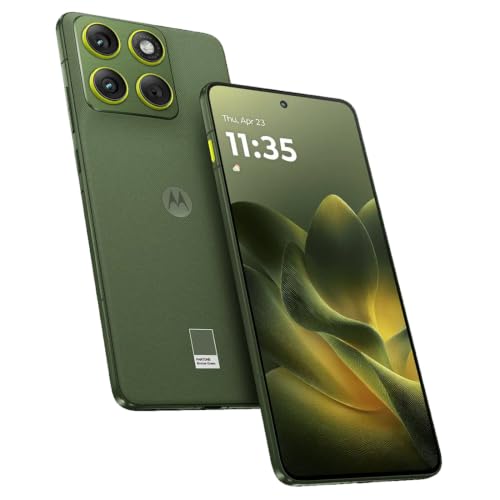

Who Should Buy Which Android Phone for Older Adults?
Age alone does not decide the right phone. Eyesight, hearing, hand strength, and daily habits matter more. Match yourself or your parent to the closest group below.
Older Adults Who Want Calls, Texts, and Calm Daily Use
Choose a simple phone with large icons, a bright screen of 6 inches or more, and strong battery life. You do not need a costly camera or gaming level speed for calls, messages, weather, and news. Look for few apps on the home screen, big contact tiles for family, and volume buttons that are easy to feel.
Seniors Who Video Call Family and Share Photos Often
Choose a midrange or premium phone with a larger OLED screen, a good front camera, and speakers that stay clear at higher volume. Night mode helps indoor photos of grandchildren look usable without harsh flash. Pick storage with room for years of family photos, and choose WiFi calling if your home signal is weak.
Older Adults Who Need Help With Vision, Hearing, or Grip
Choose a phone with strong text scaling, voice typing, magnification, and hearing aid support, and hold it before you buy. A textured case can help arthritic fingers keep a grip, and a smaller body may feel safer than the largest screen. Prioritize an emergency SOS shortcut and medical information on the lock screen.
What Each Price Tier Buys an Older Adult
Prices are guides for phones sold unlocked in the US, before carrier deals. An unlocked phone lets you keep your carrier or change carriers without new hardware. Each tier can be right if its limits match your habits.
Budget Tier: Basics for About $100 to $250
Budget phones handle calls, texts, email, maps, and light photo use. Expect a large but less bright screen and a shorter update window. A case covers most of the plastic feel. If your needs are simple, see our guide to the best inexpensive android phones and spend the savings on a case and charger.
Midrange Tier: Brighter Screens, Longer Support
Midrange phones, about $250 to $500, add an OLED screen that is easier to read outdoors, faster speed, and longer software updates. Cameras improve in low light, and battery life often reaches a full busy day. This tier removes most daily frustrations without charging for zoom or glass extras.
Premium Tier: Top Cameras, Extra Polish
Premium phones, about $600 to $1,000, bring the brightest screens, clearest speakers, and best cameras, with strong zoom and reliable night mode. Many add IP68 water resistance, wireless charging, and the longest update promises. Pay this much if photos, travel, or top sound quality are central to your life.
Key Features to Compare
Judge every phone by the six points below, in the same order. When you compare best android phones for elderly, that order keeps price from hiding basics. High refresh rate gaming screens, pro video tools, and huge zoom ranges add cost most older adults can skip.
Screen Size, Brightness, and Text Scaling
A screen of about 6.1 to 6.7 inches gives text room without making the phone hard to hold. OLED panels offer contrast that helps letters stand out, and high brightness matters near windows or outdoors. Raise text size, then check a news page. If you still squint, choose a larger or brighter screen.
Simple Menus, Large Icons, and Easy Navigation
Look for a simple home screen mode that enlarges icons and keeps calls, messages, camera, and photos on the first screen. Gesture controls can confuse new users, so choose the three button layout if offered. Voice typing and voice search reduce tapping for stiff fingers. Place call shortcuts for family on the home screen.
Loud Clear Calls and Hearing Support
Calls must be loud and clear above all. Check speaker volume with a real call in a noisy room, and check hearing aid compatibility ratings if you wear aids. Captions can help when speech is hard to follow. Ask your doctor or audiologist about personal hearing needs before relying on a phone setting alone.
Battery Life and Simple Charging
Choose a battery that lasts a full day of calls, messages, and video, so a forgotten charge does not leave you cut off. A dimmer screen setting and fewer background apps stretch each charge. USB C cables plug in either way, which helps in low light, and a charging stand keeps the phone easy to find.
Everyday Speed and Storage
Speed should feel steady when you open messages, maps, or the camera, without long pauses. If you want to see how top speed models differ, read our guide to the best performing android phones, then remember that older adults rarely need that peak power. Storage of 128 GB suits most users.
Camera Simplicity for Family Photos
A good camera opens fast, focuses on its own, and takes a photo with one tap. Night mode matters for indoor birthdays and evening meals, where flash often looks harsh. A simple camera app with large controls beats long pro setting lists. Skip extreme zoom unless you photograph distant wildlife or stage events.
How to Set Up an Android Phone for Easier Daily Use
Set aside thirty minutes for setup, with your old phone nearby. Raise text size, add a plain background with strong contrast so icons stand out, and see our guide to the best backgrounds for android phones. Next, add contact shortcuts for family and your doctor. Our guide to the best widgets for android phones shows how to place contacts, the clock, and weather on one screen.
Finish with safety and practice. Enter emergency contacts and medical information, turn on location sharing with a trusted relative if you want it, and try the SOS shortcut. Make a practice call, send one text with voice typing, and take one indoor photo. Fix anything that felt hard now.
Long Term Costs and Caring for Your Android Phone
The phone price is only part of the cost. Budget for a case, a screen protector, a spare cable, and a wall charger, since many new phones include no charger. Carrier bills, storage plans, and a battery service visit after a few years can add more. A longer update window delays replacement.
Wipe the screen with a soft cloth, keep the charging port free of lint, and install updates when the phone is plugged in and on home WiFi. Back up photos and contacts, so a lost phone does not mean lost memories. Store the phone away from steam and heat, and replace a cracked protector early.
Common Mistakes to Avoid
These errors are common, and each one is easy to prevent before you pay.
- Buying the largest screen without holding it first can leave you with a phone that slips from arthritic hands.
- Leaving text and icons at the smallest setting makes calls and messages a strain on your eyes.
- Paying for gaming level speed and extreme camera zoom raises the price without improving calls, texts, or daily comfort.
- Skipping hearing aid compatibility checks can leave you with unclear sound through your hearing aids.
- Ignoring the update window can leave your banking and health apps unsupported sooner.
FAQ
What makes an Android phone easier for older adults?
An Android phone is easier for older adults when its screen, sound, and menus reduce effort. Large text and simple menus matter more than brand or price. One fresh test helps: ask the user to call a family contact unaided. If that task takes more than a few taps, keep looking or simplify the setup.
Does an older adult need 5G on an Android phone?
Most older adults do not need to pay extra for 5G, but nearly all new models include it anyway. Strong coverage at home matters more, because a weak signal drains battery and breaks up calls. Check carrier coverage for your exact street, and ask neighbors on the same carrier how calls sound indoors.
How much storage does an older adult need on an Android phone?
Most older adults do well with 128 GB of storage. That space holds contacts, daily apps, and thousands of typical photos for a long while. If you record long family videos each week, step up at purchase, because most Android phones no longer accept memory cards. Deleting blurry duplicates each month keeps space free.
Is a midrange Android phone good enough for older adults?
Yes, a midrange Android phone is good enough for most older adults, including video calls, photos, maps, and banking apps. Its screen and speakers beat budget models by a clear margin, where daily comfort comes from. Choose this tier if the phone will be your main camera on trips, because midrange cameras handle mixed indoor light better.
How many years of software updates should an Android phone for an older adult get?
Look for at least four years of security updates, and longer if you keep phones for many years. Updates protect banking, email, and health apps from known flaws. Turn on automatic updates during setup, and check the update page every few months if a notice was dismissed, because a missed update only helps once installed.
Our Verdict
Start with comfort, not specs. A readable screen, clear loud calls, and a menu you can use without help will shape every day. Use the product table to compare those points against price, battery, and update length.
For most readers, a midrange model is the calmest long term choice, while simple needs are served well for less. Whichever tier you pick, the best android phones for elderly are the ones an owner can use with confidence every day.

