
Best Android Marshmallow Phones of 2026: Complete Buying Guide
Disclosure: We may earn a commission when you buy through links on this page, at no extra cost to you. As an Amazon Associate I earn from qualifying purchases. Learn more
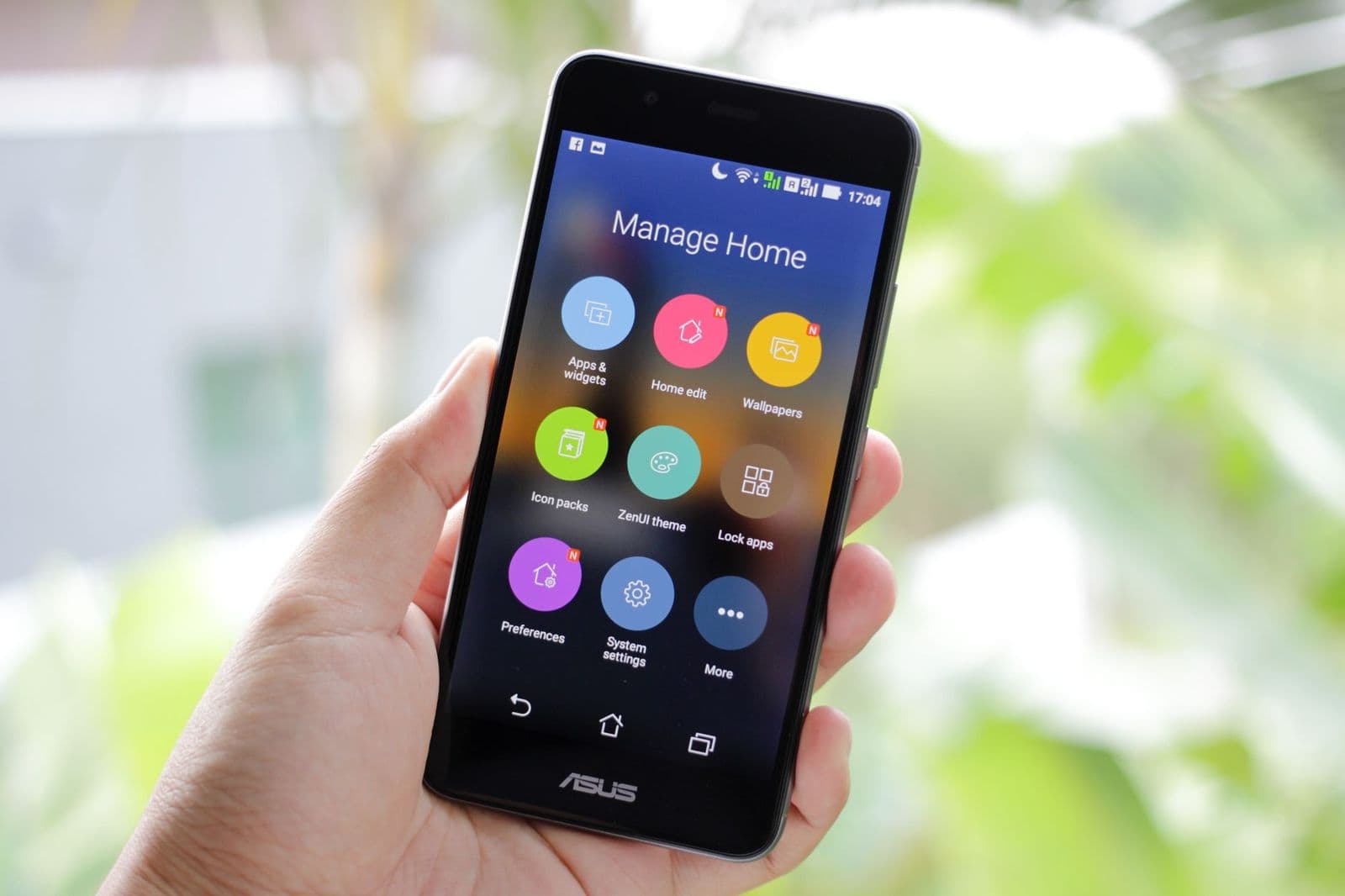
Compare Android Marshmallow phones by app support, battery health, storage, carrier bands and camera, with a clear checklist for buying a used legacy phone.
A phone that still runs Android Marshmallow can be a smart buy for a narrow job, but it is a poor choice as a main phone for most people. The best android marshmallow phones were strong flagships and mid range models in their day, and clean used examples still handle calls, music, photos and light browsing well. Check version, storage, battery health and carrier fit before you pay.
This guide treats Marshmallow as a legacy system rather than a current one. You will learn which software limits matter most, how a worn battery changes value, and when a low price is fair for a backup or testing device.
Who Should Buy an Android Marshmallow Phone?
Choose one of these phones only when your use case matches its limits. The groups below get real value from low used prices, while anyone who needs banking apps should look at newer models.
Collectors and Fans of Older Android Versions
You may want the original Marshmallow experience itself, with features such as Now on Tap, early Doze and the app drawer styles of that era. Condition matters more to you than speed, so look for a clean screen and an intact body. Clean working examples grow harder to find each year.
Buyers Who Need a Low Cost Backup Phone
A Marshmallow phone can serve as a spare for calls, texts, music and offline maps Keep your main accounts on your newer phone and treat the spare as a simple tool. If budget is the main limit, see our guide to the best inexpensive android phones for newer options that stay usable longer.
Testers and Tinkerers Who Need Android 6 on Hand
Developers and hobbyists still need real Android 6 hardware to test how an app handles runtime permissions, Doze and adoptable storage. A cheap Marshmallow phone also works as a controller for smart home gear. For layout ideas on that spare home screen, see our guide to the best widgets for android phones and keep only a few widgets active.
Key Features to Compare
Your shortlist of best android marshmallow phones should be judged on condition and software limits first. Work through them in order, because a phone that fails the first two checks is rarely worth buying.
Android Version, Patch Level and App Support
Start by confirming the exact version in settings, since phones sold with Marshmallow run Android 6.0 or 6.0.1. Security patches for this system ended years ago, so no Marshmallow phone should hold banking or work accounts. Its runtime permissions let you deny an app access to your location, contacts or microphone. Many current apps require a newer Android version and will not install at all.
Processor and RAM for Light Tasks
Flagship chips from the Marshmallow era still feel responsive for calls, messaging, music and web pages. RAM makes the bigger difference now, since a phone with 2 GB reloads apps often, while 3 GB or 4 GB keeps several apps open. If you mainly want speed for current games and demanding apps, see our guide to the best performing android phones instead.
Storage Space and Adoptable Storage
A 16 GB Marshmallow phone fills quickly once the system, essential apps and a photo library compete for space, so 32 GB or 64 GB gives you far more breathing room. Marshmallow introduced adoptable storage, which formats a microSD card as part of internal storage. Use a fast card, because a slow card makes apps stutter. An adopted card is also tied to that one phone and cannot move to another device.
Display Size, Panel Type and Screen Condition
Most Marshmallow phones have screens of about 5.0 to 5.7 inches, and a 1080p panel still looks sharp at those sizes. OLED panels give deeper blacks and can use less power with dark screens, while LCD panels avoid one used buying risk, since older OLED screens may show burn in. Test any used screen with plain white and grey images, and check brightness in daylight.
Battery Capacity, Battery Health and Doze
New batteries in these phones held about 2500 to 3600 mAh, but a used cell may hold far less, so ask about screen time, random shutdowns and any swelling. Doze stretches standby time by sleeping background activity, yet it cannot rescue a worn out cell. Models with a removable back let you fit a fresh battery cheaply, while sealed models need a repair shop.
Carrier Bands, Unlocked Status and Voice Support
An unlocked phone gives you freedom to choose a carrier, but the band list still decides whether it works well in the United States. Some imported Marshmallow models lack key US LTE bands and fall back to slow data outside cities. Carriers now expect phones to support voice over LTE, and a model without it may fail activation. Check the IMEI with your carrier before you pay.
Types of Android Marshmallow Phones
Marshmallow phones fall into clear groups from their launch years. Match the group to your job first.
Mid Range Marshmallow Phones: Decent Screens, Modest Chips
Mid range phones from this era pair decent screens with modest chips and about 2 GB of RAM. They suit backup duty, calls and music, and their low prices reflect weaker cameras and slower storage. Buy the cleanest example you can find.
Compact Marshmallow Phones With Screens Near 5 Inches
Compact phones with screens near 5 inches are easy to use with one hand and slip into small pockets. The trade off is a smaller battery that has had years to wear down. Choose one for light use around the home, and budget for a battery swap if the back opens.
Marshmallow Era Flagship Cameras: Strong Daylight, Soft Low Light
Flagship Marshmallow phones carried the best cameras of their time, with larger sensors, optical stabilization on some models and video up to 4K. Daylight photos still look pleasing, but low light shots are softer and lack modern processing. Inspect the lens for scratches and test autofocus at close and far distances.
Budget Marshmallow Phones: The Cheapest Working Spare
Budget phones from the Marshmallow launch period are the cheapest way to get a working spare, but they often have only 16 GB of storage and limited RAM. They handle calls, texts and offline music, yet struggle once you add maps, photos and several messaging apps. Buy one only at a very low price, and keep its job small.
Common Mistakes to Avoid
Most bad purchases here come from treating a legacy phone like a current one.
- Buying a Marshmallow phone as your only phone for banking leaves sensitive data on software with no security updates.
- Ignoring battery swelling, heat or random shutdowns can leave you with a phone that fails within weeks.
- Assuming every unlocked Marshmallow phone works on your carrier can leave you with no voice service after activation.
- Choosing a 16 GB model for photos and offline maps fills the storage and makes app installs fail.
- Paying high prices for a worn used phone ignores the added cost of a battery swap and a case.
Setup and Care Tips for Android Marshmallow Phones
Start with a factory reset, then sign in with a secondary Google account rather than your main one. Review each app permission after setup, remove apps you do not recognize, and set a screen lock plus a fingerprint if the phone offers one. Keep the home screen light, since live widgets use memory these phones cannot spare.
Protect the phone with a case and a screen protector, because parts for these models get scarcer every year. Charge on a cool, flat surface and avoid leaving the phone in a hot car, since heat ages an old battery fast. Back up photos and contacts regularly to a computer or cloud account.
FAQ
Can an Android Marshmallow phone still run current apps?
Some basic apps still run, but many current apps require a newer Android version and will not install on a Marshmallow phone. Before you buy, check the store listing for each app you truly need and read its minimum version note. A service offered through a web page may cover a gap, although such pages can feel slow on old hardware.
How much storage does an Android Marshmallow phone need for light use?
Choose at least 32 GB if you plan to keep photos, offline maps and a few messaging apps on an Android Marshmallow phone. One point buyers miss is that messaging apps store every photo and video you receive, and that pile can grow by several gigabytes in a year. Clear the app cache often, and move large videos to a computer.
Should I buy an unlocked Android Marshmallow phone in the United States?
Yes, an unlocked model is the safer buy, provided you test it with your own SIM card during the return window. Make a call, send a text and load a web page on mobile data, because a phone can show signal bars yet still fail at calls. A seller who accepts returns is worth a premium here.
Is a mid range Android Marshmallow phone good enough for everyday use?
A mid range Android Marshmallow phone is good enough for light everyday use for calls, texts, email and music. It is less suited to being your only phone, because group video calls strain its camera and microphone and can make the body warm within minutes. Keep demanding tasks and important accounts on newer hardware.
How long can you safely use an Android Marshmallow phone without software updates?
There is no safe period for sensitive accounts, because an Android Marshmallow phone no longer receives security fixes at all. The safer pattern is to give the phone low risk jobs only, such as playing downloaded music, showing recipes or controlling lights on your home WiFi. Avoid storing a password vault or payment cards on it.
Final Thoughts
Judge every candidate by three checks: app support for the jobs you need, honest battery health, and confirmed carrier fit. If a phone passes all three at a fair used price, it can serve well in a narrow role.
Keep the job small, and the best android marshmallow phones still offer honest value as backup, testing and media devices. Buy the cleanest example you can find, and walk away from any phone that fails the basic checks.


