
Best and Most Reliable Laptops: Every Type Explained Side by Side for 2026
Disclosure: We may earn a commission when you buy through links on this page, at no extra cost to you. As an Amazon Associate I earn from qualifying purchases. Learn more

Compare the best and most reliable laptops by type, build quality, battery, and support with a clear checklist for choosing a laptop that lasts.
Reliability means different things depending on how you work: years without a repair, a battery that still lasts the day, or support that actually helps when something fails. This guide compares the main laptop types side by side so you can find the best and most reliable laptops for your routine, not just the fastest ones.
You will see how each type is built, who it suits, and where its weak points hide, followed by the parts and habits that decide long term dependability. Start with the comparison table below, then focus on the type that matches how and where you use a laptop.
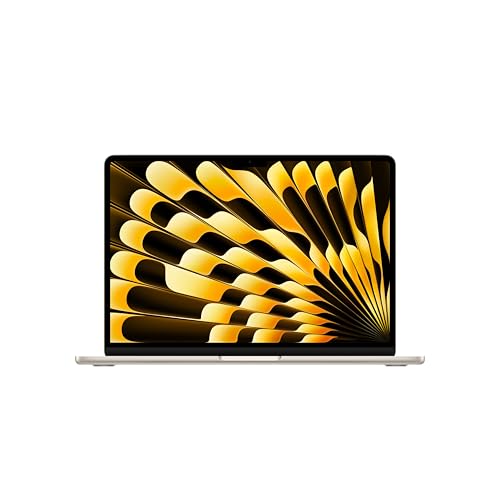


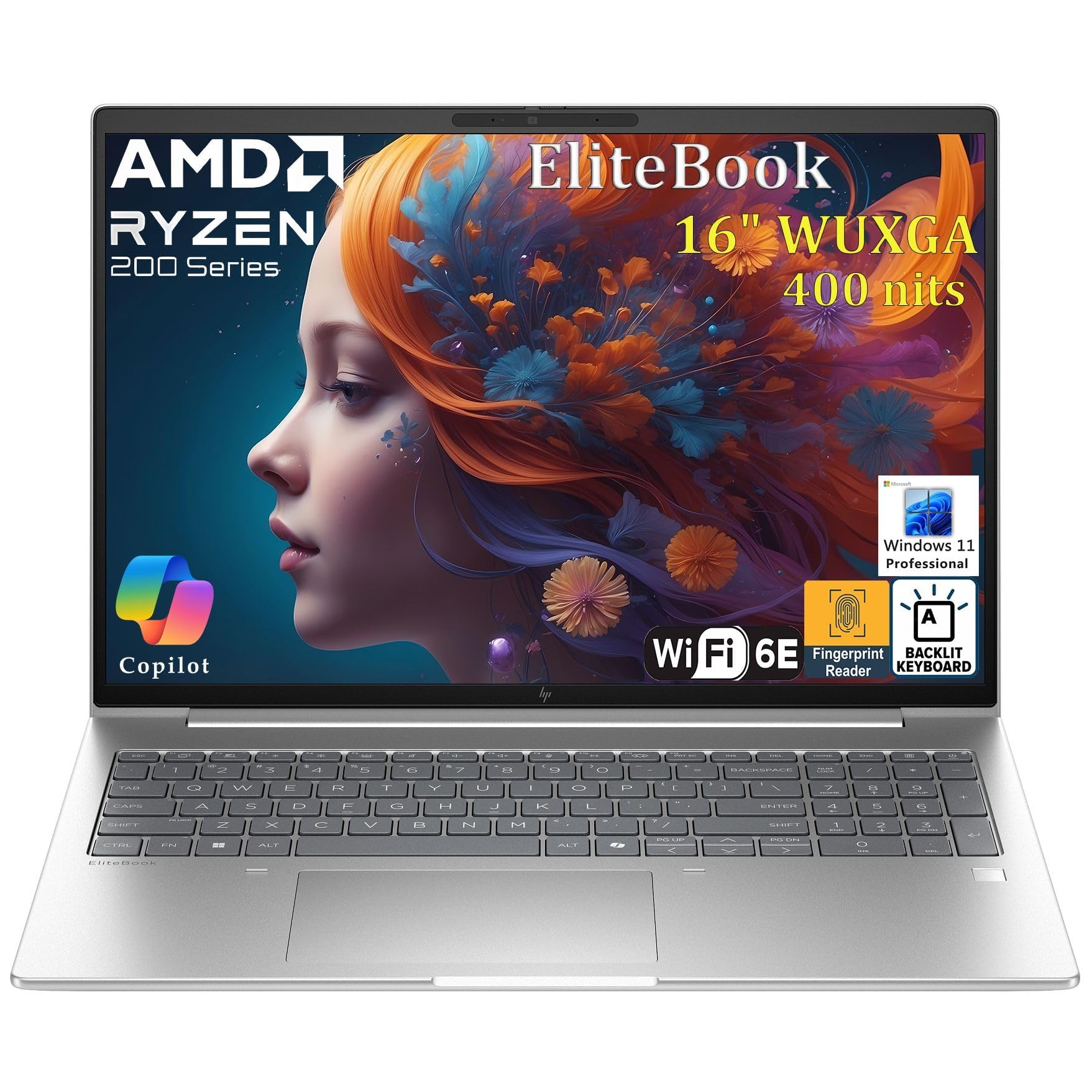
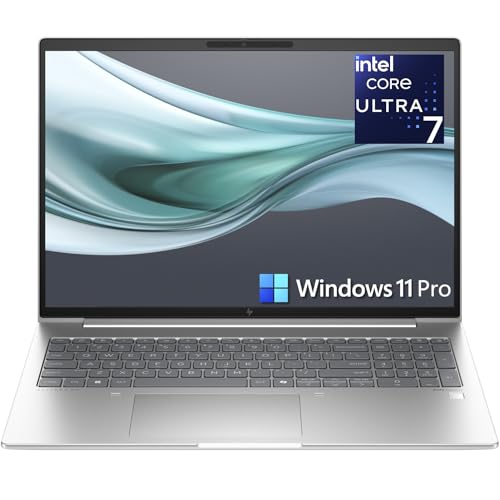
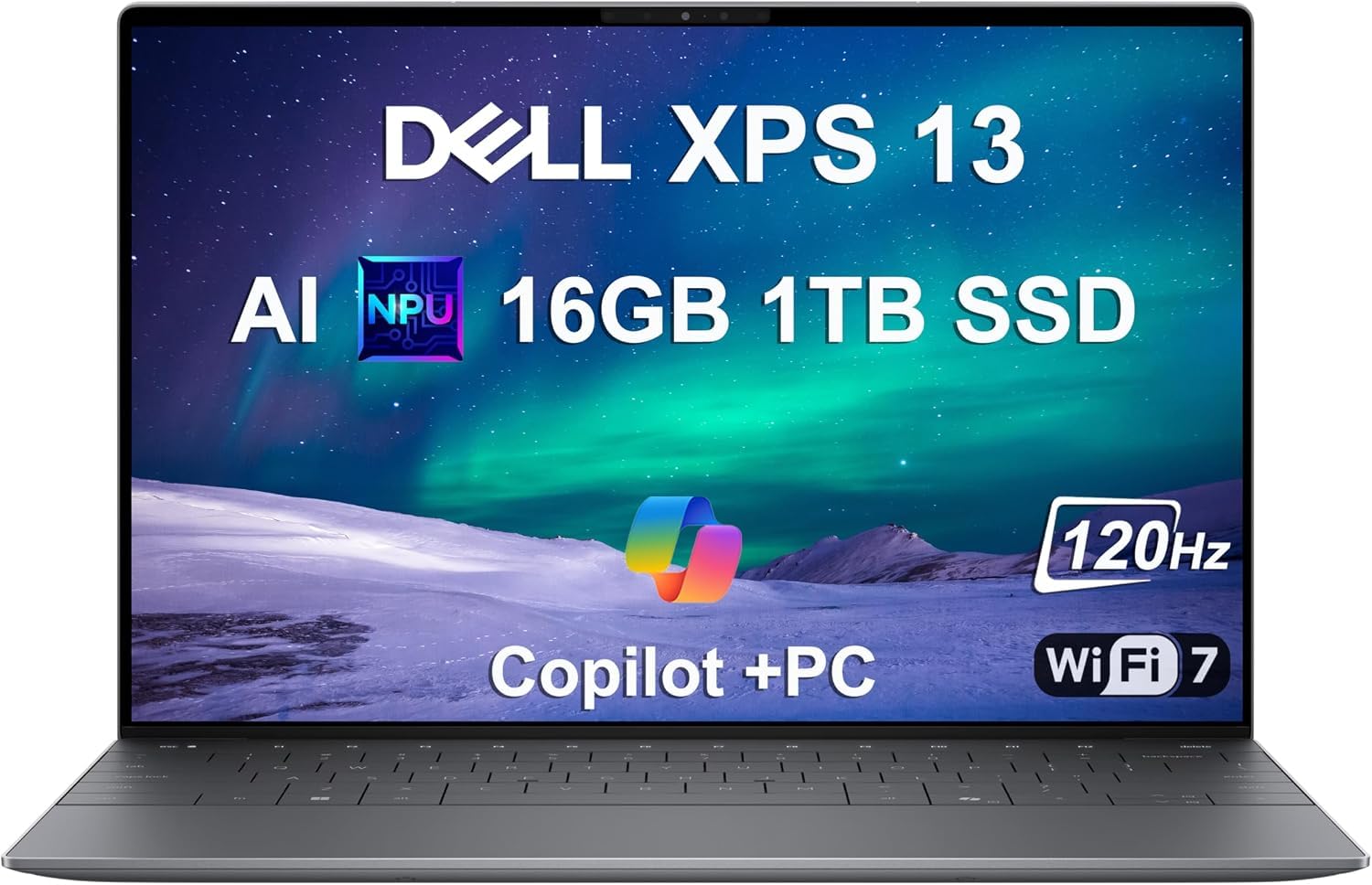


Types of the Best and Most Reliable Laptops Compared
Start with a quick map of the four types. Two in one convertibles usually cost around $500 to $1,100 and suit note takers who want one flexible device. Tablets with keyboard cases run around $250 to $700 and suit readers and light users. Ultraportables cost around $650 to $1,200 and suit daily carriers who value low weight and long battery life. Chromebooks sit around $250 to $500 and suit web based work with minimal upkeep. Each type below explains how it works, its strengths and limits, and who should choose it for dependable service.
2 in 1 Convertibles
A two in one convertible is a laptop whose screen folds back a full circle, turning it into a tablet for notes, drawing, or presenting. The flexibility is genuinely useful for students and teachers who mark documents by hand. The reliability question is the hinge and the touch screen: a strong hinge design lasts for years, while extra moving parts and a glass front add repair risk compared with a plain laptop. Choose this type if you will use the pen or tablet mode weekly. If you would rarely fold it back, a standard laptop gives you fewer parts to fail for the same money.
Tablets
A tablet used as a laptop pairs a touch screen with a detachable or folding keyboard case. It is light, quiet, and excellent for reading, forms, and video calls, and with no fan or spinning parts it has little to break mechanically. The limits are software and ports: some work programs have weaker tablet versions, and one USB C port may need a hub for your desk setup. Tablets suit field workers, students, and travelers whose tasks are simple and mobile. For heavier documents or specialist software, treat a tablet as a companion device rather than your only computer.
Ultraportables
An ultraportable is a thin and light laptop, typically under 3 lb, built with a metal body, a bright screen, and a battery sized for a full workday. This type has the strongest reliability story for most people: quality hinges, solid keyboards, and efficient parts that run cool and age slowly. The higher price, often around $700 or more, buys better components and usually better support options. Choose an ultraportable if you carry your laptop daily and want one machine to last four or five years. Compact models in this class overlap with our guide to the best notebook laptops.
Chromebooks
A Chromebook runs ChromeOS, a simple system built around the browser that updates itself quietly and resists most malware. With few moving parts, modest power needs, and long battery life, Chromebooks have a strong record of trouble free school and office service. The limit is software freedom, since you cannot install standard Windows or macOS programs. Choose a Chromebook if your work lives in web apps, email, and documents, and you value a machine that needs almost no maintenance. Check the update end date before buying, because each model stops receiving updates after a set year.
2 in 1 Convertibles vs Tablets: Which Should You Choose?
Compare these two flexible formats on five points. For typing, the convertible wins, because its real hinged keyboard works on your lap, while most tablet keyboards need a flat surface. For reading and handwriting, the tablet wins on weight and simplicity. For software, the convertible runs full desktop programs, while the tablet depends on app versions. For durability, the tablet has fewer moving parts, but its keyboard case wears out sooner than a laptop hinge. For price, tablets start lower, yet converge once you add a good keyboard and pen. Choose the convertible for a main computer, and the tablet for a light second device.
How to Choose the Right Reliable Laptop
Processor and Performance Tier
For reliability, a mid range processor is the sweet spot, because it runs cool, sips power, and still feels fast after years of updates. Current mid range chips from the major processor families handle office work, browsing, and video calls with ease, while higher tiers mainly help gaming and heavy creation. Very cheap entry chips are the risky buy, not because they break, but because they feel slow quickly and push you toward early replacement. A laptop that stays fast enough is a laptop you keep, and keeping it is the cheapest form of reliability.
Operating System (Windows, macOS, ChromeOS, Android, iPadOS)
Your operating system decides update length, repair options, and how much upkeep you face. Windows offers the widest software choice and many local repair shops. macOS pairs with tightly built hardware and long software support, though repairs run through fewer channels. ChromeOS needs the least maintenance and suits web based work. Android and iPadOS belong to tablets, where simplicity is high but desktop class software can be missing. Pick the system your work already uses, because a familiar system with quick support beats a theoretically better one you struggle to maintain.
RAM and Storage
Sixteen gigabytes of RAM is the reliable choice for a laptop you plan to keep, because software grows heavier every year and 8 GB already feels tight with many browser tabs open. For storage, a solid state drive is essential: it has no moving parts, resists bumps, starts the machine in seconds, and fails far less often than an old spinning drive. Choose 512 GB if you store photos, video, or large work files, and 256 GB only if most of your life is in cloud storage. Neither RAM nor storage can be upgraded on many thin models, so buy for year four, not just year one.
Keyboard, Trackpad, and Build
Build quality is where reliability becomes visible. A metal chassis resists flex, protects the screen in a bag, and keeps hinges aligned for years. Keys should feel firm with clear feedback, and the trackpad should track smoothly without rattling. Check that ports are not loose and that the lid opens without the base lifting. A practical check in a store: lift the laptop by one front corner with the lid open. A stiff body that does not creak or flex much is a good sign for long service. If value is the priority alongside durability, our guide to the best reasonable laptops balances the two.
Choosing Reliable Laptops for Your Situation
Best Most Reliable Laptops for Students
When you weigh best most reliable laptops for students, think about survival in backpacks, shared houses, and lecture halls. A sturdy ultraportable or a well built Chromebook beats a fragile gaming machine for campus life. Battery life that covers a full day matters because outlets in old buildings are scarce. Students should also value a warranty that covers accidents, since spills and drops are common, and a price that leaves room in the budget for that coverage.
Best Affordable Reliable Laptops: Which Type Works Best
Among best affordable reliable laptops, Chromebooks and mid range Windows ultraportables give the most dependable years per dollar. Around $400 to $600, look for a metal or reinforced body, 16 GB of RAM if possible, and a solid state drive, and accept a simpler screen to fund those parts. Avoid the very cheapest models with dim screens and tiny drives, because they are replaced early and cost more over time. Our guide to the best economical laptops explores this value first approach in more depth.
Best Reliable Laptops for College Students: Which Type Works Best
For best reliable laptops for college students, the target is one machine that survives a full degree without a mid course replacement. A light ultraportable with 16 GB of RAM, a 512 GB drive, and strong battery life fits most majors, while engineering and design students may need more power. College buyers should confirm campus repair options and loaner programs, because fast help during exams is part of reliability. See our guide to the best laptops for college for major by major suggestions.
Tips to Get the Most From Your Reliable Laptop
Good habits add years to any laptop. Keep the operating system and firmware updated, since updates fix security flaws and often improve battery behavior. Avoid running at 100% charge all the time if your model offers a charge limit, because a battery held near the middle wears more slowly during desk use. Use a padded sleeve when commuting, and keep drinks a short distance from the keyboard, because liquid damage is the repair most warranties exclude. Finally, back up important files weekly so a hardware failure is an inconvenience, not a disaster.
Frequently Asked Questions
Is a dedicated GPU worth it for reliability?
A dedicated graphics card is worth it for gaming, 3D work, and heavy video editing, but it does not improve reliability. It adds heat, fan wear, and cost, and its drivers need more attention over the years. For office work, study, and browsing, integrated graphics are simpler and usually last just as long with less noise. Buy the graphics card for the tasks that need it, not as insurance. If your work is text and web based, spend that money on a better screen and more RAM instead.
How long should a reliable laptop last?
A reliable laptop should last about five years of daily use, and many serve six or seven for lighter tasks. The battery is usually the first part to fade, often around year three or four, and replacing it can restore full mobility for a modest cost. Screens, keyboards, and solid state drives commonly outlast the useful software life of the machine. You will know replacement time is near when updates end, the battery no longer holds a workable charge, and repairs approach the value of the laptop itself.
Is a Chromebook enough for school?
A Chromebook is enough for school when lessons, homework, and research run through the browser, which covers many classrooms today. It is not enough when a course requires specific Windows or macOS software, advanced creative tools, or offline programs for labs. The smart move is to read the school software list before buying, because one required program settles the question. When a Chromebook does fit, its low upkeep and long battery life make it one of the most dependable choices a student can own.
Should I buy a laptop or a tablet?
Buy a laptop if it will be your main computer, because full software, a real keyboard, and easy file handling matter over years of work and study. Buy a tablet if your days center on reading, forms, video, and notes, and you value the lightest possible bag. Some people choose a convertible to cover both roles in one device. Timing can help your budget too: our guide to the best time to purchase laptops explains the seasons when prices usually soften.
How much RAM do I need for a laptop to stay reliable?
Sixteen gigabytes is the amount that keeps a laptop feeling reliable for years, because it leaves room for software growth and heavy browser use. Eight gigabytes still works for light tasks and Chromebooks, but it is the first limit you will feel as apps grow. Thirty two gigabytes suits video editors and people who run virtual machines. Since many thin laptops cannot be upgraded later, choosing 16 GB now is a small payment toward a longer useful life.
The Bottom Line
Reliability comes from a stiff build, sensible mid range parts, 16 GB of RAM, a solid state drive, and a seller who will support you in year three. Compare your finalists in the product table above, favor the type that matches your daily routine, and you will own one of the best and most reliable laptops for your needs long after faster but flimsier machines have been replaced.


