
Best Amp for Computer Speakers: A First Time Buyer's Guide for 2026
Disclosure: We may earn a commission when you buy through links on this page, at no extra cost to you. As an Amazon Associate I earn from qualifying purchases. Learn more

Shopping for the best amp for computer speakers for the first time? Learn the terms, compare options, and avoid rookie mistakes with this easy guide.
Your desk speakers sound thin, quiet, or fuzzy at the volume you actually want, and someone told you an amp would fix it. Sometimes that is true, and sometimes the honest answer is that your speakers already contain an amp and the real problem sits elsewhere. This guide sorts that out in plain language before you spend anything.
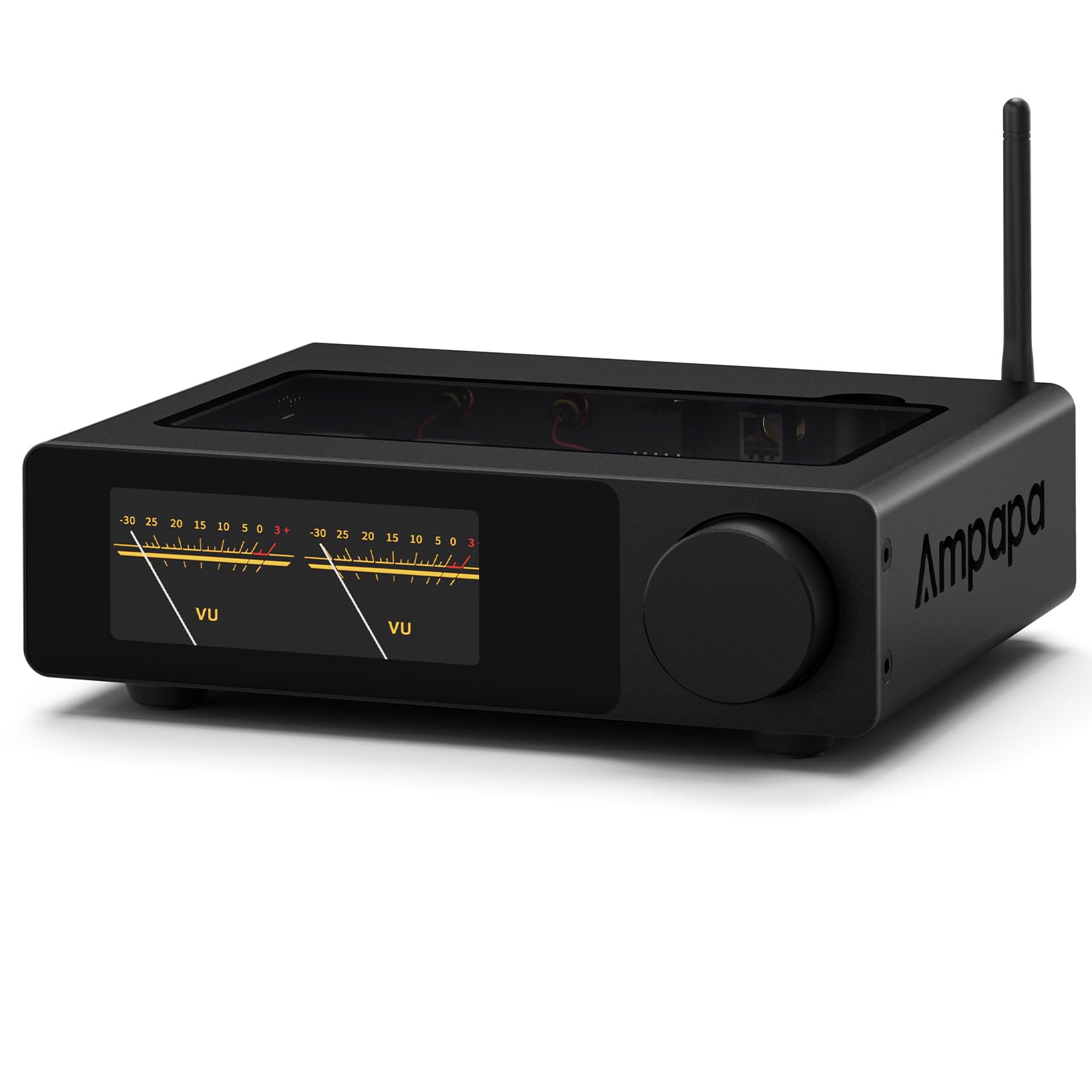
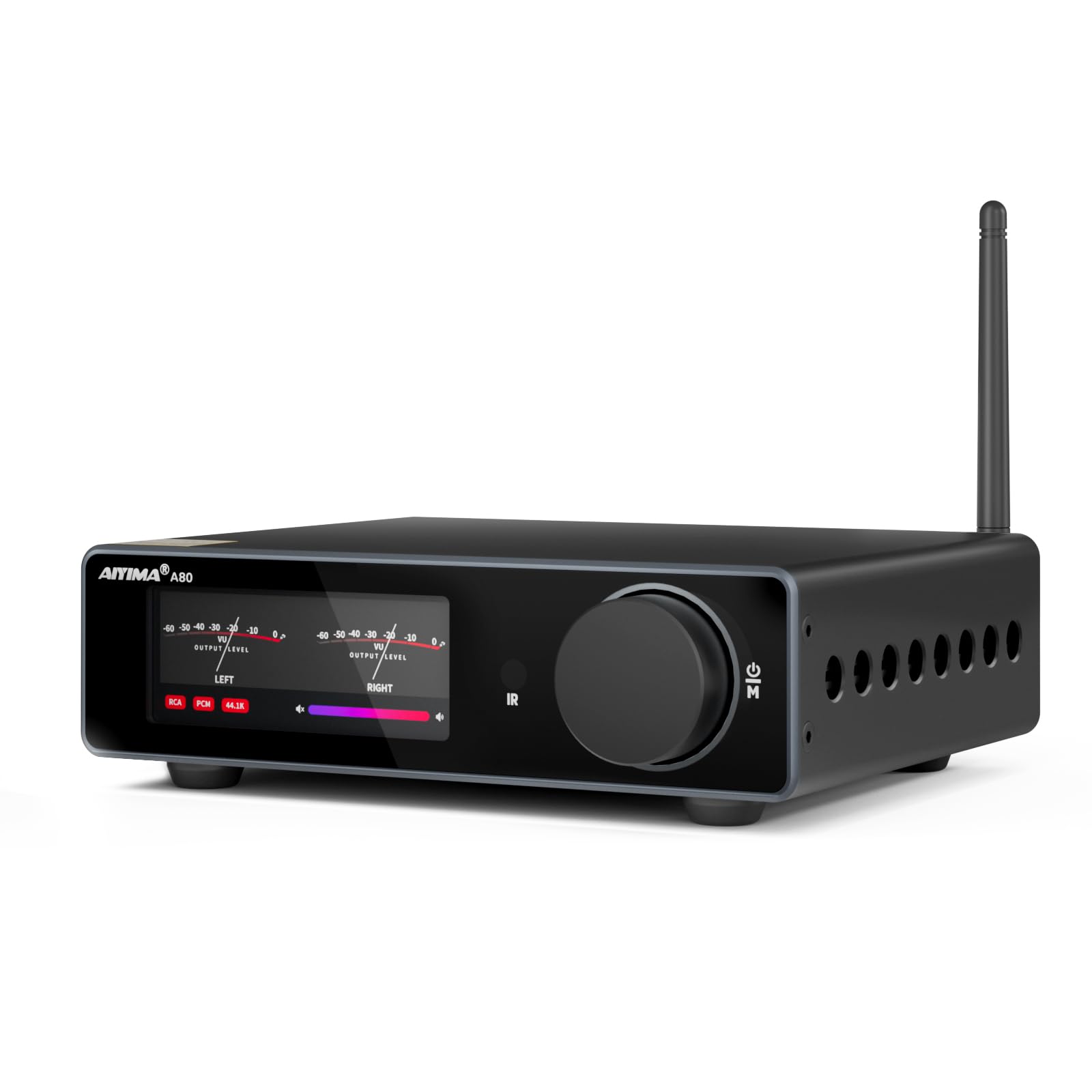
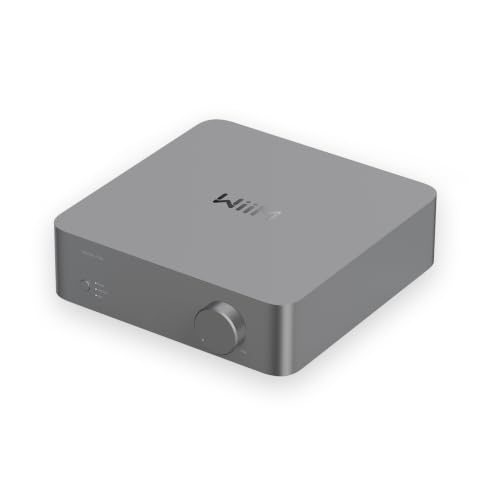
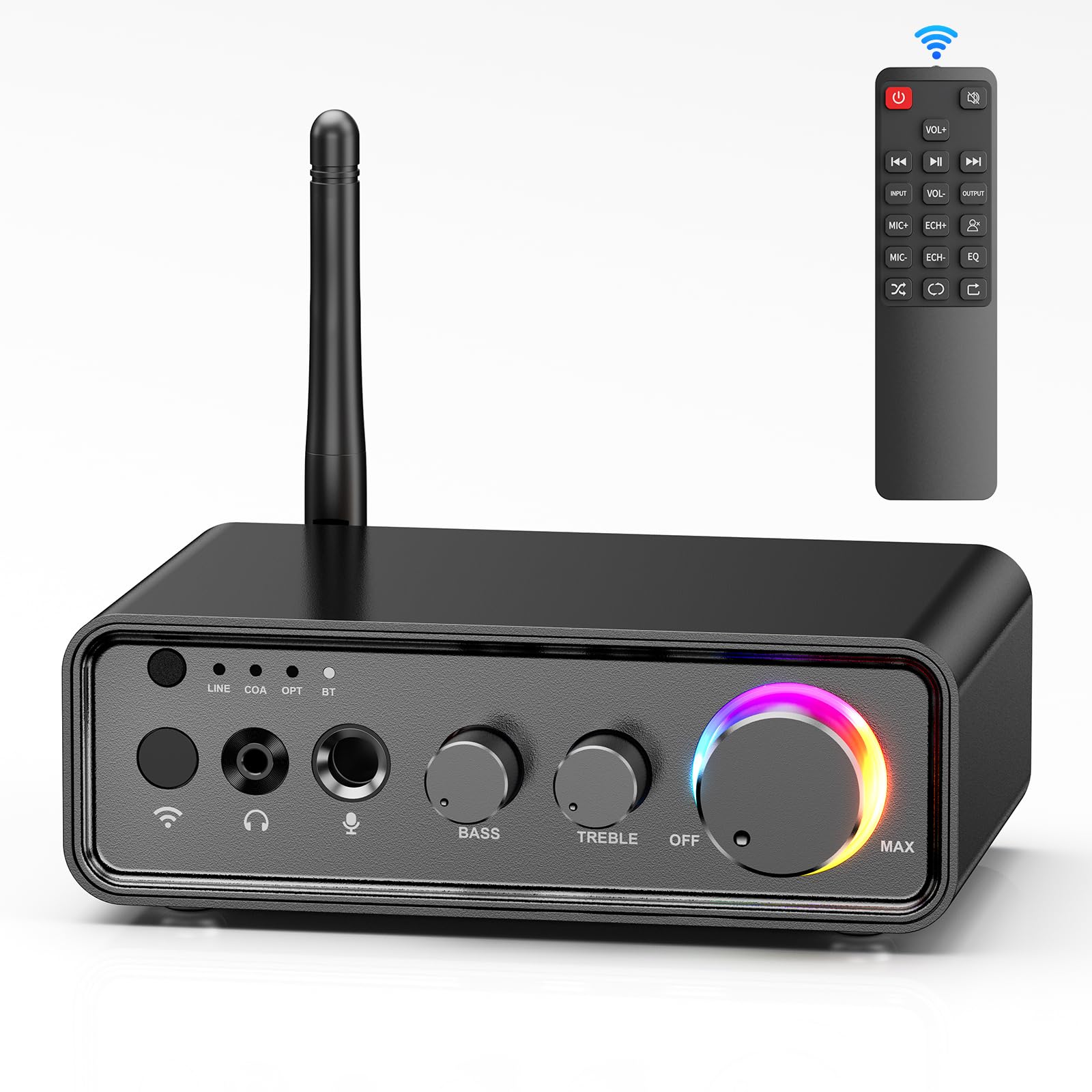
We will start with what an amp does at a desk, translate the spec sheet into simple terms, and show you how to choose the best amp for computer speakers for passive desktop speakers. Keep the comparison table below in mind as you read, because the checklists here will help you read its rows with confidence.



Amps 101: The Basics
First, find out what kind of speakers you own. Powered speakers, also called active speakers, have an amplifier built in and plug into the wall. They need no external amp, and adding one is not possible or useful. Passive speakers have only speaker wire terminals and stay silent until an amp drives them. An external amp matters only for that second group.
An amp takes the audio signal from your computer, which is strong enough for headphones but far too weak for passive speakers, and boosts it to speaker level. Along the way it gives you a physical volume knob, tone controls on many models, and often a headphone output for late night listening. For broader background on amp types before you commit, see our guide to the best amp for speakers.
At a desk you listen from about two to three feet away, which changes everything compared with a living room. Tiny amounts of power sound loud at that distance, but hiss and hum that would vanish across a room become obvious up close. That is why desktop amp shopping is mostly about clean, quiet power rather than big watt numbers.
Key Specs Explained in Plain English
Features That Matter for Computer Speakers
For near field desktop listening, about 10 to 30 watts per channel is genuinely plenty, because you sit so close to the speakers. What deserves your attention is a low noise floor: look for a signal to noise ratio around 95 dB or better so quiet passages stay silent instead of hissy. A USB input is valuable because it bypasses the noisy headphone jack inside many computers, giving the amp a clean digital signal. Add a headphone output and a subwoofer output if you might grow the system, and you have the feature set that matters at a desk.
Sound Quality and Tuning
Desktop speakers sit close to walls and monitor screens, which boosts bass and can muddle voices. Simple bass and treble controls on the amp let you trim that boom without software fiddling. Frequency response of a decent amp spans the full 20 Hz to 20 kHz range evenly, so the amp adds no color; your speakers and their placement set the sound. If your main use is video calls and spoken content, favor a neutral tuning that keeps voices clear over a bass heavy presentation. Our guide to the best sounding computer speakers covers the speaker side of that equation.
Microphone Quality for Calls and Voice Chat
An amp contains no microphone, so it cannot improve how you sound on calls by itself. Your voice quality comes from your microphone and its placement, ideally a foot or less from your mouth. Where the amp helps is on the listening side: clean amplification makes teammates and game chat easier to understand at low volume. Some desktop amps add a headphone output with a microphone passthrough for headsets, which keeps Discord and meeting audio on one device. If voice chat is central to your desk, plan the microphone first and treat the amp as the playback half of the setup.
Power Source: USB and Wall Power Options
Desktop amps draw power in two ways, and the choice shapes performance. Small USB powered amps sip power from your computer and suit tiny speakers at modest volume, but they run out of steam quickly on demanding music. Wall powered amps use their own supply and deliver fuller, cleaner sound with headroom to spare. There is no battery in either design, since a desk amp stays put. If your speakers are anything beyond miniature, choose wall power and plug the amp into the same outlet strip as the computer to reduce ground hum.
Desk Footprint, Controls, and Daily Comfort
Comfort at a desk means the amp fits your space and your hand finds the volume knob without looking. Compact amps about the size of a paperback suit most desks, while deeper units need shelf space behind the monitor. Check the depth with cables attached, because USB and speaker wires add inches. A smooth, precise volume knob matters more than extra buttons, since you will touch it dozens of times a day. Gamers who reach for controls mid session should look at our guide to the best computer speakers for gaming for setups built around fast access.
Durability and Water Resistance at a Desk
Skip IP ratings entirely for a desktop amp, because it lives indoors and no rating applies. The real desk hazards are coffee spills, dust in the vents, and cables yanked when a chair rolls over them. A metal case shrugs off knocks better than thin plastic, and top vents need a clear inch or two above them. Route cables behind the desk edge so a spilled drink runs away from the amp, not into it. Wipe dust from vents monthly with a dry cloth, and the amp should serve quietly for years.
Rookie Mistakes to Avoid
- Buying an amp for powered speakers. If your speakers plug into the wall and have their own volume knob, they already contain an amp, and an external one adds nothing.
- Chasing huge watt numbers. At desk distance, clean power beats big power, and an honest 20 watts per channel will play louder than you should listen.
- Feeding the amp from a noisy headphone jack. A USB input avoids the hiss and interference that many built in computer outputs carry.
- Ignoring ground hum. Buzzing often comes from power loops, so plug the amp and computer into the same outlet strip before blaming the gear.
- Blocking vents under a monitor stand. Amps need breathing room, and a sealed cubby shortens component life even at desktop power levels.
Budget deserves one honest note for first time buyers. A modest amp paired with decent passive speakers often sounds better than expensive electronics driving poor speakers. If your total budget is small, our guide to the best inexpensive computer speakers helps you split money wisely between speakers and amplification.
Getting Started: Setup and First Use
Setup takes about ten minutes. Place the amp where the volume knob is easy to reach and the vents stay clear. With everything off, connect speaker wire from the amp to each passive speaker, matching positive to positive so both play in phase. Connect the amp to your computer with USB if available, since that gives the cleanest signal, or with a short analog cable otherwise.
Start with the amp volume low and your computer volume near maximum, then raise the amp knob slowly to a comfortable level. Controlling volume at the amp keeps the digital signal full strength and the sound cleanest. Play a familiar song and a voice call recording to check both music and speech. Keep the firmware updated if your amp accepts updates, because makers fix USB quirks that way. If you hear hum, reseat cables and confirm the amp and computer share one outlet strip.
FAQs
What features matter most in amps for computer speakers?
A quiet noise floor, a USB input, and a good volume knob matter most at a desk. Look for a signal to noise ratio around 95 dB or better and about 10 to 30 watts per channel, which is ample at arm length. A headphone output adds late night flexibility, and a subwoofer output keeps an upgrade path open if voices and music later feel light in the bass.
Wired or wireless: which sounds better for computer speakers?
Wired sounds better and behaves better at a desk, where the amp sits inches from the computer anyway. A USB connection carries a clean digital signal with zero pairing fuss and no latency worries for video or games. Bluetooth is handy for quick phone playback when a friend shares a song, but it can add delay that makes lips and voices drift apart on video. Choose wired as your main path and treat wireless as a bonus input.
Do I need a special codec for an amp for computer speakers?
No codec matters when you connect by USB or cable, which is how a desk amp should be fed. Codecs only enter the picture over Bluetooth: AAC suits Apple phones, aptX suits many Android phones, and LDAC offers the highest wireless quality. For gaming and video, even the best codec adds some delay, so wired stays the right default. Pick codec support only if phone streaming to your desk will be a daily habit.
How long does the battery last in an amp for computer speakers?
A desktop amp has no battery, because it runs on USB power or a wall supply while it sits at your desk. Battery life questions belong to portable speakers, a different category. The practical checks here are standby draw and heat: an efficient amp sips power when idle and stays cool under a monitor. If you need sound away from the desk, pair a portable speaker with your laptop rather than expecting the desk amp to travel.
Wrapping Up
Confirm your speakers are passive, then shop for quiet and clean rather than loud: a low noise floor, a USB input, about 10 to 30 honest watts, and a knob you enjoy turning. Add a subwoofer output if growth is likely, and remember that a future sub pairs well with the options in our guide to the best computer speakers with subwoofer. Check the product table above against those points, and the best amp for computer speakers for your desk will be easy to spot.


