
Best AMD Powered Laptops: Our 2026 Checklist and Buying Guide
Disclosure: We may earn a commission when you buy through links on this page, at no extra cost to you. As an Amazon Associate I earn from qualifying purchases. Learn more
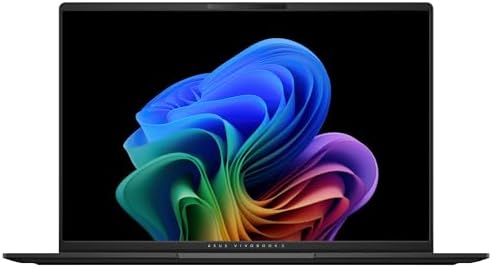
Use this checklist to choose the best amd powered laptops by processor tier, RAM, battery life, display quality, ports, and weight for work or school.
AMD chips now power some of the most balanced laptops you can buy, from light school machines to portable gaming rigs, and the spec sheets make them hard to compare at a glance. This guide gives you one checklist for the best amd powered laptops, covering the processor, memory, battery, screen, and build in the order that actually decides daily happiness. Score each candidate as you read and weak options fall away fast.
Use the comparison table below alongside the checklist, and pay attention to the trade offs behind each price. With laptops, the cheapest route to regret is buying strong performance wrapped in a screen and keyboard you dislike.

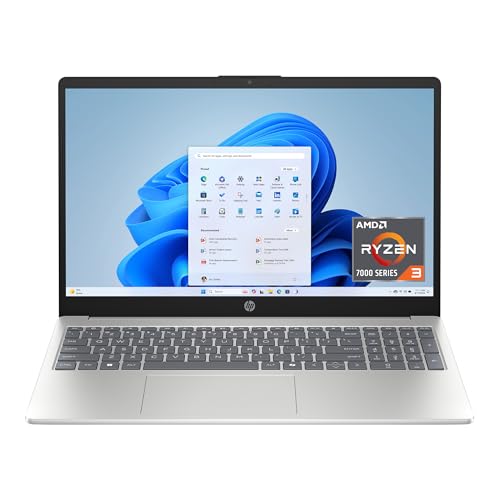




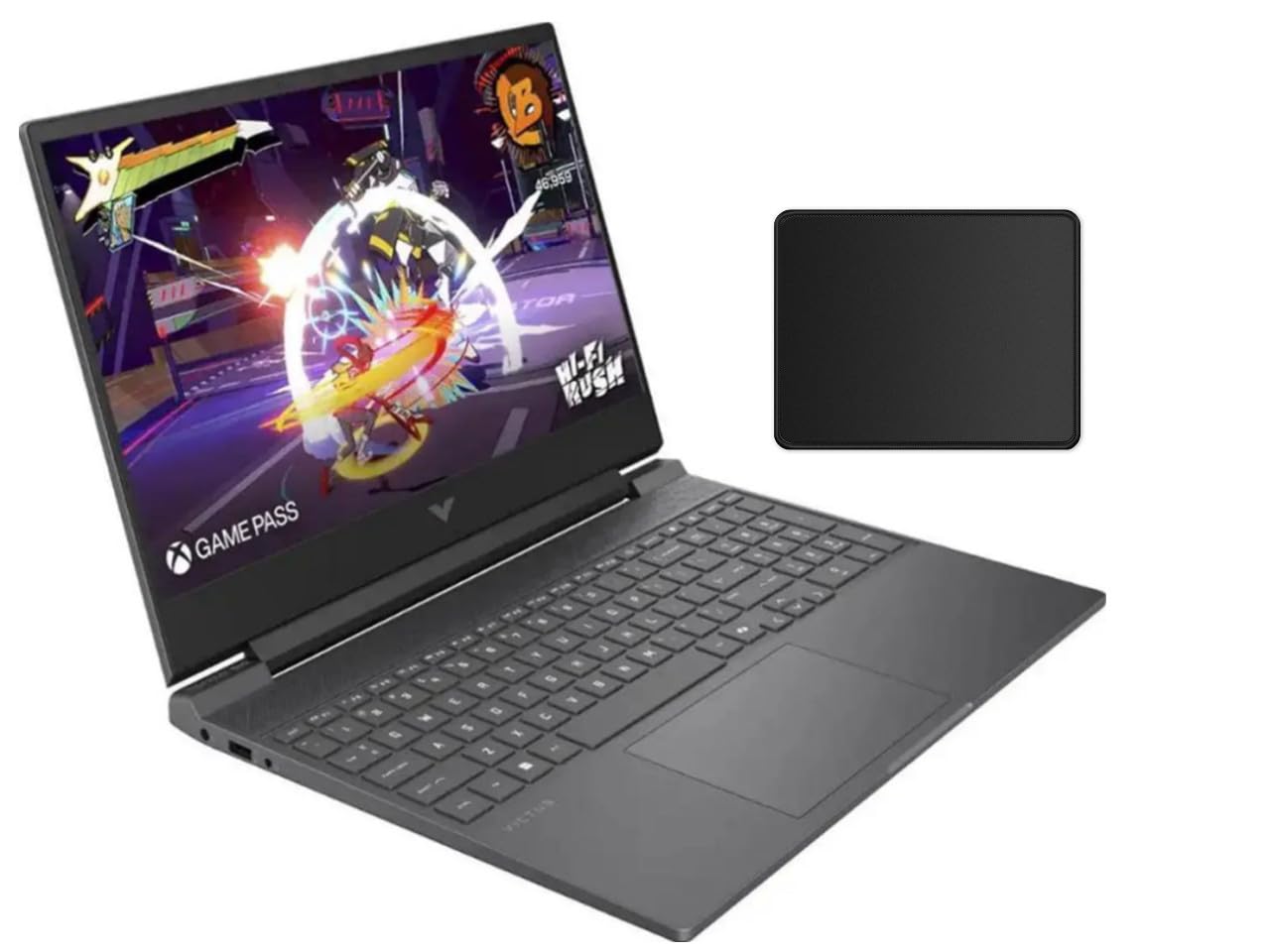
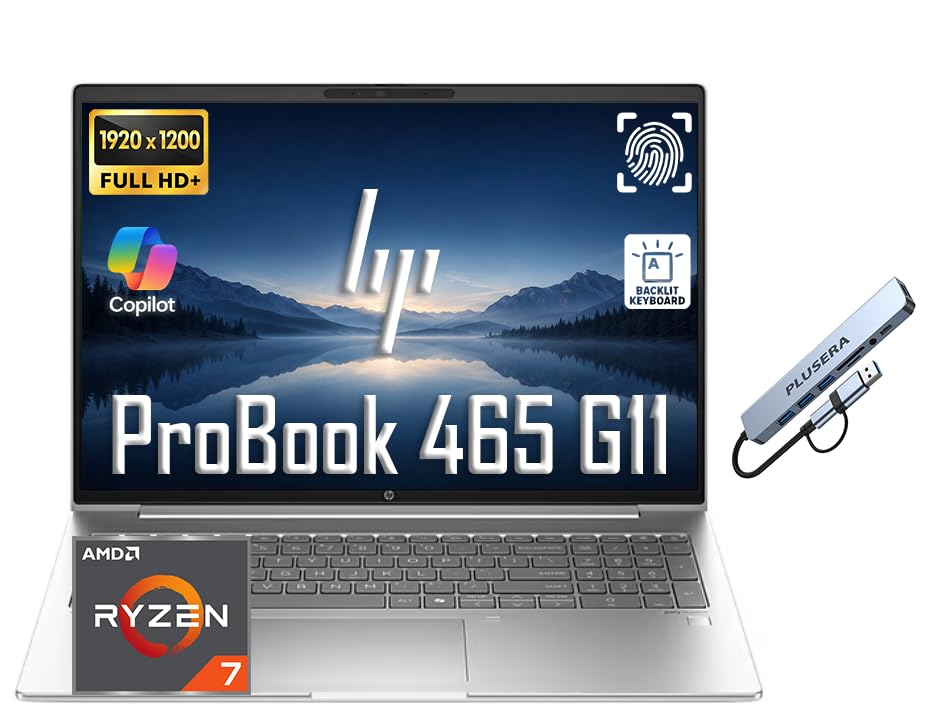

How We Evaluate AMD Powered Laptops
Processor and Performance Tier
Start with the processor tier, because it sets what the laptop can do for its whole life. Ryzen 5 class chips handle office work, school, browsing, and light creative tasks with ease, while Ryzen 7 and Ryzen 9 chips add cores for editing, coding, and heavier multitasking. Integrated graphics on modern Ryzen chips run casual games and older titles well at modest settings. If you compare across brands, Intel Core Ultra and Apple M series chips compete at similar tiers, so judge by your software needs rather than brand loyalty.
RAM and Storage
Treat 8 GB of RAM as a floor for the simplest school and browsing use, and 16 GB as the recommendation for anyone who keeps many tabs, runs office suites, or edits photos. Thirty two gigabytes suits serious creators and developers. For storage, an SSD is non negotiable, with about 512 GB giving most people real breathing room. Check whether RAM and storage can be upgraded later, because many thin laptops solder both, and a soldered 8 GB machine has no rescue path.
Battery Life in Real World Use
Judge battery claims with suspicion and look for results measured in mixed real world use: browsing, documents, and video at moderate brightness. A good student or travel laptop should give roughly eight to ten hours of that work, while gaming laptops often give half that away from the wall. Fast charging over USB C is worth real money if you top up between classes or meetings. Remember that bright screens and discrete graphics cut runtime hard, so match the battery to your longest typical day.
Operating System (Windows, macOS, ChromeOS, Android, iPadOS)
AMD powered laptops run Windows in almost every case, with a smaller set of ChromeOS models for schools. Windows suits the widest software range, from office suites to games to specialist course tools. ChromeOS is simpler and cheaper but depends on web apps and the Play Store, which covers Android apps unevenly. macOS and iPadOS live on Apple hardware only, so choosing them means leaving AMD behind. Pick the system your school, employer, and software already expect, and the hardware choice gets much simpler.
Keyboard, Trackpad, and Build
You touch the keyboard and trackpad every minute you use the machine, so weigh them heavily. Look for keys with clear travel and a firm deck that does not flex while typing, plus a trackpad that tracks smoothly without wobble. Aluminum shells feel solid and shrug off bag life better than thin plastic, though good plastic can still be durable. Open and close the lid with one hand if you can test in store, and check that the hinge feels even across its range.
Ports and Connectivity
A useful port set includes at least two USB C ports, one or two USB A ports for older gear, HDMI for external screens, and a headphone jack. USB C charging adds flexibility because one small charger can serve the laptop and your phone. WiFi 6E or WiFi 7 keeps wireless fast in crowded dorms and offices. If you rely on camera cards, a built in reader saves carrying a dongle, and our guide to the best notebook laptops shows how port sets vary across the wider market.
Weight and Portability
Weight decides whether a laptop actually travels with you. Under about 3 lbs feels effortless for students moving between classes all day, while machines around 4 lbs suit a desk first life with occasional trips. Gaming models with discrete graphics often pass 5 lbs before the charger, which itself can be heavy. Count the charger in your carrying total, and prefer USB C charging models that let you share one light adapter across devices.
What Each Price Tier Delivers
Budget Tier Guidance
Budget AMD laptops, roughly under $600, suit school, office work, and media with Ryzen 5 class chips, 8 to 16 GB of RAM, and 256 to 512 GB of storage. Screens are the usual compromise, so check brightness and viewing angles with care at this price. Build quality varies widely, which makes the keyboard and hinge checks in the checklist above essential. Buyers comparing sibling categories can also read our guide to the best laptops with amd for a wider view of the segment.
Midrange Tier Guidance
The midrange, about $600 to $1,000, is the sweet spot for most buyers. Expect Ryzen 7 class performance, 16 GB of RAM, brighter and more accurate displays, metal builds, and batteries that honestly last a workday. This tier handles photo editing, light video work, and casual gaming without drama. If a laptop will serve as your only computer for four or five years, aim here and spend remaining budget on storage rather than on the fastest chip option.
Premium and Gaming Tier Guidance
Above about $1,000 you pay for stronger chips, discrete graphics, high refresh rate displays, and slimmer metal designs. These machines suit creators, engineers, and gamers who need portable power and can accept shorter battery life under load. The gains are real but narrow, so name your demanding task before paying. Shoppers focused on the processor itself may also like our guide to the best laptops with amd processors and our guide to the best amd cpu laptops.
Quick Buyer Checklist
- Does the Ryzen tier match your heaviest regular task, with one step of headroom?
- Is RAM at least 16 GB, or can it be upgraded later if it starts at 8 GB?
- Is storage at least 512 GB, given how fast photos, games, and course files grow?
- Does the battery cover your longest typical day away from an outlet?
- Is the display bright enough for your rooms, with a refresh rate that suits your games?
- Are the keyboard, trackpad, and hinge quality ones you can live with daily?
- Does the port set cover your monitor, drives, and charging without a bag of dongles?
- Is total carrying weight, charger included, honest for your commute?
Red Flags to Watch For
- Soldered 8 GB RAM at a midrange price. You pay premium money for a limit you can never fix.
- Dim, dull displays. A screen under about 300 nits strains eyes in bright rooms and no processor upgrade cures it.
- Vague battery claims. Ratings without a stated test method usually hide weak real world results.
- Single USB C port with no other charging path. One damaged port can sideline the whole machine.
- Short warranty with no local service path. Students and travelers need repairs that fit a term schedule, not month long mail loops.
How to Make Your AMD Powered Laptop Last Longer
Keep the OS and firmware updated, since updates carry battery and security fixes as well as features. Avoid running at 100 percent charge all the time if the maker offers a charge limit setting, because sitting full ages the battery faster. Use a padded sleeve when commuting, clean the vents with short bursts of air twice a year, and back up your files weekly. Small habits like these routinely add a year or more of useful life.
Frequently Asked Questions
How much RAM do I need?
Sixteen gigabytes is the right answer for most people, covering study, office work, and dozens of browser tabs without slowdowns. Eight gigabytes works only for light school and browsing use on a strict budget. Creators editing large photos or video should look at 32 GB. If the laptop allows upgrades, starting at 16 GB and adding later is a safe plan.
Is a Chromebook enough for school?
A Chromebook is enough for school when classes run on web apps, documents, and video calls, which covers many younger students. It falls short when courses need Windows software, local storage for media projects, or offline work in weak signal areas. Check the school software list before buying. When in doubt, a Windows laptop covers more cases for a modest price increase.
Should I buy a laptop or a tablet?
Buy a laptop when typing, multitasking, and full desktop software sit at the center of your day, which is true for most students and workers. A tablet wins for reading, drawing, and media, and 2 in 1 convertibles split the difference with a rotating keyboard. Tablets also lean on app stores that may lack course tools. Your longest weekly writing task is the simplest deciding test.
How long should an amd powered laptop last?
A well chosen AMD powered laptop should last about four to six years for mainstream work. The battery is usually the first part to fade, often around year three or four, and a replacement can restore portability. Performance ages more slowly than it once did, so midrange chips stay pleasant for a long time. Care habits from the section above stretch the timeline further.
Is a dedicated GPU worth it?
A dedicated GPU is worth it if you play demanding games, edit video often, or run 3D and engineering software. For office work, school, and casual gaming, modern Ryzen integrated graphics are strong enough and give better battery life and lower weight. The GPU is the biggest single cost jump in a laptop, so demand a clear use case. Our guide to the best amd ryzen laptops explores the chip side of that choice in more depth.
The Bottom Line
Score every candidate on processor tier, RAM you cannot change later, and battery honesty, then let screen, keyboard, and weight break the ties. Midrange machines serve most buyers best, while budget and premium tiers fit clear, narrow needs. Compare your finalists with the product table above, and the best amd powered laptops choice for your work, school, or travel will be the one that passes the whole checklist, not just the spec headline.


