Best All Around Tablets: Budget, Midrange, and Premium Tiers for 2026
Disclosure: We may earn a commission when you buy through links on this page, at no extra cost to you. As an Amazon Associate I earn from qualifying purchases. Learn more

Compare the best all around tablets by budget with a clear checklist covering display, battery life, storage, ports, and long term accessory costs.
Tablet prices stretch from under $100 to well past $1,000, and the gap is not always obvious from a spec sheet. A cheap slate can feel like a bargain for reading yet frustrate you within months if the screen is dim or storage fills up. This guide to the best all around tablets shows you what each price tier actually delivers, which features deserve your money, and which extras you can safely skip. Start with how you will use the tablet most days, then match the tier to that routine using the comparison table below.





Choosing by Budget: Three Tier Profiles
Budget Tier Profile
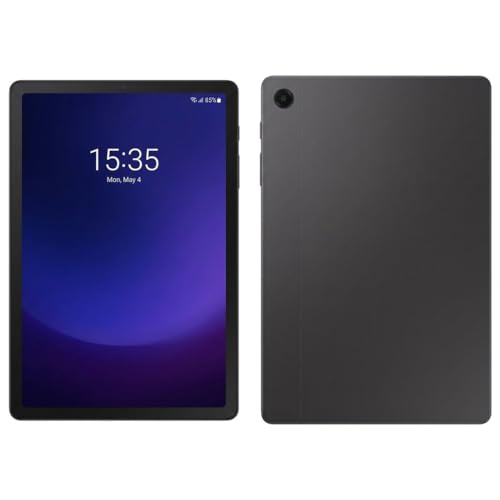
A budget tablet, usually under $200, suits reading, video streaming, video calls, and light web browsing. Expect a screen around 10 inches, modest brightness, and enough processor power for one or two apps at a time. Storage is often 32 to 64 GB, so a memory card slot matters if you download films for travel. The main limits are slower app loading, basic speakers, and cameras that only handle casual calls. For a child, a student, or a kitchen recipe screen, those limits rarely matter, and the low price makes an accidental drop less painful.
Midrange Tier Profile
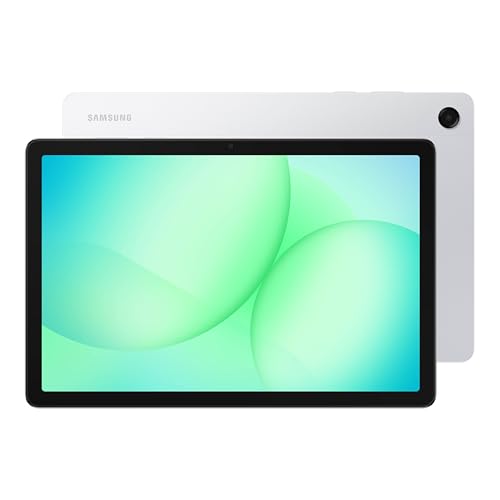
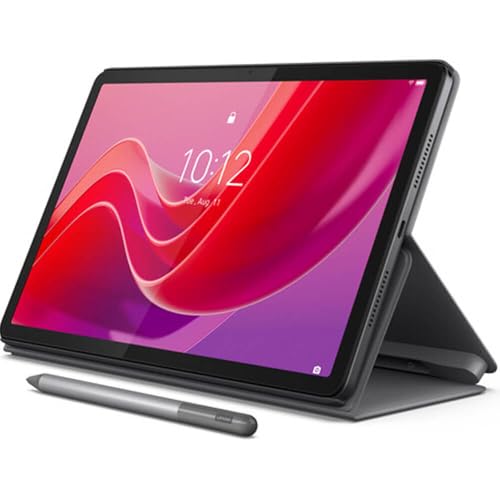
Midrange tablets, roughly $200 to $500, are the sweet spot for most households. You typically get a sharper and brighter display, 128 GB of storage or more, faster processors, and better speakers for films and calls. Many models in this range support a stylus and a keyboard case, which turns the tablet into a capable note taking and email device. Battery life also improves, often lasting a full day of mixed use. If you want one tablet for work tasks, study, streaming, and light photo editing, this tier gives you the most capability per dollar without paying for power you will never use.
Premium Tier Profile
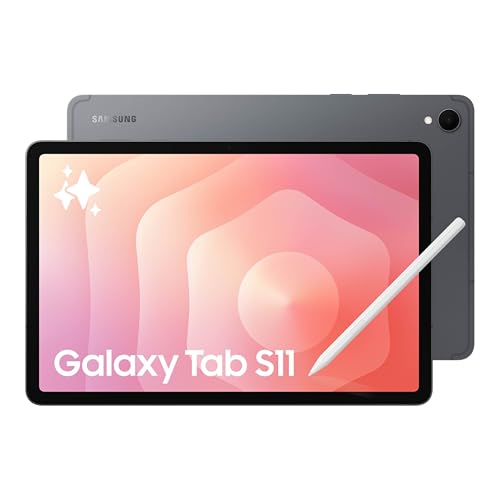
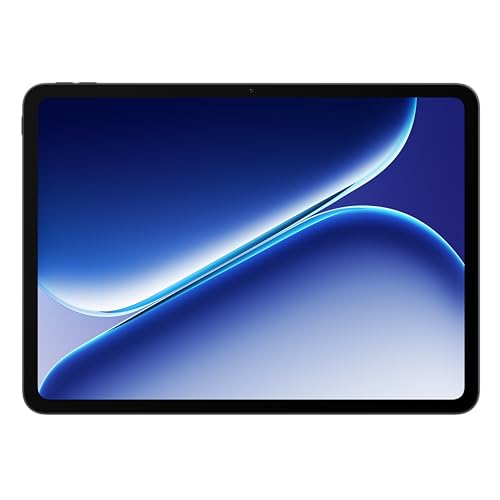
Premium tablets, generally $500 and up, add the fastest processors, vivid high refresh rate displays, and the best stylus response for drawing and detailed notes. They handle demanding games, large photo libraries, and split screen multitasking without slowing down. Build quality improves too, with thinner metal bodies and better long term software support. The trade off is price, plus pricier accessories. Choose this tier if the tablet will partly replace a laptop, if you draw or edit video, or if you plan to keep it for four or more years and want it to still feel quick at the end.
What Your Money Gets You at Each Price Tier
Budget Tier: What to Expect
At the budget level, makers save money on the display, processor, and cameras. You still get a perfectly usable screen for streaming and reading, but colors look flatter and outdoor visibility is limited. Software updates may arrive for a shorter period, which shortens the useful life of the device. Treat a budget tablet as a two to three year device for simple tasks. If your needs are narrow and stable, such as ebooks, video, and browsing, that lifespan is fine and the savings are real.
Midrange Tier: The Sweet Spot for Most Buyers
Spending into the midrange buys visible, everyday improvements rather than bragging rights. Apps open quickly, web pages with many images load smoothly, and the screen stays readable near a window. You also gain useful options like fingerprint unlock, better microphones, and accessory support. For shoppers comparing options near this level, our guide to the best tablets around 200 explains what the lower edge of this tier can and cannot do. Most families and students should start here and only move up if a specific task, such as drawing or heavy gaming, demands it.
Premium Tier: When Spending More Pays Off
Premium money pays off in speed that lasts, display quality you notice every day, and accessories that feel like part of the device rather than an add on. A high refresh rate makes scrolling and pen strokes feel smoother, and top tier processors keep split screen work fluid. You also tend to get longer update support, which protects your data and keeps apps compatible for years. If the tablet is a shared family device used all day, or your main screen for creative work, the premium tier can cost less per year of happy use than a cheaper model replaced early.
Features Worth Paying For (and Ones to Skip)
Battery Life in Real World Use
Look beyond the headline hours, because screen brightness and gaming drain a battery far faster than reading does. For most people, a tablet that delivers about 8 to 10 hours of mixed use is plenty, especially with fast charging over USB C that can add hours of use from a short top up. Frequent travelers should value fast charging and a compact charger more than a slightly larger battery. If the tablet mostly lives at home near an outlet, battery size matters less and you can put the money toward the display instead.
Display Size, Resolution, and Brightness
Size shapes everything. Tablets around 10 to 11 inches balance portability and viewing comfort for most people, while 12 to 13 inch models suit split screen work and drawing but feel heavy in one hand. Resolution matters most on larger screens, where low pixel counts make text look soft. Brightness around 400 to 500 nits keeps the screen readable indoors near windows. A 90 Hz or 120 Hz refresh rate makes scrolling smoother, and OLED panels give deeper contrast for films, though both features raise the price and mainly benefit heavy daily users.
Graphics (Integrated vs Dedicated GPU)
Tablets rely on graphics built into the main processor rather than a separate dedicated GPU, so the processor tier tells you most of what you need to know. Higher tier chips handle demanding 3D games, video editing, and external display output far better than entry chips. Casual puzzle games, streaming, and schoolwork run fine on almost any modern tablet. If gaming matters, check that the games you play list tablet support and leave storage room for large game files. Paying for top graphics power you never use is one of the easiest ways to overspend in this category.
Processor and Performance Tier
The processor, paired with RAM, decides how the tablet feels two years from now. For browsing, streaming, and notes, 4 to 6 GB of RAM is workable, while 8 GB gives multitasking real headroom. Storage deserves equal attention, because photos, offline video, and apps grow steadily, and many tablets cannot be upgraded later. If you are weighing a tablet against a convertible computer, our guide to the best pc tablets covers models built around full desktop style software. Choose the performance tier for the heaviest app you use weekly, not for a task you might try once.
Ports and Connectivity
USB C is now standard and handles charging, headphones adapters, and many accessories through one port. Some midrange and premium models can send video to a TV or monitor through that port, which is handy for presentations and films. WiFi 6 or newer gives faster and more stable connections on a modern home router, while cellular models add freedom at a monthly cost most people do not need. Bluetooth support for keyboards, mice, and earbuds is universal, but check the version if you plan to connect several accessories at once.
Long Term Costs to Factor In
The sticker price is only part of ownership. A protective case and screen cover are near essential, and a stylus or keyboard case can add $50 to $250 depending on the tier. Cloud storage subscriptions, app purchases, and a replacement battery or cracked screen repair later in life all add up. Software support length matters too, because a tablet that stops receiving security updates should be replaced sooner. When you compare two models, add the accessories you will actually buy to both prices. Our broader guide to the best tablets to purchase walks through that total cost thinking in more detail.
All Around Tablets: Your Questions Answered
Should I buy a laptop or a tablet?
Choose a tablet if your main tasks are reading, streaming, notes, browsing, and light document work, especially if you value light weight and long battery life. Choose a laptop if you type long documents daily, need specific desktop software, or manage many files and windows at once. Many people pair a midrange tablet with an older laptop and cover both needs for less than one premium device.
Is a dedicated GPU worth it?
For tablet buyers, this question really means whether to pay for a top tier processor with stronger built in graphics. It is worth it if you play demanding 3D games, edit video, or draw with large layered files. For streaming, schoolwork, and everyday apps, midrange graphics are already more than fast enough, and the savings are better spent on storage or a brighter screen.
How long should a tablet last?
A midrange or premium tablet should last about four to five years with normal care, while a budget model often feels slow after two to three years. Battery wear and the end of software updates usually set the limit, not broken hardware. You can extend life by keeping some storage free, using a case, and avoiding constant charging at full brightness in hot rooms.
Is a Chromebook enough for school?
For many students, yes, if the school works through web apps, documents, and video calls. Chromebooks and tablets overlap a lot at the budget level, but a tablet is lighter for reading and media, while a Chromebook includes a keyboard for long writing tasks. Check the school requirements first, because a few courses need specific software that only runs on a full laptop operating system.
How much RAM do I need?
Most buyers should aim for 8 GB of RAM, which keeps several apps open without constant reloading. Light users who mainly stream video and read can manage with 4 to 6 GB, especially at budget prices. If you edit photos, play large games, or use split screen daily, more RAM paired with a faster processor will keep the tablet feeling responsive for longer.
Wrapping Up
Start with your tier, then check the display, storage, and battery against your daily routine, and add accessory costs before you decide. Midrange models satisfy most people, budget models shine for simple media use, and premium models earn their price through speed and longevity. Compare your shortlist in the product table above, and you will find that the best all around tablets for your home are simply the ones matched honestly to how you actually spend your screen time.