Best Alexa Cameras: The Buyer Checklist We Use for 2026
Disclosure: We may earn a commission when you buy through links on this page, at no extra cost to you. As an Amazon Associate I earn from qualifying purchases. Learn more

Choose the best alexa cameras with this guide to Alexa voice control, video quality, night vision, storage, and smart home alerts.
Choosing the best alexa cameras for your home starts with how well a camera works with Alexa, not just how sharp the picture looks in a product photo. You want a live view that opens quickly on an Echo Show when you ask, motion alerts that reach your phone without long delays, and video clear enough to recognize a face or a package at the door. The comparison table below puts the key models side by side so you can match those basics to your rooms and budget.
This guide uses a simple checklist to judge every model on the same points, from video quality and night vision to power, storage, and privacy controls. If you are checking a camera you already own, see our guide to the best alexa compatible cameras for how compatibility is confirmed.




Key Features to Compare
Alexa cameras share one job, showing you what is happening at home and responding when you ask Alexa about it, but they do that job very unevenly. The criteria below are the ones that change daily use the most. A strong model opens its live view in a few seconds, keeps faces clear day and night, and records the events you care about without pushing you into fees you did not expect.
Sensor Size and Image Quality
Sensor size matters because a larger sensor gathers more light from each scene, which helps produce cleaner video with less grain, especially indoors. Megapixel counts alone tell you little, since a modest sensor with good processing often looks better than a higher count sensor with poor processing. Look for at least 1080p resolution for indoor use, and consider 2K or 4K video if you need to zoom into a recorded clip and still read detail.
Low Light Performance
Most important moments at a front door or in a nursery happen in dim light, so night performance deserves close attention. Infrared night vision shows a black and white image in total darkness, and its stated range tells you how far that image stays usable. Some models add a small spotlight for color video at night, which makes clothing colors and car colors easier to describe.
Durability and Weather Sealing
Any camera mounted outside needs to be weatherproof, and the clearest sign is an IP rating such as IP65 on the spec sheet. That rating means the housing is sealed against dust and rain, so the camera can stay up through storms and winter cold within its stated temperature range. Indoor only models lack this sealing, and using one outside is a fast way to end up with fog inside the lens.
Battery Life and Charging
Wire free cameras run for weeks or months per charge, but the real figure depends on how much motion they record, how cold the weather gets, and how often you open the live view. Removable batteries are easier to live with because you can swap in a charged spare in seconds. Models with built in batteries usually charge over USB C, and an optional small solar panel can greatly reduce how often you climb a ladder to recharge.
Size, Weight, and Ergonomics
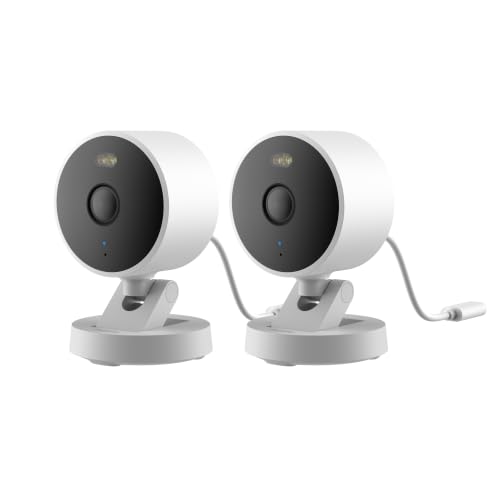
A compact camera sits neatly on a shelf or windowsill and stays discreet in a living room, while a larger outdoor model is more visible and can act as a mild deterrent. Weight matters for adhesive and magnetic mounts, since a heavy camera on a weak mount will slowly tilt or fall. Look for a mount that lets you angle the camera after installation, because small aiming changes make a big difference to coverage.
Lens and Zoom Range
The lens sets the field of view, often about 110 to 160 degrees, and wider is not always better. A very wide view covers a whole yard but makes faces smaller and bends straight lines near the edges, while a narrower view shows more detail in a smaller area. True optical zoom is rare on this type of camera, and most models rely on digital zoom, which simply crops the image and loses detail as you zoom in. Most Alexa cameras use fixed focus rather than autofocus, and some add image stabilization to soften shaking from a mount on a busy wall or post.
Ease of Use for Your Skill Level
Good Alexa integration feels effortless once it is set up. You link the maker account inside the Alexa app, give each camera a clear spoken name like Front Door or Back Yard, and then ask Alexa to show that camera on your Echo Show or Fire TV. Two way talk should sound clear in both directions, and the app should let you share access with family members without sharing your main password.
Buying Guidance: Matching a Camera to Your Home
Your home layout decides far more than any ranking, because the best alexa cameras for a small apartment can differ completely from the right choice for a large yard. Use the three setups below to narrow the product table above to the type of camera that fits your space, your wiring options, and your tolerance for monthly fees.
For Apartments and Small Homes
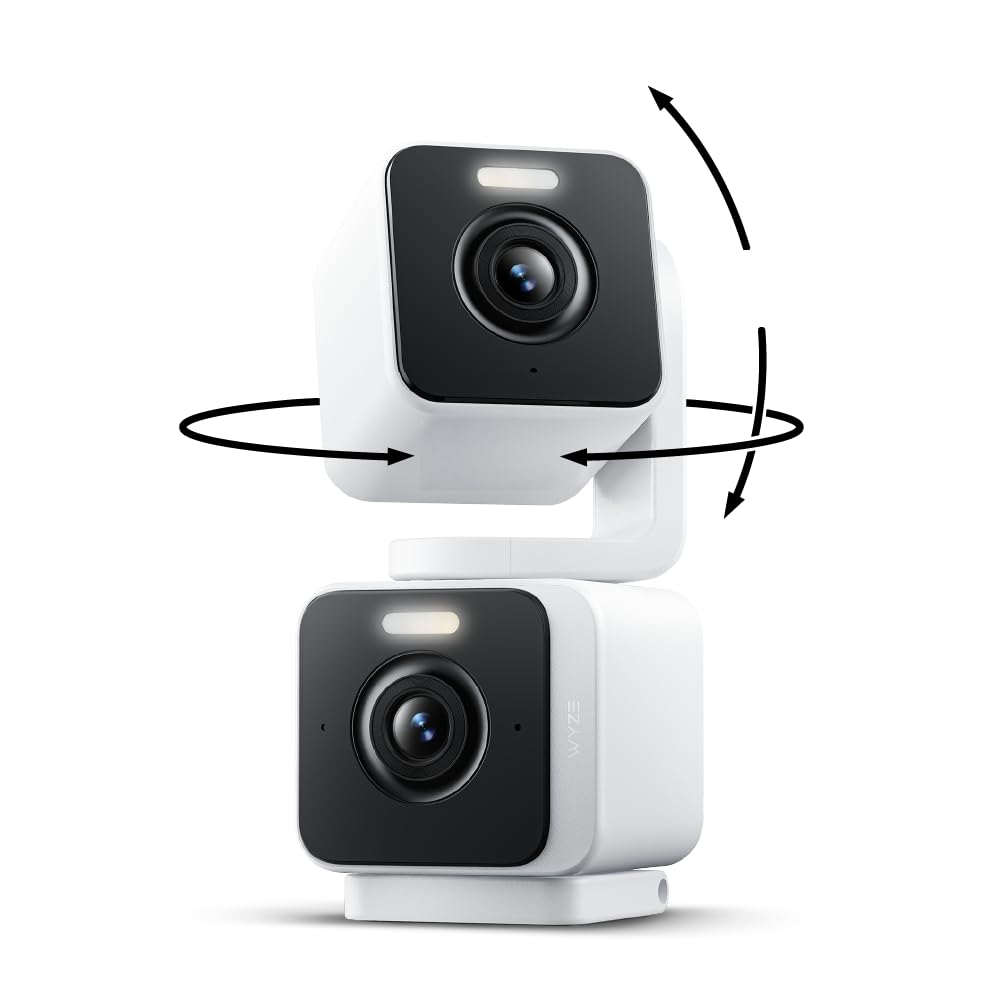
One well placed indoor camera often covers an apartment entry and main living area, especially a model that can pan and tilt to follow motion across the room. Plug in power suits this use well because the camera stays awake, records without waking delays, and never needs recharging. A privacy shutter or a physical lens cover is worth having here, since the camera sits where you live and relax.
For Family Homes With Yards and Driveways
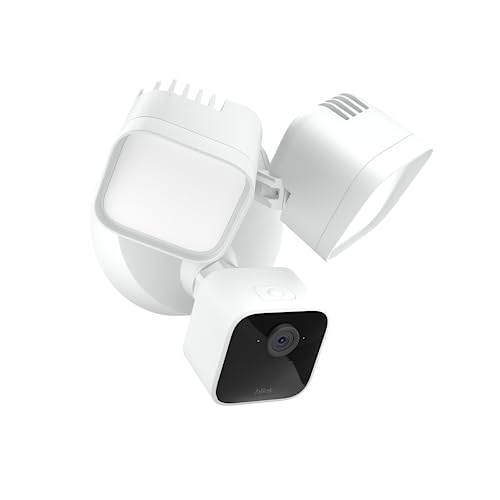
Larger homes usually need separate cameras for the front door, the driveway, and the back yard, because one camera cannot see around corners or through walls. Outdoor models with person and vehicle detection cut down on alerts from swaying trees and passing headlights, which keeps you from ignoring the app. If security coverage is your main goal, see our guide to the best alexa security cameras for a deeper look at outdoor placement and alerts.
For Homes That Want to Limit Monthly Fees
Many Alexa cameras record to the cloud only with a paid plan, so check what you get for free before the price of the camera tempts you. Models with a microSD card slot or a local hub let you store clips at home and skip the subscription for basic playback, though you may lose advanced person detection. Weigh that saving against convenience, since cloud plans make it easier to view and save clips when you are away from home.
Quick Buyer Checklist
Run through these questions before you order, and treat any no answer as a reason to look at another model in the product table above.
- Can Alexa show the live view on your Echo Show or Fire TV within a few seconds of asking?
- Is the video at least 1080p, with night vision that reaches the area you need to watch?
- Does the power option fit your space, with an outlet nearby or a battery you can reach to recharge?
- For outdoor use, does the listing state a clear weather rating and temperature range?
- Can you store clips in a way you accept, either locally or with a plan whose cost you know?
- Does the camera offer privacy controls such as a shutter, a schedule, or an easy way to pause recording?
- Will your WiFi signal stay strong at the exact spot where the camera will sit?
Red Flags to Watch For
Weak models usually reveal themselves in the listing, if you know what to look for. Walk away when you spot any of these signs.
- The listing leads with a huge megapixel number but never states the actual video resolution, so the clips may look soft.
- An outdoor camera shows no IP rating or temperature range, so its sealing claims cannot be checked.
- Basic motion alerts or clip playback require a paid plan, yet the listing hides that fact in fine print.
- The app store page shows no recent updates and many reports of cameras going offline, so support has likely ended.
- The warranty is very short and no spare mounts or cables are sold, so one small break can retire the camera.
Care and Maintenance Tips
Alexa cameras need little upkeep, but a few small habits keep the picture clear and the alerts reliable. Wipe the lens every month or so with a clean microfiber cloth, never your shirt, since shirt fabric can leave fine scratches and smears that glow at night under infrared light. After heavy rain, check outdoor housings for water sitting on the lens and confirm that seals and cable covers are still seated properly.
Keep the camera firmware and its app up to date, because updates often fix connection drops and security issues. Once a month, open the live view, test two way talk, and trigger a motion alert to confirm everything still works. If a battery model is coming down for charging anyway, that is a good moment to clean the mount and recheck the aim.
Frequently Asked Questions
What specs matter most for beginners choosing Alexa cameras?
Fast Alexa response, 1080p or better video, and reliable night vision matter most for beginners. Start with one camera in your most important spot and live with its alerts for a week before buying more, since that trial teaches you how sensitive the motion settings should be. A temporary stand or removable mount helps you test positions before you commit to screws.
Do Alexa cameras need an Echo Show or another Echo device to work?
No, Alexa cameras work on their own through the maker phone app. An Echo Show or Fire TV simply adds a larger screen and hands free viewing when your phone is in another room. Many households add the screen later, once they see how often they check the camera during cooking or work.
Do Alexa cameras work without a subscription plan?
Yes, live viewing and basic motion alerts usually work without a subscription plan. What the plan normally adds is recorded clip history, richer person and package alerts, and longer storage of events. Before any free trial ends, download the clips you want to keep, because trial libraries are often deleted when the trial closes.
How much should you spend on your first Alexa camera?
Most first time buyers do well spending about $40 to $100 on one camera. Indoor plug in models sit near the lower end of that range, while outdoor battery models with stronger night vision cost more. Set a little money aside for a longer cable, a better mount, or a memory card, since those small extras often matter more than stepping up a model tier.
Is a smartphone enough instead of an Alexa camera for home monitoring?
No, a smartphone cannot watch a room for you while you use it for everything else, and it will not send motion alerts from a fixed spot all day. A spare phone can work as a short term pet check for an afternoon, but heat, battery drain, and missed alerts make it a poor long term answer. If your real goal is taking photos rather than monitoring a room, see our guide to the best digital cameras or our guide to the best cameras for photography instead.
Final Thoughts
The cameras that earn their place are the ones that open fast on Alexa, stay clear after dark, and store your clips on terms you understood before buying. The product table above pulls those details together in one place for a final comparison.
Start with the location that worries you most, choose the model that passes the checklist for that spot, and add more cameras only when you know what the first one cannot see. Chosen that way, the best alexa cameras become a calm part of your smart home, answering when you ask and staying quiet the rest of the time.