
Best Alarm Clocks with USB Ports: Buying Guide for 2026
Disclosure: We may earn a commission when you buy through links on this page, at no extra cost to you. As an Amazon Associate I earn from qualifying purchases. Learn more
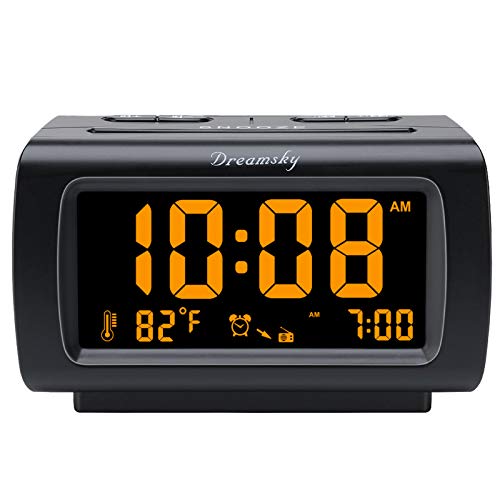
Use this buying guide to compare the best alarm clocks with usb ports by charging speed, display, alarm options, and price before you choose one.
Your phone needs a charge every night, and your nightstand has only so many outlets and so much surface space. A clock with a built in USB port solves both problems at once, which is why the best alarm clocks with usb ports have quietly become a bedside staple. This guide walks you through what actually matters, from charging output to display brightness, so you can pick a clock that wakes you reliably and keeps your devices ready by morning. Start with the comparison table below, then read on for the details.
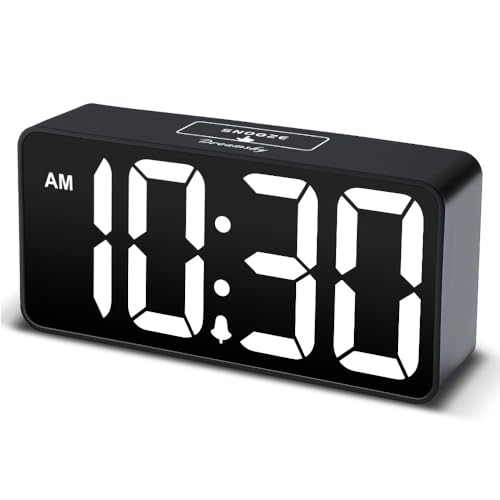


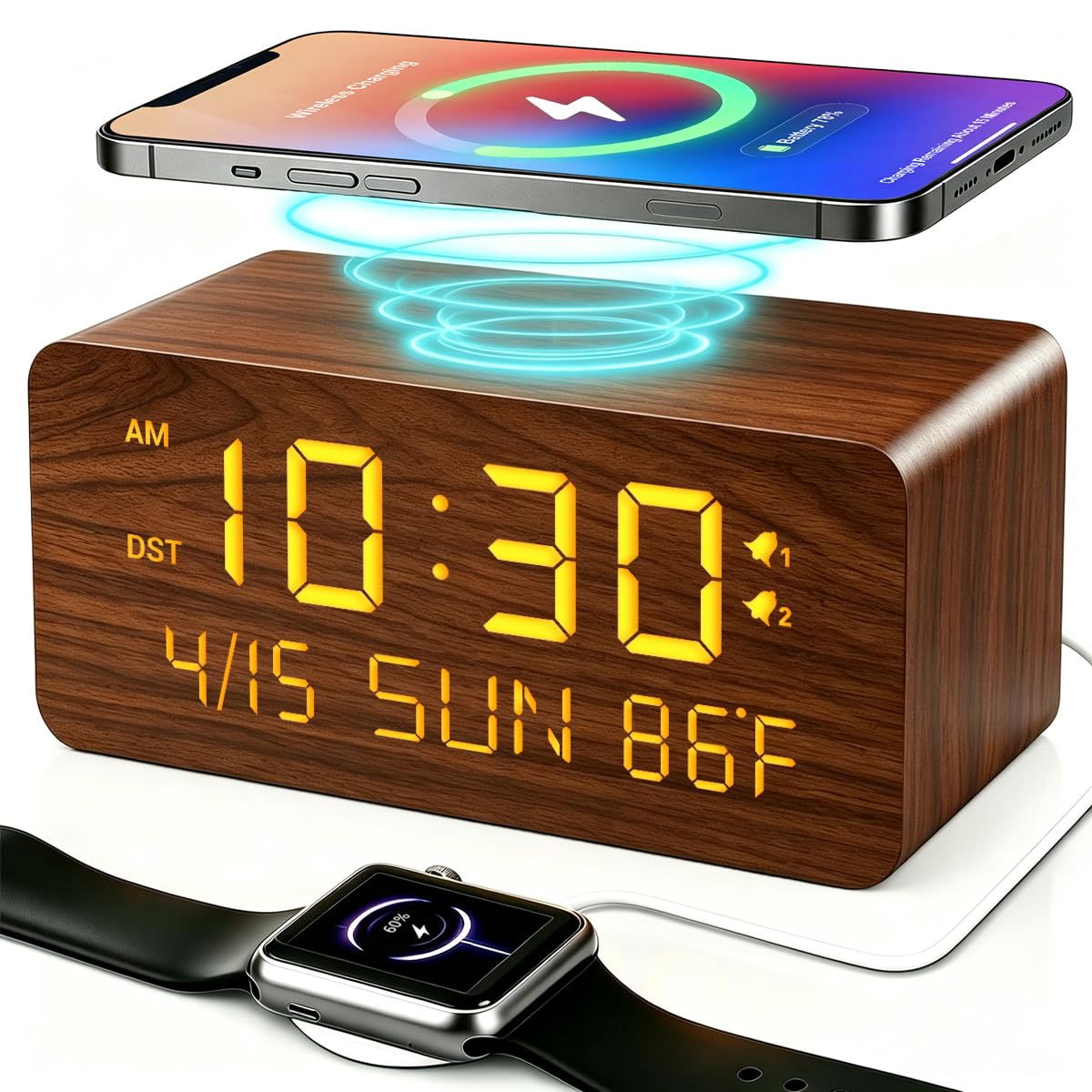

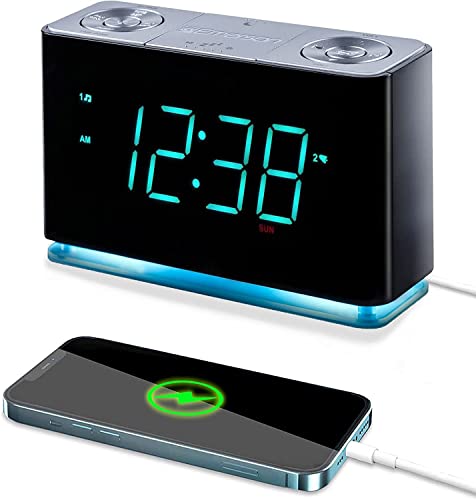

How to Choose the Best Alarm Clocks with USB Ports
Why Choose an Alarm Clock With USB Ports
The main benefit is simple consolidation. One device on your nightstand tells the time, wakes you up, and charges your phone, your earbuds case, or a small tablet overnight. That frees an outlet for a lamp or a fan and removes one cable from the tangle behind the furniture. The trade off is charging speed. Most clock USB ports deliver modest output meant for overnight top ups, not fast charging before you head out the door. If you regularly need a rapid charge, a separate wall adapter will still serve you better.
You truly need this feature if your nightstand has one free outlet, if you travel with a phone that drains fast, or if a partner charges a device on the same side of the bed. If you already own a multi port charging station you love, a plain clock may be enough, and our overview of the best alarm clock options covers the basics without the charging focus.
Purpose and Who It Is For
Think about who uses the clock and where it will live. A clock for your own bedroom should match your wake up habits, such as a gentle volume ramp if you wake easily or a loud maximum volume if you sleep through softer sounds. A clock for a guest room should be simple enough that a visitor can set it in under a minute without instructions. A clock for a dorm room or a first apartment benefits from a compact footprint and a price that does not sting if it gets knocked off the desk during a move.
Also consider who else shares the space. Dual alarms help couples with different schedules, and a display you can dim fully helps a light sensitive partner. If the clock is for a child or a teen, look for large buttons and a backup battery so a power blip does not cancel the school day wake up.
Key Features That Matter
Start with the USB port itself. Check the output rating in the specifications, because a port rated at 2.1 amps charges a phone noticeably faster than a basic 1 amp port. Some clocks offer two ports, which suits couples, but the total output may be shared, so two phones plugged in at once can each charge more slowly. A USB C port is increasingly common and matches newer phones and cables, while a USB A port still fits most existing cables.
Next, look at the alarm features. Dual alarms, weekday and weekend settings, a snooze button you can find by touch, and a gradual volume increase all make daily life easier. A battery backup that preserves the alarm during an outage matters more than most buyers expect. Display controls matter too: several brightness levels, or a dial, let you keep the room dark at night while still reading the time at a glance during the day.
Durability and Care
A bedside clock lives a rough life. It gets tapped in the dark, knocked by books and water glasses, and unplugged and replugged during cleaning. Choose a model with a stable base, buttons that feel solid rather than mushy, and a power cord long enough to reach the outlet without tension. A strained cord is the most common reason these clocks fail early.
Care is easy. Dust the display with a dry soft cloth, keep drinks a few inches away, and avoid wrapping the cord tightly around the clock, which stresses the internal wires. If the clock has a backup battery compartment, check the battery once a year and replace it before it leaks. Register the warranty when you buy, because many brands extend coverage or speed up support once the product is registered.
Ease of Use
The best bedside technology disappears into your routine. Setting the time and the alarm should take seconds, ideally with dedicated buttons rather than a sequence of long presses you must relearn after every power outage. Automatic time setting, where the clock sets itself when plugged in, removes the most annoying chore entirely. Look for a snooze button that sits alone on top, large and easy to hit without opening your eyes.
Read the product description for phrases that reveal daily friction, such as alarms that must be reset every night or brightness that resets to full after an outage. If you prefer the simplest possible operation, the models in our guide to the best simple alarm clocks strip things down to the essentials, though most give up the USB port to get there.
Size and Design
Measure your nightstand before you buy. A wide clock with a large display suits aging eyes and bigger rooms, but it can crowd a small table that also holds a lamp, a book, and a glass of water. Display digits around one inch tall are readable from across a bedroom, while compact travel friendly clocks use smaller digits that work fine at arm length. Consider viewing angle as well, since some displays wash out when seen from above or from the side.
Design affects sleep more than style does. Red or amber digits are easier on night adjusted eyes than bright white or blue. A matte finish avoids reflections from a bedside lamp. If you want a gentler wake up that pairs light with sound, look at our guide to the best sunrise alarm clock designs, some of which include USB charging as well.
Materials and Build Quality
Most clocks in this category use plastic housings, and quality varies widely within that single material. A good housing feels dense, with seams that line up and buttons that sit evenly. Fabric wrapped fronts and wood tone finishes cost more and mainly change looks, but they often come with better internal components as part of a higher price tier. Rubber feet keep the clock from sliding when you reach for snooze.
Check the weight in the specifications. A very light clock slides around and tips easily, while a slightly heavier one stays put. The power adapter matters too: a compact plug that does not block the second outlet on the wall is a small detail you will appreciate every single day.
Types of Alarm Clocks With USB Charging
Mid Range Picks
Mid range clocks, roughly around $25 to $50, are the sweet spot for most bedrooms. They typically add dual alarms, several brightness levels, a battery backup, and one or two USB ports with respectable output. The displays are large and the build quality is a clear step up from the cheapest models. The downside is that extras such as radio or Bluetooth speakers are hit or miss at this level, so buy for the clock and charging features first.
Gift Picks
A clock with a USB port makes a practical gift for students, new homeowners, and anyone moving into a first apartment. Gift friendly models favor simple setup, a clean look that suits most rooms, and packaging that feels presentable. Expect to spend around $20 to $40 for a gift tier clock. Include a short note with the gift explaining the backup battery and how to dim the display, because those two tips save the recipient a confused first night.
Premium Picks
Premium clocks, often around $60 and up, combine charging with better sound, sunrise simulation, or refined materials such as fabric and metal accents. You also tend to get more alarm tones, finer brightness control that dims to nearly black, and stronger warranty support. The drawback is value: if you only need the time, an alarm, and a charge, the premium tier adds cost for features you may never open. Buyers who want a dedicated bedside setup should also browse our guide to the best bedside alarm clocks for a wider view of the category.
Care and Maintenance Tips
- Follow the care instructions: the manual tells you whether the clock can share an outlet strip with high draw devices and how the backup battery should be installed.
- Dust weekly: a dry microfiber cloth keeps the display readable and stops dust from working into the speaker grille and buttons.
- Store properly when not in use: keep the clock and its cord in a dry drawer, loosely coiled, away from heavy objects that can crack the display.
- Check warranty registration: register within the first month so a failed port or a fading display gets handled quickly.
- Replace backup batteries yearly: a fresh battery guarantees the alarm survives an overnight outage, and it prevents leaks that damage the compartment.
- Give the port a rest: if you charge two devices nightly, alternate ports where possible, because constant heat and use wear a single port faster.
Frequently Asked Questions
What features matter most on an alarm clock with USB ports?
Charging output matters most, so look for at least 2 amps if one phone charges nightly. After that, prioritize a dimmable display, a battery backed alarm, and a snooze button you can find by touch. One detail many buyers miss is cord length: a cord of five feet or more reaches awkward outlets behind a bed frame without an extension cord, which keeps the setup safe and tidy.
Is it worth paying more for an alarm clock with USB ports?
It is worth paying more if the higher price buys a stronger warranty, finer dimming, and a second port you will actually use. It is not worth it for decorative finishes alone. A useful test is to list the features you will touch daily, such as the alarm set buttons and the dimmer, and pay for quality there rather than for extras buried in a menu.
How long does an alarm clock with USB ports last?
A decent clock lasts five years or more, and the USB port is usually the first part to wear because cables flex in it every night. You can extend port life by leaving a short cable plugged in permanently and connecting your phone to that cable instead, so the daily plugging happens at the cable end rather than inside the clock. Replace the clock when the display fades unevenly or the alarm becomes unreliable.
Is an alarm clock with USB ports a good gift?
Yes, it is one of the most practical small gifts, especially for students and anyone setting up a new home. Choose a model with automatic time setting so the recipient does not have to configure anything. If you are comparing the best alarm clocks with usb for a light sleeper, pick one whose display dims fully to black, because a glowing clock face is the most common complaint gift recipients mention later.
Wrapping Up
Focus on three things: enough USB output for your nightly devices, a display you can dim to a level that lets you sleep, and an alarm backed by a battery for outage nights. Match the size to your nightstand and the controls to your patience, and the clock will quietly do its job for years. The best alarm clocks with usb ports are the ones that fit your habits so well you stop thinking about them. Compare the finalists in the product table above and choose the one that matches your routine.


