
Best Alarm Clock for Android Phones: A Buying Guide for 2026
Disclosure: We may earn a commission when you buy through links on this page, at no extra cost to you. As an Amazon Associate I earn from qualifying purchases. Learn more
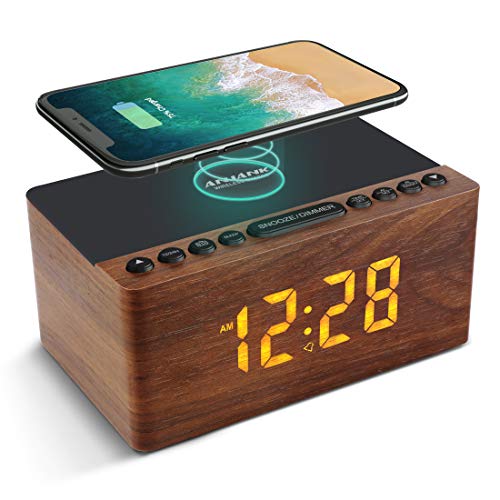
Charging, display and backup power: how to choose the best alarm clock for android phones that wakes you reliably.
A phone alarm works until the battery dies, the volume is muted or an update changes a setting overnight. A bedside clock gives you a second line of defense and keeps the phone charging across the room. This guide explains how to choose the best alarm clock for android phones, from charging standards to display brightness and backup power.
Use the product table above to shortlist options, then check the sections below to confirm that a clock fits your phone, your bed and your morning routine.

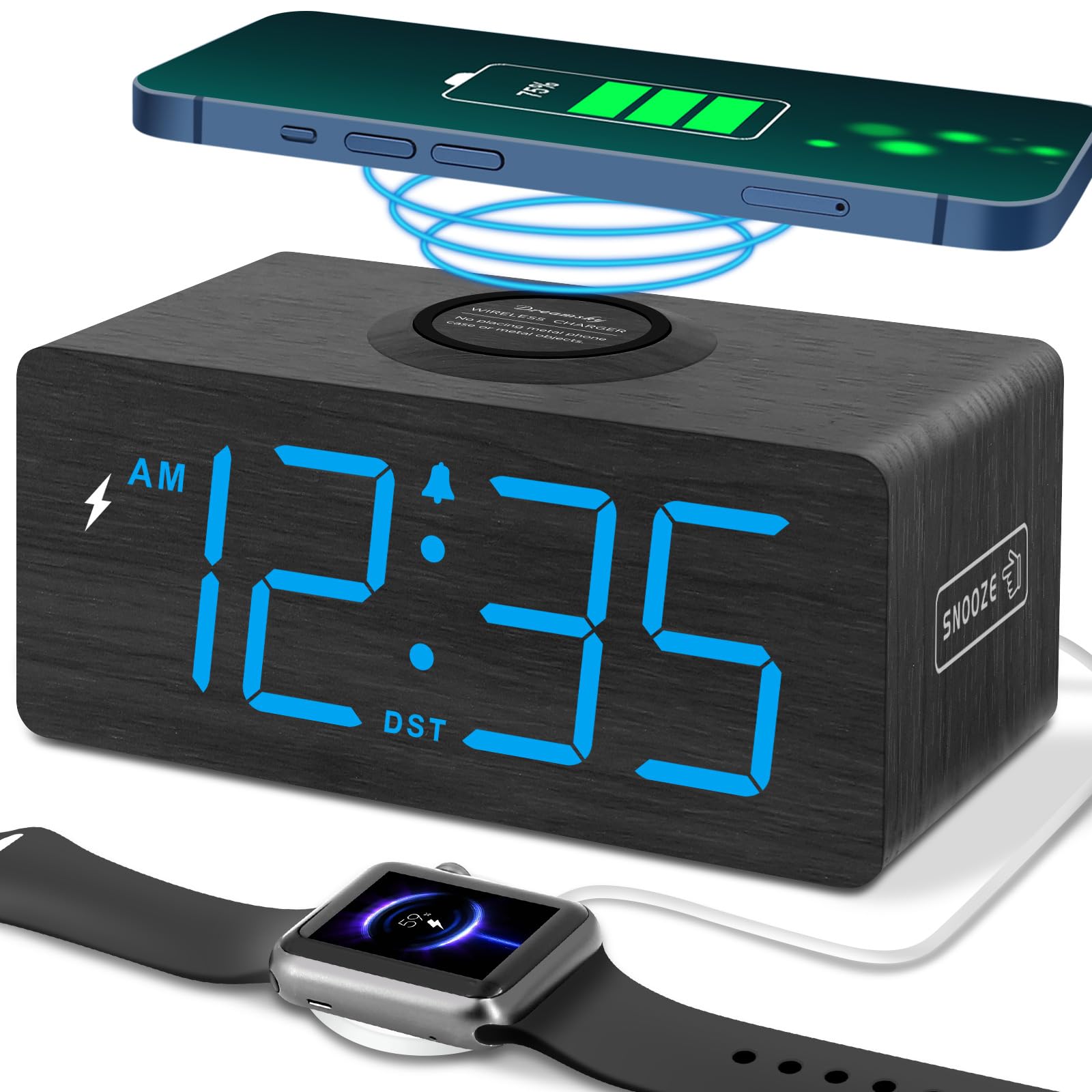

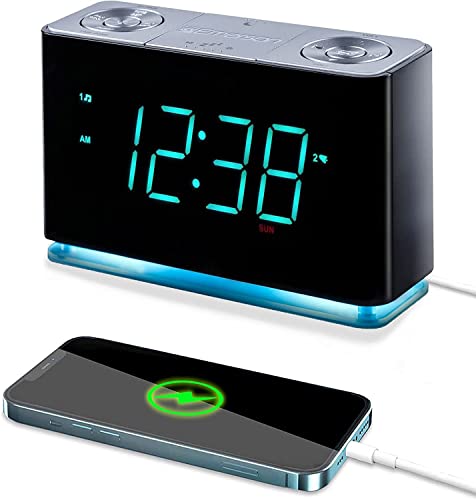

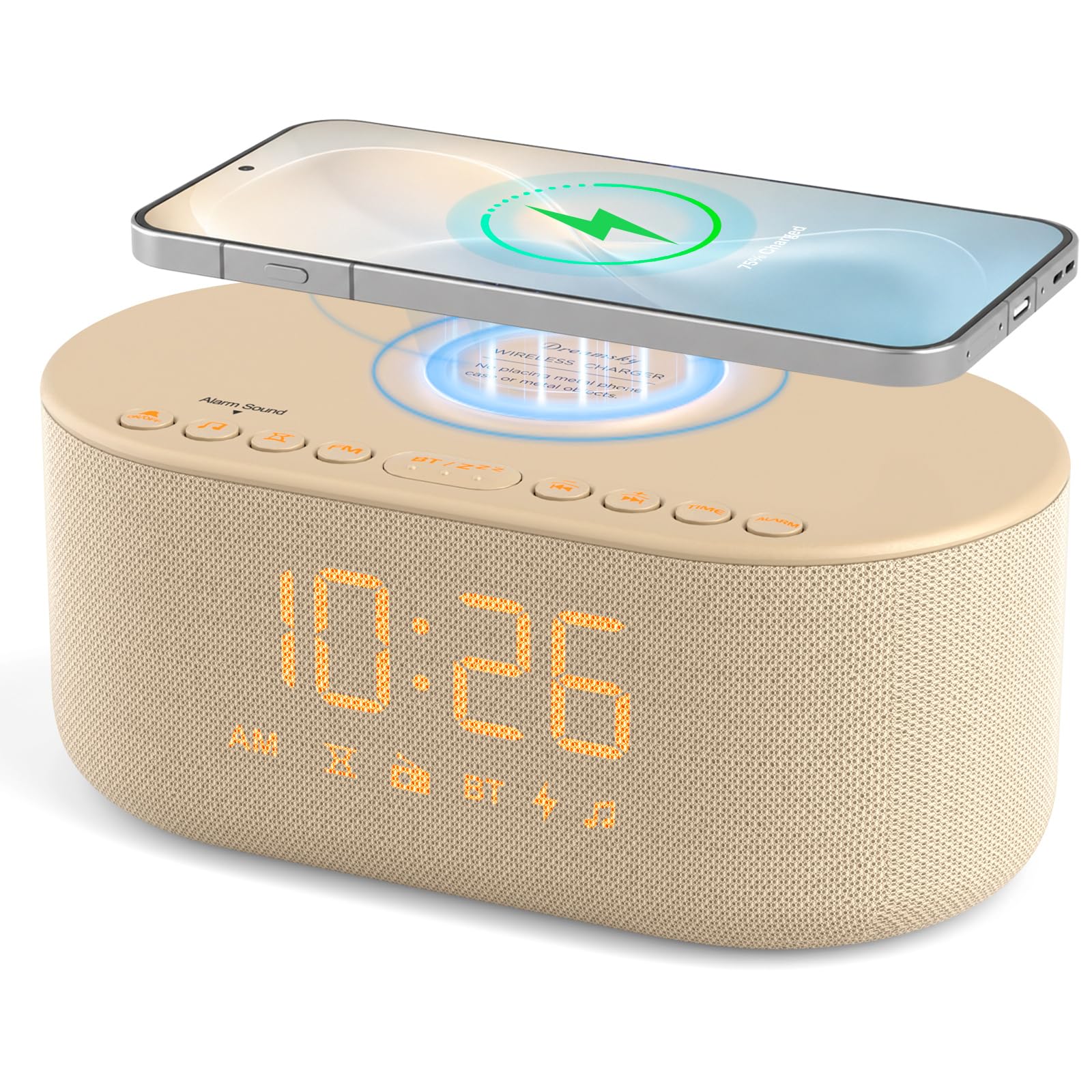


Why Use a Clock Instead of Only an Android Phone
Phones are built to do many things, and alarms are only one. Notifications can wake you at 2 a.m., the screen lights the room and a low battery warning can end the alarm entirely. A dedicated clock does one job. It stays quiet, shows the time at a glance and sounds an alarm even if the phone is off. Many models also charge your phone, so the phone can rest on the clock and out of arm reach.
Charging Compatibility for Android Phones
Wired Charging
Most Android phones use USB C. A clock with a USB A port needs a cable, while a clock with a built in USB C port can charge directly. Check the output: a basic 1 amp port charges slowly, while 2 amp or higher ports suit modern phones. Fast charging standards vary, and a clock port will rarely match a dedicated fast charger, so expect an overnight top up rather than a quick burst.
Wireless Charging
Many Android phones support Qi wireless charging, and bedside clocks with a charging pad are popular. Thick cases, metal plates and off center placement can stop charging, so check the pad size and your case thickness. Look for a pad that shows an indicator light when charging works, and for a stand style that keeps the screen angled toward you if you want to read notifications.
Phone Pairing and Bluetooth
Some clocks pair with Android over Bluetooth for music or calls. That is a bonus, not a need. The alarm itself should run without the phone and keep time through a power cut. If a clock needs an app for basic alarm settings, check that the app is well reviewed and that the buttons on the clock still work without it.
Key Features to Compare
Display and Night Brightness
A display that dims to a low level, or turns off, protects sleep. Large digits help if you read the time without glasses. Avoid blue or white displays that light the room; warm red or amber digits are gentler at night.
Alarm Sounds and Snooze
Gradual sounds wake you more gently than a sudden buzzer, and a clear snooze control prevents accidental oversleeping. Dual alarms help if your weekday and weekend times differ. A snooze limit is useful if you tend to press the button on autopilot.
Backup Battery
Battery backup keeps the alarm alive in a power cut, and a clock that restores the time automatically saves a morning of confusion. This is the feature phone alarms cannot match, and it is the main reason to own a clock at all.
Sound Quality and Speaker
If you wake to music or the radio, check the speaker. Small speakers can sound thin, and a clock with a Bluetooth speaker may suit you if you like to stream an album from your Android phone. Our guide to the best alarm clock basics covers sound features in more depth.
Types of Clocks That Suit Android Users
Simple Digital Clocks With USB Ports
These cost the least, show the time clearly and charge a phone through a cable. They suit anyone who wants no frills and reliable waking. Prices usually run about $15 to $35.
Wireless Charging Clocks
These combine a clock with a Qi pad. They tidy the nightstand and save a cable, and they usually cost about $25 to $60. Check your case and the pad size before you buy.
Sunrise and Bluetooth Speaker Clocks
These add gradual light and a speaker. They suit people who dislike a harsh buzzer, and our guide to the best sunrise alarm clock explains how light helps. Expect prices from about $35 to $80.
Choosing by Sleeper Type
Light sleepers should put the dimmable display and a soft, rising tone first, and a sunrise clock is worth a look. Heavy sleepers need a loud alarm with dual alarm times, and a bed shaker if sound alone fails. Anyone who snoozes on autopilot should pick a clock with a snooze limit and place it across the room. Couples should check that the display can turn fully dark and that the buttons are quiet, because a click or a bright digit can wake the other person. Students and travelers do well with a compact clock that runs on batteries or a USB cable, so it works in a dorm, a hotel or a spare room without a special adapter.
Whatever your type, set one realistic alarm instead of five early ones, and keep the same wake time on weekends when you can. A steady schedule makes any clock work better.
Common Mistakes to Avoid
- Buying a clock with a charging port that does not match your phone cable.
- Ignoring case thickness on wireless pads, which can stop charging.
- Choosing a bright display that lights the room at night.
- Relying on an app for settings with no physical buttons as a backup.
- Skipping a backup battery, so one power cut cancels the alarm.
- Putting the clock within arm reach if you tend to snooze on autopilot.
Setup and Care
Set the time and alarm on the first evening, then run a test alarm to confirm the volume and tone. Put the phone on Do Not Disturb with the clock alarm as your wake method, and keep the phone alarm as a quiet backup for important mornings. Dust the speaker grille and display with a dry cloth, replace backup batteries once a year and check the cable for fraying.
Frequently Asked Questions
Will any alarm clock charge my Android phone?
Most clocks with a USB port will charge an Android phone with the right cable, but speeds differ. Check the port output and whether it supports your phone connector. Wireless clocks need a Qi compatible phone.
Do I need a clock that pairs with Android?
No. Pairing is a convenience for music and calls. The alarm should work on its own, and a clock without pairing is often simpler and cheaper.
How much should I spend on an alarm clock for an Android phone?
Basic clocks cost about $15 to $30, charging and wireless models about $25 to $60, and sunrise or speaker models about $35 to $100. Pay for backup power and a dimmable display before extras.
Is a sunrise clock better than a sound alarm?
Light helps people who wake groggy, but heavy sleepers often need sound as well. Many clocks combine both. See our guide to best phone alarm clocks for more options.
Final Thoughts
Choose a clock that charges your phone the way you prefer, dims properly at night and keeps the alarm alive through a power cut. Compare your shortlist in the product table above and check the case and cable details before you order. Done carefully, the best alarm clock for android phones becomes the quiet, reliable backup that your phone alone cannot be. For related options, read our guide to the best android alarm clocks.


