
Best Airplay Speakers 2026: Buying Guide
Disclosure: We may earn a commission when you buy through links on this page, at no extra cost to you. As an Amazon Associate I earn from qualifying purchases. Learn more

Compare the best airplay speakers by sound, multiroom grouping, setup and Apple compatibility, from compact models to portable ones.
An AirPlay speaker plays music straight from an iPhone, iPad, Mac or Apple TV over your home Wi-Fi, with no cable and no pairing dance. The best airplay speakers also let you group several rooms, keep playing when you leave the app, and sound good at normal listening volume. This guide explains the features and types that matter. Use the product table above to compare current models as you read.

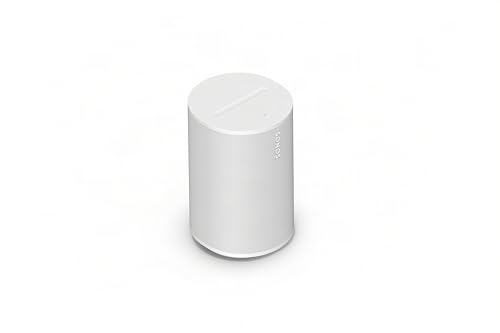


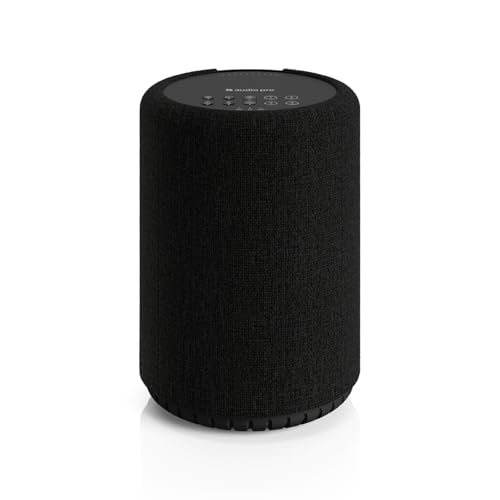


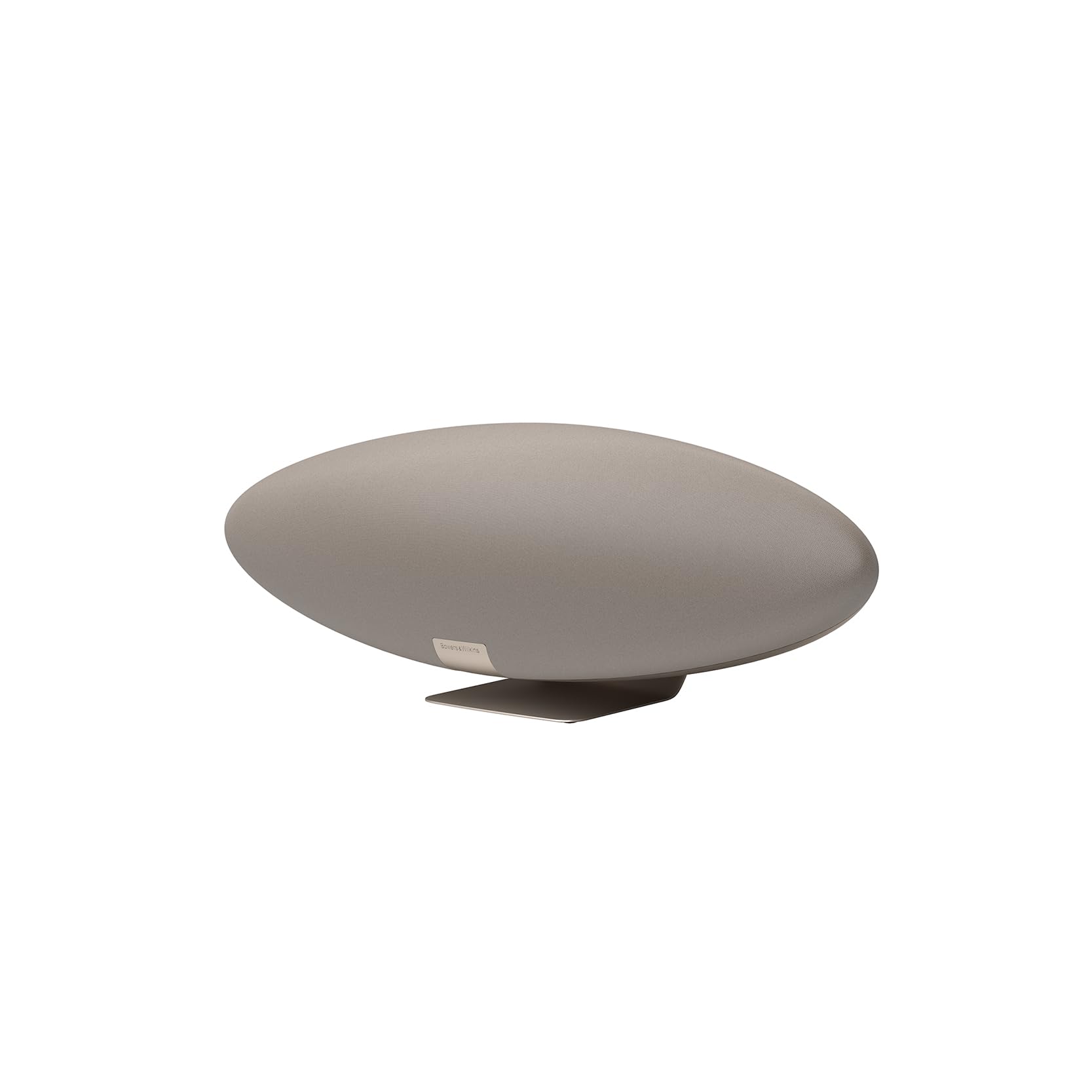
How AirPlay Speakers Work
You tap the AirPlay icon in an app or in Control Center, choose a speaker, and the audio streams over Wi-Fi rather than Bluetooth. Because the speaker pulls the stream itself, your phone can take calls or leave the room without cutting the music. AirPlay 2, the current version, adds multiroom grouping, better buffering and stereo pairing of two matching speakers.
Types of AirPlay Speakers
Compact smart speakers
Small speakers suit a bedroom, kitchen or desk. They fill a room at normal volume and often add voice control. Bass is limited, but clarity for podcasts and vocals is strong.
Larger home speakers
Bigger cabinets and extra drivers fill a living room and deliver fuller bass. Some can pair as a left and right stereo set or join a soundbar and subwoofer for home theater.
Portable and outdoor speakers
Battery speakers with Wi-Fi and Bluetooth move between rooms and the patio. Look for a water resistance rating, a battery that lasts a day, and a solid Wi-Fi connection away from the router.
Amplifiers and streamers
If you already own good passive speakers, a small streaming amplifier adds AirPlay to them. It costs more than a basic speaker but lets you keep the speakers you like.
What to Compare Before You Buy
Sound and room size
Match speaker size to the room. A small speaker is ideal for an office or bedroom, while an open living room benefits from a larger speaker or a pair. Listen for clear voices, controlled bass and treble that stays smooth when you turn the volume up.
Multiroom and stereo pairing
Grouping lets you play the same music everywhere or different music in each room. Check that the speakers you plan to combine support AirPlay 2, and plan on matching models for a stereo pair.
Controls and voice assistants
Physical buttons for volume and play pause are useful when your phone is elsewhere. Some speakers add Siri or another voice assistant, which is helpful in a kitchen but optional elsewhere.
Other inputs
Bluetooth and a wired input help guests with non-Apple phones and let you connect a turntable or older device. Check what still works when the internet is down.
Setup and Care
Place the speaker within good Wi-Fi range, add it through the Home app or the maker app, and give it a clear room name. Keep firmware updated, since updates fix connection bugs. Leave a little space behind the speaker to avoid boomy bass, keep vents clear, and keep outdoor models out of heavy rain unless they carry a suitable rating.
Common Mistakes to Avoid
Buying a Bluetooth-only speaker thinking it supports AirPlay is the most common error, so confirm AirPlay 2 by name. Another is ignoring Wi-Fi coverage: a speaker far from the router or behind thick walls may drop out even if the speaker is fine. Finally, mixing very old AirPlay-only speakers with AirPlay 2 models can limit grouping.
Frequently Asked Questions
Do AirPlay speakers work with Android devices?
AirPlay is built for Apple devices. Many speakers also offer Bluetooth or other streaming options, which helps in mixed households.
Can I play different music in different rooms?
Yes. With AirPlay 2 you can group speakers for one song or send separate music to each room from the AirPlay menu.
Why does music drop out?
Weak Wi-Fi coverage, a crowded router and interference cause most dropouts. Move the speaker closer to the router, restart the router, or add a mesh access point.
Do I need a smart speaker for AirPlay?
No. Many plain speakers support AirPlay without a voice assistant, and voice control is optional.
Is AirPlay sound quality good?
Yes for home listening, especially with a good speaker and a stable network. Speaker quality and placement matter more than the protocol.
Final Thoughts
Pick the size and type for your room, confirm AirPlay 2 support, and make sure your Wi-Fi reaches where the speaker will sit. For related reading, see our guides to the best airplay 2 speakers and the best outdoor airplay speakers. With those checks done, the best airplay speakers make music in every room as easy as a tap.


