
Best Airplay 2 Speakers 2026 Buying Guide for Apple Homes
Disclosure: We may earn a commission when you buy through links on this page, at no extra cost to you. As an Amazon Associate I earn from qualifying purchases. Learn more

Learn how to choose Airplay 2 speakers for multiroom sound, stereo pairs, and everyday listening, with guidance on wifi setup, room size, and sound quality.
Choosing the best airplay 2 speakers starts with how you already listen at home. If most of your music lives on an iPhone, iPad, or Mac, a speaker that speaks Airplay 2 fluently will feel simpler than one that needs a separate app for every room. The comparison table below gives you a starting point, and the rest of this guide explains what actually matters before you buy.
Airplay 2 is not just a way to send music to one speaker. It lets you group speakers, play the same song in several rooms, and hand music from one room to another. That flexibility is the main reason to choose an Airplay 2 speaker over a plain Bluetooth speaker, but it also means wifi strength, room placement, and stereo pairing deserve as much attention as raw sound quality.


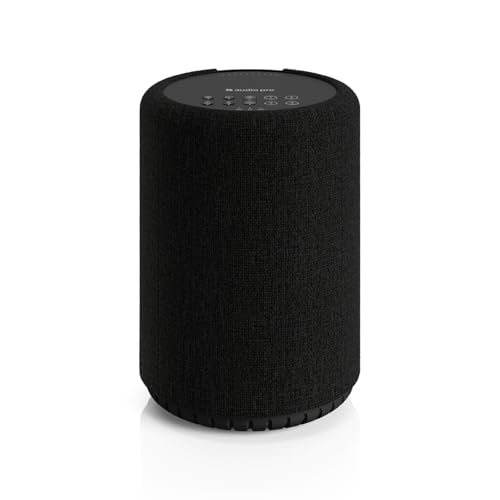


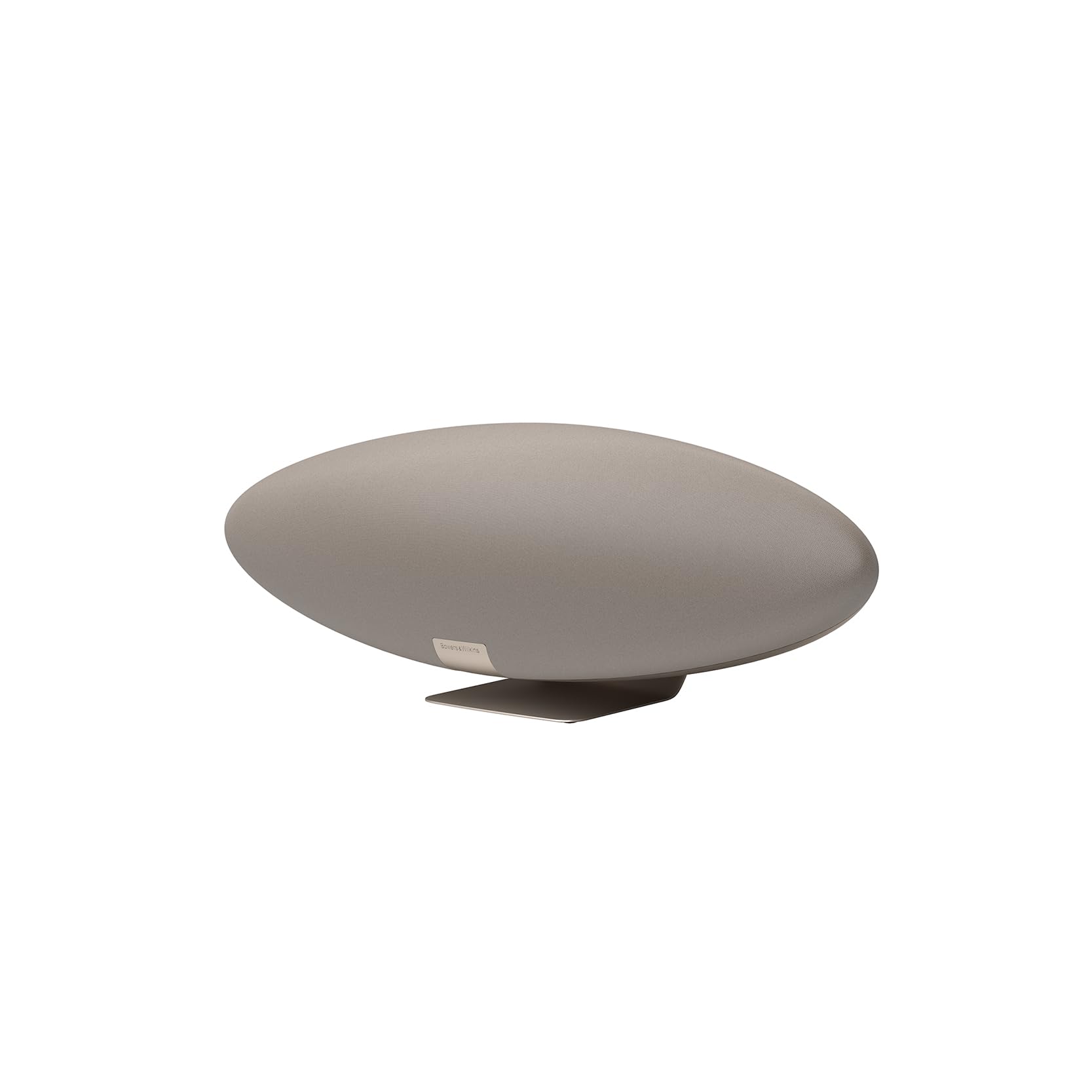
Who Should Buy Airplay 2 Speakers
For Apple Households
If your household already uses Apple devices, Airplay 2 removes friction. You can start music from the control center, ask Siri to play in a named room, and keep the phone in your pocket while the music keeps playing. Look for speakers that appear reliably in the Airplay menu and recover quickly after a router restart, because a speaker that drops off the network will annoy you far more than a small difference in bass.
For Multiroom Listeners
Multiroom listening suits people who move around the house while music plays. A kitchen speaker, a bedroom speaker, and a living room speaker can all play the same playlist in sync, or different music in each room when tastes differ. Before you buy several speakers, check that your wifi covers every room well, since weak coverage causes dropouts that no speaker can fix on its own.
For Stereo Pair Fans
A stereo pair turns two identical speakers into left and right channels, which widens the soundstage for music and films. This works best when both speakers sit at a similar height and distance from your usual seat, with a clear path between them. If your room forces one speaker into a corner and the other onto an open shelf, a single larger speaker may sound more balanced than a lopsided pair.
Key Features to Compare
Sound Quality and Tuning
Driver size and cabinet volume shape how full a speaker sounds, but tuning matters just as much. A small speaker with careful tuning can sound clear and pleasant at normal volumes, while a larger speaker may add bass weight that suits films and parties. Listen, where possible, at the volume you actually use at home, because a speaker tuned for loud demonstration rooms can sound harsh at quiet evening levels.
Wifi, Bluetooth, and Wired Inputs
Airplay 2 runs over wifi, so a stable home network is part of the product. Bluetooth is still useful for guests with other phones and for quick playback without wifi. A wired input, such as an auxiliary jack or optical input, adds a fallback for a television or turntable. Check which inputs you truly need, because every extra input adds cost and complexity you may never use.
Room Size and Placement
A bookshelf speaker suits a bedroom or study, while an open plan living room usually needs a larger cabinet or a pair to fill the space evenly. Corners boost bass but can make sound muddy, so leave a little space behind the speaker where you can. If the speaker will live outdoors, confirm that it is built for weather, since an indoor speaker moved outside will not last long.
App, Voice, and Smart Home Control
Most Airplay 2 speakers work with Siri, and some also support other voice assistants. Think about who will control the music and how: voice commands suit hands free cooking, while an app suits careful playlist building. Firmware updates over wifi can add features and fix bugs, so a speaker from a maker with a record of updates is a safer long term choice.
Mistakes to Avoid
Buying on Bass Alone
Heavy bass impresses in a shop but can overwhelm voices and acoustic music at home. Balance matters more for daily listening, and a speaker with clear mids will keep podcasts and vocals easy to follow. If you love bass heavy music, look for a speaker with a bass control or a larger driver rather than assuming the loudest demo unit is the best all round choice.
Ignoring Your Network
Airplay 2 depends on your router and wifi coverage. A speaker placed far from the router, behind thick walls, may stutter even though the speaker itself is fine. Test your phone wifi in the exact spot where the speaker will sit, and consider a mesh router or access point before blaming the speaker for dropouts.
A Final Check Before You Order
Measure First, Then Decide
Measure the shelf or stand, check the power outlet, and confirm the speaker depth leaves room for cables. Read the return policy, and plan a first week of listening across music, podcasts, and television sound if you connect a TV. If the speaker does not appear reliably in Airplay, sound balanced in your room, and feel easy for everyone in the house to control, it is the wrong speaker for your home, however good it sounded elsewhere.
Making the Most of Your Choice
Room Calibration and Listening Habits
Once your speaker is placed, spend a few evenings listening to familiar music at your normal volume and notice whether voices stay clear and bass stays controlled. Move the speaker a few inches away from a wall if bass sounds boomy, and try a second position before deciding the speaker itself is at fault. Small placement changes often improve sound more than equalizer tweaks, because room acoustics shape what you hear as much as the driver does. Keep a note of the position that sounds best so you can return to it after cleaning.
Grouping Speakers Without Frustration
Give every speaker a clear room name and keep your phone software updated, since outdated software causes more grouping problems than faulty hardware. If a speaker disappears from the Airplay menu, restart the speaker and the router before assuming a defect, and check that the speaker has not joined a guest network by mistake. A stable network name and password across your home avoids most multiroom headaches, and a short written setup note helps other household members fix simple problems themselves.
Protecting Your Investment Over Time
Dust the speaker grilles gently, keep liquids away from vents, and avoid placing the speaker where direct sun heats the cabinet all afternoon. Firmware updates sometimes change sound tuning or add features, so read update notes before installing them and replay favorite playlists afterwards. If you add speakers later, buy compatible models that support the same Airplay version, because mixing generations can limit grouping features you expected to use.
Before You Buy: A Quick Recap
Comparing Models in a Shop
When comparing speakers in a shop, bring your own phone and play tracks you know well, including a vocal track, an acoustic track, and something with bass, since familiar music reveals differences faster than demonstration playlists. Listen at a normal home volume, not at maximum, and stand where you would sit at home rather than directly in front of the speaker. Ask whether you can return the speaker if it disappoints at home, since room acoustics change sound more than any shop demo can show.
When to Add a Second Speaker
Start with one speaker in your most used room and live with it for a few weeks before adding more, since that experience teaches you what you actually value: more bass, wider sound, or music in another room. Adding a second speaker for stereo or multiroom use then becomes a deliberate upgrade rather than a guess. Buy the same model for pairing where the maker requires it, and check that your network handles extra streams before expanding to every room.
For a related option, our guide to best airplay speakers looks at how that choice compares for everyday use and value.
You may also find our guide to best outdoor airplay speakers helpful, since it covers a closely related option with different strengths.
If you want to compare a related option, see our guide to best speakers for apple airplay for practical differences worth knowing.
A related choice worth a look is covered in our guide to best bluetooth and airplay speakers, which explains where it fits best.
For more on a similar option, our guide to best airplay stereo speakers sets out the key trade offs in plain terms.
Frequently Asked Questions
Do Airplay 2 speakers work without an Apple device?
Airplay 2 is designed around Apple devices, so you need an iPhone, iPad, Mac, or Apple TV to send music over Airplay. Many Airplay 2 speakers also offer Bluetooth or a wired input, which lets guests with other phones play music directly. If your household mixes Apple and Android devices, check the Bluetooth and wired options carefully, because Airplay alone will not serve everyone in the house.
Can I play different music in different rooms?
Yes, Airplay 2 lets you send different music to different speakers or group speakers together for the same song. You control this from the Airplay menu on your Apple device, where each speaker or group appears as a destination. Keep speaker names clear, such as kitchen and bedroom, so everyone in the house can pick the right room without guessing.
Is a stereo pair always better than one speaker?
A stereo pair usually sounds wider and more spacious, but only when placement is reasonably symmetrical. If one speaker must sit in a corner and the other in open space, the balance suffers and a single larger speaker may sound better. A pair also costs more and needs two power outlets, so weigh the room layout and budget before committing to two speakers.
Why does my Airplay speaker sometimes drop out?
Dropouts usually point to wifi coverage rather than a faulty speaker. Thick walls, distance from the router, and crowded wifi channels can all interrupt the stream. Move the speaker closer to the router as a test, restart the router, and check whether other devices also struggle in that spot. A mesh wifi system often fixes persistent dropouts across a larger home.
Do I need a smart speaker, or is a plain Airplay speaker enough?
A plain Airplay speaker suits listeners who control music from a phone and do not need voice control. A smart speaker adds voice commands and routines, which help when your hands are busy. Voice features also raise privacy questions for some households, so choose based on how you actually control music rather than assuming smarter is always better.
Final Thoughts
The right choice among the best airplay 2 speakers is the one that fits your rooms, your network, and the way your household already listens. Use the product table above to compare the options side by side, then let placement and everyday ease of use settle the decision. A speaker that sounds good, stays connected, and is simple for everyone to control will earn its place in your home far longer than one chosen on specifications alone.


