
Best Airplay Printers 2026: AirPrint Buying Guide
Disclosure: We may earn a commission when you buy through links on this page, at no extra cost to you. As an Amazon Associate I earn from qualifying purchases. Learn more

Compare the best airplay printers by AirPrint support, wireless setup, print quality and running costs for iPhone, iPad and Mac.
People who search for airplay printers usually want to print from an iPhone, iPad or Mac without cables or drivers. On Apple devices that feature is called AirPrint, while AirPlay is the separate system for streaming audio and video, so the thing to look for on a printer is AirPrint support. This guide to the best airplay printers explains what to check, from wireless setup to ink costs. Use the product table above to compare current models as you read.

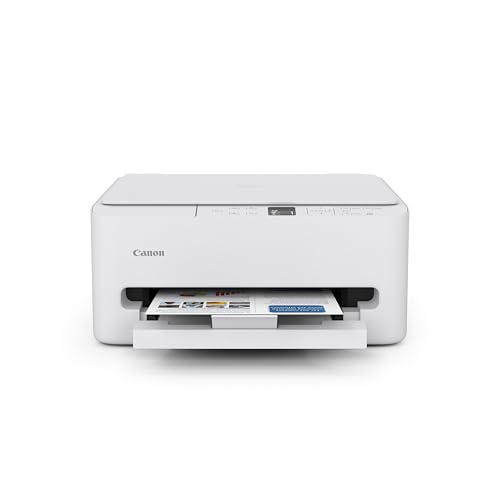

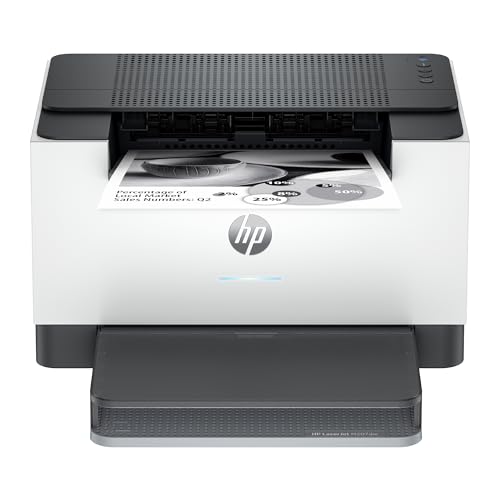


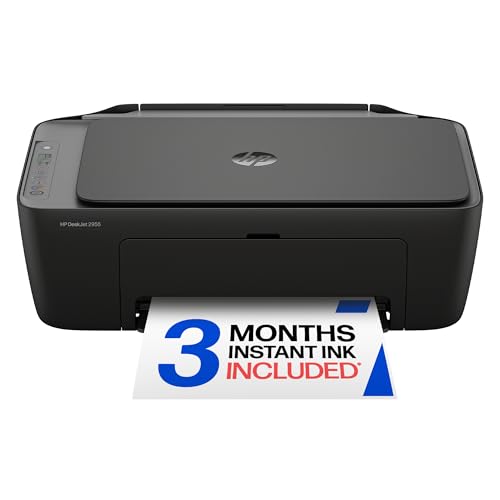
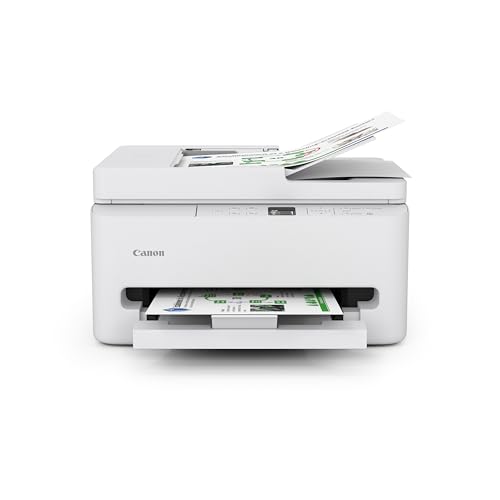
AirPlay or AirPrint: What to Look For
AirPlay sends sound and video to speakers and screens. AirPrint sends print jobs from an Apple device to a compatible printer on the same Wi-Fi network. If a listing says a printer works with AirPlay, it almost always means AirPrint. Once the printer is on your network, it appears in the share menu of apps like Photos, Safari and Mail, with no driver and usually no app required.
Check that the exact model lists AirPrint in its specifications, and that it supports the Wi-Fi band your router uses. Many printers work on 2.4 GHz only, which matters in homes with separate network names.
Printer Types to Compare
Inkjet all-in-one printers
Inkjets suit home photos, school work and mixed use. They print color well and usually add a scanner and copier. Cartridges cost more per page than laser toner, and infrequent use can dry out nozzles, so they suit people who print at least every week or two.
Ink tank printers
Tank models refill from bottles and cost far less per page, which pays off for families who print regularly. The printer costs more up front, but a set of bottles can last a long time.
Laser printers
Monochrome lasers are fast and cheap per page for documents, and toner does not dry out, so they suit home offices and occasional bursts of printing. Color lasers add vivid charts and graphics but cost more to run.
Compact photo and portable printers
Small photo printers make prints from a phone, and portable models fit a bag. They have small paper sizes and higher cost per print, so they work as a second printer rather than a main one.
What to Compare Before You Buy
- Print quality: sharp text for documents and smooth tones for photos, with resolution and paper support that match what you print.
- Running cost: ink or toner price and page yield matter more over a few years than the purchase price.
- Paper handling: tray size, duplex printing and photo paper support.
- Wireless reliability: stable reconnection after sleep and router restarts, plus simple setup from the phone.
- Extras: scanning, copying and an automatic document feeder if you need them.
Setup and Everyday Use
Place the printer within good Wi-Fi range, connect it to your network from the printer panel or the maker app, and then print from any Apple device on the same network. Keep firmware updated, since updates often fix connection problems. If the printer disappears from the list, restart the printer and the router, and check the device is on the same network name.
Use original or well reviewed compatible ink, store paper flat and dry, and run a cleaning cycle if prints show streaks. Recycle used cartridges through the maker program or a local drop-off.
Common Mistakes to Avoid
Buying on price alone is the usual error: a cheap printer with expensive cartridges can cost more over a year than a tank model. Another is assuming every wireless printer supports AirPrint, which is not true for older or budget models. Finally, buying a large office printer for light home use wastes space and money.
Frequently Asked Questions
What is the difference between AirPlay and AirPrint?
AirPlay streams audio and video to speakers and screens, while AirPrint sends print jobs from Apple devices to compatible printers. For printing, AirPrint support is the feature to check.
Do I need an app to print from an iPhone?
Usually not for AirPrint printers, because printing is built into iOS. Some makers offer apps with extra features, but basic printing should work without them.
Why does my printer disappear from the network?
Sleep modes, router changes and weak signals can hide a printer. Restart the printer and router, check the network name, and keep firmware updated.
Are tank printers cheaper to run?
Often yes for regular printing, because ink bottles cost less per page. For rare printing, a simple cartridge model or a laser may suit better.
Can I print photos well on a home printer?
Yes, with photo paper and the right settings. Choose photo quality mode and let prints dry before handling.
Final Thoughts
Confirm AirPrint support on the exact model, choose the type that matches how often and what you print, and compare running costs before the purchase price. For related reading, see our guides to the best computer printers for home and the best printers for pictures. With those checks done, the best airplay printers let you print from your Apple devices with a single tap.

