
The Best Air Laptops: Buying Guide and Top Picks for 2026
Disclosure: We may earn a commission when you buy through links on this page, at no extra cost to you. As an Amazon Associate I earn from qualifying purchases. Learn more

Learn how to choose the best air laptops by weight, display, battery life and processor, with clear tiers and a checklist for work, school and travel.
Thin and light laptops promise easy travel and all day comfort, but a slim body can hide trade offs in ports, cooling, keyboard feel, and repair options. Shoppers often compare weight alone and then discover the screen is dim or the battery falls short in real use. This guide to the best air laptops helps you judge the full package, from processor and display to weight and battery life, before you spend. Start with the comparison table below, then use the profiles and checks that follow.
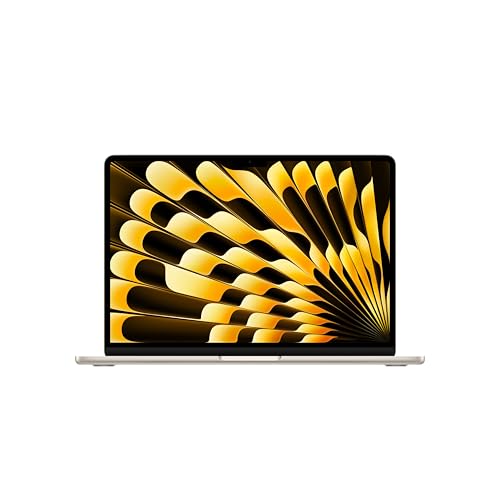
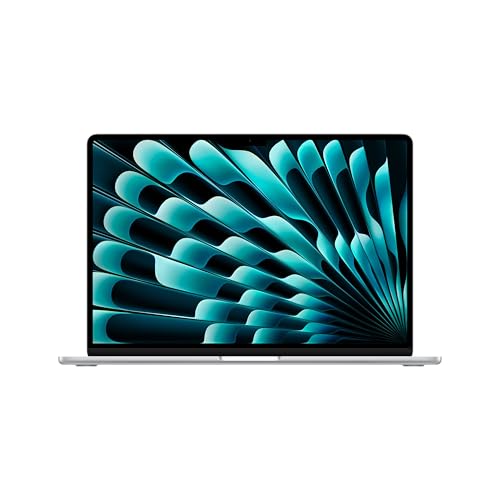


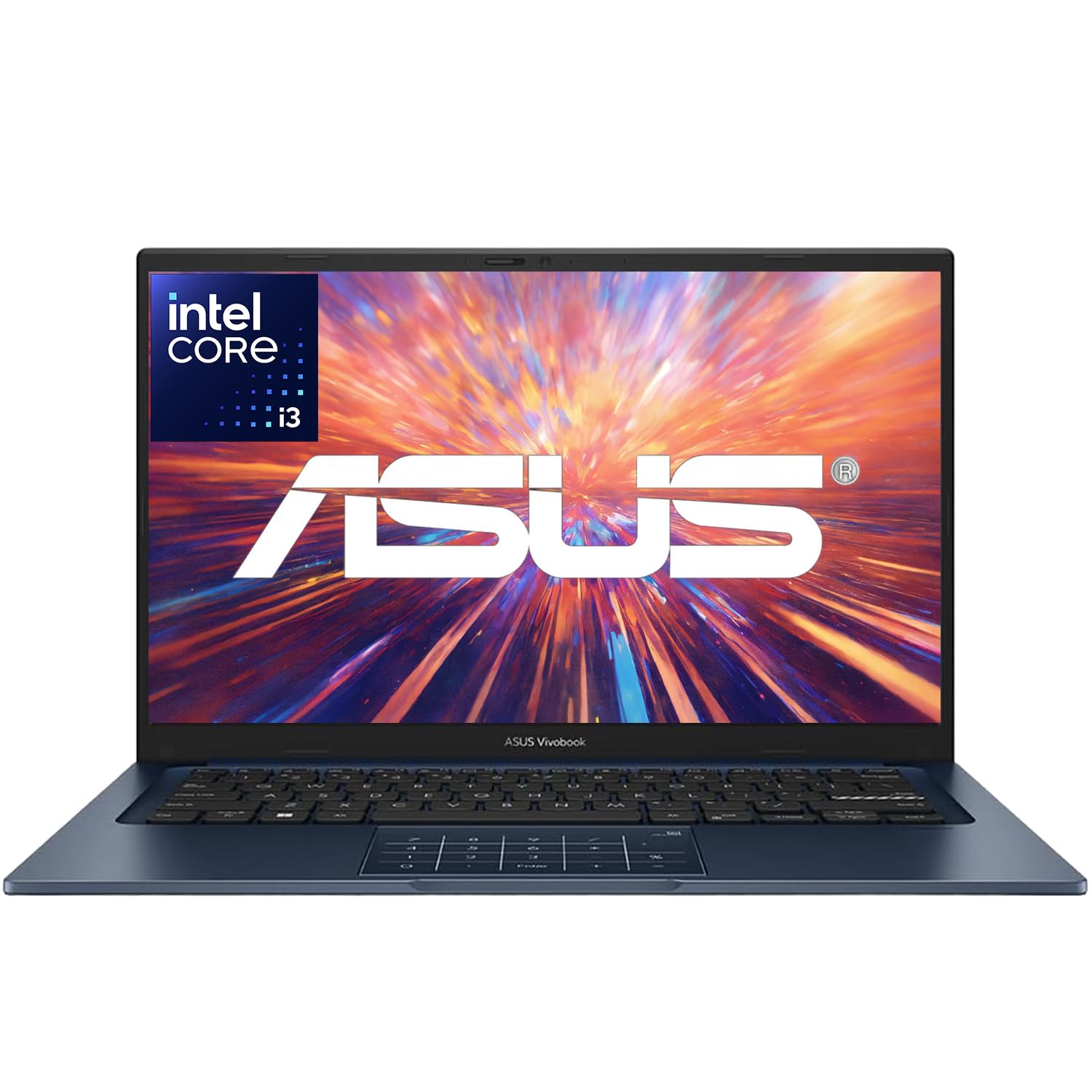
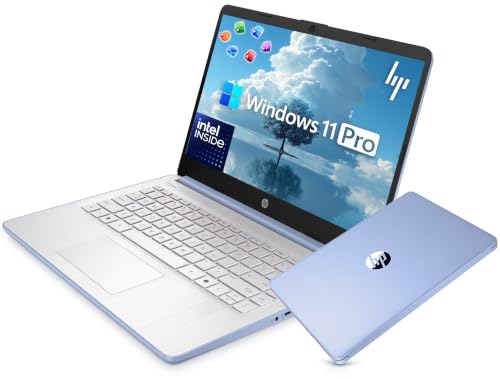


Profiles at a Glance: What a Strong Choice Looks Like
The All Round Profile
A strong overall thin and light laptop balances low weight with a bright display, a fast SSD, and enough memory for smooth multitasking. Look for at least 16 GB of memory for most buyers, a sharp screen around 13 to 14 inches, and a body under about 3 lb that still feels rigid. Battery claims should translate to a full workday of mixed use. Ports should include USB C for charging and data, plus at least one port for a common accessory you own. The limit is price, because this balance rarely comes cheap.
The Value Profile
A value focused air style laptop keeps weight low and covers core needs at around $600 to $900. Expect a capable midrange processor, 8 to 16 GB of memory, a 256 GB or larger SSD, and a solid keyboard for school or office work. You may give up an OLED display, the brightest screen, or a metal body in every area. What you should not give up is a readable display, a comfortable trackpad, and reliable WiFi. Value improves greatly when storage or memory can be chosen at purchase in a sensible step up.
The Premium Profile
A premium profile adds a brighter and more accurate display, a refined metal build, quieter cooling, and longer battery life in a body that still travels easily. Prices often run around $1100 to $1600 or more for larger memory and storage. Extras that can be worth it include a high refresh rate screen, a better webcam and microphones for calls, and fast charging over USB C. The trade off is repair cost and fewer ports in the thinnest designs. Choose premium if you keep a laptop for many years and use it daily.
How to Choose the Best Air Laptops: Buying Guide
Processor and Performance Tier
The processor sets the ceiling for speed and also affects battery life and heat. Modern efficient processors from the main families, including Intel Core Ultra, AMD Ryzen, and Apple silicon, handle office work, browsing with many tabs, photo edits, and light creative tasks with ease. For basic school and writing use, a midrange tier is enough. For large spreadsheets, code work, or video edits, choose a higher tier and pair it with 16 GB or more of memory. Thin bodies limit sustained power, so peak speed in short bursts matters less than steady performance.
Weight and Portability
Weight shapes whether a laptop truly feels like an air style machine. Under 3 lb is a good target for students and commuters who carry a charger, a water bottle, and books in the same bag. Around 3 to 3.5 lb can still travel well if the body is slim and the weight is evenly balanced. Check total travel weight, including the charger, because a heavy power brick can erase the benefit of a light body. A compact USB C charger helps. Also check the hinge, because a laptop that opens easily with one hand is more pleasant in tight spaces.
Operating System
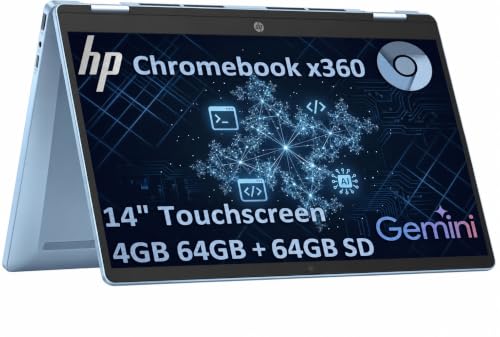
Choose the operating system that fits your software and devices first. Windows offers the widest range of thin models and broad program support. macOS suits buyers invested in that ecosystem and values strong battery life and trackpad quality in that family of machines. ChromeOS is simple, fast for web based school and office work, and often lower in price, but it depends on web apps and select store apps. Think about file sharing, printers, and any required program for work or classes before you decide, because switching systems later is disruptive.
Display Size, Resolution, and Brightness
A 13 to 14 inch display is the sweet spot for portability and comfort, while 15 to 16 inch screens help split window work and creative tasks at the cost of weight. Look for resolution that keeps text sharp at your chosen size, brightness around 300 nits or higher for bright rooms, and good color accuracy if you edit photos. Refresh rate above 60 Hz makes scrolling smoother, though it can use more battery. OLED panels give deep contrast and rich color, while quality LCD panels can be brighter and may suit long reading sessions.
Graphics
Integrated graphics handle everyday display tasks, video playback, casual games, and light photo or video work while using less power and keeping the body thin. A dedicated graphics processor helps with demanding games, 3D work, and heavy video effects, but it adds weight, heat, cost, and fan noise, which runs against the idea of an air style laptop. Most buyers in this category should favor integrated graphics and invest instead in memory, storage, and screen quality. Choose dedicated graphics only if a required program or game clearly needs it.
Keyboard, Trackpad, and Build
You touch the keyboard and trackpad all day, so comfort matters more than a small difference in processor speed. Look for steady keys with clear travel, a layout without cramped arrow keys, and backlighting if you work in dim rooms. A large smooth trackpad with accurate tracking reduces the need for a mouse while traveling. Build quality shows in a lid that flexes little, a base that stays flat, and ports that feel firm. Aluminum bodies often feel sturdy and resist wear, while quality composite bodies can be lighter.
Battery Life in Real World Use
Judge battery life by mixed real use, not by the highest claim on a box. Web browsing, documents, video calls, and bright screens drain a battery faster than simple video playback at low brightness. For a full day away from an outlet, aim for a model known to last about 9 to 12 hours in mixed tasks, and carry a USB C charger for a quick top up. Fast charging helps when you have a short break between classes or flights. Battery health lasts longer if you avoid constant heat and use the built in battery care settings.
Travelers who need mobile data on the road may also look at our guide to the best air cards for laptops for older and specialty connectivity options. Shoppers comparing slim models with more traditional designs can see our guide to the best notebook laptops for a broader view of sizes and prices.
Types of Air Laptops
Gaming Laptops
Gaming laptops focus on strong graphics, fast screens, and robust cooling for demanding games. They are usually heavier and louder than air style models and their battery life is shorter. They suit players who need high frame rates at home more than easy carrying. If you game only lightly or play cloud based titles, a thin model with integrated graphics may serve you better and travel far more comfortably each day.
2 in 1 Convertibles
2 in 1 convertibles fold or detach so the screen can work as a tablet for reading, drawing, or presenting. They add flexibility for notes and markup and often support a stylus. The trade offs are extra hinge weight, a keyboard that may feel less firm in some modes, and a higher price for the same processor. This type suits students and workers who will truly use the tablet mode weekly, not just as a novelty at purchase.
Tablets
Tablets are the lightest option for reading, media, and simple tasks, and they pair with detachable keyboards for short writing sessions. They fall short for complex file management, long documents, and some work software. Battery life and instant wake are strengths. A tablet can replace a laptop for a light user with web based tools, but most students and office workers still benefit from a full laptop keyboard, larger screen options, and a desktop class operating system.
Ultraportables
Ultraportables are the core of this category, built for thin bodies, low weight, and strong battery life without giving up a real keyboard or full operating system. They suit commuters, students, and remote workers who move between rooms and locations all day. Limits include fewer ports and less room for powerful graphics. Within this type, small differences in screen brightness, keyboard feel, and charger size have an outsized effect on daily satisfaction, so weigh those details carefully.
Tips to Get the Most From Your Air Laptop
- Keep the operating system and firmware updated, because updates often improve battery management, security, and trackpad or WiFi stability.
- Avoid running at 100 percent charge all the time if the maker offers a battery care limit, especially when the laptop stays plugged in at a desk.
- Use a padded sleeve when commuting to protect the thin lid and body from pressure and scratches inside a crowded bag.
- Clean vents gently with compressed air while the laptop is off, and keep vents unblocked during heavy work to limit heat and fan noise.
- Back up important files to cloud storage or an external SSD, because thin laptops are carried more and face more travel risk.
FAQs
How long should an air laptop last?
An air laptop should last about four to six years for typical school and office use if the battery and storage still meet your needs. Performance holds up longer when you buy enough memory at the start, because many thin models cannot be upgraded later. Battery capacity will fade gradually, so a model with a replaceable battery or a fair repair path can stay useful longer. Protective care and updates also extend life.
How much RAM do I need?
Most buyers need 16 GB of RAM for comfortable multitasking in this category. It allows many browser tabs, office programs, video calls, and light creative work to run together without slowdowns. Eight GB can work for simple web based tasks and tight budgets, but it leaves less headroom as programs grow. If you edit video, work with large data sets, or keep a laptop for many years, 32 GB may be worth the step up at purchase.
Is a dedicated GPU worth it?
A dedicated GPU is worth it only if your games or creative programs clearly require it. For writing, browsing, office work, and media, integrated graphics are fast enough and preserve the thin body, quiet running, and long battery life that define this category. A dedicated GPU also raises price and heat. Spend first on screen, memory, and storage, and choose a dedicated GPU only when a specific task you do each week demands it.
Should I buy a laptop or a tablet?
Buy a laptop if you type long documents, manage many files, or need full work and school programs. Buy a tablet if your work is mostly reading, media, web forms, and short notes, and you value the lightest possible carry. A detachable keyboard narrows the gap but rarely matches a laptop for long writing sessions. Your required software should decide, because a device that cannot run a required program is not a bargain at any price.
Is a Chromebook enough for school?
A Chromebook is enough for school when classes use web based tools, documents, and video calls and no special Windows or macOS program is required. It offers simple setup, fast startup, and strong battery life at a low price. Check the school program list before you buy, including any exam software, coding tools, or creative programs. If any required tool needs a full desktop system, choose a Windows or macOS thin laptop instead.
Our Verdict
Prioritize weight with real battery life, a bright display, and enough memory, in that order for most buyers. A value model covers school and office needs well, while premium build and screen quality pay off for daily long term use. Compare your finalists in the product table above, and choose the best air laptops option that fits your programs, your bag, and your budget without forcing a compromise on the keyboard or screen.


