
Best AI Laptops 2026: A Buying Guide
Disclosure: We may earn a commission when you buy through links on this page, at no extra cost to you. As an Amazon Associate I earn from qualifying purchases. Learn more

The best ai laptops explained: neural processing, memory needs, battery life, software support and everyday productivity value.
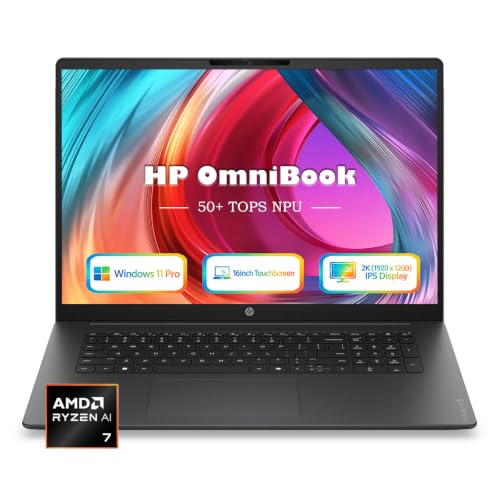
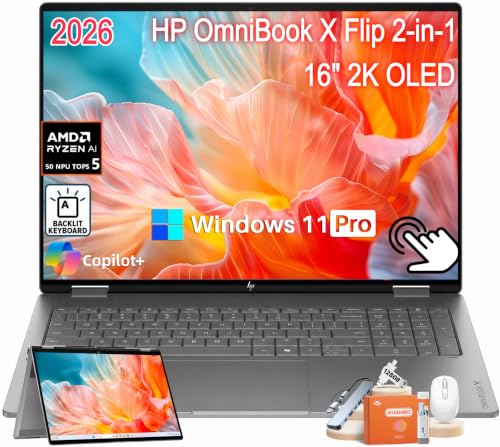
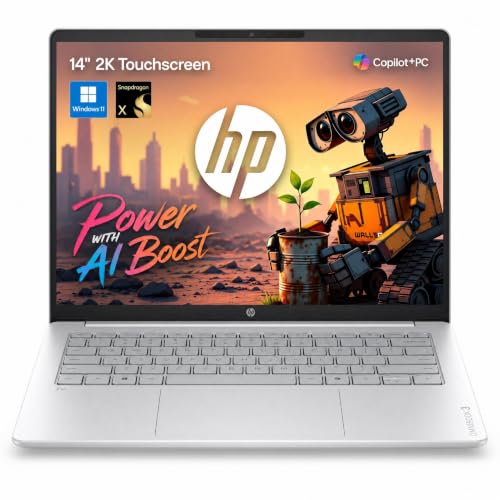
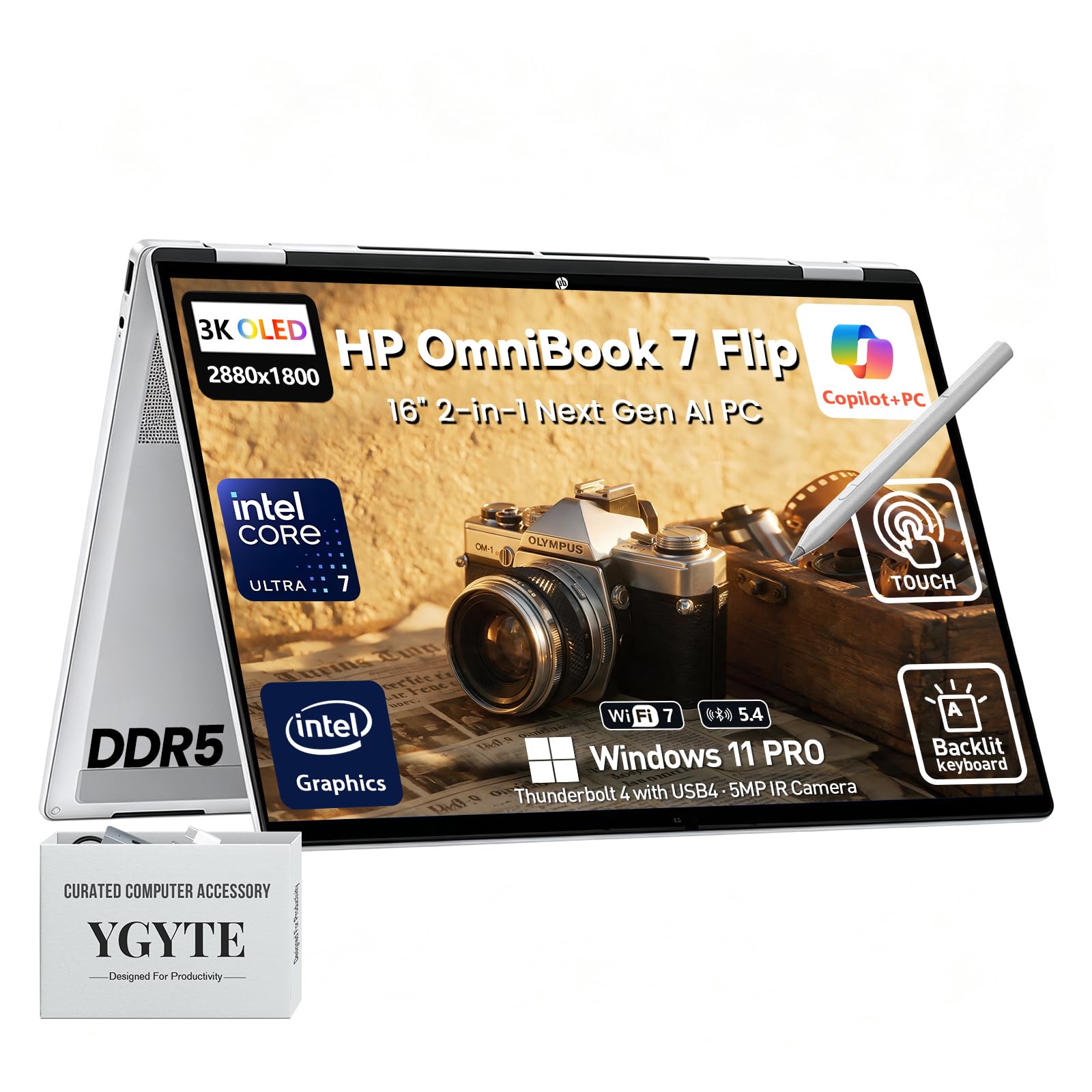
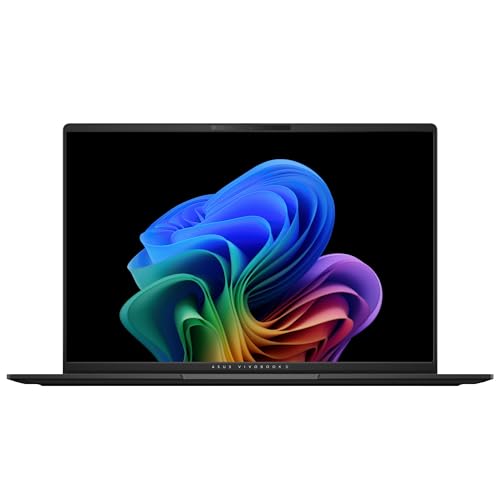
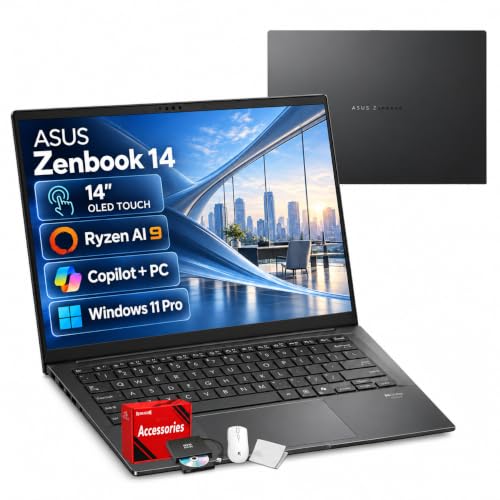
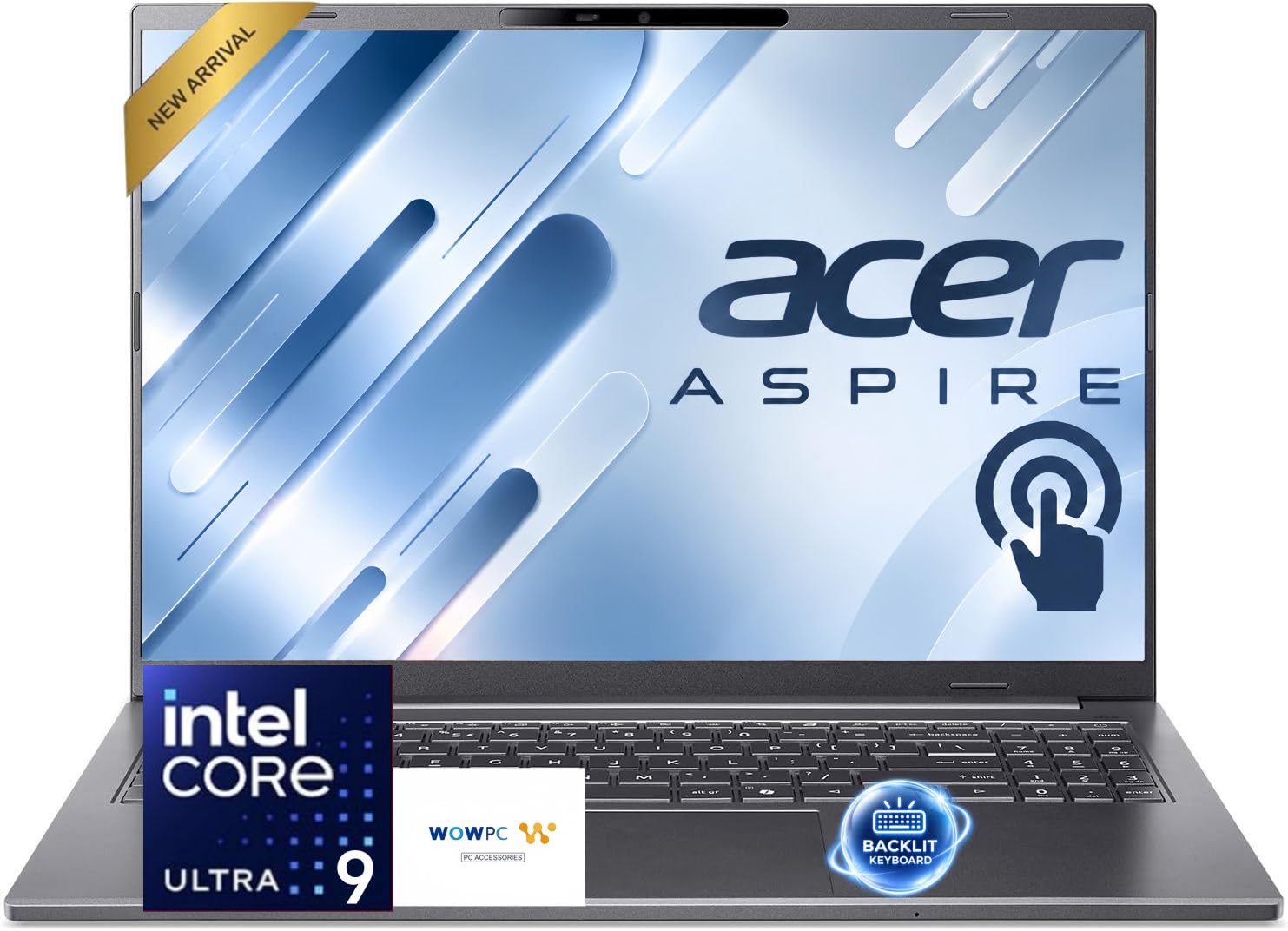
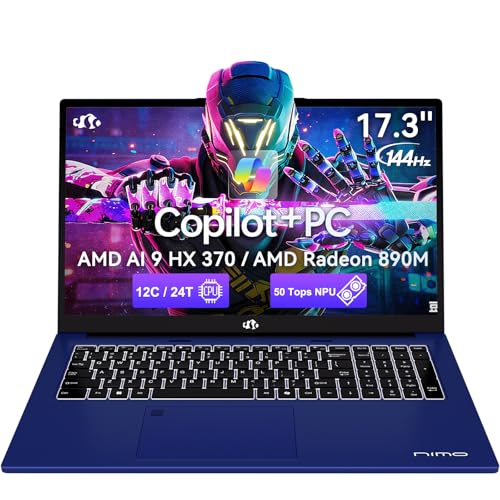
AI laptops promise smarter features, from on device transcription to faster photo editing, but the label covers a wide range of machines. If you are considering the best ai laptops, on device AI capability and everyday performance matter more than marketing badges. The comparison table below gives a quick overview, while this guide explains what AI hardware actually does for you today.
AI features split into two kinds: tasks run on the laptop itself, and tasks sent to cloud services. On device AI needs a neural processor and enough memory, while cloud AI needs only an internet connection. Knowing which kind your software uses prevents paying for hardware you may never need. This guide separates promise from practical value.


Who Should Buy Them
AI laptops suit students, creators, and professionals who use transcription, image tools, and productivity assistants regularly. They are ideal when privacy or offline use matters, since on device processing keeps data local. If your work is mostly documents and browsing, a standard laptop may offer better value. For AI heavy workflows, dedicated hardware starts to earn its price.
Key Features to Compare
Compare AI laptops on the hardware and software points that decide real AI usefulness.
- Neural processor. A dedicated neural unit accelerates on device AI tasks without burdening the main processor.
- Memory capacity. AI models use memory heavily, so 16 GB is a sensible minimum and 32 GB suits heavier use.
- Processor and graphics. A modern processor and capable graphics still matter for everyday speed and creative work.
- Battery life. Efficient AI hardware can extend battery life by handling tasks locally at lower power.
- Software support. Check that your actual apps use on device AI, since unsupported software gains nothing from the hardware.
Types and Options
AI laptops come in a few forms, each with its own balance of power and portability.
- Thin and light AI laptops. Portable machines for students and mobile professionals with everyday AI features.
- Creator AI laptops. Stronger graphics and memory for photo, video, and design AI tools.
- Business AI laptops. Security and manageability features for office and enterprise use.
- Gaming laptops with AI features. Powerful graphics plus AI upscaling and assistance for games and creation.
How to Choose the Right One
List the AI features you actually use, such as transcription, background blur, or image generation, then check whether they run on device or in the cloud. If cloud based, any capable laptop suffices. If on device, favour a strong neural processor and ample memory. Test battery life claims against your real workload, since AI tasks vary widely in power use.
Think about longevity too, since AI software evolves quickly and hardware requirements may rise. The product table above lets you compare memory and processor details side by side. A laptop with headroom in memory and storage ages better than one bought exactly to minimum specifications. Balance AI hardware against screen, keyboard, and build quality, which affect every task.
For related guides, see best notebook laptops, best laptops for ai programming, best laptops for ml and ai, best time to purchase laptops and best laptops for ai and machine learning.
Budget and Long Term Value
AI laptops often cost from about $700 to $1,500, with capable models across that range. Higher prices usually buy stronger neural processors, more memory, and better displays. Do not pay a large AI premium if your software runs in the cloud, since that hardware adds little daily benefit. Spend the premium only when on device AI features form part of your regular workflow.
Everyday Use and Care
Keep operating system and drivers updated, since AI features often arrive through software updates. Manage storage, since AI models and media files consume space quickly. Back up work regularly, and review privacy settings for AI features that process personal data. Clean vents and avoid blocking airflow, since sustained AI workloads generate heat.
Mistakes to Avoid
- Paying an AI premium for software that runs in the cloud anyway.
- Buying too little memory for on device AI models.
- Ignoring screen and keyboard quality while chasing AI specifications.
- Assuming AI hardware alone improves productivity without suitable software.
Getting the Most From Your Choice
Getting value from AI features requires learning what your software actually offers, since many tools hide useful functions in menus. Explore transcription, summarising, image tools, and assistant features with real tasks from your work or study. Notice which tasks save genuine time and which feel like novelties, then focus on the former. Purposeful exploration turns AI hardware from a label into a practical daily advantage.
Think about privacy and data as part of AI use, because features process different kinds of information in different places. Review settings for each AI tool, disable features you do not need, and prefer on device processing for sensitive material when available. Keep backups of important work regardless of AI assistance, since automated tools can err. Thoughtful settings protect both productivity and personal data.
Questions to Ask Before You Order
Before ordering, list AI features you use weekly, check whether they run on device or in the cloud, and confirm memory and storage needs. Ask about neural processor capability, software support length, and battery life under AI workloads. These questions ensure you pay for AI hardware only when it serves your real workflow.
- Which AI features do I use every week?
- Do those features run on device or in the cloud?
- Is memory enough for AI models and multitasking?
- Will software support last through my ownership?
Long Term Value
When you judge long term value, look beyond the purchase price to how AI laptop holds up under daily use. General performance, memory, and software support decide whether a laptop stays useful as AI software evolves. A product that needs frequent replacement or repair quickly costs more than a slightly pricier alternative that lasts. Check warranty length, availability of spare parts, and how easily the item can be cleaned or serviced at home. These practical details decide whether a budget buy stays a bargain or becomes a repeated expense over the years you own it.
Total cost includes storage upgrades and software subscriptions, and planning for those costs avoids surprises. AI models and media consume storage, and some tools charge subscriptions, so include both in total cost. Set aside a small amount for upkeep from the start, and compare that total against the next price tier rather than judging the sticker alone. Often the middle option costs less over three years than the cheapest one, because it avoids early replacement and performs better throughout its life.
Know when to upgrade rather than repair. If memory or storage cannot meet new software needs, or support ends while hardware still functions, replacement makes sense. Until then, regular care and timely small fixes extend life considerably. A thoughtful owner gets far more value from a mid priced AI laptop than a careless owner gets from a premium one, so habits matter as much as hardware.
- Check warranty length and spare part availability before buying.
- Budget for upkeep costs from the first year, not as an afterthought.
- Compare total ownership cost across price tiers, not sticker price alone.
Frequently Asked Questions
What makes a laptop an AI laptop?
An AI laptop includes a dedicated neural processor alongside its main processor, designed to accelerate AI tasks on the device itself. This allows features like transcription, image enhancement, and background effects to run locally and efficiently. The label alone guarantees little, so check the neural processor capability and which apps actually use it.
Do I need an AI laptop for everyday work?
Most everyday work, including documents, browsing, and video calls, runs well on standard laptops. AI hardware helps when you regularly use on device AI features or want offline AI processing. If your AI tools run in the cloud, a standard laptop with good memory and speed offers similar results for less money.
Does on device AI protect privacy?
On device processing keeps data on your laptop rather than sending it to cloud servers, which can improve privacy for sensitive work. Not all features run locally, so check each app privacy settings. Read what data each feature collects, and disable features you do not trust or need.
How much memory do AI laptops need?
For light AI use, 16 GB of memory is a sensible minimum, while heavier image and video AI work benefits from 32 GB. Memory pressure slows both AI and everyday tasks, so favour headroom over minimum specifications. Storage matters too, since AI models and media libraries grow quickly.
Will AI laptops stay useful for years?
AI software evolves fast, so future requirements may rise, but a laptop with strong general performance, ample memory, and current software support ages better than one bought to minimum specs. Choose balanced hardware rather than AI branding alone, and expect software updates to deliver many future AI features.
Final Thoughts
The best ai laptops are the ones where AI hardware serves your actual workflow, not just a label on the box. Check whether your tools run on device, favour ample memory, and keep everyday quality first. Chosen thoughtfully, an AI laptop can make creative and productivity work faster and more private.


