
Best Affordable Printers for Art Prints 2026 Guide
Disclosure: We may earn a commission when you buy through links on this page, at no extra cost to you. As an Amazon Associate I earn from qualifying purchases. Learn more

How to pick an affordable printer for art prints: ink types, paper handling, color accuracy and running costs, so prints look right without a studio budget.
Choosing best affordable printers for art prints means balancing color quality, paper choice, and running costs. A printer that handles everyday documents well may still struggle with smooth gradients, deep blacks, and fine detail in artwork. The comparison table below summarises the main printer types for art work.
Ink type matters a lot for art prints. Dye inks often look vivid on glossy paper, while pigment inks tend to resist fading and suit matte fine art papers. Paper handling matters too, since thick fine art sheets need a straight path and enough clearance to feed without bending.
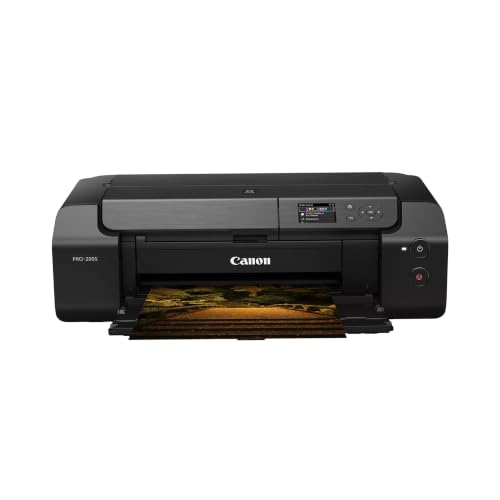


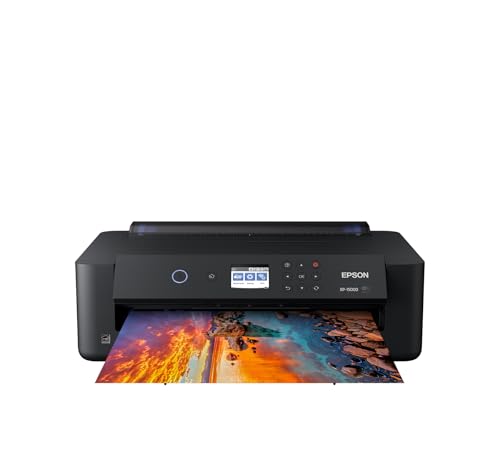

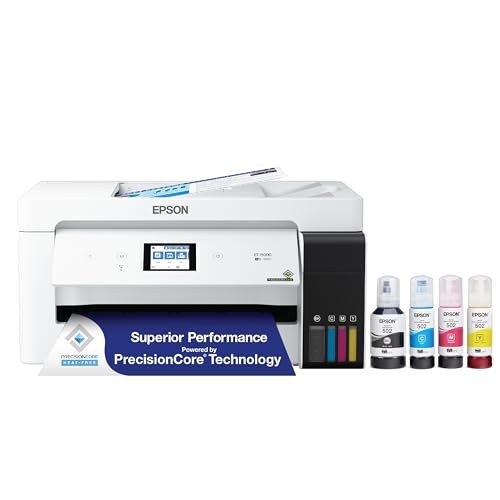
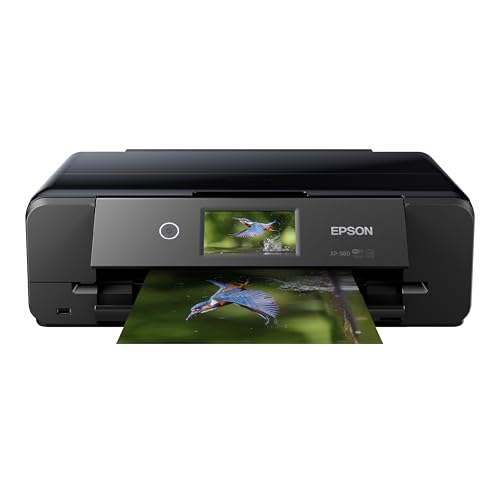
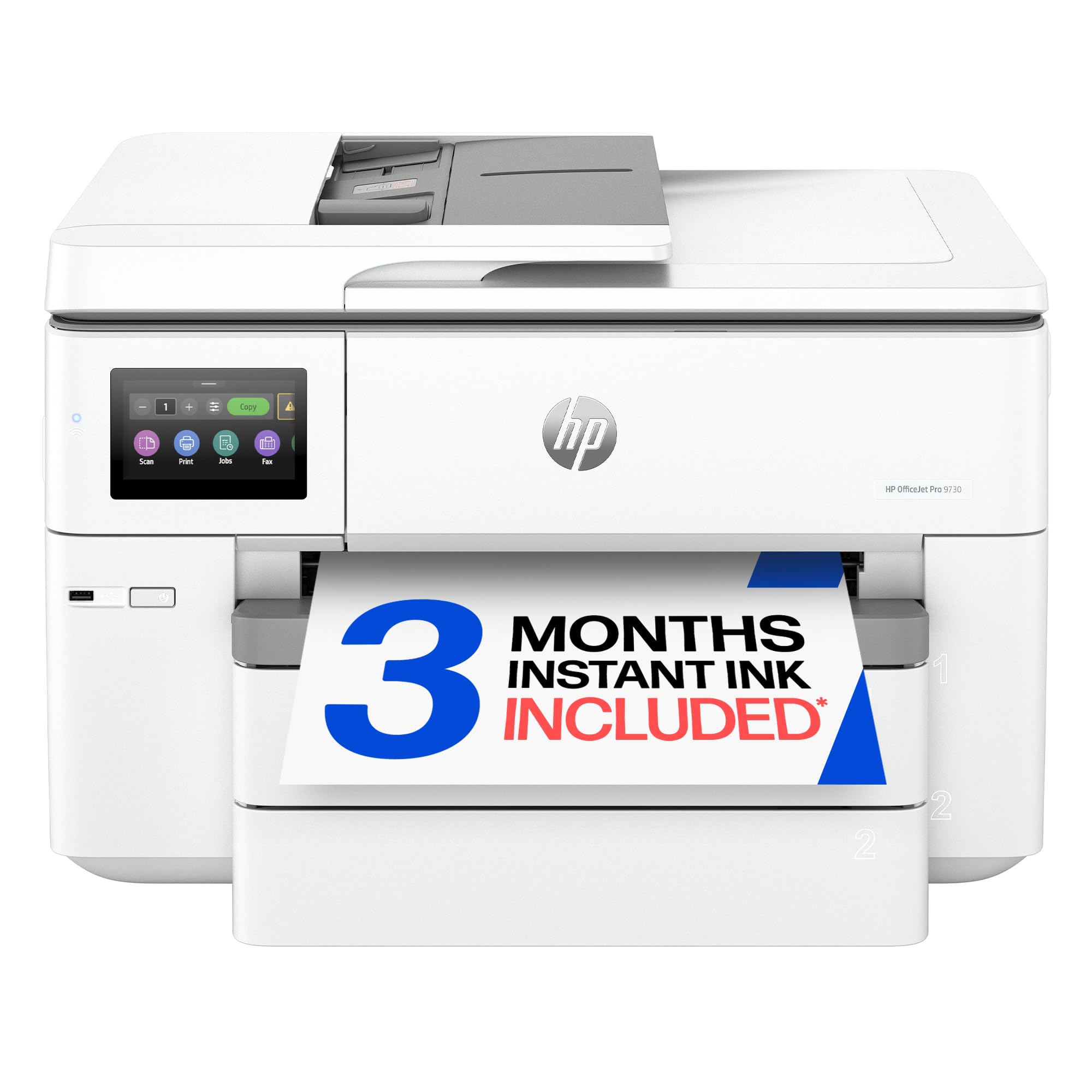
This guide explains ink, paper, color management, and costs in plain terms. You will learn which specs actually affect print quality, how to test a printer before committing, and how to keep running costs under control while selling or sharing your work.
Who Should Buy This Type
These printers suit artists, illustrators, and photographers who print their own work in small runs. They work well for portfolio prints, gifts, and small shop orders where control over color and paper matters. Home printing also lets you test a design quickly before ordering a larger run.
They are less suited to high volume commercial printing, where a print service or a larger format printer makes more sense. If you print hundreds of copies each month, compare service costs against ink, paper, and maintenance time. For occasional runs, a home printer usually wins on flexibility.
Key Features That Matter Most
Ink type: Pigment inks resist fading and suit archival matte papers, while dye inks give vivid color on glossy stock. Count ink colors too, since extra grey or photo inks improve gradients and skin tones. Check whether inks are sold as individual cartridges or combined units.
Paper handling: Thick fine art paper needs a rear feed or a straight path, plus a maximum paper weight rating. A printer that only feeds thin paper will jam or curl heavy stock. Check borderless printing, roll support, and the largest paper size you actually use.
Color accuracy: A printer profile for your chosen paper matters more than a high resolution number. Profiles tell the printer how ink behaves on each paper, which affects tone and color balance. Soft proofing on screen helps, but a small test print remains the most reliable check.
Running costs: Ink cost per print depends on coverage, paper size, and how often you clean nozzles. Tank printers often cost less per page than cartridge models, yet they cost more upfront. Track ink and paper use for a month to see your real cost per print.
Types and Options Compared
Art printers come as photo inkjet, tank inkjet, and wide format models, and each fits a different workflow. Photo inkjets suit small prints with rich color. Tank models cut ink costs for frequent printing. Wide format printers handle larger sheets and posters, but they need more space and care.
- Photo inkjet printers for rich color on small to medium prints.
- Tank inkjet printers for lower ink costs with frequent printing.
- Wide format printers for large prints and posters.
- Compact photo printers for quick small proofs and gifts.
Fit, Size, and Everyday Setup
Set up the printer on a stable surface with room for paper to feed and exit without bending. Keep paper flat and dry, since damp sheets cause jams and color shifts. Leave space for maintenance, including nozzle checks and head cleaning, which need access to the front and top.
Calibrate color with a test print on your chosen paper before a full run. Compare the print under daylight and indoor light, since colors shift with lighting. Note the settings that worked, including paper type, quality mode, and profile, so repeat prints stay consistent.
Budget and Long Term Value
Affordable art printers often range from about $150 to $500, with tank and wide format models at the higher end. Add paper, ink, and occasional maintenance to the upfront price. A cheaper printer with costly cartridges can cost more over a year than a pricier tank model.
For small runs, compare home printing against a local print service for your usual sizes. Home printing wins on speed and control, while services win on large sizes and archival papers. Many artists use both, printing proofs at home and ordering final runs from a service.
You may also find these related guides useful as you compare options: best printers for art prints, best printers for printing art prints, best printers for fine art prints, best printers for making art prints, best printers for high quality art prints.
Care and Maintenance
Run a nozzle check if prints show banding or missing colors, and clean heads only when needed, since cleaning uses ink. Keep the printer covered when idle, and print at least once a week to prevent nozzles drying out. Store paper sealed and flat, away from humidity and sunlight.
Handle prints by the edges and let them dry fully before stacking or framing. Pigment prints on matte paper can scuff if rubbed, so use interleaving sheets for storage. Keep spare ink on hand, and note expiry dates, since old ink can affect color and clog heads.
Common Mistakes to Avoid
A common mistake is judging a printer by resolution alone, while ignoring paper handling and ink type. Another is using the wrong paper profile, which shifts colors even on a good printer. Always match the profile to the exact paper, and test before a full run.
Ignoring running costs is another trap, especially for cartridge printers with heavy color coverage. Track ink use for a few weeks, and compare tank versus cartridge costs for your volume. A printer that seems cheap upfront can become costly with daily art printing.
Testing Prints Before a Full Run
A single test print on your chosen paper tells you more than any specification sheet, because color, sharpness, and paper texture interact in ways that numbers cannot capture, so print the same image at a small size first and compare it under daylight and indoor light. Look closely at gradients in skies and skin tones, where banding and color steps show up first, and check deep shadows for detail rather than solid black blocks. If colors look off, try a different paper profile before adjusting the image itself, since the wrong profile is the most common cause of disappointing art prints. Keep notes on the paper, profile, quality setting, and ink levels for each test, because repeatable results depend on remembering what worked.
Paper storage affects print quality as much as printer settings, since damp or curled paper feeds unevenly and shifts colors. Store fine art paper flat in its packaging, away from humidity and sunlight, and handle sheets by the edges to avoid fingerprints on the printable surface. Let prints dry fully before stacking or sleeving them, and use interleaving sheets for matte prints that scuff easily. For prints you plan to sell, record the ink type and paper used, since buyers who frame prints appreciate knowing how to care for them and how long colors should last under normal indoor display.
Frequently Asked Questions
Is a tank printer better for art prints?
Tank printers often cost less per page, which helps if you print often, but ink type and paper handling matter more for quality. Check whether the tank model uses pigment or dye inks, and whether it feeds your chosen paper weight. For occasional printing, a cartridge photo printer can still give excellent color. Compare total cost for your volume, not just the printer price.
What paper should I use for art prints?
Match paper to your ink and your artwork style, since matte fine art papers suit pigment inks and soft tones, while glossy papers suit vivid color and sharp detail. Start with two or three papers and test the same image on each. Note weight, texture, and how colors shift under different light. The right paper often changes a print more than a new printer does.
Why do my prints look different from my screen?
Screens glow with backlight, while paper reflects light, so prints often look darker and less saturated. Calibration, the correct paper profile, and soft proofing help close the gap. Print a small test on your chosen paper and view it in daylight before a full run. Adjust brightness slightly rather than chasing an exact screen match.
How do I stop ink from fading?
Pigment inks and archival papers resist fading better than dye inks on standard paper. Keep prints out of direct sunlight, frame them behind glass, and store unframed prints flat in acid free sleeves. Humidity and smoke also speed fading, so a dry indoor space helps. For prints you sell, note the ink and paper used so buyers know how to care for them.
Can an affordable printer handle fine art paper?
Many budget photo printers can, provided they support the paper weight and offer a rear or straight feed path. Check the maximum paper weight in the specs, and test a single sheet before buying a pack. Very thick cotton papers may need a higher end model, but most standard fine art papers work well on affordable printers.
Final Thoughts
The right art printer matches your ink, paper, and volume, not just your budget. Use the product table above to compare types, then test prints on your real paper before committing. Color control and paper handling matter more than headline resolution.
In short, best affordable printers for art prints should give you prints you are proud to share or sell, at a running cost you can sustain. Choose the ink and paper path that fits your work, keep the printer maintained, and test often for consistent results.


