
Best Affordable Laptops for Photography 2026 Buying Guide
Disclosure: We may earn a commission when you buy through links on this page, at no extra cost to you. As an Amazon Associate I earn from qualifying purchases. Learn more

Pick the best affordable laptops for photography with accurate colors, enough RAM, and fast storage for editing photos without a premium price.
A photography laptop earns its place after the shoot. It has to import hundreds of raw files, show colors honestly, and keep a catalog responsive while you cull and edit. This guide helps you choose the best affordable laptops for photography by putting the screen, memory, storage, and card reader ahead of features that mostly serve gamers.
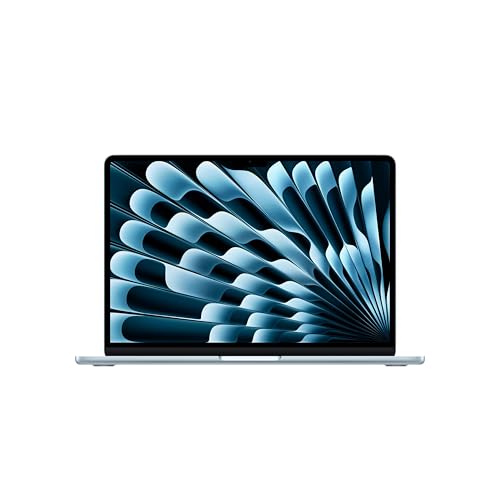
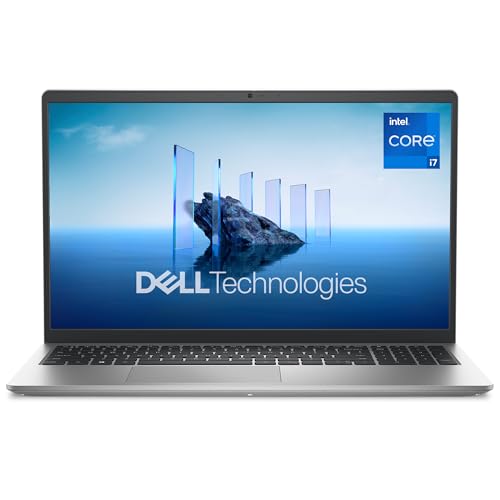
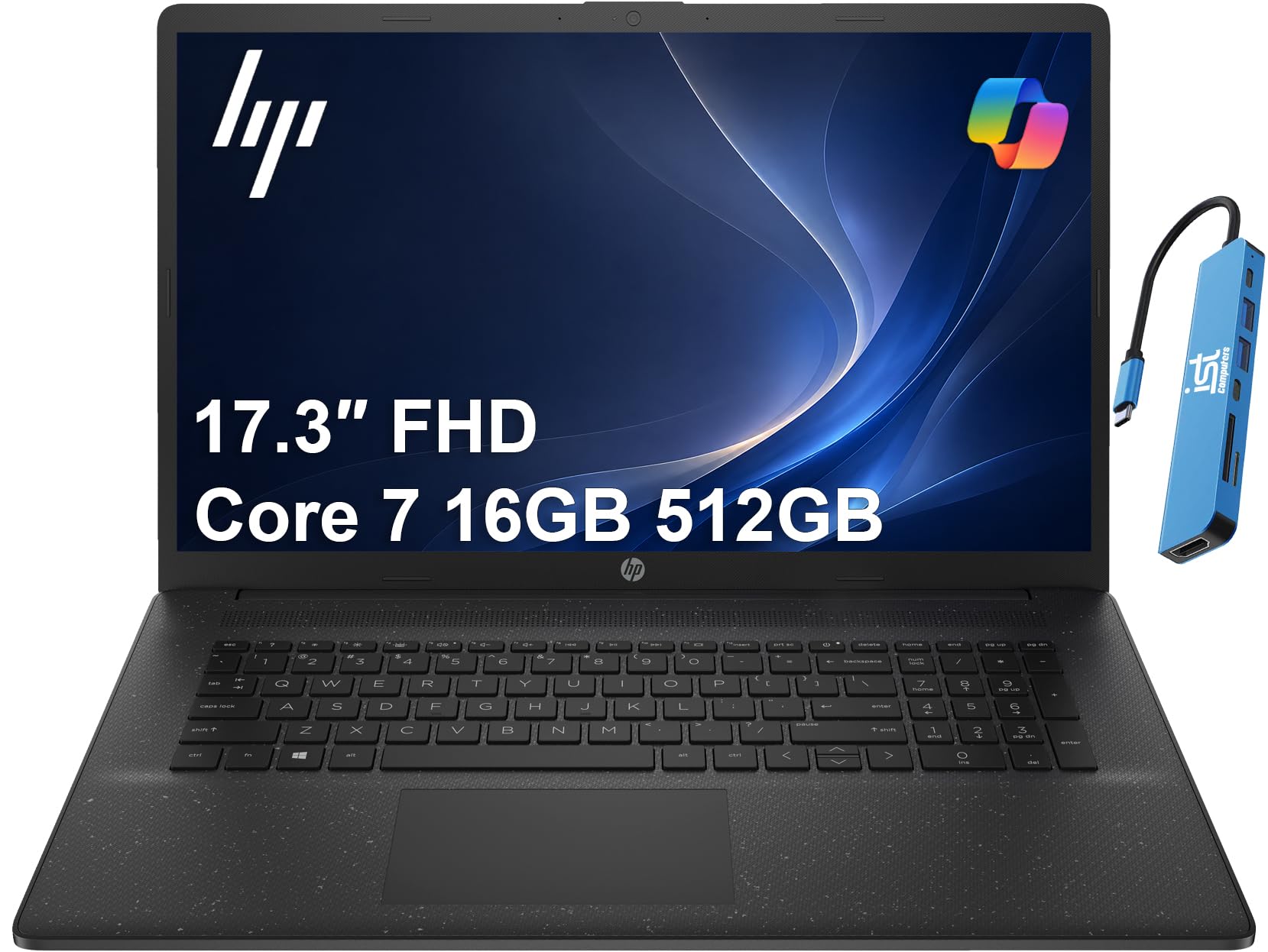
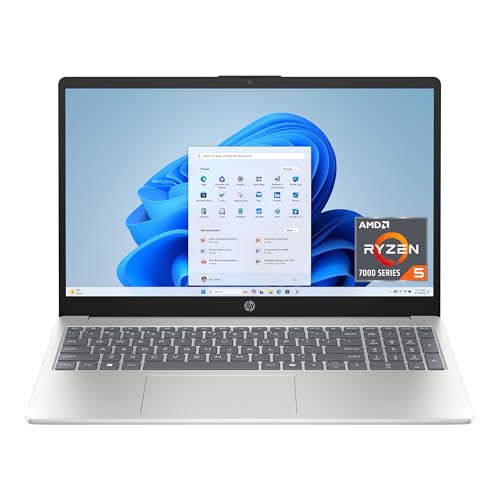
The product table below lists current options. The sections that follow explain what each spec does for a photographer, so you can read the table with a clear idea of what to look for.






What a Photographer Needs From a Laptop
Photographers handle large files in bulk. A raw file from a modern camera can be 30 MB or more, so a single shoot fills gigabytes quickly. The laptop must read those files fast, show previews smoothly, and apply edits without long waits.
The screen is the other half of the job. If colors look different on every device, edits become guesswork. A decent budget laptop will not match a studio monitor, but a good panel with accurate colors gets you most of the way, and an external monitor at home can handle final judgments.
How to Choose the Best Affordable Laptops for Photography
Display Quality
Look for an IPS or OLED panel, full HD resolution or better, brightness around 300 nits, and sRGB coverage near 100 percent when the listing gives it. Avoid low resolution panels with narrow viewing angles, because colors shift as you tilt the screen. A matte finish helps in bright locations.
Memory and Storage
Sixteen gigabytes of RAM keeps editing software and previews smooth. An SSD of 512 GB or more holds the working catalog, and a fast external drive stores the archive. Never rely on a slow hard drive for the active catalog.
Processor and Graphics
A recent mid range processor with six or more cores speeds up exports and previews. Integrated graphics are fine for most photo editing, and a modest dedicated chip adds speed for heavier tools such as noise reduction and large panoramas.
Ports and Card Reading
A built in SD card slot saves carrying a reader. USB C ports with fast transfer speeds make moving files to an external drive quicker, and a port for a second monitor helps at home. Count the ports you use before you buy.
Portability and Battery
If you edit on location, aim for under four pounds and a battery that lasts a half day of light work. Heavy edits drain batteries quickly, so carry the charger on shoot days.
Types of Laptops for Photography
| Type | Best for | Trade off |
|---|---|---|
| Thin laptop with a bright screen | Travel and editing on location | Fewer ports and limited upgrades |
| Creator style laptop | Accurate color and heavy catalogs | Costs more per spec |
| Entry gaming laptop | Fast exports and large batches | Weight and fan noise |
| Everyday 15 inch laptop | Casual editing on a tight budget | Average screens and memory |
Around $600 to $800 buys 16 GB of RAM and an SSD, while $800 to $1,100 adds a better screen or a stronger processor.
Common Mistakes
- Judging by processor alone. A fast chip with a dull screen and 8 GB of RAM still frustrates photographers.
- Using the internal drive as an archive. A full drive slows the catalog, so move finished shoots to an external drive.
- Skipping a backup plan. Keep every shoot in at least two places.
- Editing on a glossy screen in bright light. Reflections hide shadow detail and distort contrast.
Setting Up for Editing
Set the display to a neutral brightness in a room with steady light, and avoid editing with a strong color cast from nearby lamps. If you edit seriously, a small hardware calibrator keeps colors consistent over time.
Create a simple folder system by date and shoot name, keep your catalog on the internal SSD, and send finished work to the external drive. Update drivers and your editing software regularly, and clean the vents to keep fans effective during long exports.
What Your Money Gets You
Around $500 to $700
This tier suits hobby photographers who edit now and then. You can expect a recent processor, 8 GB or 16 GB of RAM, and a 512 GB SSD. Favor models with 16 GB of RAM and an IPS screen, and expect average brightness and color coverage.
Around $700 to $900
The middle tier brings brighter screens, better color coverage, and sturdier builds, with 16 GB of RAM common. It is a sound choice for enthusiasts who shoot weekly and edit raw files in a catalog tool. Some models include an SD card slot, which saves carrying a reader.
Around $900 and above
At the top of the affordable range you can find OLED or high resolution screens, stronger processors, and entry graphics chips. These suit working photographers who edit on location or handle large batches. If you edit mostly at home, a middle tier laptop plus an external monitor often delivers better value.
Always check the return policy so you can open a few of your own raw files and judge the screen and speed in real use during the first week.
Importing and Culling on the Go
Many photographers import and cull images while still on location. A laptop with an SD card slot, fast storage, and a bright screen makes that workflow easier. Culling is lighter than full editing, so even an everyday laptop can handle it, provided it has enough memory and an SSD.
For travel, bring a small portable SSD for backups, a short USB C cable, and a compact charger. Keep two copies of every shoot before you format memory cards, because a lost laptop should never mean lost images.
Frequently Asked Questions
How much RAM do I need for photography?
Sixteen gigabytes is a comfortable target for editing raw files and keeping previews smooth. Eight gigabytes can work for light editing, but large catalogs and multitasking will feel slow.
Do I need a dedicated GPU for photography?
Not always. Integrated graphics handle most editing tasks well, while a modest dedicated chip speeds up certain tools. Prioritize the screen, memory, and storage first.
Can I edit photos on a budget laptop?
Yes. A budget laptop with 16 GB of RAM, an SSD, and a decent IPS screen can handle most photo editing. For critical color work, add an external monitor.
Is a Mac or a Windows laptop better for photography?
Both work well. Macs are known for consistent screens, while Windows laptops usually offer more choice at lower prices. Choose based on the software you use and the price you can afford.
How much storage do I need?
A 512 GB internal drive works if you move finished shoots to an external drive. If you edit large catalogs on the laptop itself, consider 1 TB.
Final Thoughts
Start with the screen, then memory and storage, and add graphics power only if your workflow needs it. Compare the choices in the product table above and pick the best affordable laptops for photography that fits your shooting style. For a broader view, read our guide to the best and affordable laptops or the best notebook laptops.


