
Best Affordable Laptops for Photographers: The Buyer Checklist for 2026
Disclosure: We may earn a commission when you buy through links on this page, at no extra cost to you. As an Amazon Associate I earn from qualifying purchases. Learn more

Use this checklist for the best affordable laptops for photographers, covering display accuracy, storage, RAM, ports, and weight before you spend.
Photographers shop for laptops differently from most buyers. Your screen is a proofing tool, your storage fills with RAW files, and your edits depend on software that punishes weak hardware. A general checklist misses those points, so this guide evaluates every machine through the lens of a working photo workflow.
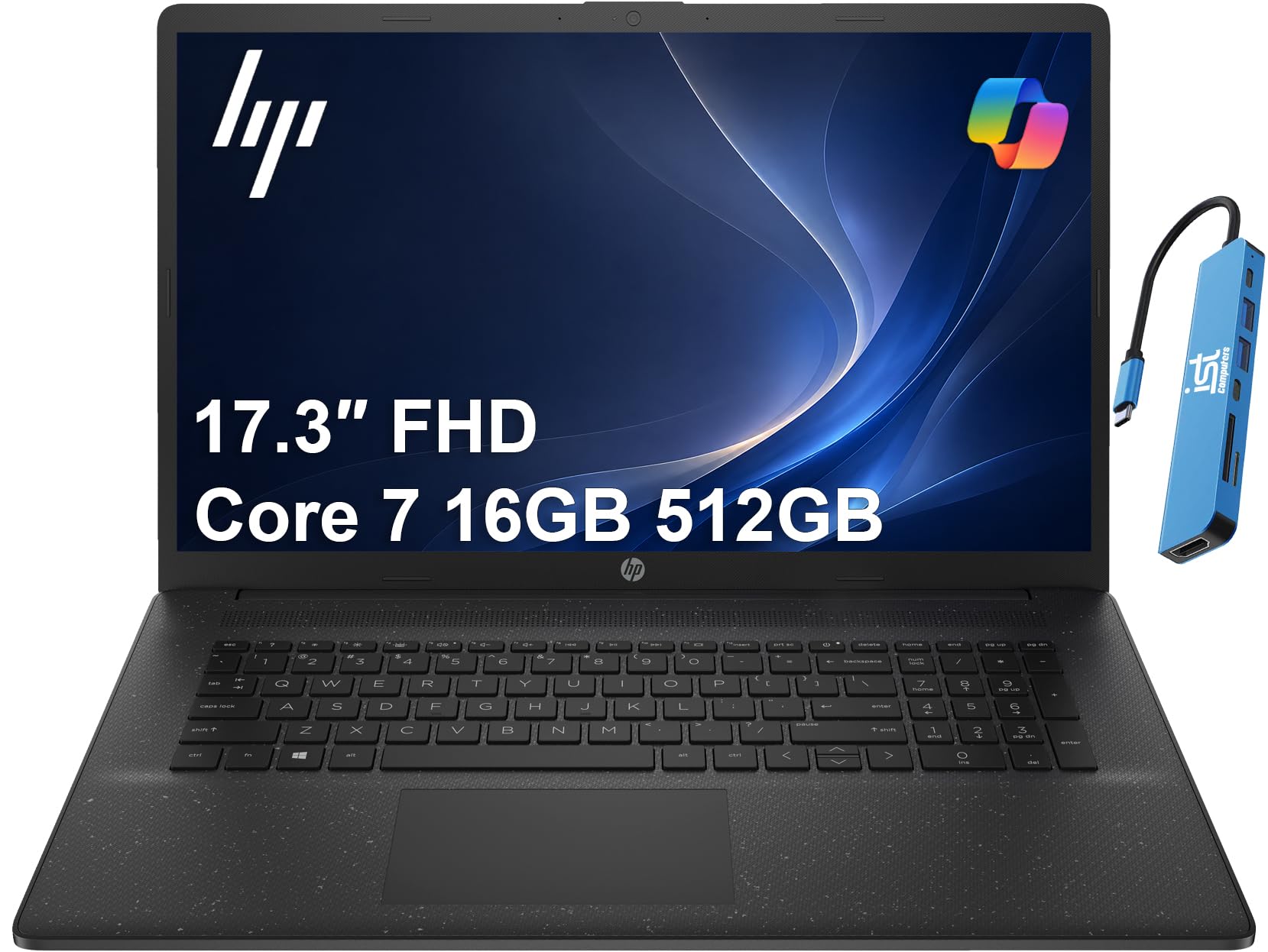
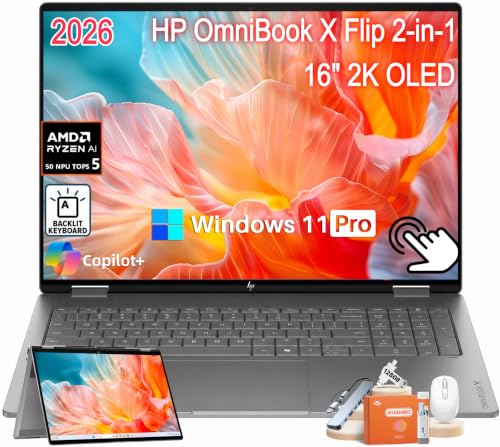
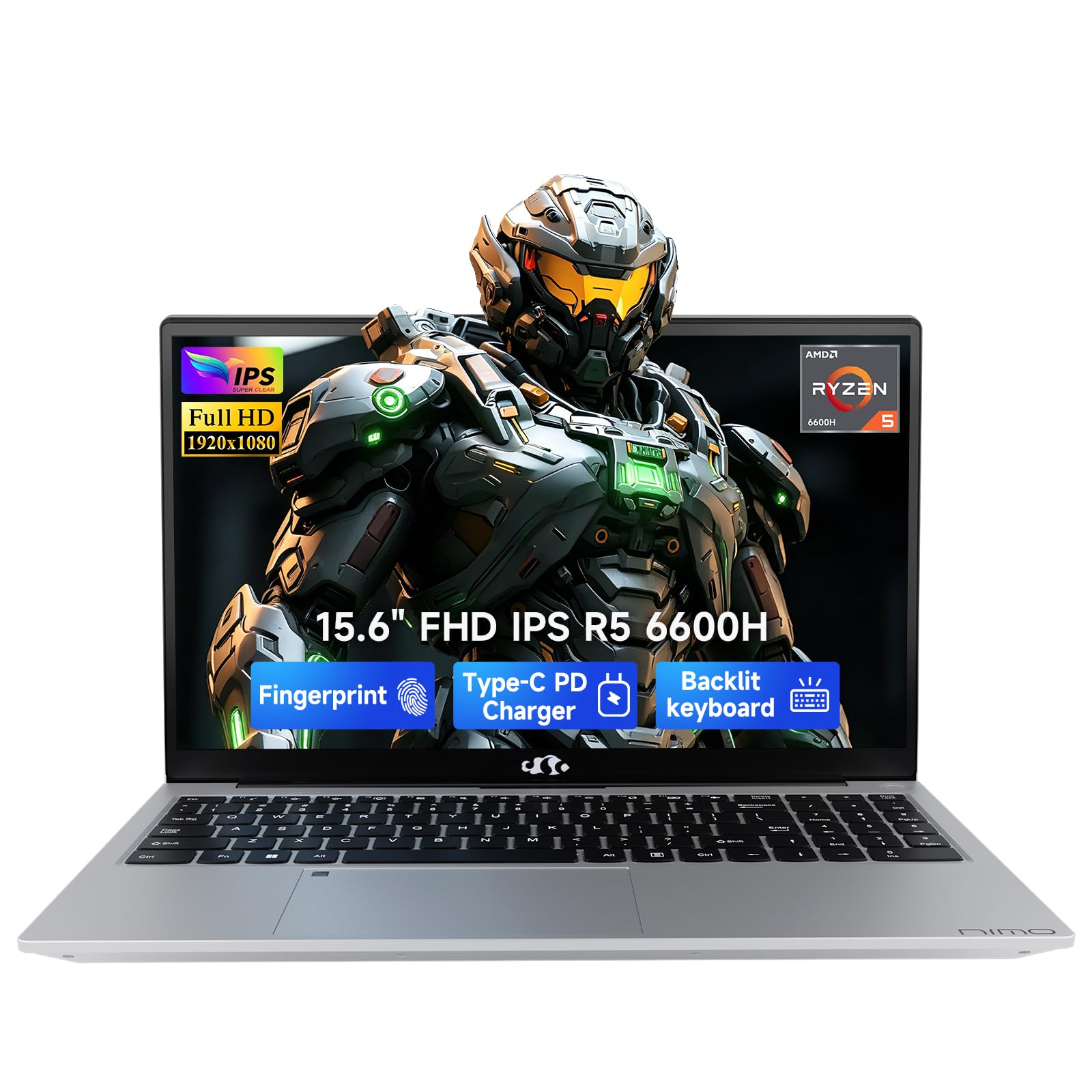
The best affordable laptops for photographers meet a short set of checks: an accurate display, enough RAM for large files, fast storage, and ports that fit cards and drives. Use the product table below to spot candidates, then run each one through the checklist sections that follow.
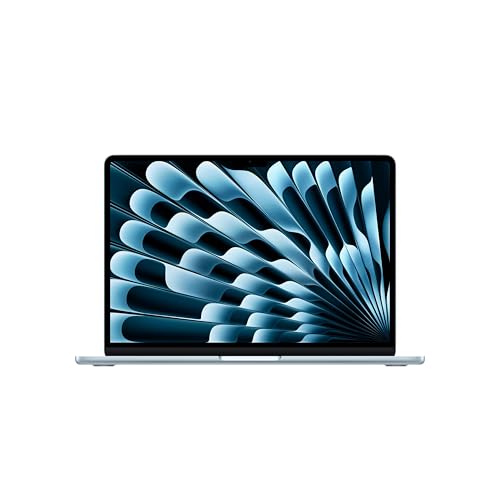



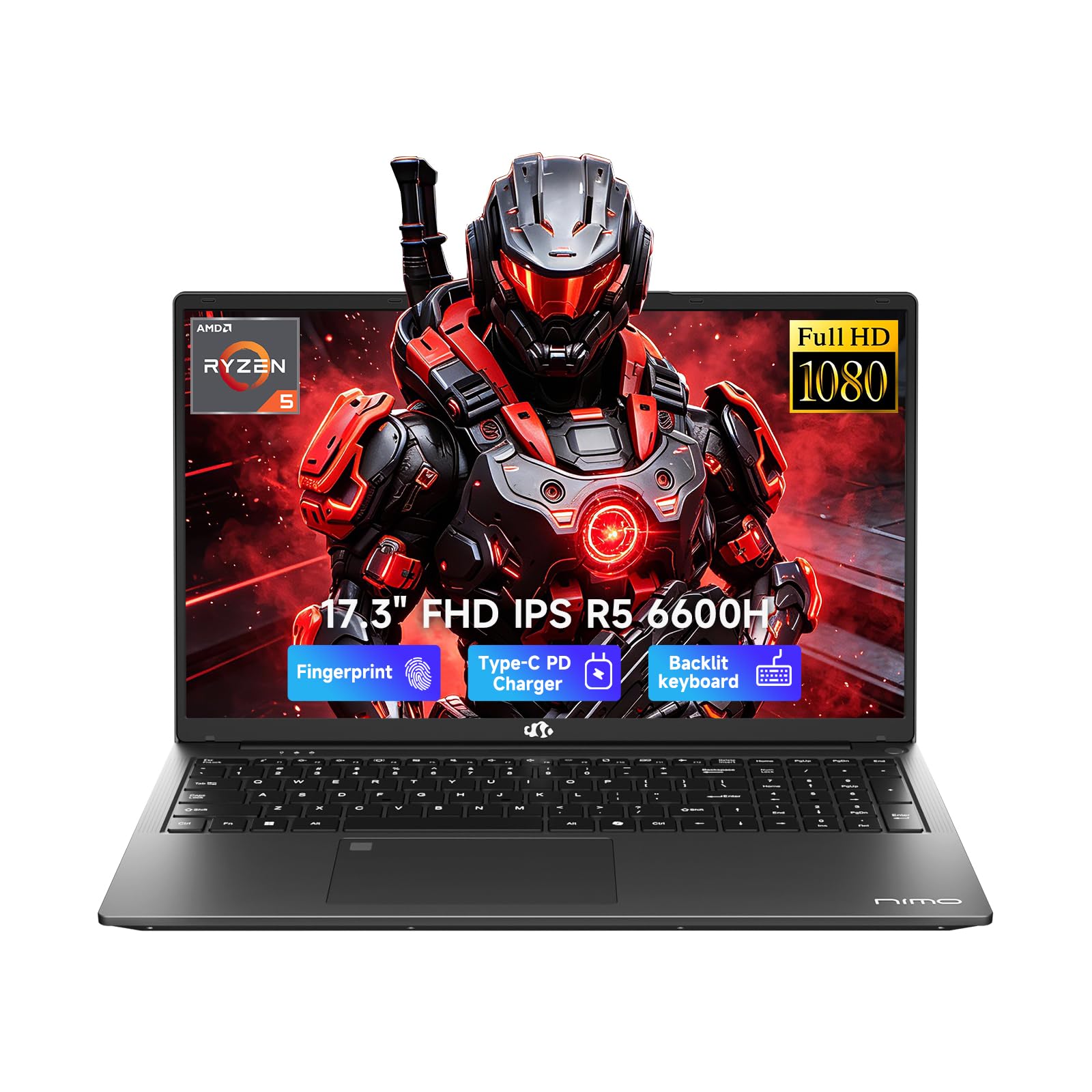
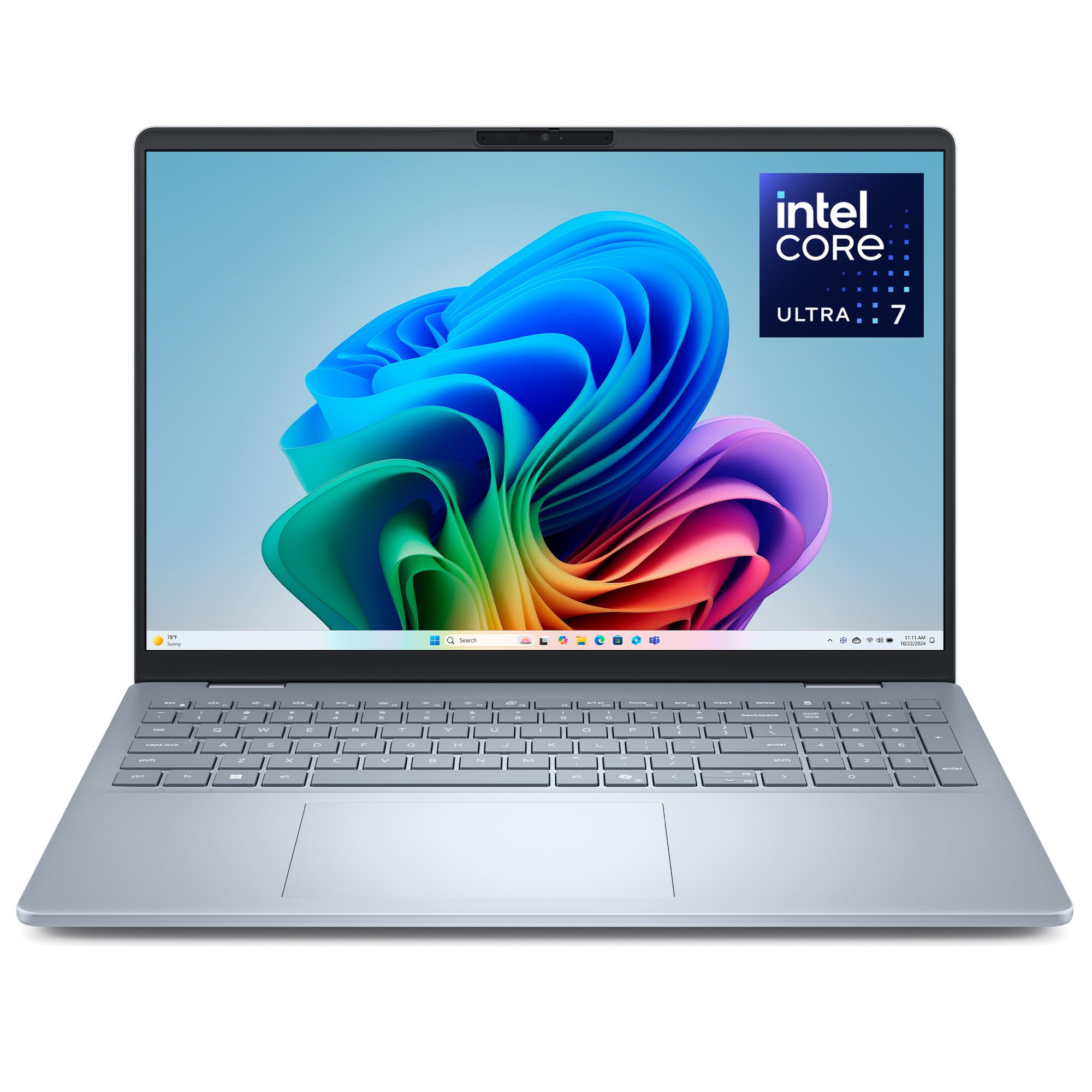
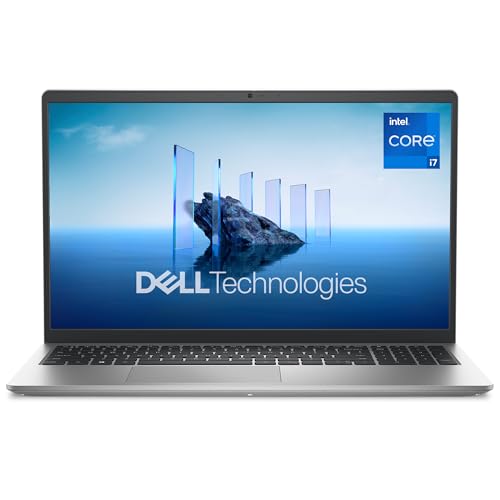
How to Evaluate Laptops
Think of this section as a scoring sheet you can reuse on any model you find. Each criterion below includes a clear good enough line, so you can reject a laptop quickly when it falls short instead of talking yourself into a compromise you will regret on every edit.
What You Can Realistically Get on a Budget
Around $500 to $800, expect a decent processor, 16 GB of RAM on the better options, and a screen that covers the full sRGB range if you shop carefully. Around $800 to $1,200, you can add a brighter panel, a larger SSD, and a metal build. What usually gets cut is screen brightness, port variety, and battery size. Never save money by accepting a dim, washed out display, because the screen is the one part a photographer uses on every single image.
Features That Matter for Photographers
Photo work is bursty: you import hundreds of files, build previews, then push sliders on large images one at a time. That pattern rewards fast storage, strong single core speed, and plenty of RAM for keeping your catalog and editor open together. Color accuracy is non negotiable, so look for full sRGB coverage at minimum.
A built in SD card reader is a small feature that saves time on every shoot. For a broader comparison of photo focused machines, see our guide to the best laptops for photographers.
Processor and Performance Tier
A current midrange chip from the Intel Core Ultra, AMD Ryzen, or Apple M series families handles culling, previews, and most edits smoothly. More cores help when you export large batches or run noise reduction across many files at once. Avoid the lowest entry tier processors, because catalog software feels sluggish on them long before the machine otherwise wears out. A modest step up in processor tier is one of the best value moves in this price range.
Operating System (Windows, macOS, ChromeOS, Android, iPadOS)
Choose the system that matches your software and your other devices. Windows offers the widest hardware choice at low prices and runs every major editor. macOS suits photographers already invested in Apple phones and tablets, with strong built in color handling.
ChromeOS and tablet systems can cull and share images, but they limit full desktop editing and local file management. Let your editor and your backup routine decide, not habit alone.
Keyboard, Trackpad, and Build
You will type captions, keywords, and file names for hours, so a keyboard with firm, even key travel matters more than backlight color. A large, accurate trackpad helps when you edit on a sofa or a train without a mouse. An aluminum lid or chassis resists flex in a camera bag better than thin plastic. Check hinge stiffness too, because a screen that wobbles makes fine slider work annoying.
Weight and Portability
Under about 3 lb, a laptop disappears into a camera bag alongside a body and two lenses. Between 3 and 4 lb is still reasonable for studio and office use. Above that, most photographers start leaving the machine at home, which defeats the point of a portable editing station.
Weigh the charger as well, since a heavy power brick can quietly erase the advantage of a light laptop. Compact options are covered in our guide to the best notebook laptops.
Display Size, Resolution, and Brightness
A 13 to 14 inch screen suits travel, while 15 to 16 inches makes side by side comparisons and detailed retouching easier. Resolution at or above full HD keeps text and image detail crisp. Aim for brightness around 300 nits or higher so you can judge exposure in bright rooms and near windows.
Refresh rate matters little for stills, so spend on color coverage and brightness first. OLED panels offer deep contrast, but check that brightness and color modes suit careful proofing.
Three Profiles That Pass the Checklist
Instead of chasing named models that change every season, match your needs to one of these three profiles. Each profile describes the balance of parts worth paying for, the price band where it usually appears, and the compromise you accept.
Balanced Profile
The all round profile pairs a midrange or better processor with 16 GB of RAM, a 512 GB or larger SSD, and a bright, fully sRGB capable screen in a 14 inch body. It suits most photographers because it handles large catalogs at home and still travels well. Expect to pay around $800 to $1,200. The compromise is graphics power, which stays modest, so heavy video work alongside your stills will feel slower than on a dedicated editing machine.
Budget Profile
The value profile keeps the accurate screen and 16 GB of RAM but accepts a plastic build, a smaller battery, and fewer ports. It often appears around $500 to $800, especially during seasonal sales. This profile suits hobbyists and students whose editing is serious but whose travel is light.
The compromise is durability and convenience rather than image quality, which is the right place to save. Shoppers comparing general budget machines can also browse our guide to the best and affordable laptops.
Heavy Use Profile
The heavy use profile steps up to a stronger processor tier, 32 GB of RAM where available, and 1 TB of storage for big catalogs and layered files. A larger 16 inch screen and better cooling keep long export sessions steady. Expect around $1,000 to $1,400, which is still far below workstation pricing. The compromise is weight, so this profile fits photographers who edit mainly at a desk and travel only occasionally.
Quick Buyer Checklist for the Best Affordable Laptops for Photographers
Before you buy, answer these questions honestly. A no on the first four should send you back to the product table above.
- Does the screen cover the full sRGB range with brightness around 300 nits or more?
- Does it have at least 16 GB of RAM and 512 GB of SSD storage?
- Can it read your camera cards directly or through a small adapter you accept?
- Does the weight, including the charger, fit your camera bag routine?
- Does your editing software run fully on its operating system?
- Is there enough port capacity for your backup drive and a second screen?
- Does the warranty and return window let you try the display at home?
Red Flags to Watch For
Walk away when a listing hides the panel type or color coverage behind vague words like vivid or stunning, because honest makers publish real figures. Be wary of 8 GB of RAM paired with photo marketing, of storage listed without its type, and of prices far below similar machines with no clear reason. A very short warranty, a return policy that charges heavy fees, and review patterns that repeat the same phrases are all warning signs. Finally, check that replacement chargers and parts are easy to find, since a cheap laptop with scarce parts becomes expensive quickly.
Setup and Care Tips
Keep the operating system and firmware updated, because color and graphics fixes often arrive quietly in those updates. Avoid running at 100 percent charge all the time if a charge limit setting is available, especially for desk bound machines. Use a padded sleeve when commuting, and keep at least two copies of your photo library on separate drives. When you first set up, calibrate your workflow by editing a familiar image and comparing it with a trusted phone or print before you trust the new screen fully.
Laptops: Your Questions Answered
What features matter most in laptops for photographers?
Display accuracy, RAM, and storage speed matter most, in that order. A screen you cannot trust makes every other spec irrelevant, while 16 GB of RAM and a fast SSD keep catalogs fluid. One point worth adding: check the screen in the return window under your normal room lighting, because showroom brightness can flatter a panel that looks dull at home.
Is a Chromebook enough for school?
A Chromebook is enough for notes, essays, and light online photo sharing, and many students pair one with library computers for heavy work. It is not enough for a photography course that expects full desktop editing and local RAW management. Students with mixed needs often do better with a budget Windows laptop, a route explored in our guide to the best affordable laptops for students.
Should I buy a laptop or a tablet?
Buy a laptop if you manage a real catalog, keyword your work, or print, because file handling and backup tools are far stronger. Tablets excel at showing portfolios and making quick selections with a client. Many photographers end up using both, with the tablet as a viewing and culling companion rather than the main editing station.
How long should a laptop last?
Expect about four to six years of useful photo service from a well chosen machine. The screen and battery usually age first, while storage pressure grows as camera resolutions rise. Buying RAM and storage headroom at the start extends that span more than any other choice, because those two parts define how large a catalog the laptop can handle gracefully.
Is a dedicated GPU worth it?
For stills alone, usually not, because most photo edits rely on the processor and RAM. A dedicated GPU earns its cost when you also edit video, use AI heavy noise reduction on large batches, or drive multiple high resolution monitors. If none of those apply, put the money into a better screen or more storage instead.
Final Thoughts
Score every candidate on screen accuracy first, then RAM and storage, then weight. The profiles above show how those priorities shift for all round, value, and heavy use buyers. Check your shortlist against the product table above, and choose the best affordable laptops for photographers that let you trust every edit you make.


