
Best Affordable Laptops for Photo Editing 2026: A Practical Buying Guide
Disclosure: We may earn a commission when you buy through links on this page, at no extra cost to you. As an Amazon Associate I earn from qualifying purchases. Learn more

The best affordable laptops for photo editing combine a color accurate screen, enough memory, fast storage, and a capable processor.
Photo editing puts steady pressure on a laptop. Raw files are large, adjustments need to preview instantly, and a screen that shifts colors can undo hours of careful work. This guide helps you choose the best affordable laptops for photo editing by explaining which specs change the experience and which ones only add cost.
Check the product table below for current options, then use the sections here to compare screens, memory, and storage against the way you edit.


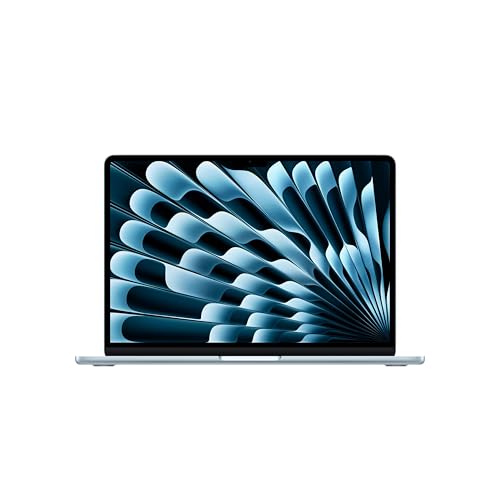

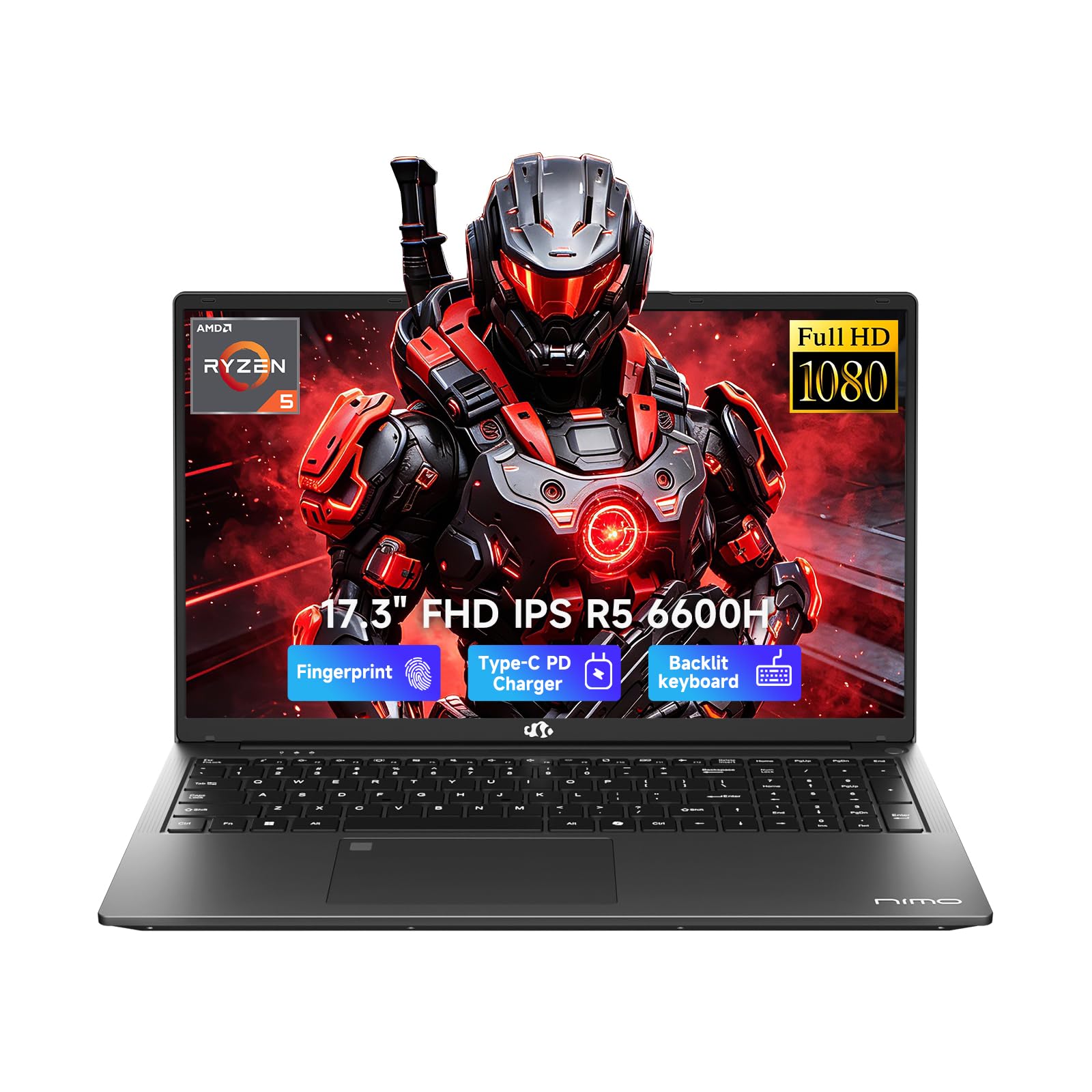

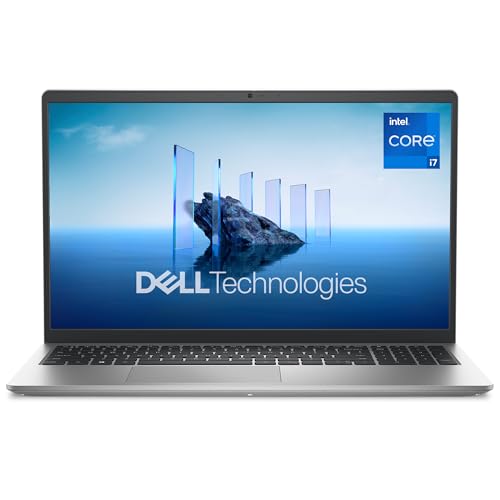
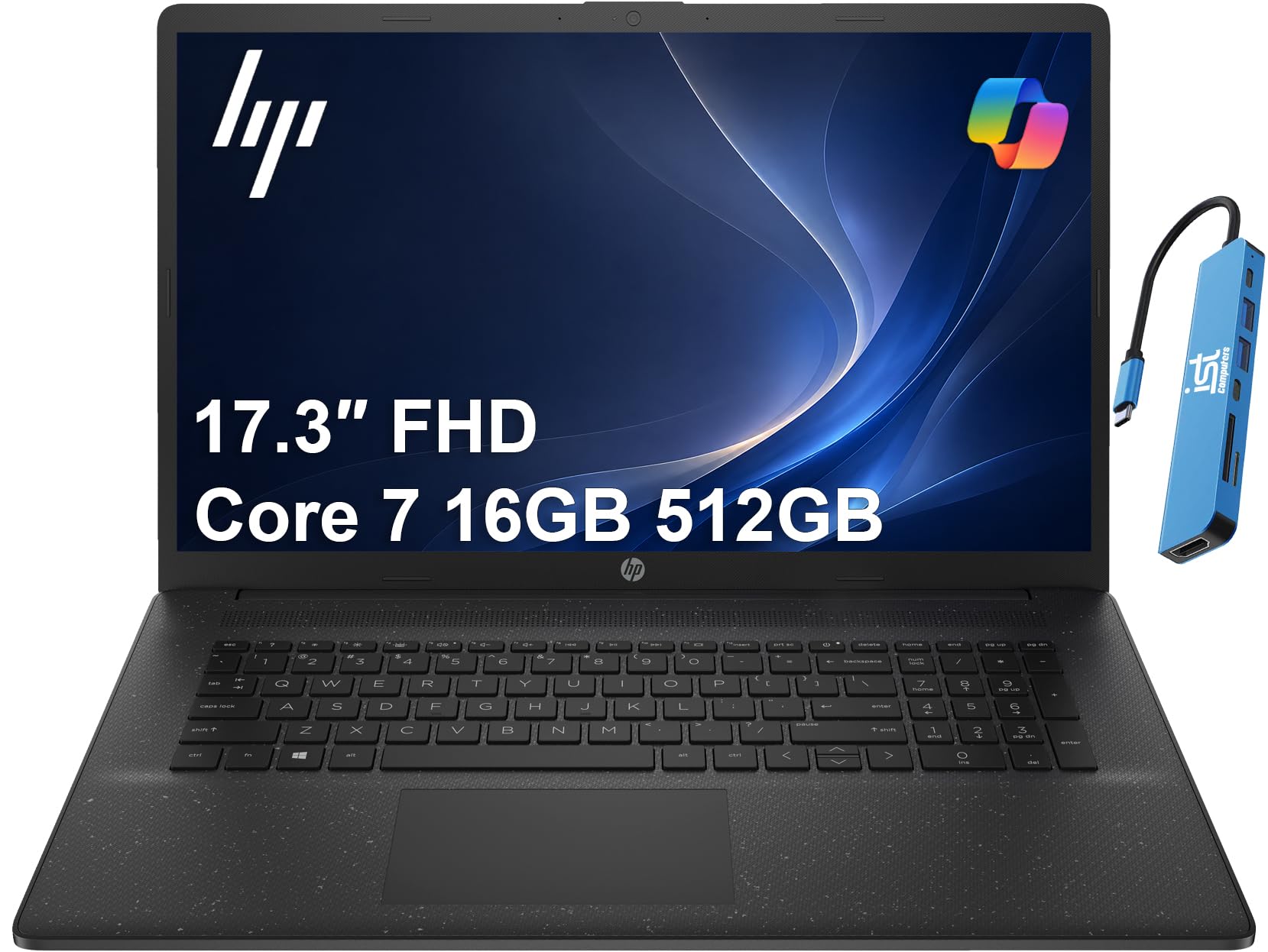

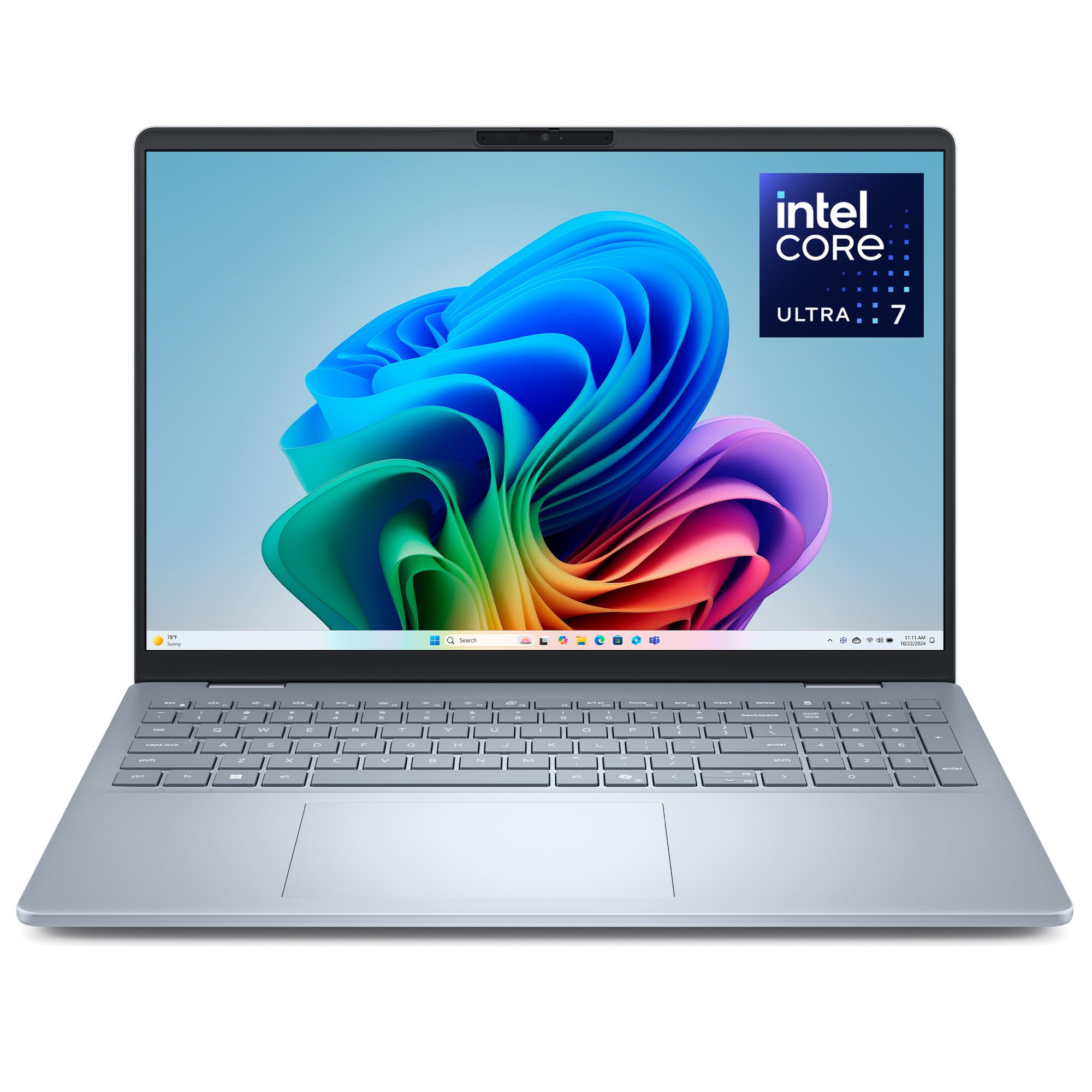
What Matters Most When Editing Photos
Three things decide how a laptop feels in an editing session: the screen, the memory, and the drive. The screen decides whether your colors and contrast can be trusted. Memory decides how many large files and tools you can keep open without slowdowns. The drive decides how quickly a catalog loads and exports finish.
The processor matters too, but a current mid range chip is enough for most photo work. Heavy tools such as noise reduction or large panoramas benefit from more cores and a dedicated graphics chip, yet those are upgrades rather than requirements.
How to Choose the Best Affordable Laptops for Photo Editing
Screen and Color
Look for an IPS or OLED panel with full HD resolution, brightness near 300 nits, and sRGB coverage close to 100 percent when stated. Wide viewing angles keep colors steady as you tilt the lid. Glossy screens look vivid but reflect lights, so a matte finish is easier for long sessions.
Memory
Sixteen gigabytes of RAM keeps editing software smooth with large raw files and a browser open. Eight gigabytes struggles with big catalogs and cannot be upgraded on many budget models, so buy the right amount now.
Storage
An SSD of 512 GB is a practical minimum for the active catalog. Send finished shoots to an external drive so the internal drive stays fast. Avoid laptops that rely on a hard drive for the main storage.
Processor and Graphics
A recent mid range processor handles most edits. A modest dedicated graphics chip helps with certain filters and with smooth zooming in large files. If your budget is tight, memory and screen quality come first.
Ports and Build
An SD card reader, USB C with fast transfers, and a port for an external monitor all save time. A sturdy hinge and a comfortable keyboard matter because you will spend hours at the laptop.
Types of Laptops for Photo Editing
| Type | Strength | Weakness |
|---|---|---|
| Thin and light laptop | Easy to carry for edits on the go | Fans get loud and ports are limited |
| Entry gaming laptop | Strong processor and graphics for the price | Heavy with a shorter battery |
| 2 in 1 touchscreen laptop | Pen based retouching | Premium price for the same performance |
| Everyday 15 inch laptop | Low price for occasional edits | Average screens and limited memory |
Prices commonly fall between $500 and $1,100 for this group. Spend extra on screen quality and memory before processor speed.
Mistakes to Avoid
- Trusting the default screen settings. Check brightness and color on photos you know well before you rely on the laptop.
- Buying 8 GB of RAM. Large files and several tools will slow it quickly.
- Filling the internal drive. Keep at least a fifth free and archive finished shoots elsewhere.
- Skipping backups. Store important photos in two places, such as an external drive and a cloud folder.
Editing Habits That Help
Work in a room with steady lighting, and keep the screen brightness at a comfortable level rather than at maximum. Use previews or smart previews for fast culling, then apply full resolution edits to your keepers. Close other programs during exports so the laptop can focus its power.
If you want better color accuracy at home, an external monitor can serve as your reference while the laptop handles portability. Our guide to the best affordable monitors for photo editing covers that upgrade.
What Your Money Gets You
Around $500 to $700
Expect a recent processor, 8 GB or 16 GB of RAM, and a 512 GB SSD. This tier handles casual editing, social posts, and small batches of raw files. Screens are usually average, so check brightness and viewing angles in the listing and favor models with 16 GB of RAM.
Around $700 to $900
This is the value sweet spot for photo editors. You can find brighter IPS screens, stronger processors, 16 GB of RAM, and sometimes an entry graphics chip. Raw catalogs, batch exports, and layered edits all feel much smoother here.
Around $900 and above
Higher priced laptops add OLED or high resolution displays, better cooling, and faster graphics. These suit people who edit daily or work on location. If you edit mostly at home, a mid priced laptop with an external monitor often gives better value.
Raw Files and Storage Planning
Raw files from modern cameras range from 20 to 60 MB each, so a single event can fill tens of gigabytes. Plan your storage before you buy. A 512 GB internal SSD holds the operating system, software, and an active catalog, while an external drive stores finished shoots. A second backup drive or cloud storage protects against loss.
Fast external drives with USB C connections make transfers quick. Avoid editing directly from a slow drive, because it makes every adjustment feel delayed.
Light Editing Versus Daily Editing
If you edit occasionally, a solid everyday laptop with 16 GB of RAM and a decent screen is enough. If you edit daily or handle large batches, invest in a stronger processor, a brighter and more accurate display, and better cooling. The same logic applies to external monitors, which become more valuable as your editing gets more serious.
Frequently Asked Questions
How much memory do I need for photo editing?
Sixteen gigabytes is the best target. It keeps editing software, previews, and a browser running smoothly together, and it leaves room for growth.
Should I edit on battery or plugged in?
Plug in for long or heavy sessions, because many laptops reduce performance on battery. Edits on battery are fine for light work and quick touch ups.
Do I need a dedicated graphics chip?
Not for basic edits. A dedicated chip helps with heavier filters and large images, while memory and the screen deserve your budget first.
Can I use a 2 in 1 laptop for photo editing?
Yes, especially if you like using a pen for retouching. Make sure the specs match a regular laptop, because convertibles sometimes cost more for the same performance.
How much storage is enough?
A 512 GB SSD works if you archive finished shoots to an external drive. If you keep large catalogs on the laptop, 1 TB gives more room.
Final Thoughts
Start with a trustworthy screen, add 16 GB of RAM and an SSD, and treat everything else as a bonus. Compare the models in the product table above and choose the best affordable laptops for photo editing that fits your workflow. For related reading, see the best affordable laptops for editing and the best affordable laptops for video editing.


