
Best Affordable Laptops for Home Use in 2026: How to Choose the Right One
Disclosure: We may earn a commission when you buy through links on this page, at no extra cost to you. As an Amazon Associate I earn from qualifying purchases. Learn more

Compare the best affordable laptops for home use by screen size, battery life, storage, and keyboard comfort, and see which suits family use.
A home laptop gets shared, carried from room to room, and used for everything from homework to streaming to online banking. This guide helps you choose the best affordable laptops for home use by looking at the screen, battery, storage, and durability that matter when a whole household depends on one machine.
The product table below lists current options. The comparison table and sections here explain how types differ, so you can pick one that fits your family's habits.

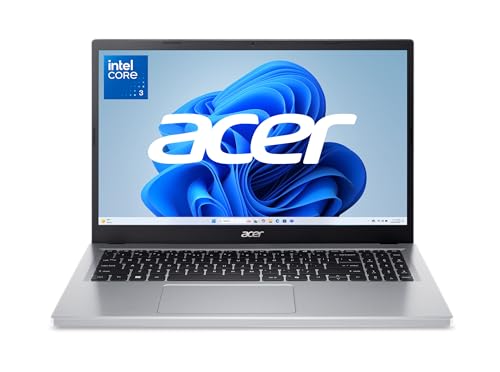
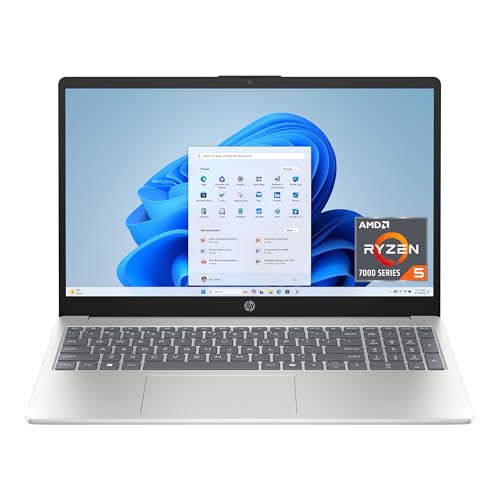
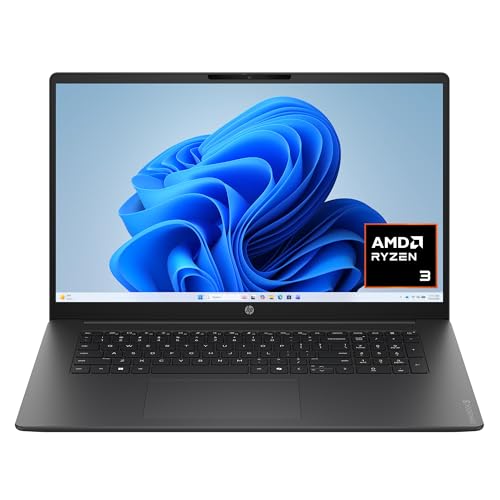


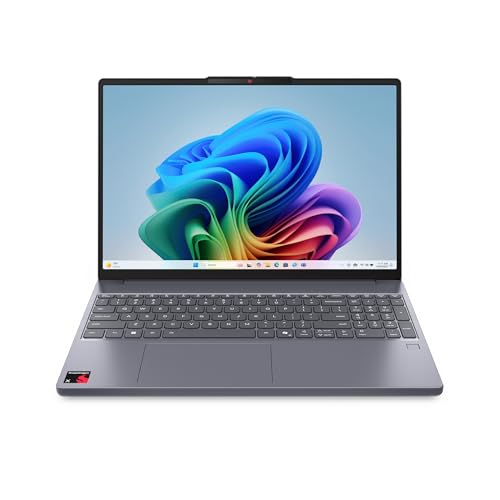
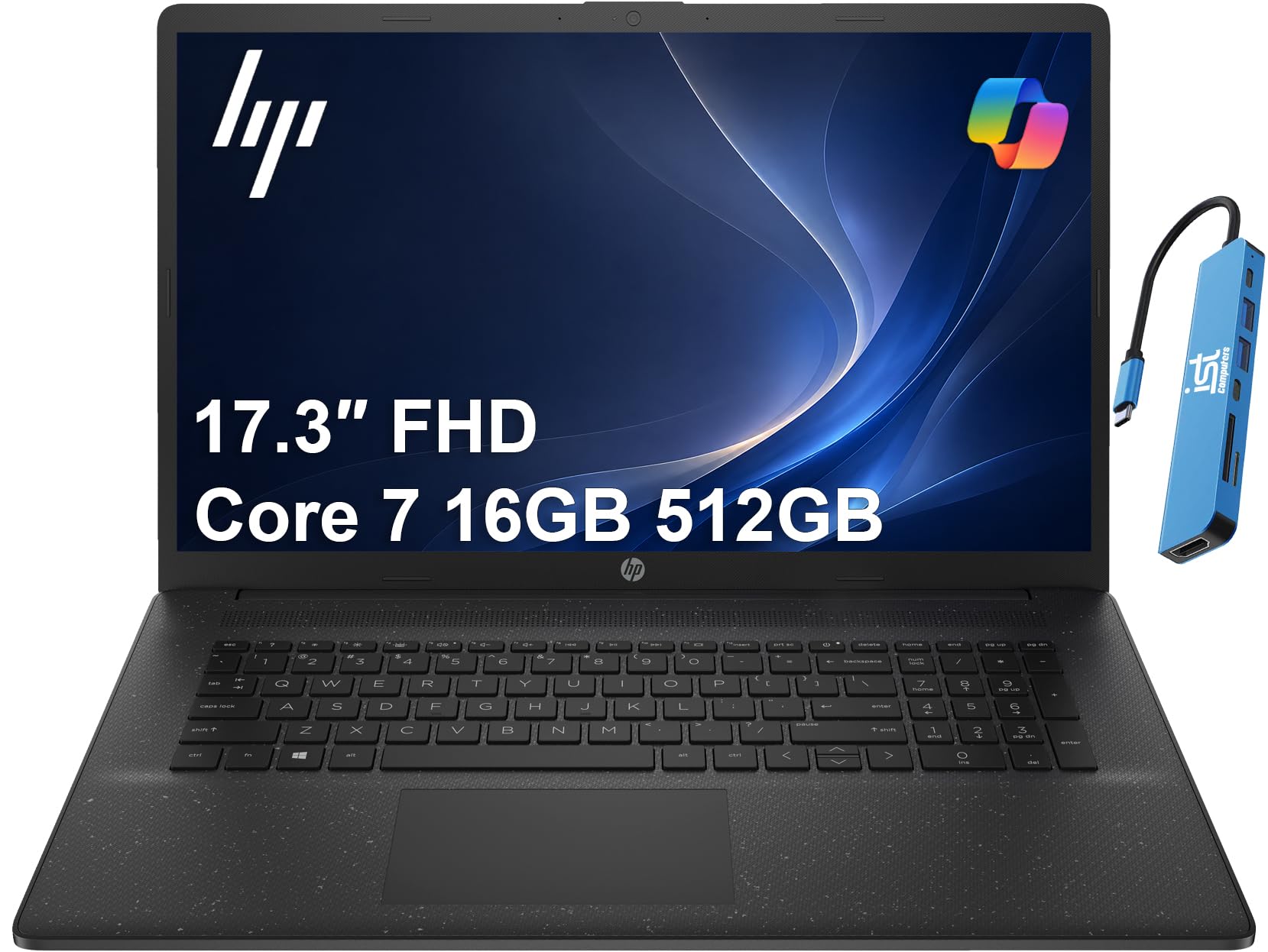


Types of Home Laptops Compared
| Type | Best for | Notes |
|---|---|---|
| 15 inch laptop | Shared family use at a desk or couch | Larger screen, heavier to carry |
| 13 or 14 inch laptop | Moving around the house | Lighter, with a smaller screen |
| Chromebook | Browsing, streaming, and school work | Simple and fast, with limited Windows software |
| 2 in 1 convertible | Reading, recipes, and media | Flexible, usually at a higher price |
Prices for home laptops run from about $300 for a basic Chromebook to $800 for a polished Windows model. For most families, $450 to $700 buys a dependable machine with enough memory and storage.
How to Choose the Best Affordable Laptops for Home Use
Screen Size and Quality
A 15 inch screen is comfortable for sharing and streaming, while a 14 inch screen is easier to carry. Choose full HD resolution for sharp text and clearer video. Brightness around 250 nits or more keeps the screen readable in a bright living room.
Battery Life
Home laptops move between outlets, so a battery that lasts a full day of light use saves frustration. Look for claims of eight hours or more, and expect real use to be somewhat lower.
Memory and Storage
Eight gigabytes of RAM is a minimum, and 16 GB is better if several people use the laptop. A 256 GB or 512 GB SSD keeps startup fast and holds photos, school files, and apps. Choose more storage if the family keeps many videos on the laptop.
Durability and Accounts
Choose a sturdy hinge and a keyboard that resists wear. Set up separate user accounts so each person has their own files and settings, and add parental controls if children use the laptop.
Ports and Connectivity
USB ports, HDMI, a headphone jack, and WiFi 6 cover most home needs. An SD card slot helps if you move photos from a camera.
Who Should Buy Which Type
Families that share one laptop do best with a 15 inch Windows model, with 16 GB of RAM and a 512 GB SSD. Individuals who browse and stream will be happy with a Chromebook or a light 14 inch laptop. Anyone who reads recipes, takes notes, or draws may enjoy a 2 in 1 convertible with a touchscreen.
If the laptop will mostly stay on a desk, battery life matters less and screen size matters more. If it moves around the house, weight and battery take priority.
Common Mistakes
- Buying the cheapest option. Laptops under $300 often have slow storage and small memory.
- Ignoring storage. Photos and videos fill small drives quickly.
- Skipping updates and backups. A shared laptop needs regular updates and a backup plan.
- Forgetting software needs. Make sure school or work programs run on the operating system you choose.
What Your Money Gets You
Around $300 to $450
This tier includes Chromebooks and entry Windows laptops. They handle streaming, browsing, and school work, though screens and storage are modest. Check that the listing mentions an SSD and enough memory.
Around $450 to $700
The middle tier gives the best balance for families. Expect 8 to 16 GB of RAM, a 512 GB SSD, a full HD screen, and a sturdier build. These laptops stay useful for years and handle homework, photo albums, and video calls.
Around $700 and above
Higher prices bring thinner designs, brighter screens, and longer battery life. They are a pleasant upgrade, but most households do not need them.
When in doubt, spend extra on memory and storage rather than on style, because those two parts decide how the laptop feels after a year of family use.
Setting Up a Shared Family Laptop
If several people use the laptop, set up separate user accounts so each person has their own files, settings, and browser history. Use a standard account for children, and turn on parental controls if needed. Keep a shared folder for family photos and documents that everyone can reach.
Back up important files to a cloud service or an external drive, and keep the operating system updated. A simple screen protector and a padded sleeve help the laptop survive trips between rooms and the occasional bump.
Where to Keep It
Choose a regular spot with good lighting and a hard surface. Soft surfaces such as beds and couches block the vents and cause the laptop to overheat. A lap desk or a small tray gives you a stable base when you work on the couch.
Frequently Asked Questions
How do I choose the right laptop for home use?
Start with who will use it and what they do. A mix of browsing, streaming, and documents calls for 8 to 16 GB of RAM and an SSD. Add screen size and weight based on where it will be used.
How much should I spend on a home laptop?
Most households do well between $450 and $700. Spend less for a Chromebook, and spend more only if you need longer battery life or a better screen.
How do I care for a laptop over time?
Keep the vents clear, update the system regularly, and avoid leaving the laptop in hot cars or on soft surfaces. A protective sleeve helps when it moves around the house.
Can I return a laptop if it does not fit?
Many sellers offer a return window. Keep the packaging until you are sure, and check the terms before you buy.
Is a Chromebook enough for home use?
Yes, if your household mainly browses, streams, and uses web apps. If anyone needs desktop programs, choose a Windows laptop.
Final Thoughts
Pick a size that fits your household, make sure memory and storage are enough, and look for a battery and screen you will enjoy every day. Compare the models in the product table above and choose the best affordable laptops for home use that suits your family. Related guides include the best laptops for home use and the best laptops for basic home use.


