
Best Affordable Laptops for Editing Videos in 2026: Which Type Is Right for You?
Disclosure: We may earn a commission when you buy through links on this page, at no extra cost to you. As an Amazon Associate I earn from qualifying purchases. Learn more

Compare the best affordable laptops for editing videos by type, with clear checks for processor, display, RAM, storage, and ports before you buy.
Video editing laptops look confusing because three very different types of machine all claim to do the job. A slim ultraportable, a gaming laptop, and a basic budget model can all open an editor, yet they feel completely different once your timeline grows. This guide compares the types side by side so you can match one to your footage, your desk, and your travel habits.
The best affordable laptops for editing videos share a few traits: a capable processor, enough RAM for layered timelines, fast storage, and a screen you can trust for color. Use the product table below to see how the types differ, then work through the checks that follow before you spend.


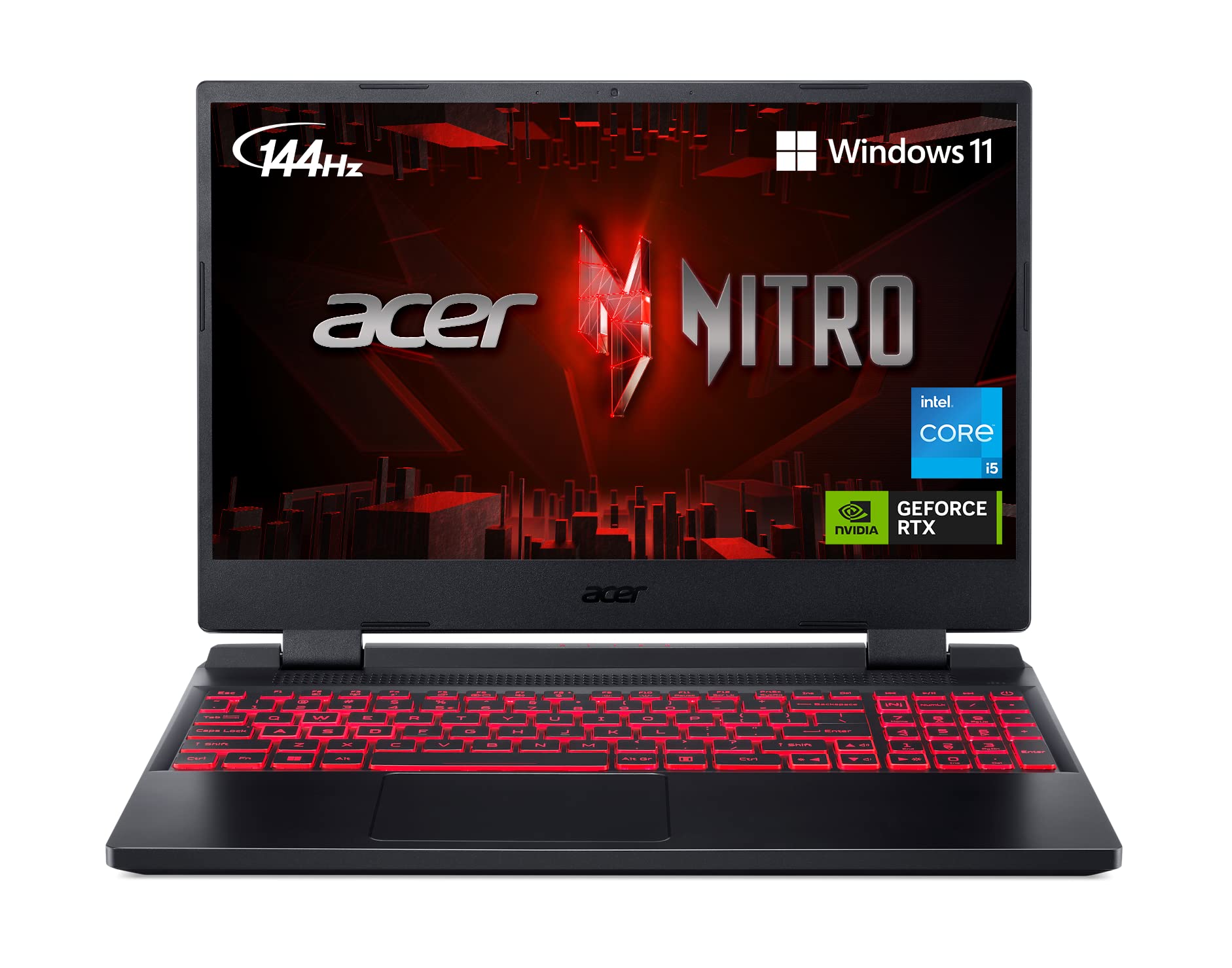


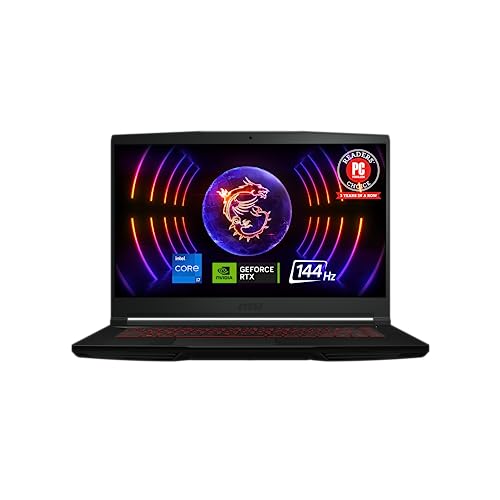

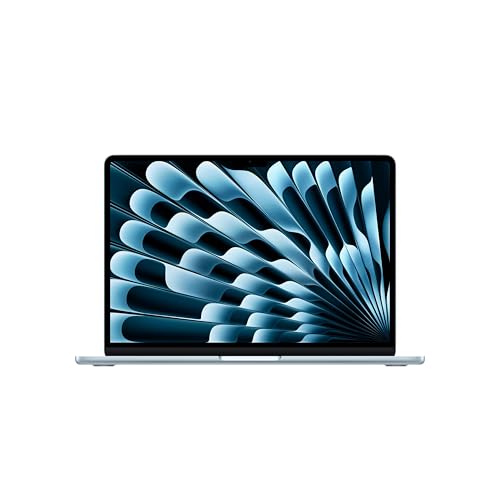
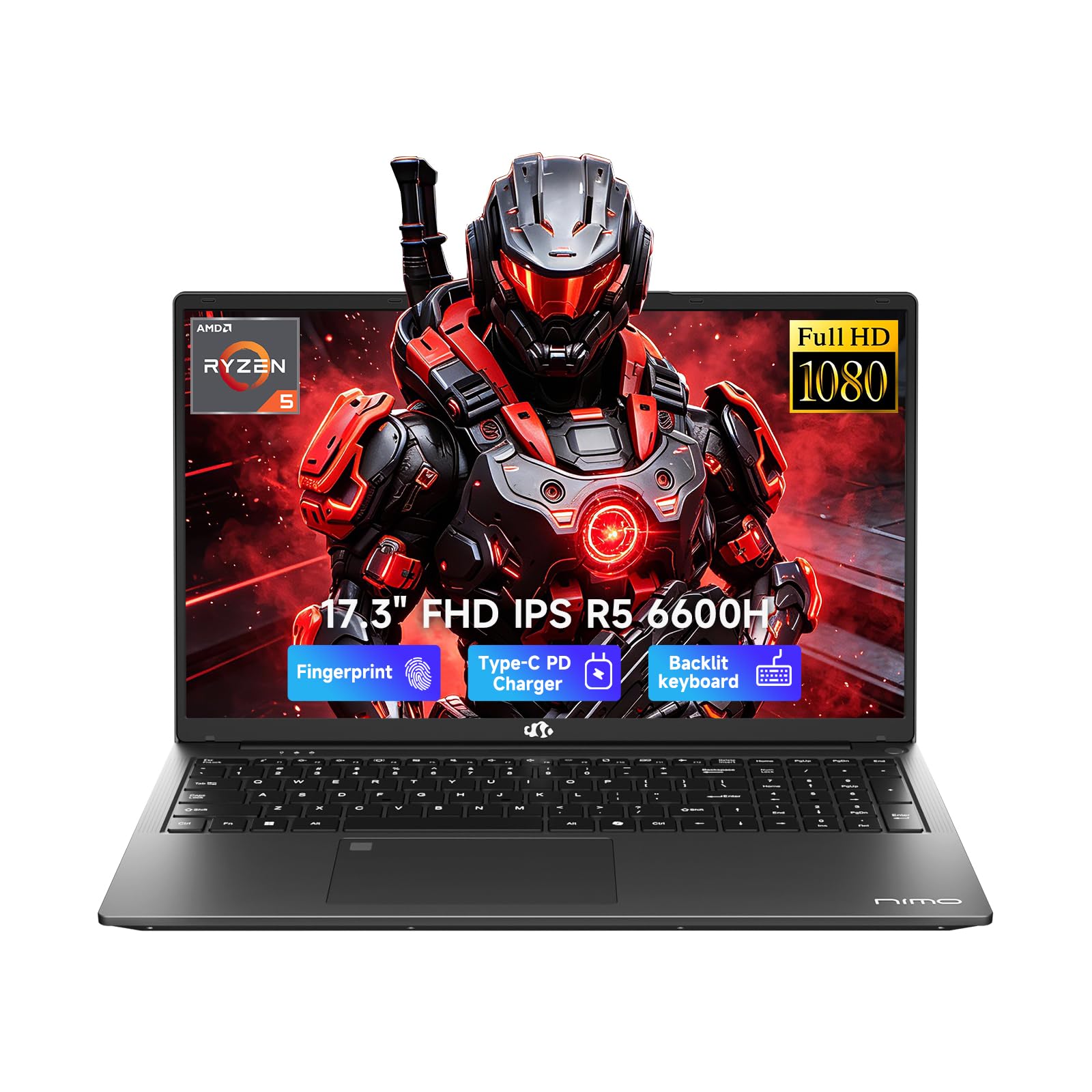
Types of Laptops Compared
Start with the type, not the badge on the lid. Each type below makes a different trade between power, weight, battery life, and price. The right choice depends on whether you cut short clips at a desk, edit client work on the road, or learn editing on a tight budget.
Ultraportables
Ultraportables are thin, light laptops built around efficient processors and integrated graphics. Modern versions handle 1080p editing and light 4K work well, especially in editors that use hardware acceleration for preview and export. Their screens are often bright and color accurate, and battery life is usually the best of the three types.
The limits show up in long exports and heavy effects. Sustained performance can dip because slim cooling has less room to work, and ports and upgrade options are often minimal. Choose an ultraportable if you travel often, edit mostly short form content, and value a quiet machine that slips into a small bag.
Gaming Laptops
Gaming laptops pair strong processors with dedicated graphics cards, and that graphics power is exactly what many editors use for effects, color work, and faster exports. They also tend to offer larger screens, more ports, and in some cases memory or storage you can upgrade later. For dense 4K timelines, they deliver the most editing headroom at a given price.
The trade off is size. Most are heavy, their chargers are bulky, and battery life away from an outlet is short. Fans can also get loud during exports.
If your laptop lives on a desk and you want maximum performance per dollar, this type is hard to beat. Readers who also play games can compare notes in our guide to the best laptops for gaming and video editing.
Budget Laptops
Budget laptops are general purpose machines at the lowest prices, usually with midrange processors, integrated graphics, and modest screens. They can handle simple 1080p cuts, caption work, and short social clips if you keep effects light and use proxy files for smoother playback. For students and new creators, that can be a sensible starting point.
Keep expectations realistic. Screens may be dim or washed out, storage fills quickly with footage, and exports take longer. Choose this type only if your projects are simple today, and check that RAM and storage are not so low that the machine struggles within a year.
Ultraportables vs Gaming Laptops: Which Should You Choose?
Compare these two on five points. For performance, gaming laptops win on sustained exports and effects because of dedicated graphics and stronger cooling. For portability, ultraportables win easily on weight, charger size, and battery life. For screens, ultraportables often offer better color at this price, while gaming models may chase high refresh rate instead of accuracy.
For noise and comfort, ultraportables stay quieter and cooler on your lap. For value, gaming laptops give more raw speed per dollar, while ultraportables charge a premium for thin design. If you edit at one desk most days, pick the gaming type. If you edit in cafes, classrooms, or client offices, pick the ultraportable and accept slower exports.
How to Choose the Best Affordable Laptops for Editing Videos
Processor and Performance Tier
The processor drives timeline responsiveness, decoding, and export speed. Look for a current midrange or high tier chip from the Intel Core Ultra, AMD Ryzen, or Apple M series families, with at least six cores if you can afford it. More cores help with multitrack timelines and background rendering. Avoid the lowest entry tier chips, because editing exposes weak processors quickly, and a small step up usually brings a much smoother experience for years.
Display Size, Resolution, and Brightness
A 14 to 16 inch screen gives you room for timelines and panels without constant zooming. Aim for at least full HD resolution, and consider higher resolution if you edit 4K footage and want a sharper preview. Brightness around 300 nits or more keeps the screen usable near windows.
Color coverage matters more than refresh rate for editing, so favor panels that cover most or all of the sRGB range. If you also correct photos, our guide to the best laptops for editing video and photos explains shared display needs.
What You Can Realistically Get on a Budget
Around $500 to $800, expect a solid processor, 16 GB of RAM if you shop carefully, and a basic screen. Around $800 to $1,200, you can usually add a brighter and more accurate display, faster storage, or entry level dedicated graphics. What gets cut first at low prices is screen quality, build materials, and port selection. Do not save money by dropping to 8 GB of RAM or a tiny drive, because those two limits hurt editing every single day.
Ports and Connectivity
Editing means moving footage, so ports matter more than most buyers expect. At least one USB C port is essential for fast drives and docks, and Thunderbolt support adds flexibility for storage and displays. An HDMI port helps with a second monitor, and a card reader saves time if your camera uses SD cards.
WiFi 6E or WiFi 7 keeps large uploads and cloud backups moving. If a slim model drops ports you need daily, budget for a dock and count that cost honestly.
Features That Matter for Editing Videos
Editing stresses a laptop in a specific pattern: it decodes compressed footage, renders previews, and writes large files all at once. That is why RAM, storage speed, and graphics acceleration matter more here than in office work. Aim for 16 GB of RAM as a working minimum and 512 GB of fast SSD storage, with external drives for archives.
Good cooling keeps speeds steady during long exports. For a wider view of spec priorities, see our guide to the best laptops for video editings.
Picking the Right Laptops for Different Uses
Match the type to your main project style. Short vertical clips and simple cuts suit an ultraportable or a careful budget pick. Long form 4K projects, multicam work, and heavy color grading point to a gaming laptop or a higher tier ultraportable with strong integrated graphics. If you split time between stills and motion, prioritize screen accuracy over raw speed.
Best Mac Laptops for Editing Video: Which Type Works Best
If you are comparing best mac laptops for editing video, the same type logic applies inside one ecosystem. The differences that matter are chip tier, memory, and storage, because none of those can be upgraded later. Choose enough unified memory for your timeline size, buy storage for at least a year of projects, and weigh the lighter models against the larger ones with more ports. Final Cut users gain extra value from the tight hardware and software fit.
How to Make Your Laptop Last Longer
Keep the operating system and firmware updated, because editor and driver updates often fix export bugs and improve stability. Avoid running at 100 percent charge all the time if your laptop offers a charge limit setting, since holding a full charge for months can age the battery faster. Use a padded sleeve when commuting to protect the screen and chassis. Clean the vents gently, keep footage backed up in two places, and leave free space on the internal drive so the editor can cache without choking.
Laptops: Your Questions Answered
What features matter most in laptops for editing videos?
The processor, RAM, storage speed, and screen quality matter most. A capable processor keeps playback smooth, 16 GB of RAM handles layered timelines, and a fast SSD loads footage quickly. One extra point the main sections only touch briefly: check how your editor uses graphics acceleration, because an app that leans on the graphics card rewards a different balance of parts than one that leans on the processor.
Is a dedicated GPU worth it?
Yes, if you use effects, noise reduction, or color tools that offload work to the graphics card, or if you export long 4K projects often. It is less important for simple cuts in editors that rely mainly on the processor. Also consider that a dedicated GPU adds weight and fan noise, so mobile editors may prefer strong integrated graphics and a lighter bag.
How much RAM do I need?
Sixteen gigabytes is the practical minimum for comfortable editing, and 32 GB suits 4K multicam projects or editors who keep many apps open. RAM is not the place to gamble, because running out causes stutters that a faster drive cannot fix. On models where memory cannot be upgraded, buy the higher amount now rather than planning a change later.
How long should a laptop last?
A well chosen editing laptop should stay useful for about four to six years. Longevity depends less on the brand than on buying headroom at the start, because editing software and camera formats grow more demanding over time. Battery wear is usually the first limit you notice, while storage pressure is the easiest to solve with external drives and a simple archive routine.
Is a Chromebook enough for school?
A Chromebook is enough for writing, browsing, and very light browser based editing, but it is not enough for most full desktop editors or large local projects. School creators who only trim clips for class presentations may manage fine. Anyone moving toward regular coursework in media should choose a Windows or Mac laptop instead, and our guide to the best affordable laptops for editing covers that step up in more detail.
Should I buy a laptop or a tablet?
Buy a laptop if editing is a regular task, because you get a full file system, precise timeline control, and easy connections to drives and monitors. Tablets suit quick trims and review notes on the go. A useful middle path is a modest laptop for real edits plus a tablet you already own for screening cuts and marking timestamps with clients or classmates.
Final Thoughts
Decide by type first, then by processor, RAM, and screen, in that order. Gaming laptops give the most power per dollar at a desk, ultraportables suit editors who move, and budget models work for simple projects with honest limits. Compare your shortlist against the product table above, and choose the best affordable laptops for editing videos that fit how you actually work, not the longest spec list.


