
Best Affordable Laptops for Creatives: Buying Guide for 2026
Disclosure: We may earn a commission when you buy through links on this page, at no extra cost to you. As an Amazon Associate I earn from qualifying purchases. Learn more

A buying guide to the best affordable laptops for creatives, covering color accurate displays, RAM, storage and ports for photo, video and design work.
Creative work punishes a weak laptop in visible ways. Colors look wrong, timelines stutter, and large files take forever to open. You do not need a flagship machine to avoid those problems, but you do need the right balance of display quality, memory, and storage. This guide to best affordable laptops for creatives shows you where a budget machine can perform well and where one smart upgrade saves you hours each week.
Start with the product table below to see how current options differ on screen, weight, and ports. Then use the tiers and buying guide that follow to match a laptop to your main creative task.

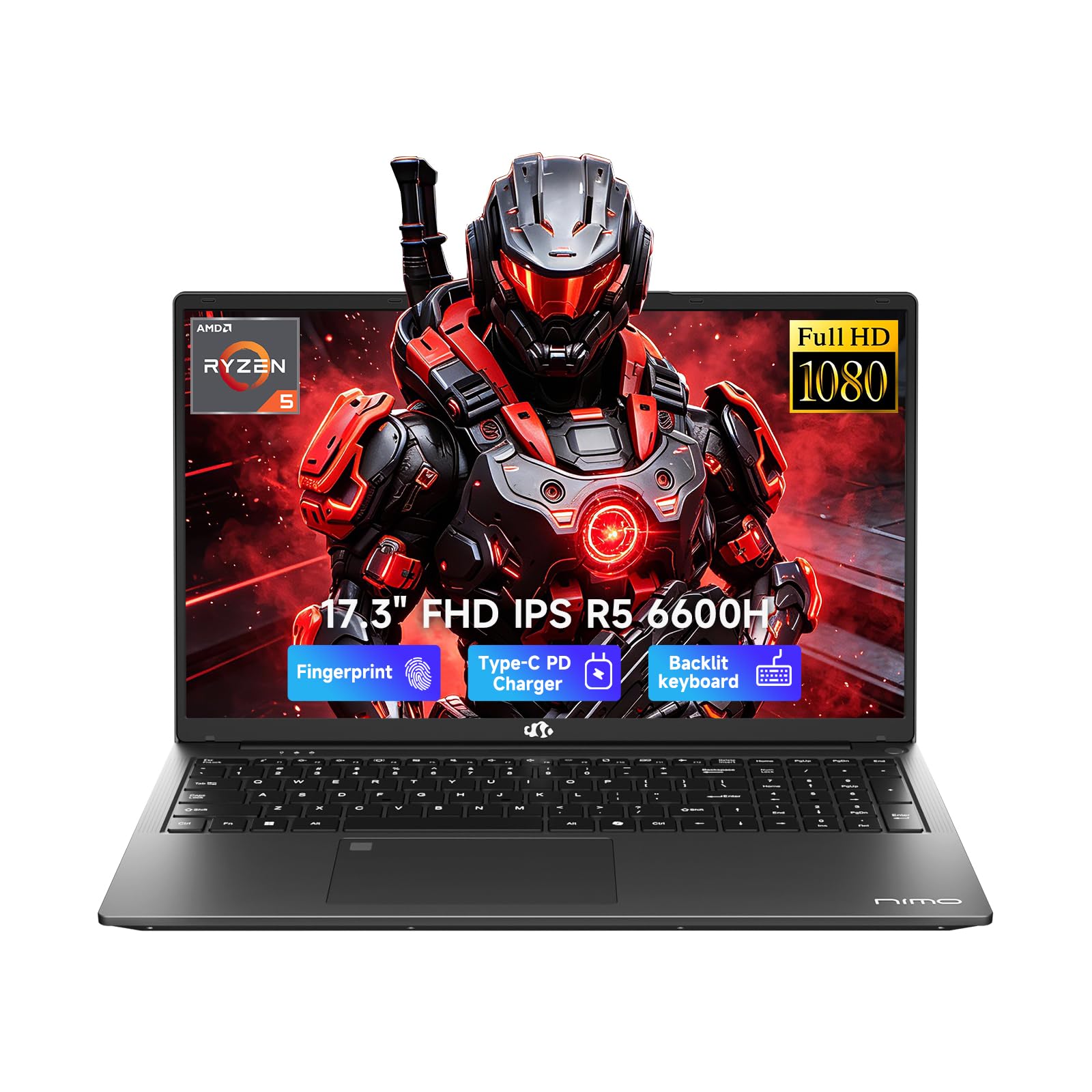

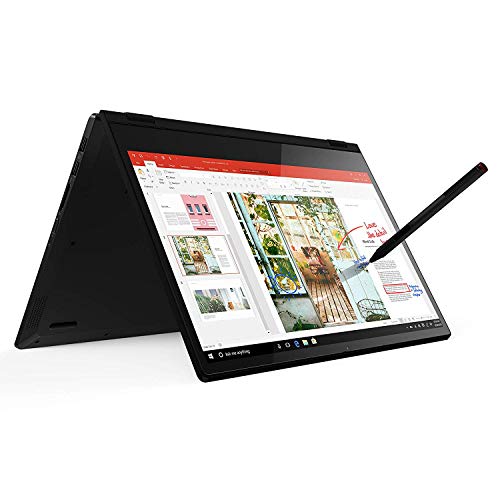

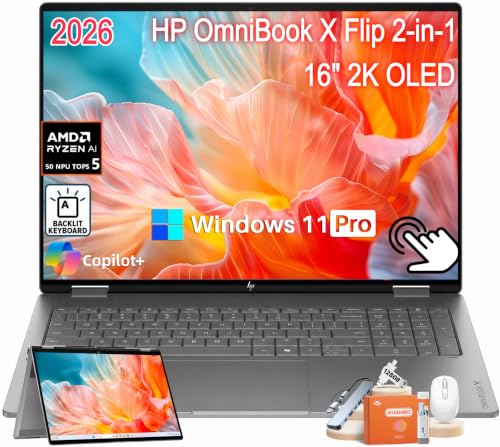
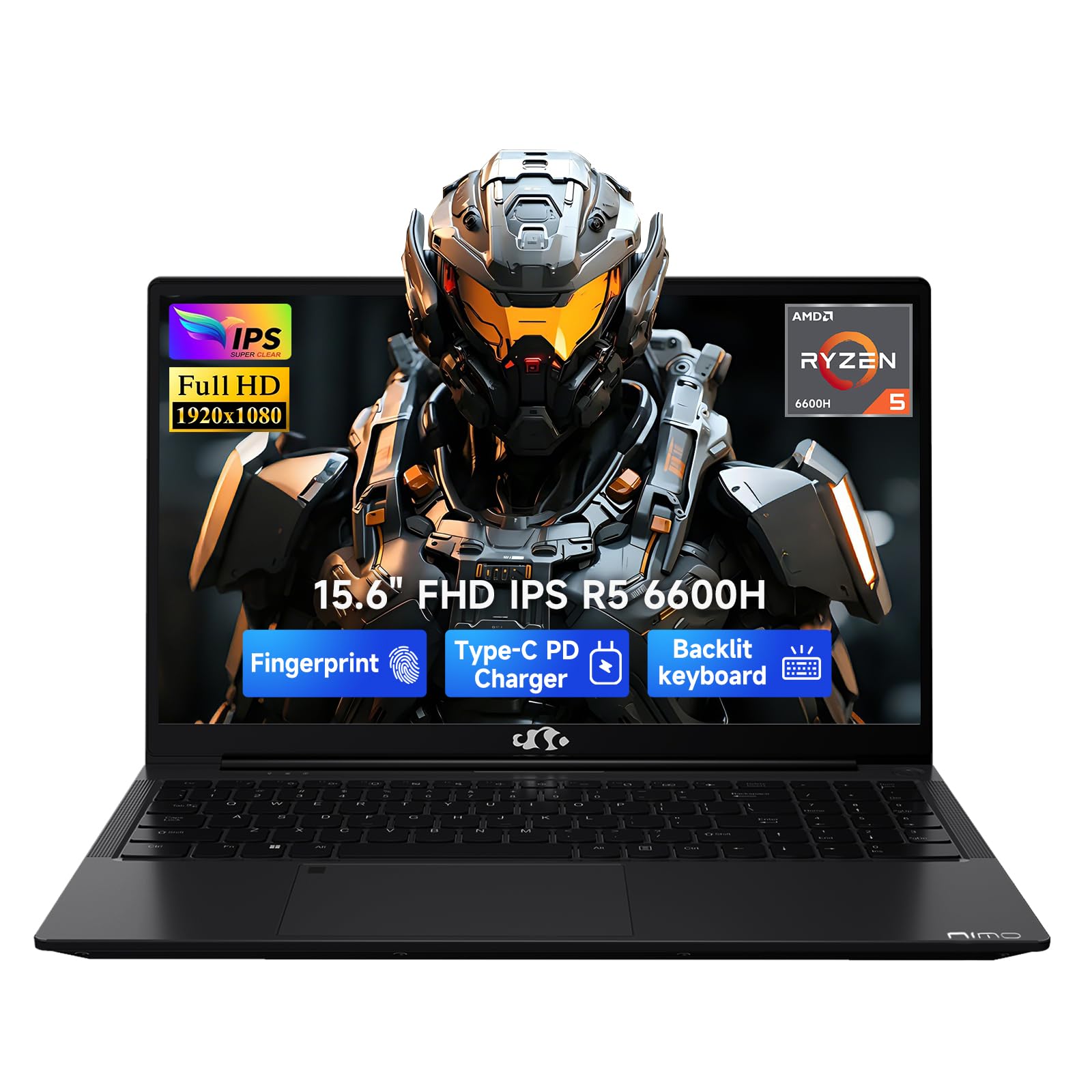
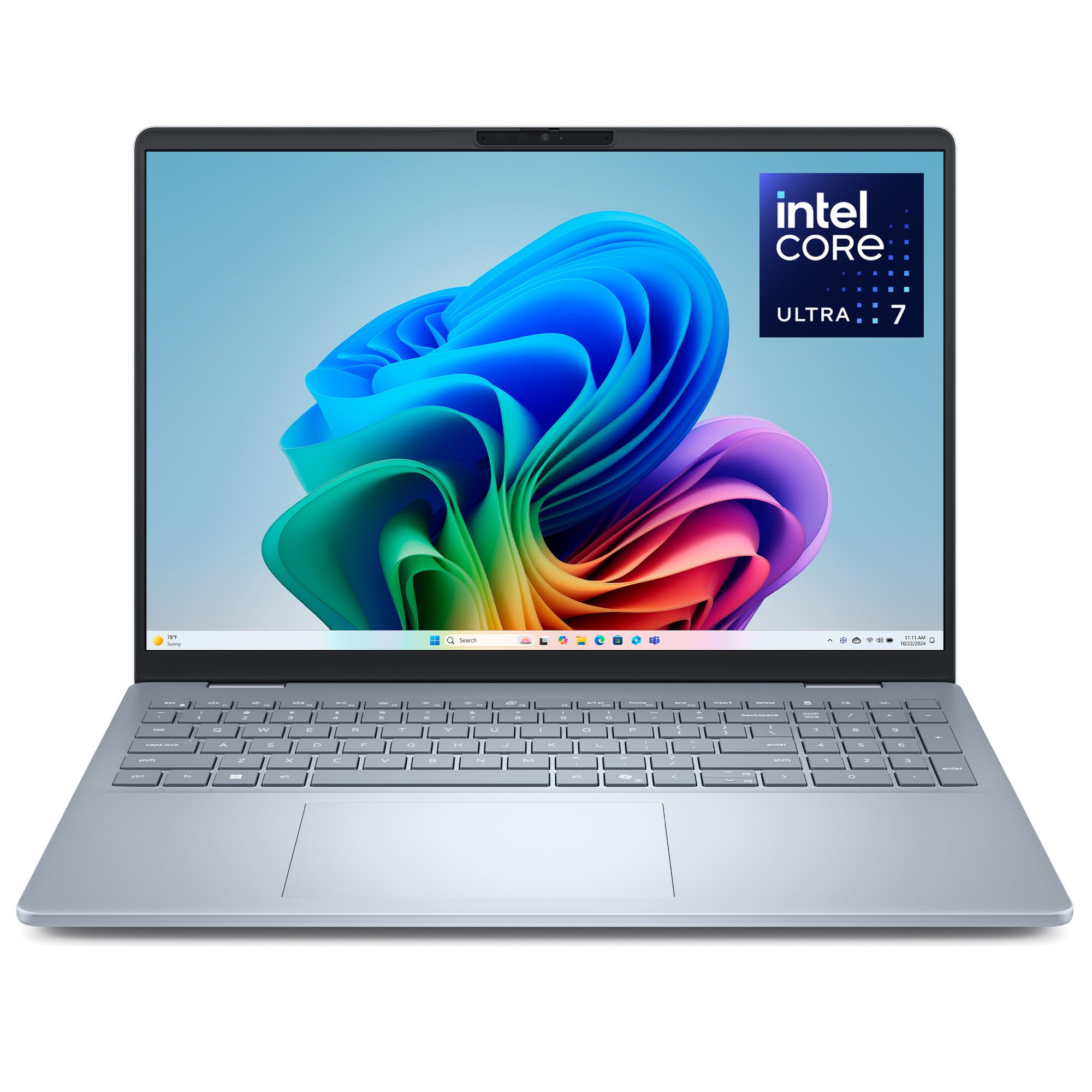


Three Buyer Profiles at a Glance
Instead of chasing a single winner, think in profiles. Each profile below describes a price tier, who it suits, and the one limit you should accept before you buy. Prices stay approximate because sales change often.
Balanced Profile
The balanced tier, usually around $800 to $1,100, suits photographers and video editors who need reliable color and smooth timelines. Look for a bright display with wide color coverage, 16 GB of RAM, and a 512 GB or larger solid state drive. A recent midrange processor keeps exports steady without draining the battery in an hour.
The main limit is graphics power for heavy 3D work. For photo editing, illustration, and 1080p or light 4K video, this tier feels fast for years. It is the safest choice if this laptop is your main work machine.
Budget Profile
The value tier, around $600 to $800, suits designers and content creators who work mostly in 2D tools. You still get a good full HD or sharper display and 16 GB of RAM on many models, but the body may be plastic and the battery a bit smaller. Storage sometimes starts at 256 GB, so plan for an external drive.
The strength here is price to performance. The limit is screen brightness and color coverage, which vary a lot between models. Check those two specs carefully before you buy, because a dim or narrow color display is hard to fix later.
Beginner Profile
The starter tier, around $400 to $600, suits students and hobby creators learning photo editing, drawing, or basic video cuts. Expect integrated graphics, 8 GB to 16 GB of RAM, and a display that is fine for learning but not ideal for paid client color work.
The advantage is a low entry cost that leaves room for software, a pen, or a backup drive. The limit is longevity, since demanding projects will outgrow this tier sooner. If you compare general options, our guide to the best and affordable laptops explains the wider budget market.
How to Choose the Best Affordable Laptops for Creatives: Buying Guide
What You Can Realistically Get on a Budget
Around $600 to $900, you can realistically get a color decent display, enough RAM for layered files, and a processor that handles most creative apps. You will usually give up the thinnest metal body, the fastest graphics card, and the longest battery life.
Never cut the display or RAM to save a small amount. Those two parts shape every hour of creative work. Cut instead on storage size if you use cloud or external drives, or on extras like a touch screen you may rarely use.
Features That Matter for Creatives
Creatives need accurate color first. Look for a display that covers most or all of the sRGB range, with higher coverage of wider ranges valued for photo and video work. Brightness around 300 nits or more helps in bright rooms.
Next comes memory headroom for large files and many layers, plus fast storage so projects open quickly. A good keyboard and a precise trackpad or pen support matter for long editing sessions. For a broader view of this category, see our guide to the best laptops for creatives.
Processor and Performance Tier
The processor drives preview speed, filter response, and export times. Recent Intel Core Ultra, AMD Ryzen, and Apple M series chips all serve creatives well at midrange levels. More cores help with video exports and batch photo work.
Do not judge by clock speed alone. A newer chip with fewer cores often beats an older chip on paper because it works more efficiently and stays cooler. Pair any processor choice with at least 16 GB of RAM if your files are large, because memory limits cause the slowdowns users blame on the chip.
Ports and Connectivity
Ports decide how many adapters you carry. USB C with charging and display output lets one cable run a monitor and power at your desk. An HDMI port helps for client screens and classroom projectors, and a card reader saves real time if you shoot photos or video.
Fast WiFi, such as WiFi 6E or WiFi 7 where available, speeds up cloud uploads for large project files. Bluetooth support for a mouse, pen, and headphones is standard, but check the version if you rely on several wireless tools at once.
Operating System (Windows, macOS, ChromeOS, Android, iPadOS)
Choose the system your main apps support best. Windows offers the widest hardware choice at budget prices and strong app coverage. macOS suits creators already using Apple devices and its creative apps, though entry prices run higher.
ChromeOS, Android, and iPadOS work for light drawing, notes, and browser tools, but many full desktop creative apps need Windows or macOS. Match the system to your software list first, then shop for hardware inside that system. Students on tight budgets can also check our guide to the best affordable laptops for students.
Weight and Portability
Weight shapes whether you bring the laptop to shoots, classes, or client meetings. A model under about 3 lb is easy to carry daily, while a 4 lb or heavier model is better left mostly at a desk. Screen size plays a role too, since a 14 inch model fits more bags than a 16 inch model.
Battery life matters when you edit away from outlets. Look for a full work session on one charge for light tasks, and carry the charger for export heavy days. A compact USB C charger can cut bag weight if your model supports it.
Types of Laptops
Chromebooks
Chromebooks are simple, low cost laptops built around the browser. They suit writing, mood boards, and light web based design tools, and they start fast with little upkeep. They fall short for full desktop photo and video apps, offline work with large files, and specialized plugins many creatives rely on.
Tablets
Tablets shine for drawing and quick markup because pen input feels natural and the screen sits close to your hand. With a keyboard they handle notes and light edits well. Their limits are file management, window multitasking, and app versions that may lack desktop features, so most creatives use them beside a laptop, not instead of one.
Budget Laptops
Budget laptops run full desktop systems at the lowest prices. They offer the best app access per dollar and easy upgrades on some models. The trade offs are dimmer screens, heavier bodies, and slower base storage on the cheapest units, so read display and RAM specs with extra care in this group. If you prefer a slim traditional form, our guide to the best notebook laptops covers that style.
How to Make Your Laptop Last Longer
- Keep the operating system and firmware updated, because updates protect your files and fix performance bugs.
- Avoid running at 100 percent charge all the time when a charge limit setting is available, to slow battery wear.
- Use a padded sleeve when commuting, since small drops and bag pressure crack more screens than any other accident.
- Clean vents with compressed air every few months so fans can cool the processor during long exports.
- Back up project files to an external drive and cloud storage, because a backup turns a hardware failure into a minor delay.
- Leave free space on your drive, ideally at least 15 percent, so the system and creative apps can work without slowdowns.
Laptops: Your Questions Answered
What features matter most in laptops for creatives?
Display accuracy, RAM, and storage speed matter most for creative work. A color accurate bright screen protects your final output, while 16 GB of RAM keeps layered files responsive. One point many buyers miss is calibration, since even a good panel benefits from a basic calibration check so prints and exports match what you saw on screen.
Is a Chromebook enough for school?
A Chromebook is enough only for browser based classes and light design tools. Creative programs that teach desktop photo, video, or layout apps usually need Windows or macOS. Check your course software list before buying. Also consider file size, because Chromebooks often have small local storage that fills quickly with video projects.
Is a dedicated GPU worth it?
A dedicated GPU is worth it for 3D work, motion graphics, and frequent 4K video exports, where it can cut render times sharply. For photo editing and 2D design, integrated graphics are usually enough. Spend the savings on a better display first, because you look at the screen on every task, while the GPU helps only on specific jobs.
How much RAM do I need?
Most creatives need 16 GB of RAM for smooth work with large files and several apps open. Thirty two GB helps for big video timelines or very large layered documents, but it is optional on a budget. Eight GB is a learning level minimum and will feel tight once your projects grow in size and layer count.
Should I buy a laptop or a tablet?
Buy a laptop as your main creative machine for full apps, easier file handling, and better multitasking. Add a tablet later if pen drawing is central to your work. Price the tablet honestly with its keyboard and pen included, because those extras often bring the total close to a capable budget laptop.
How long should a laptop last?
A creative laptop should last about four to six years if you buy enough RAM and storage at the start. The battery and fans wear first, while the display and processor age more slowly. Choosing a model with replaceable storage or memory, where available, can add a useful extra year or two of comfortable work.
The Bottom Line
Protect the display first, then RAM, then storage speed, and let the processor tier follow your main app. Use the product table above to compare current models against those three points. The best best affordable laptops for creatives choice is the one whose screen you trust and whose memory still feels roomy when your projects get bigger.


