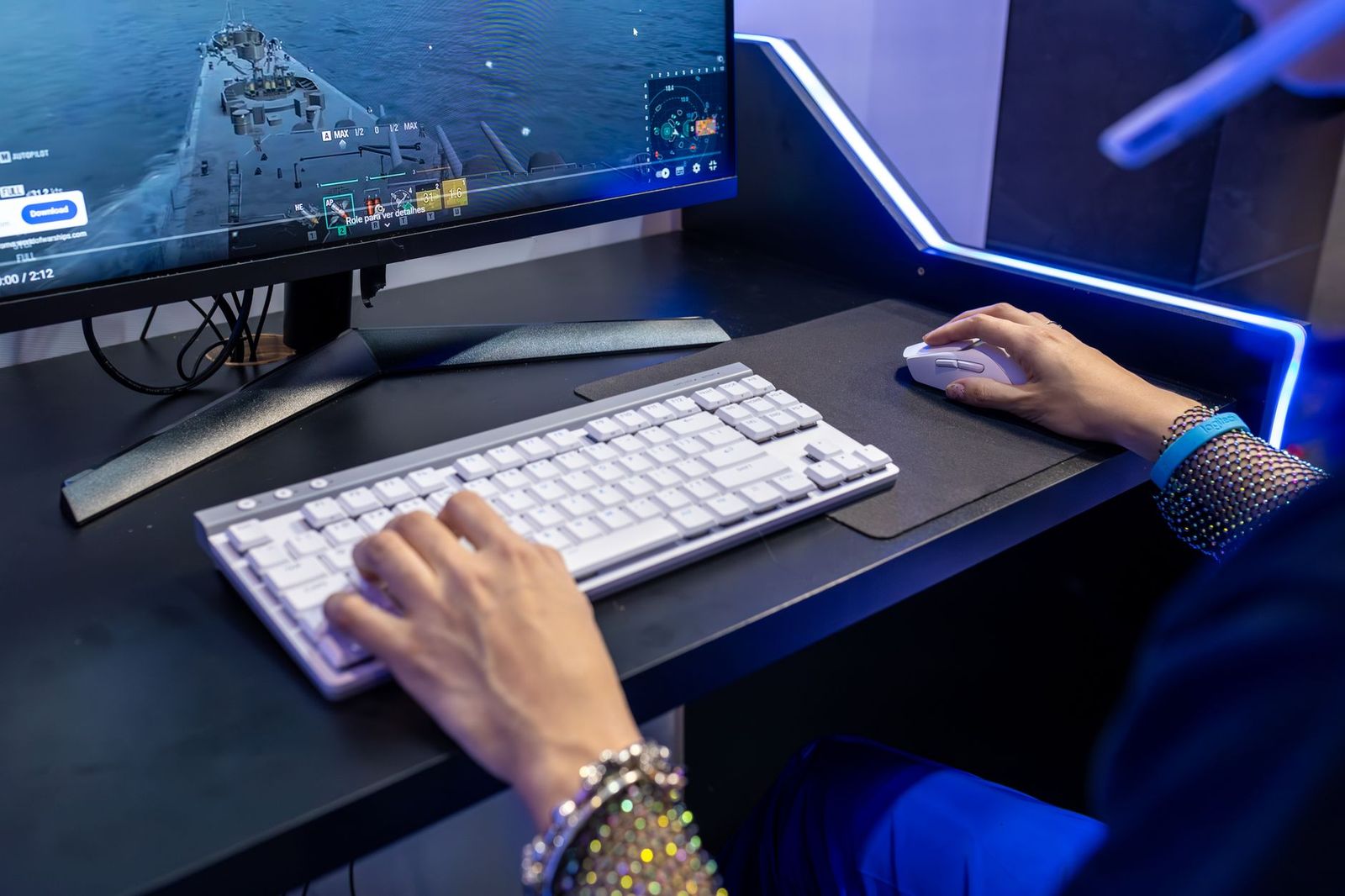
Best Affordable Keyboards for Gaming 2026 Buying Guide
Disclosure: We may earn a commission when you buy through links on this page, at no extra cost to you. As an Amazon Associate I earn from qualifying purchases. Learn more

Compare the best affordable keyboards for gaming by switch type, size, wireless options, and build to find a responsive board that fits your desk.
A gaming keyboard does not have to cost much to feel good. Responsive switches, a layout that fits your desk, and a build that survives long sessions matter far more than a long list of extras. This guide helps you choose the best affordable keyboards for gaming by explaining switches, sizes, and features in plain terms.
The product table below lists current options. Use the sections here to decide which switch type and layout suit your games before you compare prices.





Switch Types Explained
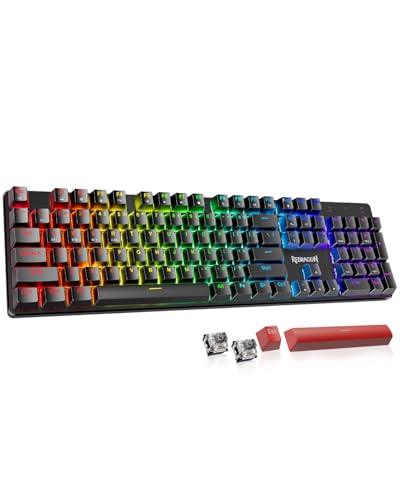
The switch under each key decides how a keyboard feels and sounds. Linear switches press smoothly with no bump and are popular for fast games. Tactile switches have a small bump that tells you the key registered. Clicky switches add an audible click, which some players love and roommates do not.
Membrane keyboards use a rubber layer instead of individual switches. They are quieter and cheaper, and a good one is perfectly fine for casual gaming. Mechanical keyboards last longer and feel crisper, and many affordable models now offer hot swappable switches so you can change the feel later.
How to Choose the Best Affordable Keyboards for Gaming
Size and Layout
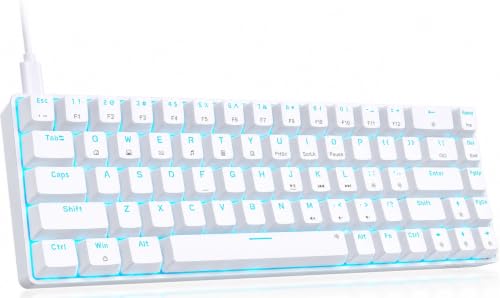
Full size keyboards include a number pad and suit people who also type or use spreadsheets. Tenkeyless layouts drop the number pad and free up mouse space. Compact 60 and 75 percent layouts save the most room and are popular for travel and low sensitivity mouse play, but they hide some keys behind function layers.
Wired or Wireless
Wired keyboards give the lowest latency and need no charging. Modern wireless models with a 2.4 GHz receiver have become fast enough for most games, and Bluetooth adds flexibility for other devices. Check battery life and charging method for wireless models.
Anti Ghosting and Key Rollover
These features let the keyboard register several keys pressed at once. Full key rollover is common even on affordable keyboards and helps in games with many simultaneous inputs.
Build and Keycaps
A metal or sturdy plastic frame reduces flex. Look for keycaps with printed legends that do not wear off quickly. Wrist rests and adjustable feet add comfort for long sessions.
Lighting and Software
RGB lighting is common and mostly cosmetic, so treat it as a bonus. Software for remapping keys and recording macros is useful, particularly if it saves profiles on the keyboard itself.
Types of Gaming Keyboards
| Type | Strength | Trade off |
|---|---|---|
| Membrane gaming keyboard | Quiet and low cost | Less crisp, shorter lifespan |
| Full size mechanical keyboard | Durable with a number pad | Takes more desk space |
| Compact 60 or 75 percent keyboard | Saves room for mouse movement | Some keys need function layers |
| Wireless mechanical keyboard | Clean desk and multi device use | Needs charging and costs more |
Prices commonly run from about $20 for a basic membrane model to $80 for a feature rich wireless mechanical keyboard. The $30 to $60 range offers the best value for most players.
Mistakes to Avoid
- Buying on lighting alone. Bright effects do not make up for poor switches or a flexy frame.
- Choosing a layout you cannot use. If a game needs keys that a compact layout hides, you will feel it.
- Ignoring noise. Clicky switches can annoy people nearby, especially during voice chat.
- Skipping the return policy. Typing feel is personal, so buy from a seller with an easy return window.
What Your Money Gets You
Under $30
Budget gaming keyboards in this range are often compact 60 percent or membrane models. They deliver reliable key registration and lighting at a low price. Expect lighter frames and fewer software options.
Around $30 to $60
This is the best range for most players. You can find mechanical switches, full key rollover, hot swappable designs, and wireless options. Build quality and keycaps improve, and software for remapping is common.
Around $60 to $80
Here you gain gasket mounted bodies, premium keycaps, screens, knobs, and tri mode wireless connections. The typing feel is smoother and quieter. These are good choices if you also type for work or want a keyboard that lasts for years.
Setting Up for Better Play
Position the keyboard so your forearms rest naturally and your wrists stay level. Many players angle the keyboard slightly or use a wrist rest for comfort. Remap rarely used keys to useful actions, and save profiles for different games if your software supports them.
Keep the keyboard clean by removing keycaps now and then and wiping away dust, and avoid eating at the desk where crumbs fall. If a key sticks, a puff of compressed air often fixes it, and hot swappable boards let you replace a worn switch without tools.
Wired or Wireless for Competitive Play
Wired keyboards remain the safest choice for fast paced games because they deliver inputs with minimal delay and never lose power in the middle of a match. Modern 2.4 GHz wireless models close the gap, and most players will not notice a difference outside of high level competition.
Bluetooth is convenient for switching between a laptop and a desktop, but it can add a small amount of delay. If you play fast shooters, use the wired or 2.4 GHz connection. For slower strategy or role playing games, any connection type works well.
Frequently Asked Questions
What size gaming keyboard should I buy?
Choose full size if you use the number pad, tenkeyless for more mouse room, and a compact layout for small desks or low sensitivity play. Pick the one that includes every key your favorite games use.
Do I need RGB lighting?
No. Lighting is a cosmetic extra, although it helps you find keys in dim rooms. Spend your budget on switches and build before lighting.
Are mechanical keyboards worth it for gaming?
Most players find them more responsive and longer lasting than membrane models. A good membrane keyboard is still fine for casual play and costs less.
Is a wireless keyboard fast enough for gaming?
Modern 2.4 GHz wireless models are fast enough for most games. Competitive players who want the lowest delay often prefer wired.
What is a hot swappable keyboard?
It lets you change switches without soldering, so you can adjust the feel later. It is a good feature if you want to experiment.
Final Thoughts
Choose the switch type and layout that suit your games and desk, then check the build and the return policy. Compare the models in the product table above and pick the best affordable keyboards for gaming that you will enjoy typing and playing on. For related guides, see the best gaming keyboard and the best affordable gaming keyboard and mouse.