
Best Affordable Computer Chairs for 2026: Every Type Explained Side by Side
Disclosure: We may earn a commission when you buy through links on this page, at no extra cost to you. As an Amazon Associate I earn from qualifying purchases. Learn more
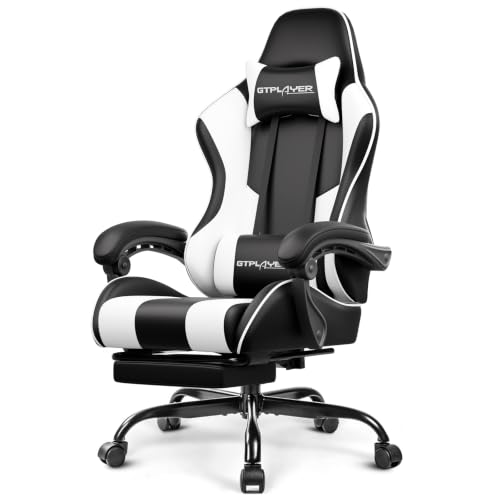
Compare the best affordable computer chairs by type, with honest budget trade offs, the features that matter, care tips, and clear answers to common questions.
Budget computer chairs look alike in photos and feel nothing alike in use. Under one price label sit stripped task chairs, narrow chairs built for small rooms, and padded executive styles, and each suits a different body and desk. This guide compares best affordable computer chairs type by type: what each class keeps, what it gives up, and what it costs. The comparison table below lines the types up side by side so the trade offs are easy to see.
One limit applies to every class in this guide. A chair supports sitting comfort only; it corrects no posture and treats no pain, whatever a product page suggests. What a chair can honestly do is fit your body, spread pressure, and let you shift position through the day.
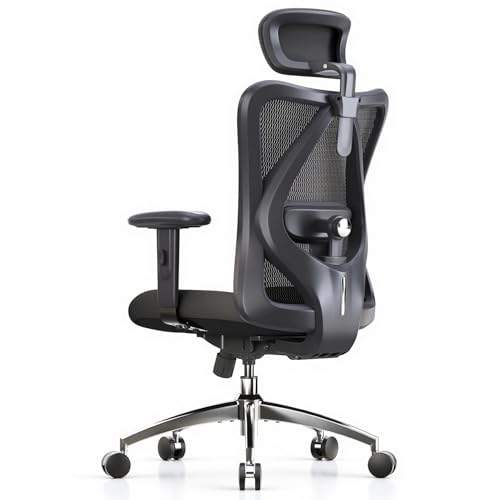
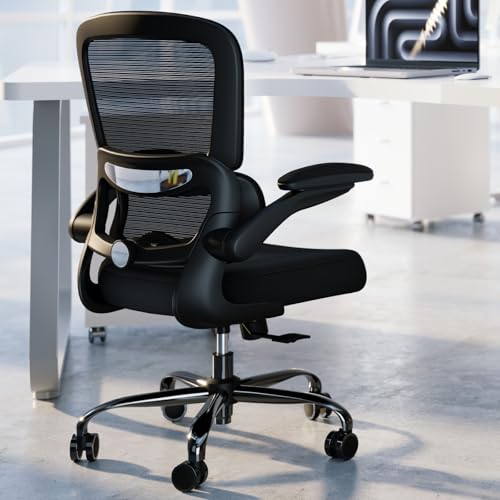
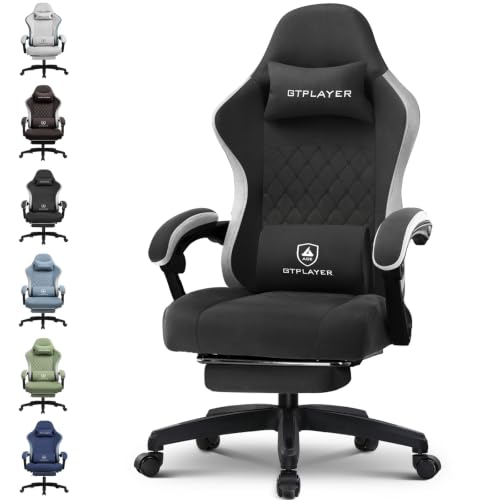
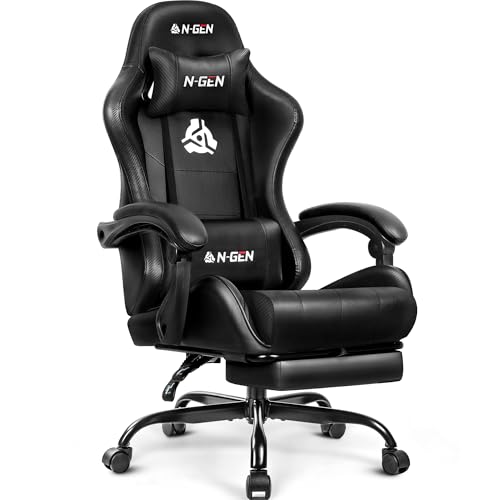
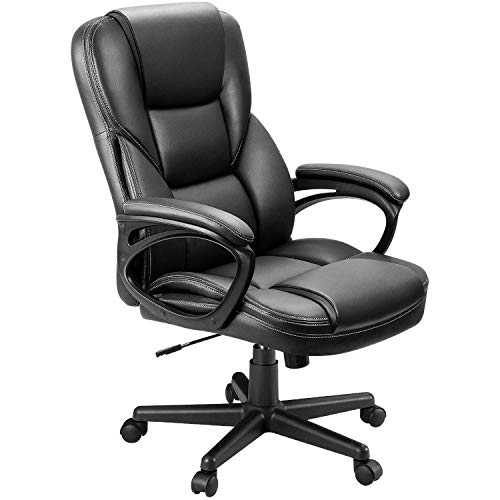
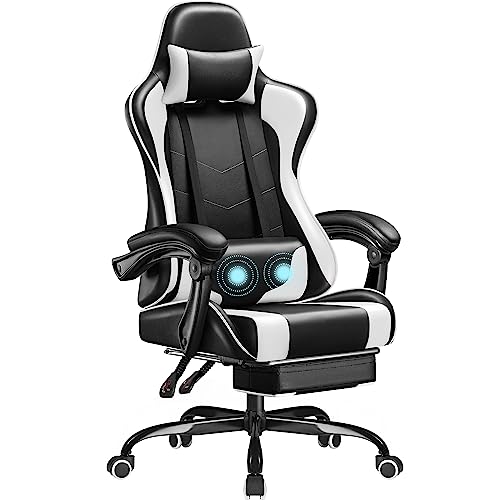
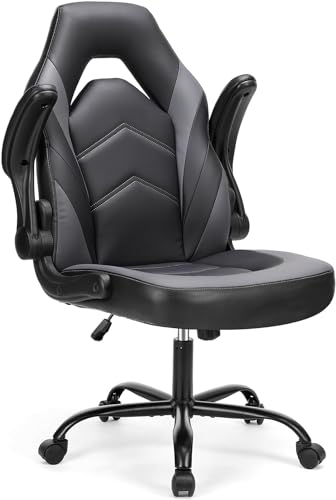
Movement breaks are still the larger half of desk comfort, so stand up and walk briefly at least once an hour. If pain keeps returning, talk with a clinician instead of buying a stronger chair.
Best Affordable Computer Chairs Compared by Type
The three classes below cover nearly everything sold at this price level. Shoppers who start from the wider field of best affordable chairs meet the same split: simple task chairs, compact chairs made for tight floor space, and executive styles with tall padded backs. The summary table puts the three classes side by side, and the sections after it explain how each behaves in daily use.
| Type | Best For | Pros | Cons | Typical Price |
|---|---|---|---|---|
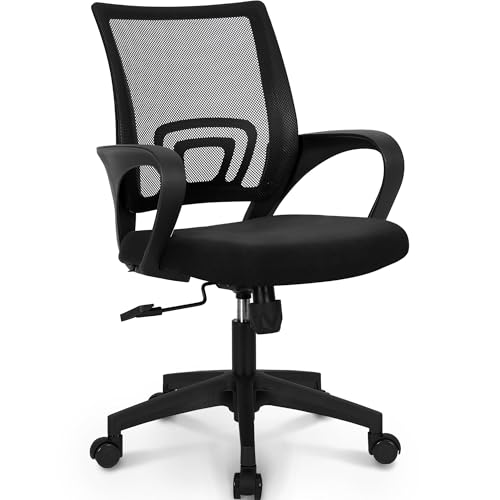
| Budget task models | First desks and spare rooms | Lowest cost, simple parts, easy to replace | Thin foam, few settings | about $70 to $150 |
| Compact space saving models | Dorms and small bedrooms | Small footprint, light to move | Narrow seat, lower capacity | about $90 to $180 |
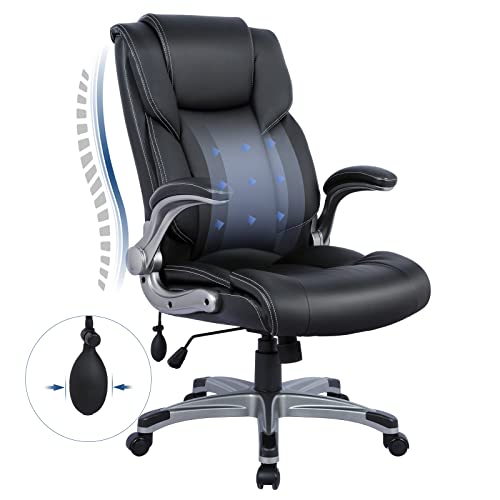
| Executive models | Long desk hours at home | Tall back, thick padding, padded arms | Bulky frame, warm upholstery | about $150 to $300 |
Budget Models
Budget task models are the plain starting point: a molded foam seat, a mesh or fabric back, one lever for height, and a simple tilt that may not lock. At this end of the market the pattern is consistent, because the money goes to the seat and the lift first, and the trade-offs are foam density, fabric weight, and mechanism range. A cheap seat uses a thin slab of low density foam that feels fine for an hour and flat by the third. For short sessions, study desks, or a spare room, this class does the job at about $70 to $150.
Compact Space Saving Models
Compact models shrink every dimension that matters in a small room. Seats run about 17 to 19 inches wide, arms flip up or are left off entirely, and the base footprint is smaller, so the chair slides fully under a low desk and stores in a corner. The trade is room and strength: weight capacity often tops out lower than on full size chairs, and broader or taller sitters may find the seat pan short. Dorms and bedroom desks are the natural home for this class, at about $90 to $180.
Executive Models
Executive models buy comfort with bulk: a tall back that reaches the shoulders, thick padding on the seat and arms, and upholstery that imitates leather or uses heavy fabric. They suit readers who sit for long stretches and want a chair that feels like furniture rather than equipment. The costs are size, heat, and wear, because padded vinyl can peel within a few years and thick foam holds summer warmth. Guides filed under best officer chairs describe this same executive look as a separate seating category, so treat that label as a style name rather than a different chair type.
Budget Models vs Compact Space Saving Models: Which Should You Choose?
These two classes overlap in price, so the choice comes down to space and body size rather than money. Measure the gap under your desk and the floor area available; a compact model wins whenever the chair must park under a low desk or share a bedroom. Then check the sitter: a full size budget seat gives a taller or broader person more pan depth and a higher weight capacity.
Readers who search the same shelf as best office chairs affordable are usually choosing between exactly these two classes for a home office corner. If the room is tight but the sitter is large, pick the budget task model and accept the bigger footprint.
How to Choose the Right Computer Chair
Class comes first, but the details below decide whether a cheap chair stays comfortable after the first month. Most of these points apply across the aisle to best affordable desk chairs as well, because the two labels describe the same furniture sold for the same desks. Work through them in order to filter out most weak options early, whichever of the best affordable computer chairs you are weighing.
What You Can Realistically Get on a Budget
At about $70 to $150, expect height adjustment, a basic tilt with a lock, a fixed lumbar curve or a small cushion, and fixed or height adjustable arms. Genuine extras such as a sliding seat pan or multi direction armrests belong to higher price bands, so treat their absence as normal rather than a flaw. Two parts are never worth cutting: the gas lift and the base. A class 4 lift and a steel or reinforced base start appearing from about $120 upward, and they decide how long the chair stays level and quiet.
Materials and Upholstery
A mesh back breathes in warm rooms and never peels, though it offers less padding against the spine. Woven fabric is the durable middle ground: it hides scuffs and ages slowly. Vinyl that imitates leather wipes clean and looks smart on day one, but it cracks and flakes once the surface dries out.
Under every cover sits the foam, and high density foam holds its shape for years while soft low density slabs flatten within months. When two chairs look identical, the denser foam is the one to buy.
Ergonomics and Adjustability
Start with seat height: a useful range is about 18 to 22 inches, and your feet should rest flat with your knees near level when the chair is set right. Lumbar support comes as a fixed curve in the backrest, a separate pillow, or an adjustable pad, in rising order of price. Armrests help when they meet your elbows without lifting your shoulders, and a tilt lock matters if you lean back to read. No setting fixes a chair that is the wrong size, so match dimensions to your body before counting features.
Build Quality and Frame
The frame decides the lifespan more than the padding does. A steel frame and a metal base feel planted and stay quiet, while thin plastic shells flex and creak as they age. Gas lifts are sold in classes, and class 4 is the strongest common grade at this price.
Check the stated weight capacity as a build signal rather than a dare: sturdier budget models rate about 250 to 300 pounds. A longer warranty on the lift and frame beats a longer feature list, because those parts fail first.
Tips to Get the Most From Your Computer Chair
- Set the seat height so your feet rest flat on the floor and your eyes meet the top third of the screen.
- Tighten the base and arm bolts every few months, because daily rolling slowly works them loose.
- Vacuum fabric and mesh weekly, and wipe vinyl with a damp cloth so the surface dries out more slowly.
- Roll the chair on a mat over carpet to protect both the casters and the floor beneath them.
Once the chair fits, set the screen height to match your new sitting position. The display itself is a separate purchase category, covered by guides to best affordable computer monitors rather than by chair makers.
Frequently Asked Questions
How long should a good computer chair last?
A good budget computer chair lasts about three to five years of daily use before comfort fades. The gas lift usually fails first, showing up as a chair that slowly sinks while you sit, and foam flattening comes second. One point many buyers miss: the lift is often a standard cylinder that can be replaced on its own for a small cost, adding years to a chair whose frame is still sound. Retightening bolts yearly also slows the wobble that makes a chair feel worn out.
Is an expensive computer chair worth it?
An expensive computer chair is worth it only when you sit for most of the working day, every day. Run the cost per year before deciding: a chair at about $300 that serves five years costs about $60 a year, while a chair at about $90 replaced every two years costs about $45 a year and feels worse doing it. For a few hours of evening use, the gap buys little. The honest jump in quality sits in foam density and lift grade, not in styling.
What features matter most for long hours?
Seat depth and the front edge shape matter most for long hours, ahead of any arm or headrest feature. A seat pan that leaves a small gap behind your knees, with a front edge that curves down, keeps pressure off the underside of your thighs while you sit. Height range comes next, because it decides whether your feet and desk line up. Lumbar form ranks third, and adjustable arms are last, since many long hour sitters rest their arms on the desk instead.
How do I choose the right size?
Choose the size by measuring your lower leg and your desk, not by reading size labels. Sit with your feet flat and measure from the floor to the crease behind your knee; the chair seat at its lowest setting should sit at or just under that height. Then measure the desk underside so the chair arms, if any, can slide beneath it. Leave a margin on the stated weight capacity too, because a chair used near its limit wears its lift and base faster.
Wrapping Up
Buy the class first, then the strongest lift and base your budget allows, then the cover material that suits your room. Compact models serve small spaces, budget task models serve short sessions and spare rooms, and executive models serve long days at home. Whichever class you land on, the right pick among best affordable computer chairs is the one that fits your body and your desk at the same time. Compare your shortlist with the product table above before you order.

