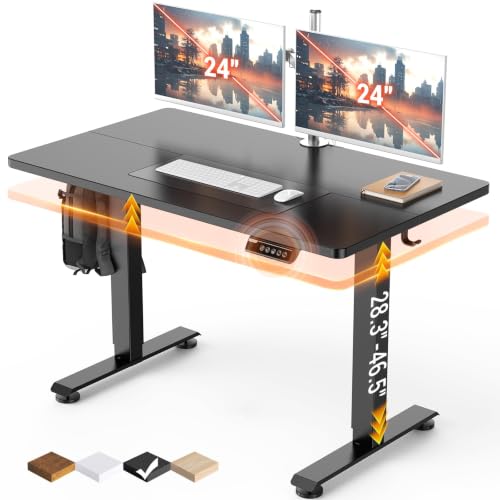
Best Adjustable Standing Desks 2026: A Buying Guide
Disclosure: We may earn a commission when you buy through links on this page, at no extra cost to you. As an Amazon Associate I earn from qualifying purchases. Learn more

Compare adjustable standing desks by height range, stability, motor type, desktop size, and setup tips for a healthier home office routine before you buy.
Sitting all day can leave you stiff and tired, and a height adjustable desk offers a simple way to change position through the workday. If you are shopping for the best adjustable standing desks, the real choice is about stability, range, and daily ease of use. The comparison table below gives a quick overview, while this guide explains how to pick a desk you will actually adjust.
A good standing desk moves smoothly, holds steady at full height, and remembers your favourite positions. A poor one wobbles, drifts, or becomes so awkward that you stop adjusting it after the first week. This guide focuses on the habits and features that keep a standing desk useful for years, not just impressive on delivery day.
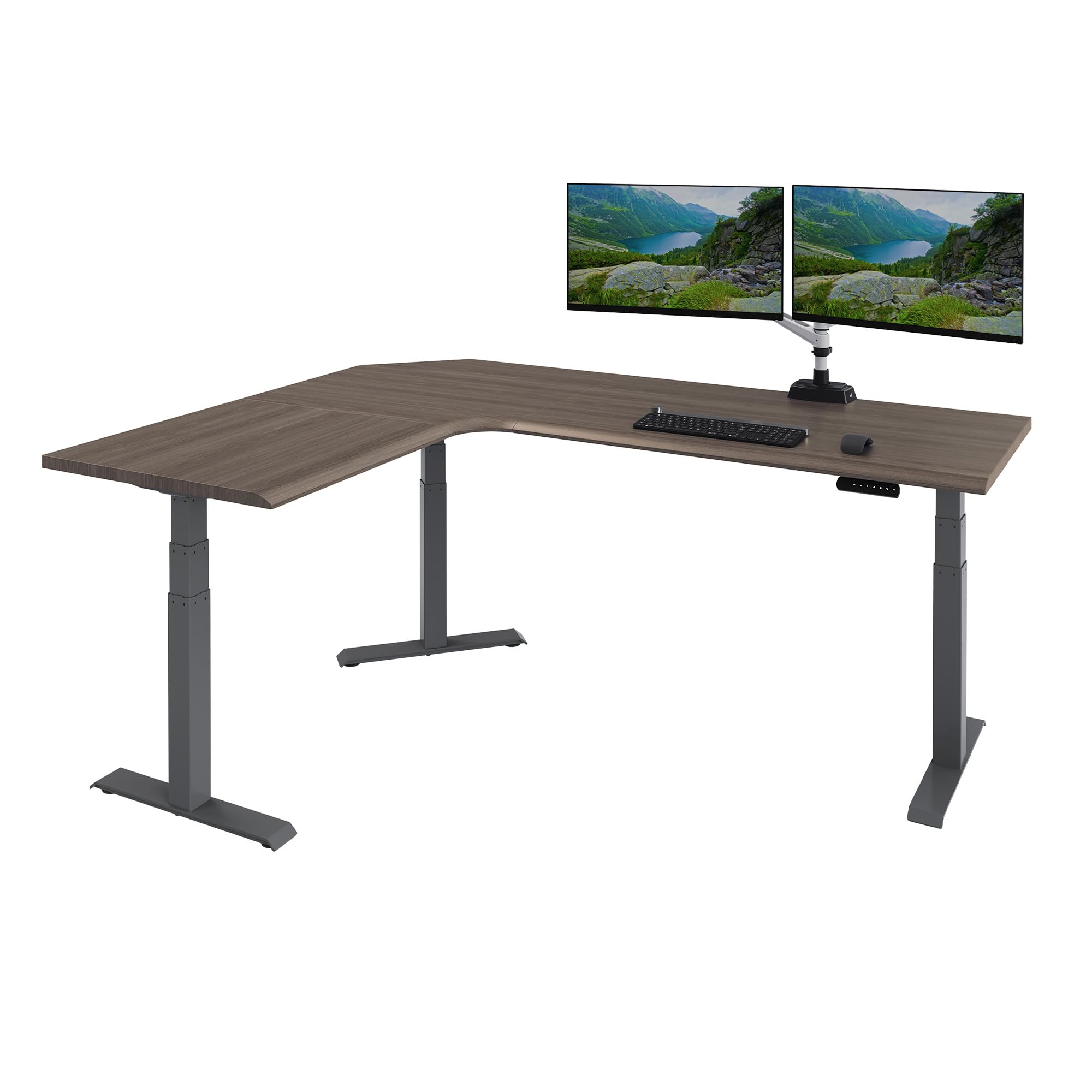
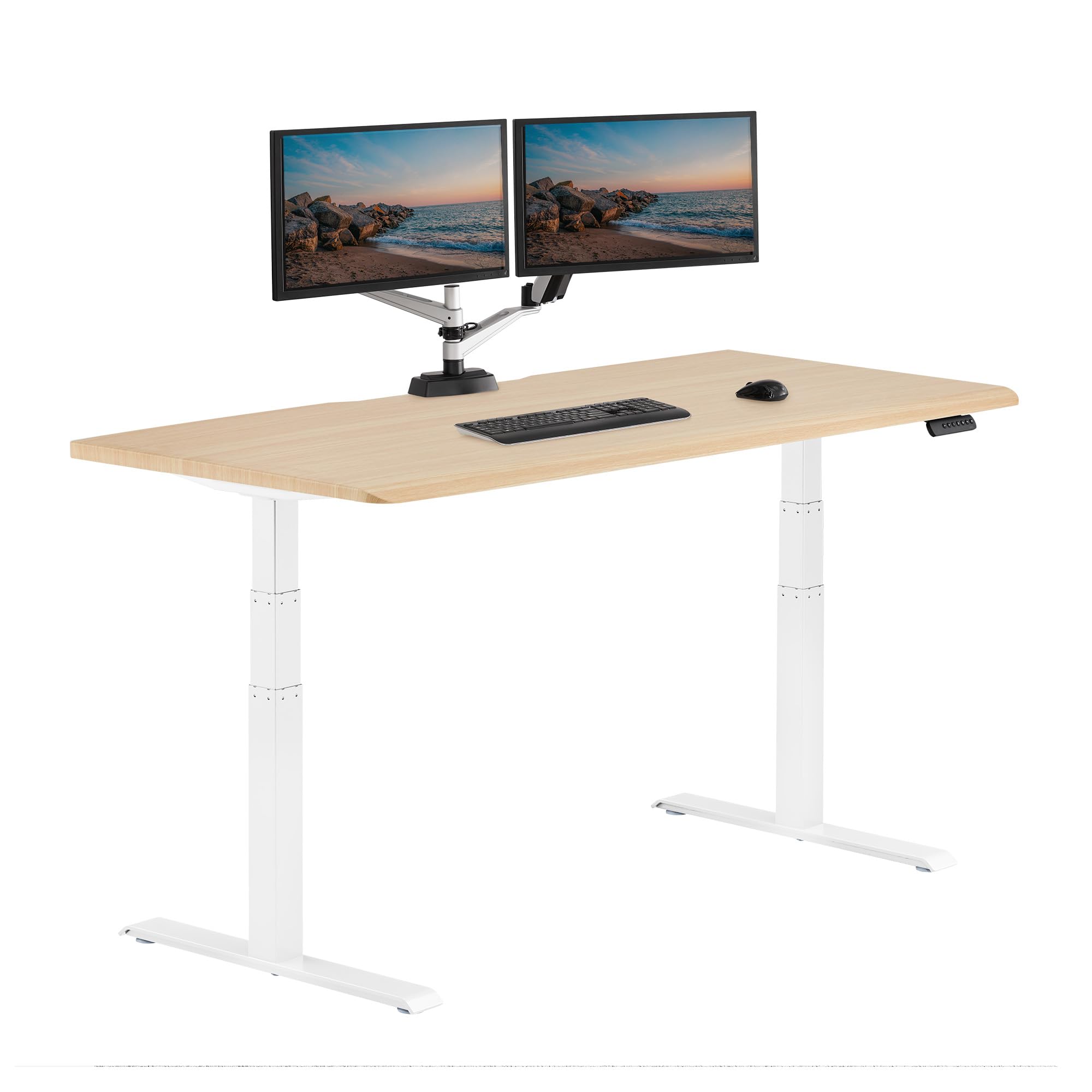

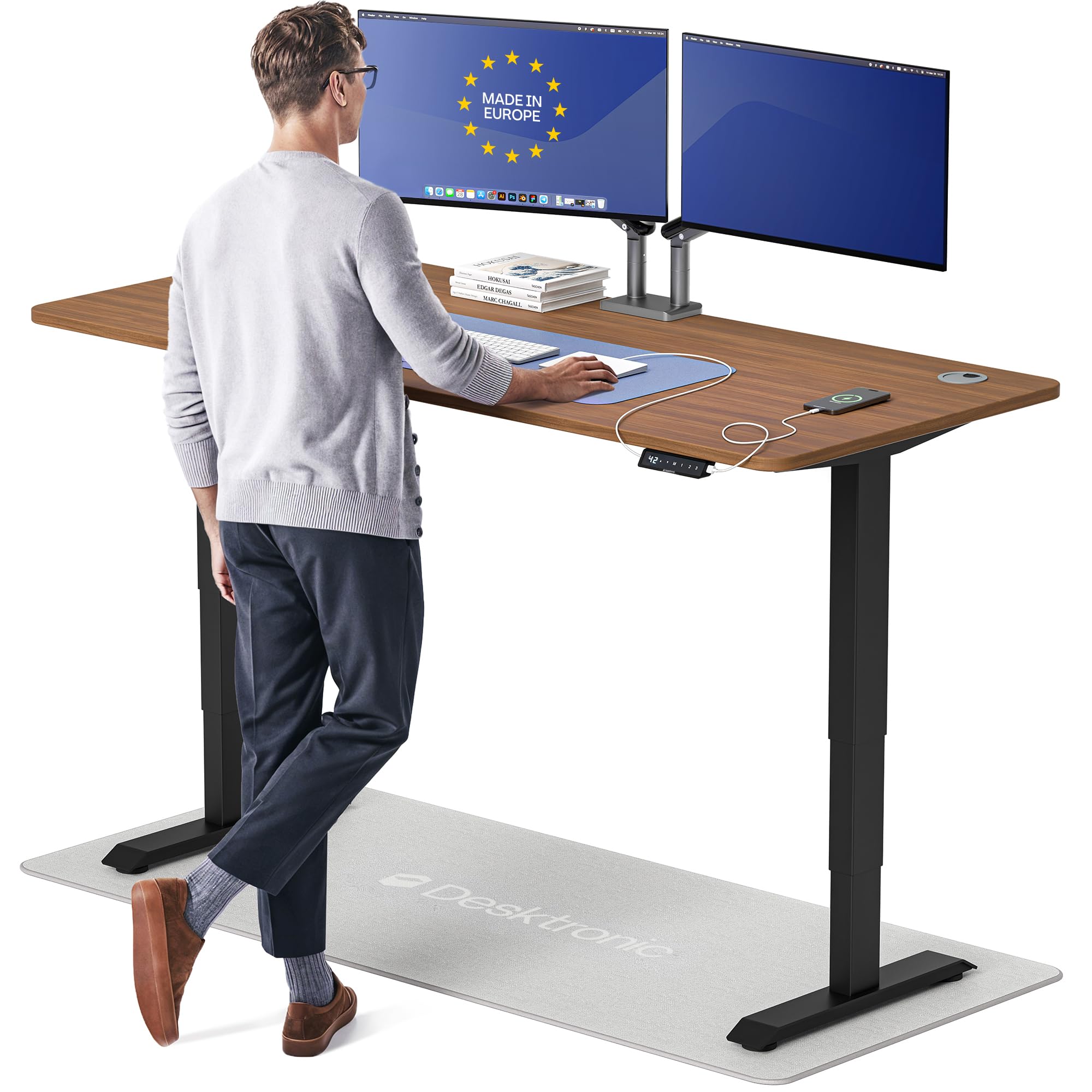
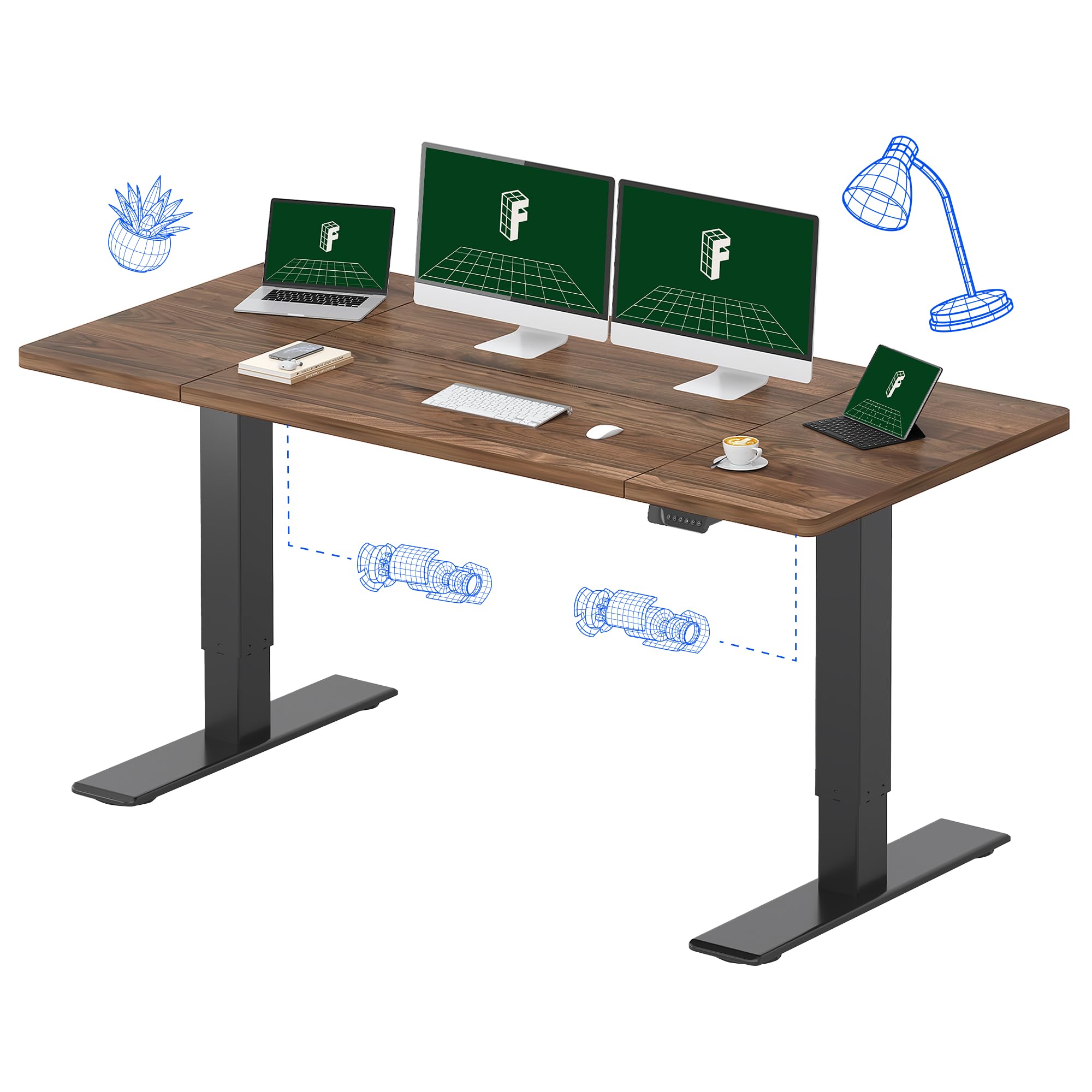


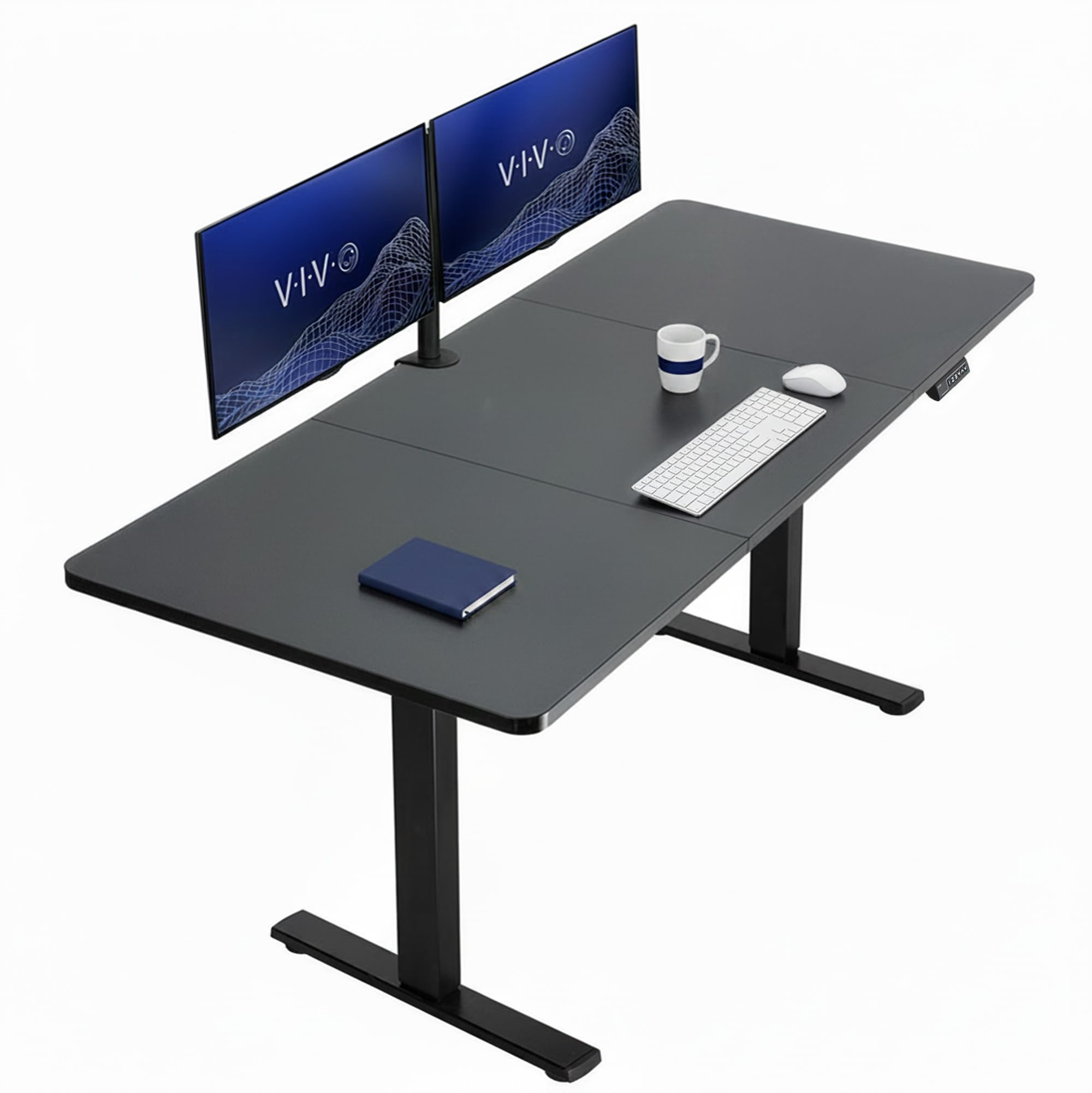
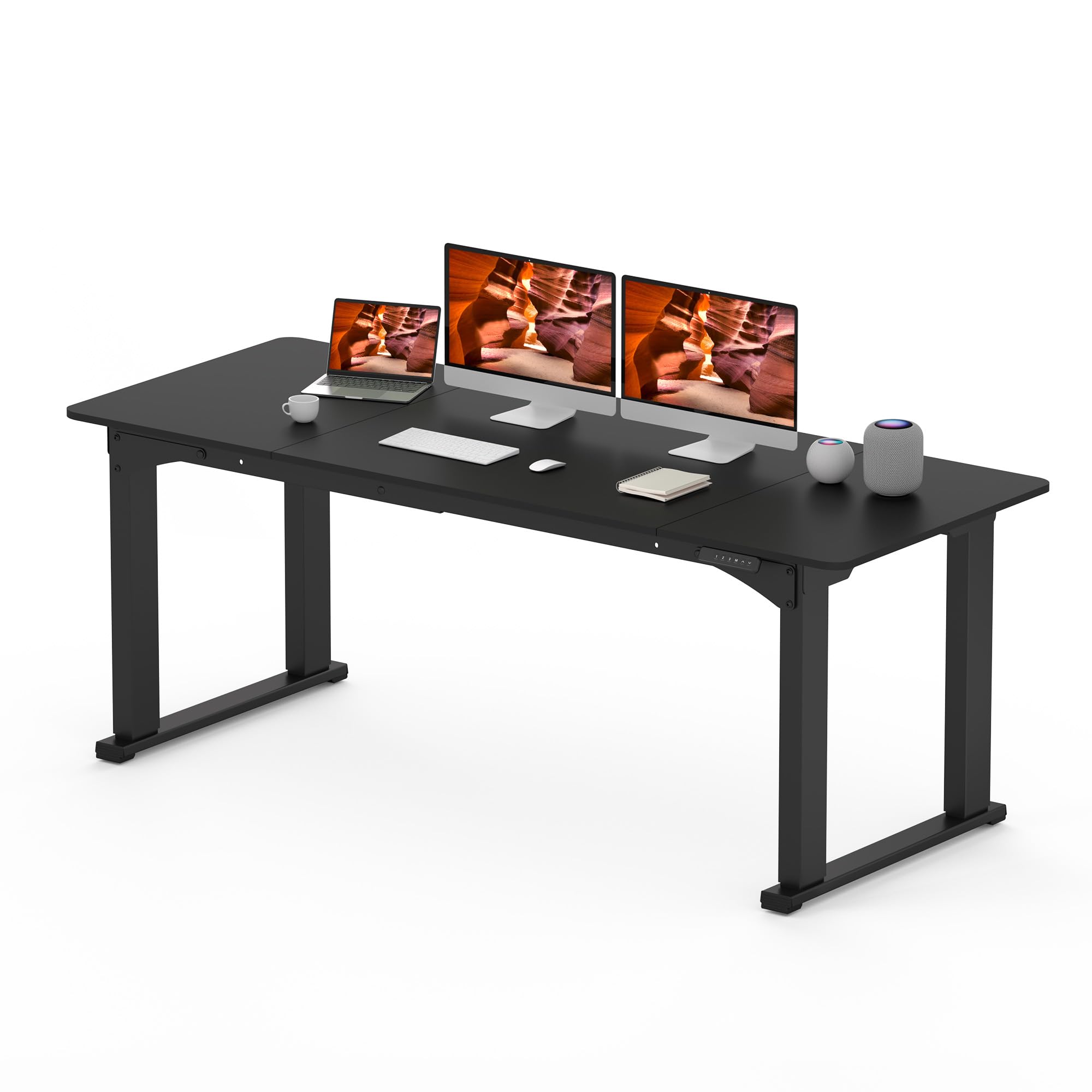
Who Should Buy Them
Standing desks suit home workers, students, and anyone who spends long hours at a computer. They help people with back stiffness who feel better when they alternate sitting and standing. They are less useful if you rarely sit at a desk or if your work needs a fixed, specialised bench. For most desk workers, the benefit comes from movement variety, not from standing all day.
Key Features to Compare
Compare standing desks on the engineering details that decide whether daily height changes feel effortless or annoying.
- Height range. A wide range suits both shorter and taller users, and should reach your standing elbow height with room to spare.
- Stability at height. A desk that shakes when you type at full height will frustrate you daily, so frame stiffness matters more than looks.
- Motor type. Dual motors usually lift heavier loads smoothly and evenly, while single motors suit lighter setups.
- Memory presets. Saved height buttons make switching positions a one touch habit instead of a guessing game.
- Desktop size and depth. Enough depth for a monitor arm and keyboard, plus space for notebooks, keeps the setup practical.
Types and Options
Standing desks come in several forms, and the right one depends on your space, budget, and existing furniture.
- Full electric desks. Complete desks with motorised frames and a choice of desktop sizes, the most flexible option.
- Desktop converters. Units that sit on an existing desk and raise the work surface, useful for renters and tight budgets.
- Manual crank desks. Height adjusted by a crank handle, quiet and reliable, though slower to change.
- Fixed height standing tables. Simple tables at standing height, best paired with a separate sitting desk if you still want to sit.
How to Choose the Right One
Measure your sitting and standing elbow heights before shopping, and check them against the desk range. Think about total load too, since monitors, arms, and equipment add up quickly. If you use two monitors, favour a wider desktop and a dual motor frame. Cable management matters as well, because cables that snag during height changes quickly ruin the habit.
Test stability by imagining typing and leaning at full height. A crossbar or sturdy feet help, and a heavier frame usually wobbles less. The product table above lets you compare height ranges and load ratings side by side. Plan where your chair and anti fatigue mat will go, since a standing setup needs floor space as well as desk space.
For a related guide, see best desktop adjustable standing desks. For a related guide, see best looking standing desks. For a related guide, see best motorized standing desks. For a related guide, see best electric standing desks. For a related guide, see best affordable standing desks.
Budget and Long Term Value
Electric standing desks commonly cost from about $200 to $700, with premium frames and large desktops higher. Converters are cheaper, often from about $100 to $300. Spending more usually buys smoother motors, better stability, and longer warranties. A mid priced electric desk with memory presets often gives the best daily experience for the money.
Everyday Use and Care
Keep the lifting columns free of dust and avoid overloading beyond the rated capacity. Route cables with slack so height changes never tug plugs. Wipe the desktop regularly and check bolts after the first month of use, since new frames can settle. If movement turns uneven or noisy, check for obstructions before assuming motor failure.
Mistakes to Avoid
- Buying a desk whose height range misses your standing elbow height.
- Overloading a single motor frame with heavy monitors and equipment.
- Skipping cable management, so height changes tug or unplug devices.
- Standing all day instead of alternating, which can cause its own fatigue.
Getting the Most From Your Choice
A standing desk only helps if changing height becomes a habit, so build cues into your workday from the first week. Pair standing periods with specific tasks, such as reading, calls, or email triage, and sit for focused writing or detailed work. Set a gentle timer at first, and keep comfortable shoes and a mat nearby. When the switch feels easy, you will do it often; when it feels like a chore, the desk quietly becomes a fixed sitting desk.
Plan the full workstation, not just the desk frame, because monitor height, keyboard position, and cable slack all affect comfort at both heights. A monitor arm that adjusts with you prevents neck strain when standing, while a keyboard tray or well placed keyboard keeps wrists neutral. Route cables with enough slack for full travel, and test the full range before loading the desk with equipment.
Questions to Ask Before You Order
Before ordering, measure sitting and standing elbow heights, weigh your full equipment load, and check floor space for a chair and mat. Ask about motor noise, memory presets, warranty length, and stability at maximum height. These questions separate desks that support a daily habit from desks that impress briefly and frustrate over time.
- What are my sitting and standing elbow heights?
- How much does my full monitor and equipment load weigh?
- Does the desk remember my favourite heights?
- Is the frame stable and quiet at full height?
Long Term Value
When you judge long term value, look beyond the purchase price to how standing desk holds up under daily use. Frame stiffness and motor quality decide whether height changes stay smooth after thousands of cycles. A product that needs frequent replacement or repair quickly costs more than a slightly pricier alternative that lasts. Check warranty length, availability of spare parts, and how easily the item can be cleaned or serviced at home. These practical details decide whether a budget buy stays a bargain or becomes a repeated expense over the years you own it.
Total cost includes a monitor arm, mat, and possible cable accessories, and planning for those costs avoids surprises. These accessories transform daily comfort, so include them when comparing desk prices honestly. Set aside a small amount for upkeep from the start, and compare that total against the next price tier rather than judging the sticker alone. Often the middle option costs less over three years than the cheapest one, because it avoids early replacement and performs better throughout its life.
Know when to upgrade rather than repair. If motors strain, movement turns uneven, or stability at height degrades despite checks, replacement makes sense. Until then, regular care and timely small fixes extend life considerably. A thoughtful owner gets far more value from a mid priced standing desk than a careless owner gets from a premium one, so habits matter as much as hardware.
- Check warranty length and spare part availability before buying.
- Budget for upkeep costs from the first year, not as an afterthought.
- Compare total ownership cost across price tiers, not sticker price alone.
Frequently Asked Questions
How often should I stand at a standing desk?
Most people feel best alternating every 30 to 60 minutes rather than standing for hours at once. Start with short standing periods and build up gradually. Listen to your body: shift when you feel stiff, tired, or restless. Movement variety matters more than any fixed standing target.
What height should a standing desk be?
Set the desk so your elbows rest near a right angle and the screen top sits near eye level. Your wrists should stay neutral while typing. Since bodies differ, use the desk range as a guide and fine tune by comfort, not by a single number. A monitor arm helps you reach the right screen height.
Do I need an anti fatigue mat?
A mat helps many people stand longer in comfort by cushioning feet and encouraging small shifts in posture. It is not essential, but it is a low cost addition that improves the experience. Supportive shoes also help. If your feet or lower back ache quickly, a mat is worth trying.
Are standing desks good for back pain?
Alternating sitting and standing can ease stiffness for some people, but a desk alone does not treat back pain. Keep good posture, move often, and take walking breaks. If pain is sharp, lasting, or accompanied by numbness or weakness, talk with your clinician rather than relying on furniture changes alone.
Can I use a standing desk with a laptop?
Yes, though a laptop alone sits too low for comfortable standing work. Use a laptop stand or an external monitor and keyboard so the screen reaches eye level. This matters even more when standing, since hunching over a low screen quickly causes neck strain.
Final Thoughts
The best adjustable standing desks are the ones you adjust without thinking, because they move smoothly, hold steady, and remember your heights. Measure your range, choose a stable frame, and build a habit of alternating. Small position changes through the day add up to real comfort.