
Best Acer Gaming Laptops: A First Time Buyer's Guide for 2026
Disclosure: We may earn a commission when you buy through links on this page, at no extra cost to you. As an Amazon Associate I earn from qualifying purchases. Learn more

Shopping for the best acer gaming laptops for the first time? Learn the terms, compare options, and avoid rookie mistakes with this easy guide.
Buying your first gaming laptop feels harder than it should, because every listing shouts numbers without explaining which ones change your games. Acer makes this easier with a wide range that runs from budget friendly models to powerful machines, but the spec sheet still needs translating. This guide walks you from the basics to a confident choice among the best acer gaming laptops for your budget.
We explain each key spec in plain English, flag the mistakes new buyers make most, and show you how to set up your machine on day one. Keep the comparison table below open as you read, and check each model against the standards in each section.
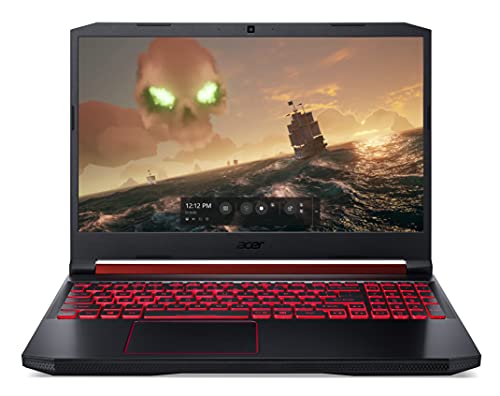
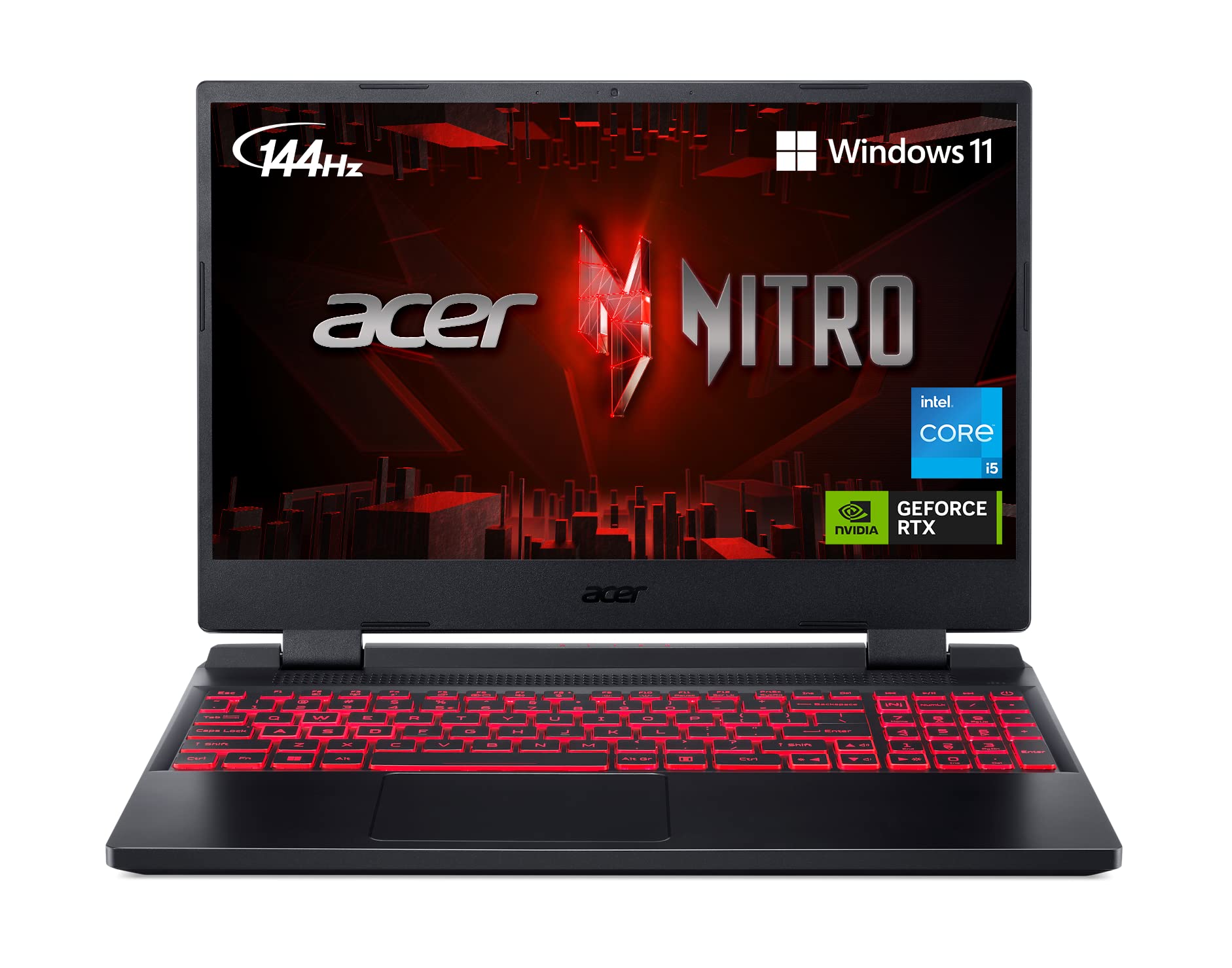

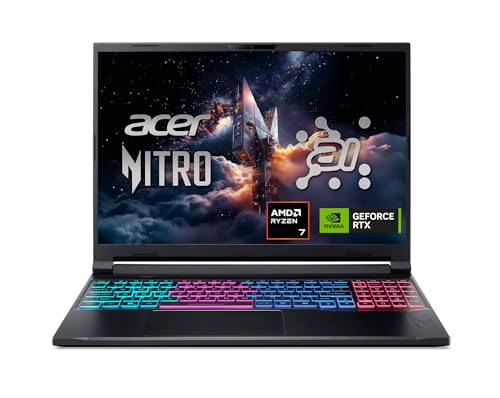

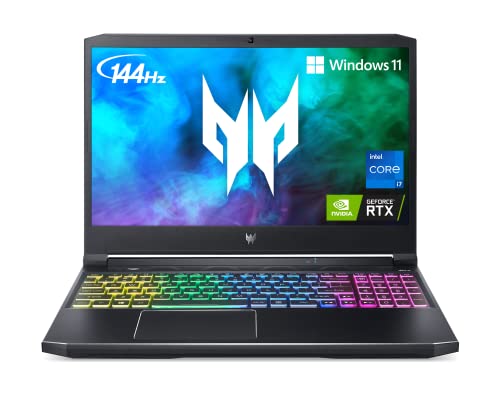
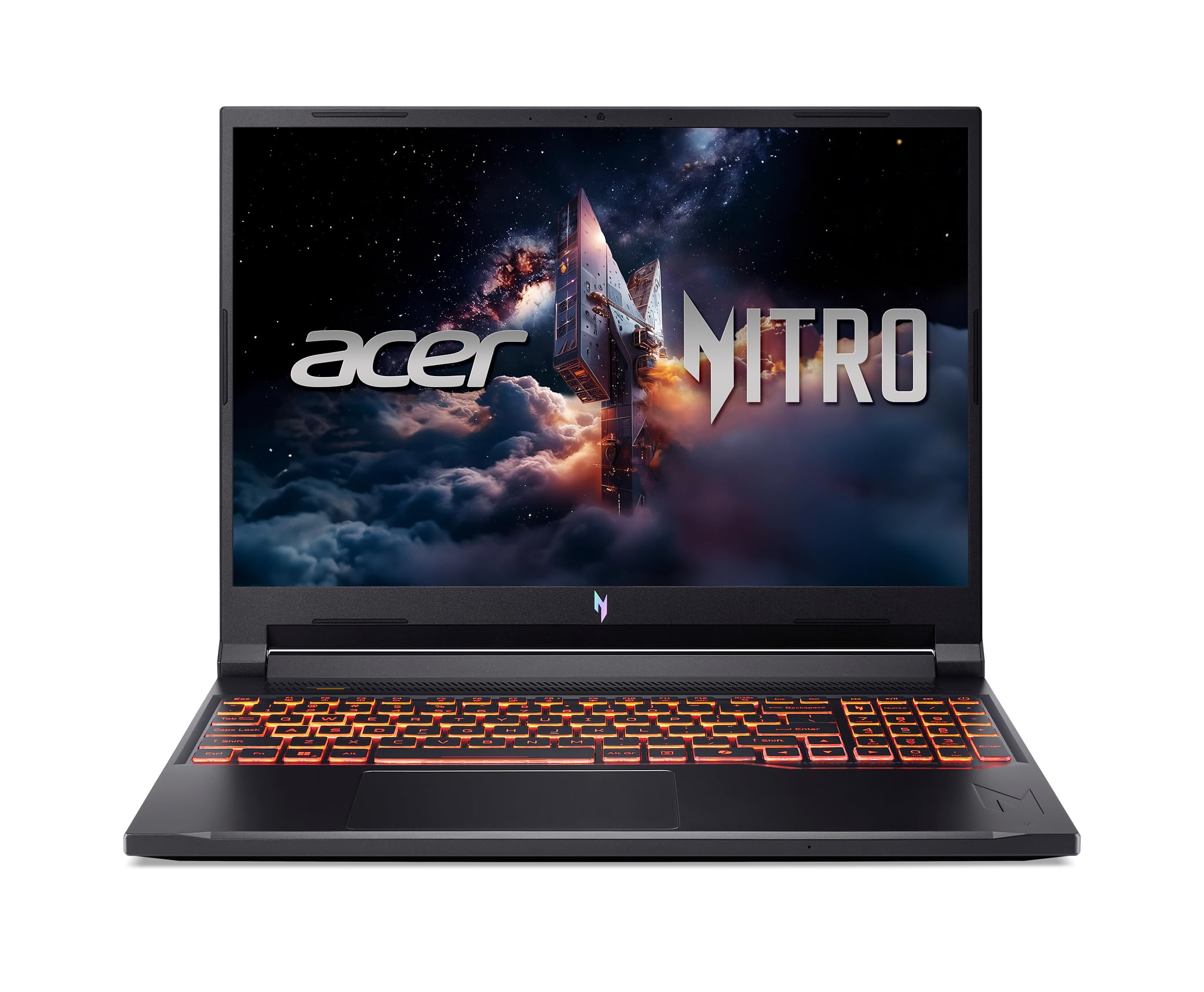

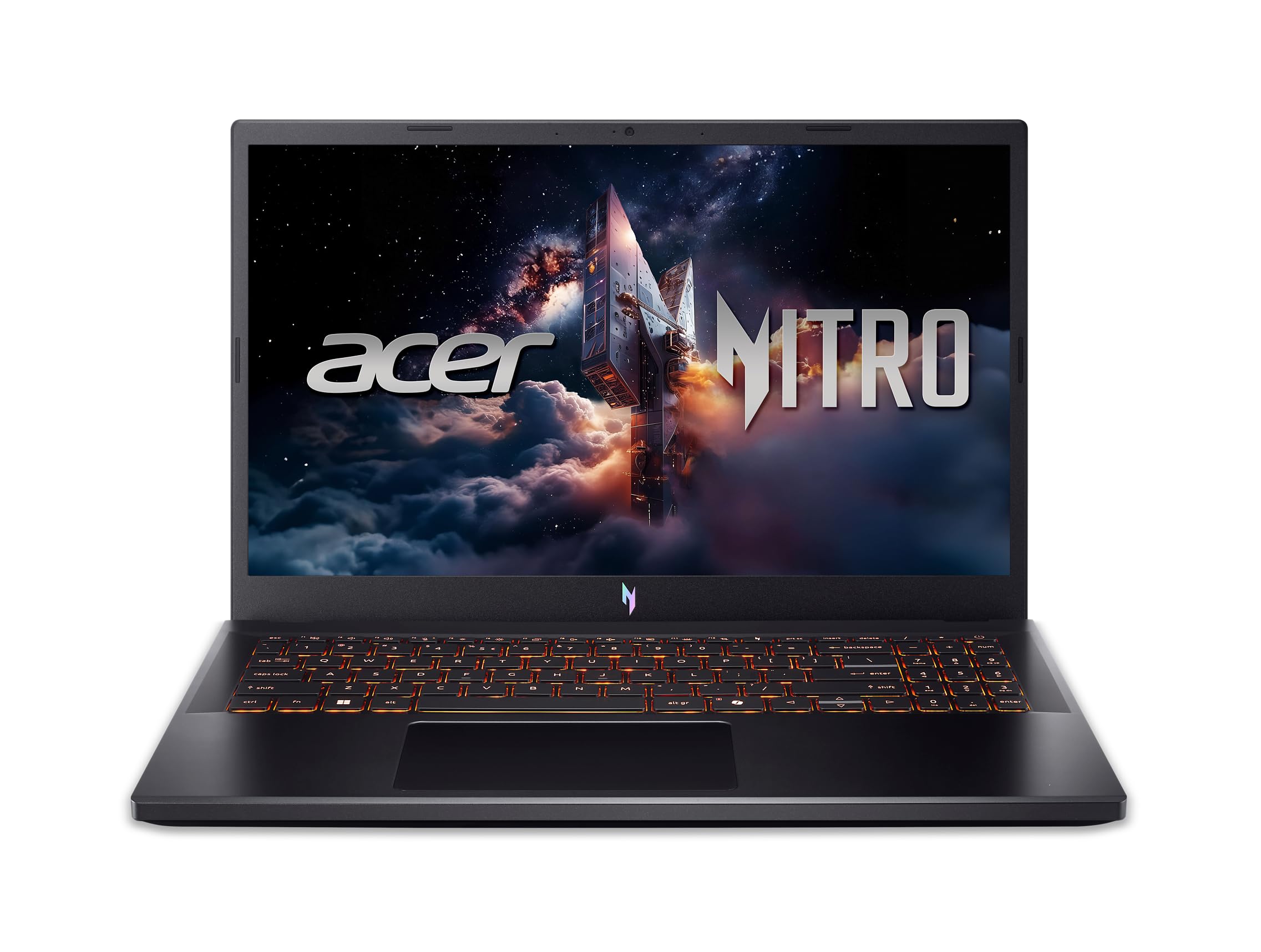
Acer Gaming Laptops 101: The Basics
A gaming laptop is a portable computer built around a dedicated graphics chip, stronger cooling, and a fast screen, so modern games run smoothly away from a desk. Acer gaming models follow that formula at several price levels, which means the brand name alone tells you little. What matters is the combination of processor, graphics, memory, and display inside the specific configuration you are viewing.
Some shoppers cross shop 2 in 1 convertibles and ultraportables, but those machines trade graphics power for thin cases and long battery life. A gaming laptop accepts more weight and shorter battery life in exchange for playable frame rates. If you want one machine for games, school, and work, start with the wider best acer laptops range, then filter for gaming models once your budget is set.
Cooling is the hidden basic that ties everything together. Two fans and clear rear or side vents let the processor and graphics chip hold high speeds during long sessions, while a choked design slows down just as a match gets busy. Fan noise is part of the bargain, so plan on headphones for late night play. When you compare models in a store, feel where the hot air exits and make sure your mouse hand will not sit in that stream.
Key Specs Explained in Plain English
Six specs decide almost everything about how an Acer gaming laptop feels in daily use. Learn these, and store pages become far less confusing.
Processor and Performance Tier
The processor, or CPU, handles game logic, your browser, and every background task. For gaming, a current mid range chip in the Intel Core or AMD Ryzen families is the sensible floor, because weaker processors can hold back a strong graphics chip. Office work and school tasks run well on almost any modern CPU, while streaming, video editing, and heavy multitasking reward stepping up a tier. Count on the CPU lasting the life of the laptop, since laptop processors cannot be upgraded later.
Graphics (Integrated vs Dedicated GPU)
Graphics decide your frame rates more than any other part. Integrated graphics share memory with the CPU and suit older or light games, while a dedicated GPU carries its own memory and handles modern titles at good settings. For smooth 1080p gaming, treat a dedicated GPU as required, and check its power rating in watts when listings share it, because the same GPU name can perform differently at low and high power. Video editors and streamers gain real speed from a dedicated GPU as well.
Battery Life in Real World Use
Gaming drains a laptop battery fast, so expect about 1.5 to 3 hours of play away from the wall, even on models that last 6 to 8 hours for notes and browsing. Play plugged in whenever you can, because most gaming laptops cut performance on battery to protect run time. Fast charging over USB C helps for light tasks and travel days, but full gaming power still needs the main charger. If your day mixes classes and game sessions, budget weight for the charger in your bag.
Keyboard, Trackpad, and Build
You touch the keyboard and trackpad every minute, so they deserve real attention. Look for firm keys with clear travel, a layout that keeps arrow keys usable, and backlighting if you play in dim rooms. Aluminum lids and decks feel sturdier and flex less than thin plastic, though they add cost.
A large, smooth trackpad matters less for gaming with a mouse, yet it decides how pleasant school and office work feels. Before buying, check port selection too, including HDMI and enough USB ports for your gear. Shoppers comparing build standards can see best quality gaming laptops for how premium models differ.
Operating System (Windows, macOS, ChromeOS, Android, iPadOS)
Acer gaming laptops run Windows, and that is the right system for gaming because nearly every PC game, launcher, and mod tool is built for it. macOS belongs to Apple computers, ChromeOS to lightweight Chromebooks, and Android and iPadOS to phones and tablets, so none of them run an Acer gaming library. If your school or job lives in one ecosystem for notes and mail, you can still use those web services on Windows. Buy for the games first, and let cloud apps handle the rest.
Display Size, Resolution, and Brightness
Most Acer gaming models use 15.6 inch or 16 inch screens at 1080p or higher, a size that balances immersion and backpack fit. Refresh rate matters more than raw resolution for games, so target 144 Hz or above for smooth motion, while 60 Hz feels choppy once you have seen faster panels. Brightness around 300 nits or more keeps the screen readable near windows. OLED panels offer rich contrast on some premium models, but a good IPS panel at a high refresh rate serves most new gamers better for the money.
Rookie Mistakes to Avoid
- Choosing by processor name alone while ignoring the GPU, which decides game performance.
- Buying 8 GB of RAM to save money, then watching modern games stutter within a year.
- Trusting headline battery hours that describe web browsing, not gaming.
- Picking a 17 inch model for daily travel without weighing your loaded backpack first.
- Skipping storage space, so a 256 GB drive fills after three or four large games.
Budget hunters make one more error, which is assuming the lowest price is the best deal. Compare full configurations, since guides to best inexpensive gaming laptops show how a small step up often buys double the storage and a far better screen.
Getting Started: Setup and First Use
Your first hour sets up years of smooth use. Keep the OS and firmware updated before installing games, because early updates often improve fan control, battery behavior, and game stability. Install your game launchers, sign in to your accounts, and move the charger and a mouse into your bag so the laptop is always ready to play at full power.
Avoid running at 100 percent charge all the time if the settings offer a battery limit near 80 percent for desk use, since that habit slows battery wear. Remove trial software you will never open, set restore points after big installs, and learn the fan control keys before your first long session. Owners who also weigh desktops can compare formats in best gaming computers laptops before their next upgrade.
Acer Gaming Laptops: Your Questions Answered
How long should an acer gaming laptop last?
A well kept Acer gaming laptop should serve about 4 to 6 years, playing new games at reduced settings in the later years. The battery usually weakens first, often after 3 to 4 years of heavy use. Cleaning fans, keeping vents clear, and storing the laptop cool all extend its life more than any software trick.
Should I buy a laptop or a tablet?
Buy the laptop if games, schoolwork, or office tasks matter, because a tablet cannot run PC games or full desktop apps. Tablets win for reading, video, and note taking with a pen. Readers torn between formats should review best notebook laptops to see how much everyday computing a slim laptop covers before adding a second device.
How much RAM do I need?
Sixteen gigabytes is the right target for gaming today, covering modern titles plus a browser and chat apps in the background. Eight gigabytes is a false economy that causes stutters and slow level loads. Thirty two gigabytes helps streamers and video editors, but most first time buyers gain more by putting that money toward a better GPU or larger SSD.
Is a Chromebook enough for school?
A Chromebook is enough for basic school tasks like documents, mail, and web research, but it cannot install PC games or many specialist apps. Students who game or study design, coding, or engineering need a Windows laptop instead. Treat a Chromebook as a second, light device rather than your main machine if play matters to you.
Is a dedicated GPU worth it?
Yes, a dedicated GPU is worth it for anyone who plans to play modern games, because it delivers several times the graphics power of integrated chips. It also speeds video exports and supports external monitors better. If you only play older or very light games, integrated graphics can pass, but most first time gaming buyers should fund the GPU before any other upgrade.
Wrapping Up
For a first gaming laptop, fund the dedicated GPU first, 16 GB of RAM and at least 512 GB of storage second, and a 144 Hz screen third. That order keeps games smooth today and leaves your budget for the parts you cannot upgrade later. Return to the product table above and choose among the best acer gaming laptops the configuration that matches your games, your bag, and your budget.


