
Best Accounting Laptops 2026 Guide
Disclosure: We may earn a commission when you buy through links on this page, at no extra cost to you. As an Amazon Associate I earn from qualifying purchases. Learn more

Find out how to choose accounting laptops for spreadsheets and tax software, with screen, keyboard, memory, and battery advice for work. Shop with confidence.
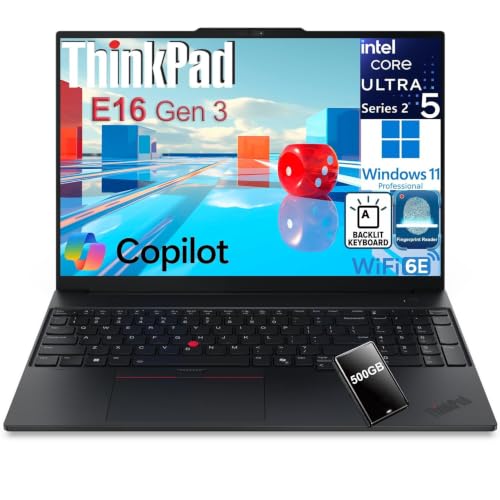
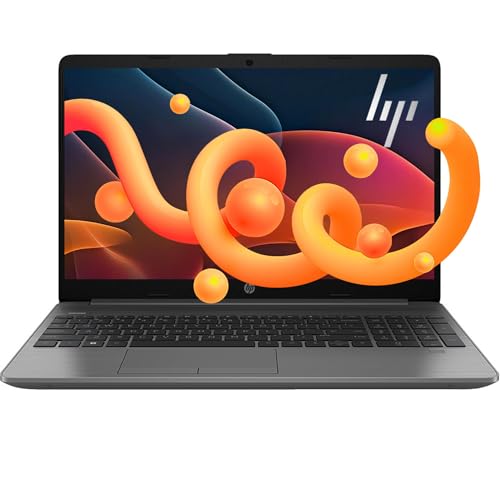
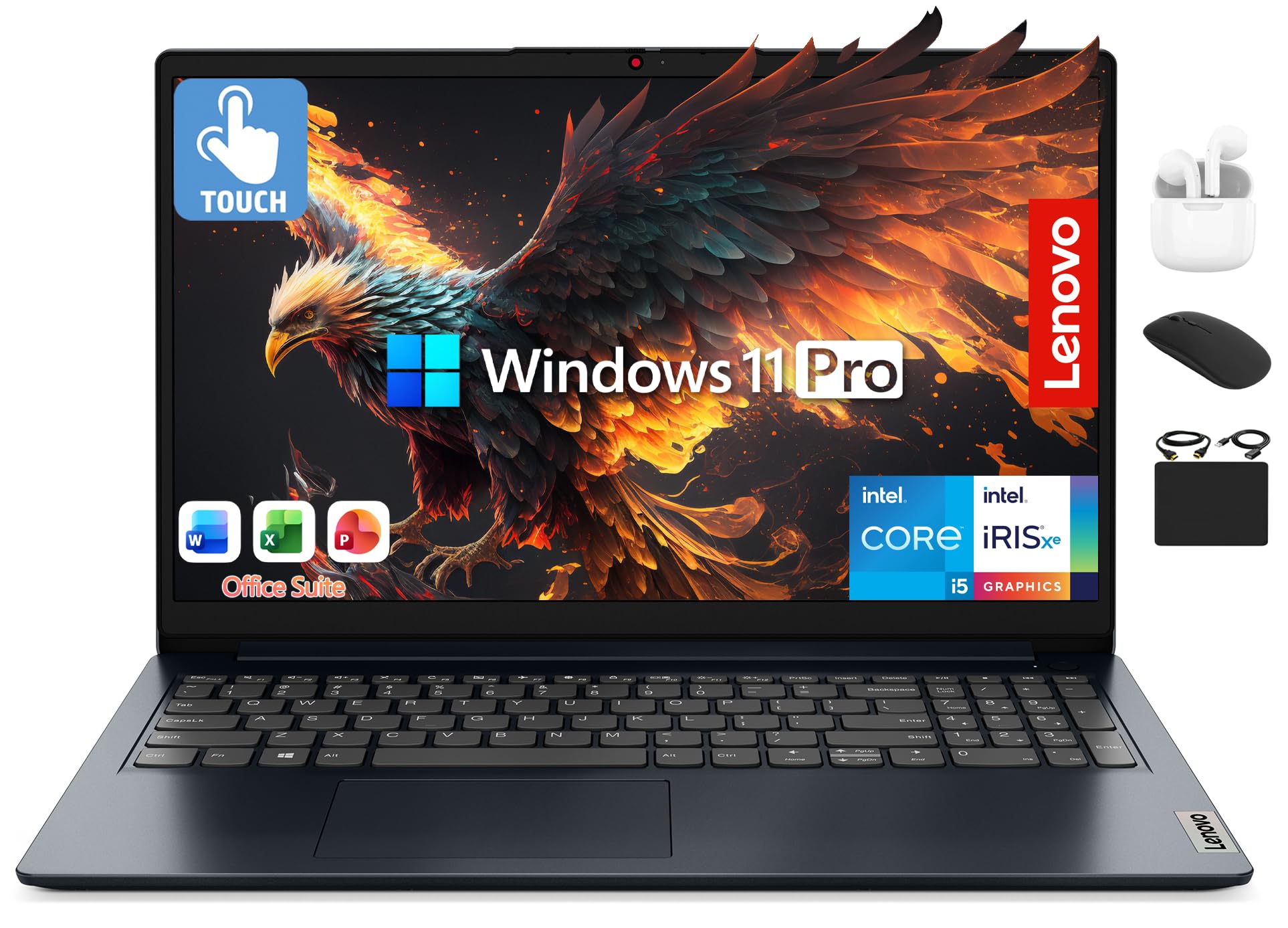
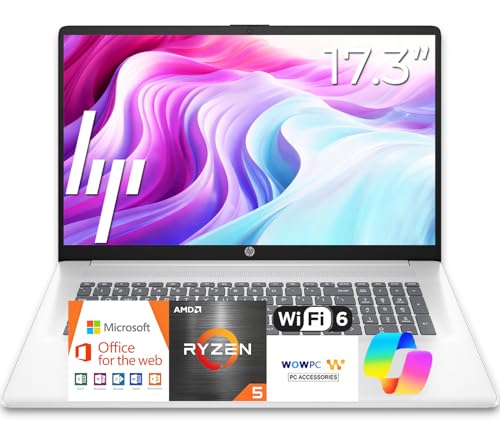
Choosing best accounting laptops is less about gaming power and more about comfortable, reliable work with large spreadsheets. An accountant may keep a dozen workbook tabs, a tax application, email, and a PDF reader open at once, so memory and screen space matter more than graphics speed. The comparison table below compares the main options, so you can weigh processor, memory, screen, and battery life.
A good accounting laptop should feel calm to use for eight hours: a clear screen, a keyboard that does not tire your hands, and a battery that survives a client visit. Portability matters if you travel between offices, but a larger screen pays off at a fixed desk. Decide where you work most before trading screen size for weight.




Who Should Buy an Accounting Laptop
Accounting laptops suit accountants, bookkeepers, tax preparers, finance students, and small business owners who live in spreadsheets. They also suit auditors who work on client sites and need reliable battery life. If you also edit video or play demanding games, a more powerful general laptop may suit you better, but most accounting work does not need it.
- Accountants and bookkeepers
- Tax preparers
- Finance students
- Small business owners
Key Features That Matter Most
Memory is the first priority: 16 GB keeps large workbooks and several applications smooth, while 8 GB can stutter with big files. A modern mid range processor handles spreadsheets well, and a fast SSD makes opening large files and booting feel instant. Screen resolution of full HD or better keeps small spreadsheet text readable, and a matte screen reduces glare in bright offices.
Keyboard quality matters enormously for number entry, so look for good key travel, a sensible layout, and a numeric keypad if you enter figures all day. Battery life of 8 hours or more frees you from hunting for sockets at client sites. Check ports for an external monitor, a mouse, and a printer, since a docked desk setup transforms spreadsheet work.
Screen Size and Portability
A 14 inch laptop balances portability and screen space for most accountants, while a 15.6 inch model gives more spreadsheet room at the cost of weight. A 13 inch ultraportable suits frequent travellers who dock to a monitor at the office. Consider an external monitor at your main desk either way, since dual screens make reconciliations and comparisons far easier.
Weight under about 1.8 kg feels comfortable in a bag all day, while heavier machines suit desk based work. Check the charger size too, since a bulky charger adds daily weight. A laptop that you enjoy carrying gets used more, and a machine left at the office because it is heavy helps no one.
Budget and Long Term Value
Accounting laptops typically cost from about $500 to $1,200, with the sweet spot around $700 to $900 for 16 GB of memory and a good screen. Spending more usually buys build quality, a better keyboard, and longer battery life rather than raw speed. Business models often offer better warranties and support, which matters when the laptop is a work tool.
Total cost includes a monitor, a mouse, a bag, and possibly a docking station for a desk setup. A three year warranty is worth considering for a work machine, since downtime costs more than the warranty. Keep backups of client files in a secure system, since a lost laptop must never mean lost client data.
Common Mistakes to Avoid
A common mistake is buying 8 GB of memory to save money, then struggling with large workbooks and many tabs. Another is choosing a tiny screen for travel and then squinting at spreadsheets all day. A third is ignoring keyboard quality, which affects comfort more than processor speed for data entry. Test the keyboard and screen in person where possible.
Planning for Everyday Use
Set up a second monitor, an external keyboard, and a mouse at your main desk, and keep the laptop as the portable second screen. Organise files by client and year, and back up to a secure cloud or external drive daily. Update tax software and the operating system on a schedule, not the morning of a filing deadline, to avoid surprises.
Related Guides Worth Reading Next
For more on a related option, see our guide to best notebook laptops for detail that complements this guide.
For more on a related option, see our guide to best laptops for accounting students for detail that complements this guide.
For more on a related option, see our guide to best laptops for accounting majors for detail that complements this guide.
For more on a related option, see our guide to best laptops for accounting professionals for detail that complements this guide.
For more on a related option, see our guide to best laptops for accounting work for detail that complements this guide.
A Final Check Before You Order
Before you order, list the software you use daily, including spreadsheet, tax, and PDF tools, and check their system requirements against the laptop specifications. Some tax applications have specific operating system or browser requirements that matter more than raw speed. Confirm that your essential software runs well on the chosen system before committing.
Check the keyboard layout in person if possible, paying attention to the numeric keypad, arrow keys, and the feel of the keys under your fingers. A keyboard that suits your hands matters more for accounting than a slightly faster processor. Also check screen glare under office lighting, since a glossy screen can tire eyes during long spreadsheet sessions.
Finally, plan your desk setup: an external monitor, a mouse, and a docking station transform spreadsheet work, so confirm the laptop ports support them without a tangle of adapters. A laptop that docks cleanly encourages a comfortable posture and faster work, while a poor port selection creates daily friction.
Caring for Your Work Laptop Over Time
Back up client files daily to a secure system, and keep the operating system and tax software updated on a schedule away from filing deadlines. Clean the keyboard and vents regularly, since dust affects cooling and key feel over time. Use a padded bag for travel, and avoid leaving the laptop in a hot car, which shortens battery life.
Review storage yearly, archiving old client years to an external drive so the main drive stays fast. If the battery swells or the machine runs hot, seek service promptly rather than continuing to use it. A work laptop cared for properly can serve reliably through several tax seasons.
Frequently Asked Questions
How much memory do accounting laptops need?
16 GB is the sensible minimum for modern accounting work with large spreadsheets and several applications open. 8 GB can work for light bookkeeping, but it stutters with big files. If you keep a machine for four or more years, 16 GB protects against growing software demands.
Do accountants need a dedicated graphics card?
Most accountants do not need a dedicated graphics card, since spreadsheets and tax software run well on integrated graphics. A dedicated card only helps with video editing, 3D work, or demanding games. Spend the money on memory, screen, and keyboard instead.
Is a numeric keypad important?
A numeric keypad speeds up figure entry a lot if you type numbers all day, and many 15.6 inch laptops include one. On smaller laptops, a separate USB keypad gives the same benefit at a desk. Try both layouts and choose the one that feels natural for your hands.
What screen size is best for spreadsheets?
A 14 inch screen balances portability and readability, while 15.6 inches shows more columns at once. For a fixed desk, pair any laptop with an external monitor for the best spreadsheet view. Screen resolution matters as much as size, since small text must stay sharp.
How important is battery life?
Battery life matters a lot for client visits, audits, and travel days, where sockets may be scarce. Aim for 8 hours of real mixed use, not just the maker claim. Carry the charger for long days, and dim the screen slightly to stretch battery life.
Should accountants buy a business laptop?
Business laptops often offer better build quality, longer warranties, and easier servicing than consumer models, which matters when the laptop is a work tool. They may cost more for similar specifications, but the support and durability can justify it. For a primary work machine, a business model is usually worth considering.
Is a touchscreen useful for accounting?
A touchscreen is rarely essential for accounting, since spreadsheets rely on keyboard and mouse input. It can help with signing documents or navigating on the move, but it adds cost and weight. Prioritise keyboard, screen, and memory over touch unless you have a specific touch workflow.
Should I buy a laptop with a dedicated number pad?
A dedicated number pad speeds data entry considerably if you type figures all day, and most 15.6 inch laptops include one. Smaller laptops can use a separate USB keypad at a desk. Try both options and choose the one that keeps your hands comfortable during long entry sessions.
Final Thoughts
The best accounting laptops are comfortable, reliable work tools rather than showpieces. Prioritise memory, screen, keyboard, and battery life, and your spreadsheets will feel effortless for years. The product table above gives a practical shortlist to start from. Take time with this final check, since a careful choice now avoids returns and disappointment later, and it ensures the option you buy genuinely fits your room, routine, and budget.


