
Best 8gb Ram Laptops: Which One Fits the Way You Use It in 2026?
Disclosure: We may earn a commission when you buy through links on this page, at no extra cost to you. As an Amazon Associate I earn from qualifying purchases. Learn more

Compare 8GB RAM laptops by processor, storage, screen and battery life with a checklist matched to students, office work, travel and light gaming.
Eight gigabytes of memory is the budget sweet spot for everyday computing, but it is not a guarantee of a good laptop. One machine with 8GB feels quick for years, while another stutters out of the box, and the difference lies in the processor, the storage, and whether the memory can ever be upgraded. There is no single winner for everyone, so this guide matches the best 8gb ram laptops to students, commuters, home workers, and light gamers. Start with the comparison table below, then check the sections that match your routine.
We explain where 8GB is genuinely enough, where it becomes the limit, and which supporting specs decide whether a cheap laptop feels like a bargain or a frustration.
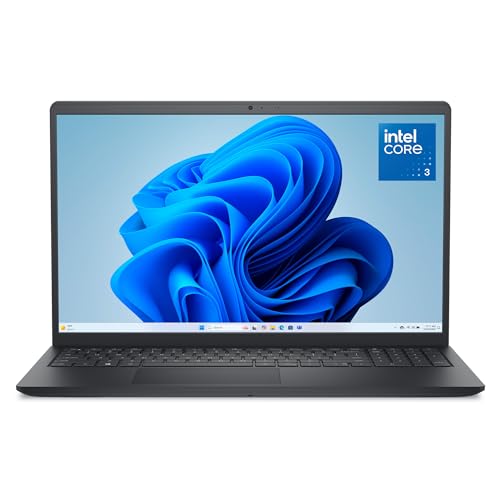
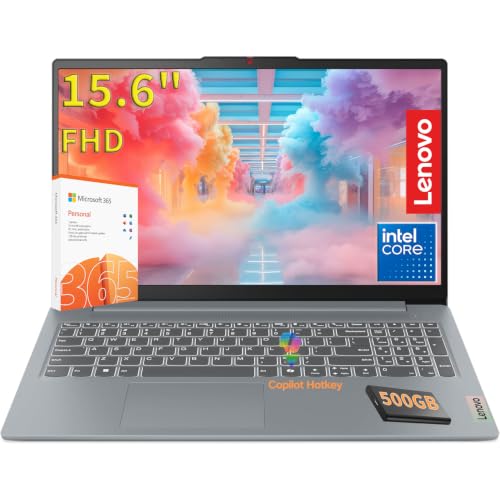


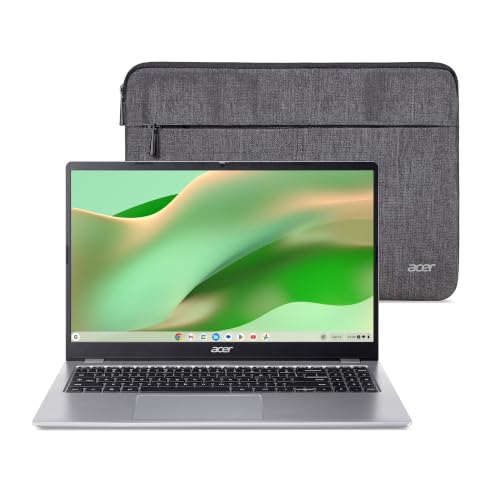

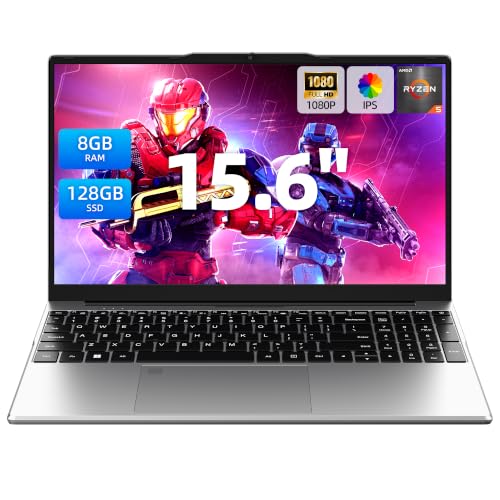
Who Should Buy Which 8gb Ram Laptops?
For Gamers and Power Users
Be honest about scope here. An 8GB laptop handles esports titles, older games, and cloud gaming well, but it is the entry point, not a high end rig. Prioritize the strongest processor and graphics pairing you can afford, a screen with a 120 Hz or higher refresh rate if you play fast titles, and, critically, an empty memory slot or socketed memory so you can move to 16GB later. That upgrade path is what separates a smart buy from a dead end for this group. Expect to pay about $450 to $700 for a capable entry gaming model.
For Travelers and Commuters
Weight, battery life, and build quality lead this list. Look for a 13 or 14 inch chassis under about 3.5 lb, battery life quoted around 9 hours or more, and a metal or reinforced body that survives bags and security trays. Memory is almost always soldered at this size, so the 8GB you buy is the 8GB you keep, which makes a fast processor and a 512GB SSD more important than usual. USB C charging adds real convenience, since one charger can serve your laptop and phone. Our guide to the best notebook laptops compares slim designs if portability is your top priority.
For Students and Everyday Users
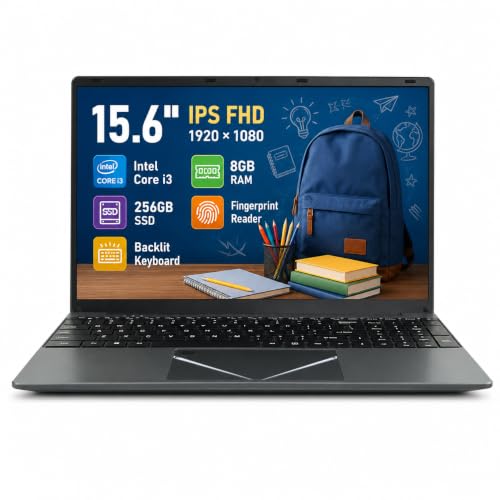
For notes, research, streaming, and office apps, 8GB is comfortable as long as storage and screen quality keep up. Prioritize a 256GB SSD at minimum, a bright screen you can read in a library or kitchen, and a keyboard that feels good for long essays. Chromebooks and Windows laptops both serve this group, so choose by the software your school or habits require. Solid choices cluster around $300 to $550, and money saved versus a 16GB model can fund a good backpack, a mouse, or an extended warranty.
For Remote Workers and Creators
Video calls, many browser tabs, chat apps, and documents running together are exactly the load that tests 8GB, so supporting specs matter. Choose a recent midrange processor rather than an entry chip, a webcam of at least 1080p if you present often, and ports that avoid a pocket full of adapters. Light photo editing is fine, but regular video editing argues for more memory, so creators should either budget up or pick a model with upgradeable memory. Compare processor pairings in our guide to the best laptops i5 8gb ram if an Intel midrange chip is on your shortlist.
Picking the Right 8gb Ram Laptops for Different Uses
Best 8gb Ram Laptops under 300: What to Prioritize
Shoppers hunting the best 8gb ram laptops under 300 must accept trade offs and spend the budget where it shows. Prioritize a solid state drive over a spinning hard drive at any capacity, a screen resolution of at least 1920 by 1080, and a processor from the last few generations rather than a much older chip in a larger body. Refurbished business laptops are a smart route at this price, since they often bring better keyboards and upgradeable memory. Skip models with only 64GB or 128GB of slow storage, because Windows updates alone will crowd them.
Best Student 8gb Ram Laptops
The best student 8gb ram laptops balance durability, battery life, and price rather than chasing raw speed. A spill resistant keyboard, a battery that covers a full day of classes, and a weight under about 3.5 lb matter more than a premium shell. Check whether the school requires Windows software or whether a Chromebook suffices, because that choice changes the price by hundreds. A three year horizon is realistic for coursework, so confirm the charger and battery are replaceable parts you can actually buy.
Key Features to Compare
RAM and Storage (DDR5, NVMe SSD)
With only 8GB to work with, memory configuration matters. Two sticks or a dual channel soldered layout feeds integrated graphics far better than a single channel setup, and the difference shows in games and photo work. DDR5 memory brings a small speed edge over DDR4, but capacity and upgrade options matter more at this tier. Storage is the other half of smoothness: an NVMe SSD of 256GB or more keeps boot times and app launches quick, and it gives Windows room to use the drive as overflow when memory fills. Our guide to the best ram for laptops explains module types if you plan to upgrade later, and our roundup of the best 8gb laptops puts this memory tier in wider context.
Noise Levels
Budget laptops often use small fans that spin up audibly under load, and coil whine from power circuitry appears on some units. For library, office, or bedroom use, look for reviews or listings that mention fan behavior, and prefer processors with modest power draws for quiet daily work. A laptop stand that lifts the rear vents helps any model run quieter, because the fan can move air at lower speed. Gaming models will be loud at full tilt regardless, so manage expectations and use headphones for play sessions.
Cooling and Thermals
Cooling decides whether a processor holds its rated speed or slows down after ten minutes. Slim laptops with a single fan throttle sooner during long exports, game sessions, or video calls with effects enabled. Check vent placement too, since side vents aimed at your mouse hand grow uncomfortable. Simple habits extend comfort: use the laptop on a hard surface, keep vents dust free with compressed air a few times a year, and avoid blocking the intake with bedding. Sustained performance, not peak burst speed, is what you feel every day.
CPU and GPU Pairing
The processor does most of the work in this class, and integrated graphics handle the rest. A recent midrange chip with strong integrated graphics plays esports titles at 1080p on modest settings and accelerates everyday apps, while entry chips feel slow much sooner. Pairing logic is simple: never pay for a dedicated graphics card alongside a weak processor and a tiny SSD, because the balance will disappoint. A balanced alternative appears in our guide to the best laptops with 8gb ram and i5 processor, where the processor tier is matched carefully to the memory.
Common Mistakes to Avoid When Buying 8gb Ram Laptops
- Judging by memory alone. A slow processor and a cramped drive make 8GB feel like far less, so weigh the whole specification.
- Ignoring upgrade options. Soldered memory with no free slot means the laptop can never grow with your workload.
- Accepting a low resolution screen. Dim 1366 by 768 panels still appear at budget prices and tire eyes quickly.
- Overlooking storage capacity. A nearly full SSD slows the whole system, so 256GB is the practical floor.
- Skipping the warranty check. Budget models vary from one to three years of coverage, and student use is hard on hinges and chargers.
Setup and Care Tips
- Clean fans and vents every few months. Dust raises temperatures and noise, so a short burst of compressed air keeps cooling effective.
- Update drivers and BIOS carefully. Install updates from the maker support page, keep the laptop plugged in during BIOS updates, and never interrupt one midway.
- Monitor temperatures with free tools. If the machine regularly runs hot at idle, check background apps before assuming a hardware fault.
- Trim startup programs. With 8GB of memory, every auto launching app competes for space, so disable what you do not need daily.
- Keep the drive below about 85 percent full. Free space keeps the SSD fast and leaves room for system updates.
FAQs
Is 8GB of RAM enough for everyday use and study?
Yes, 8GB covers browsing, documents, streaming, video calls, and light photo work comfortably. It becomes tight when you keep dozens of tabs open alongside large spreadsheets or editing software. Closing unused apps and choosing a laptop with a fast SSD hides most of the limit, because the system can swap to quick storage instead of stalling.
Can an 8GB RAM laptop handle gaming?
It can handle esports titles, indie games, older releases, and cloud gaming services well. Demanding new games want 16GB, and some will run poorly or refuse to launch smoothly on 8GB. If gaming is your main hobby, either buy a model you can upgrade later or stretch the budget now, since memory you cannot add later is the most common regret in this class.
DDR4 or DDR5: which matters more in an 8GB laptop?
Neither matters as much as configuration and capacity. DDR5 is newer and slightly faster, and it tends to come with newer processors, which is its real advantage. A dual channel DDR4 setup will outperform a single channel DDR5 one in graphics work. Choose the newer platform when prices are close, but do not pay a large premium for the memory label alone.
Can I upgrade the RAM in an 8GB laptop later?
Only if the memory sits in slots rather than being soldered to the board. Many slim laptops solder memory permanently, while larger and business oriented models often keep one or two slots. Check the specification or service manual before buying if an upgrade is part of your plan, and note that opening the case during warranty can have conditions attached by some makers.
How long will an 8GB RAM laptop stay useful?
For study, office work, and media, expect about four to six years of comfortable use from a well chosen model. Software grows heavier over time, so the processor and storage you pick today decide whether year five feels fine or frustrating. Upgradeable models last longest, because a memory and storage refresh midway restores speed for a fraction of a new laptop price.
Wrapping Up
Treat 8GB as the starting point, then win or lose the purchase on the processor, the SSD, and the upgrade path. Students and everyday users can buy with confidence, travelers should guard weight and battery, and gamers should secure a free memory slot. Check your shortlist in the product table above, and you will pick the best 8gb ram laptops option that truly fits your routine.


