
Best 8 Core Laptops of 2026: Complete Buying Guide
Disclosure: We may earn a commission when you buy through links on this page, at no extra cost to you. As an Amazon Associate I earn from qualifying purchases. Learn more

Read this buying guide for the best 8 core laptops to compare processors, graphics, RAM, displays and battery life and choose with confidence.
Eight processor cores have become the practical sweet spot for a laptop that must handle office work, study, photo editing, and light creative tasks without slowing down. This guide to the best 8 core laptops explains what those cores actually do for you, which supporting specs matter just as much, and how to judge the options in the product table below without paying for power you will never use.
The core count alone does not guarantee speed. Clock behavior, cooling, memory, and storage decide whether eight cores feel fast in daily use, so this guide covers each factor in plain terms.


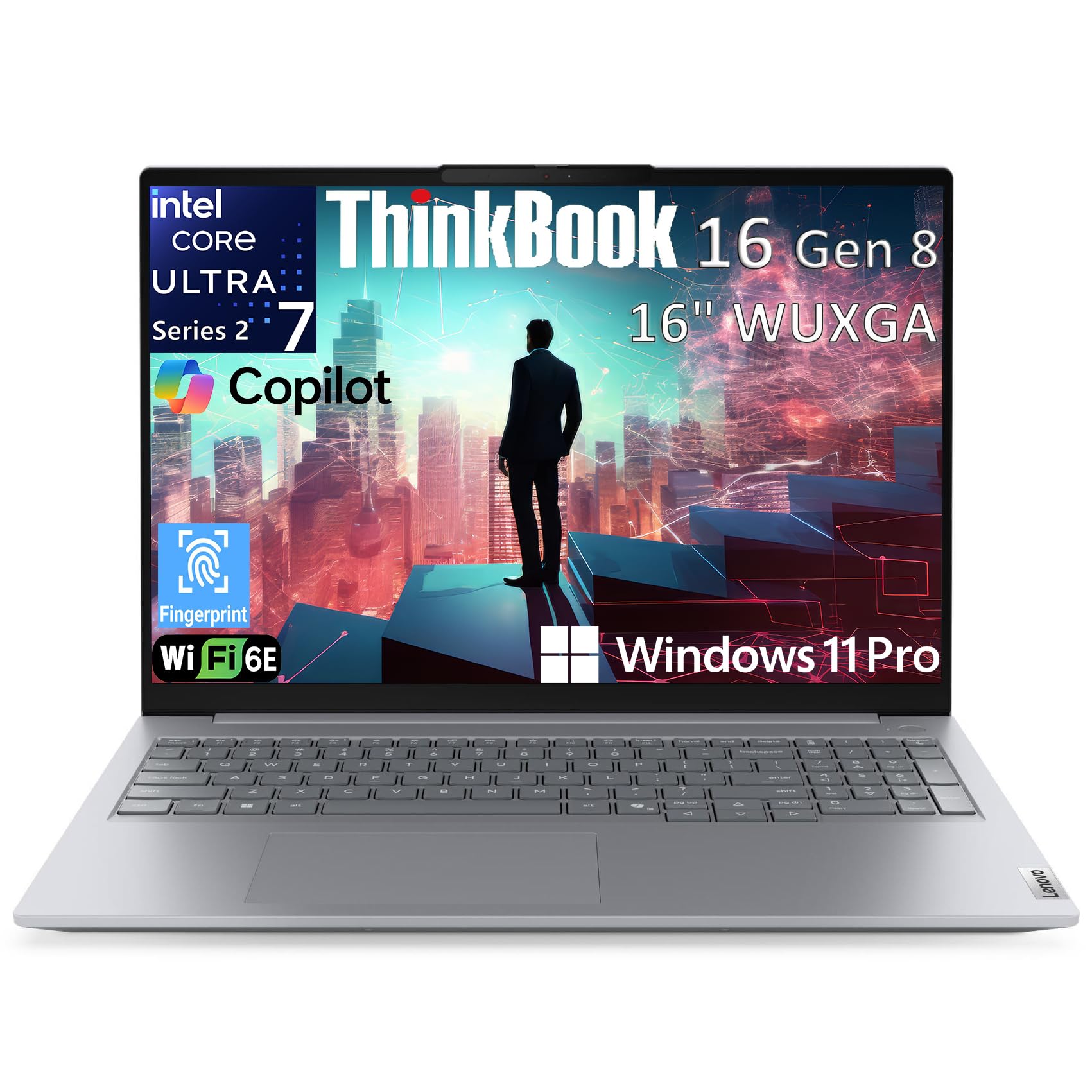
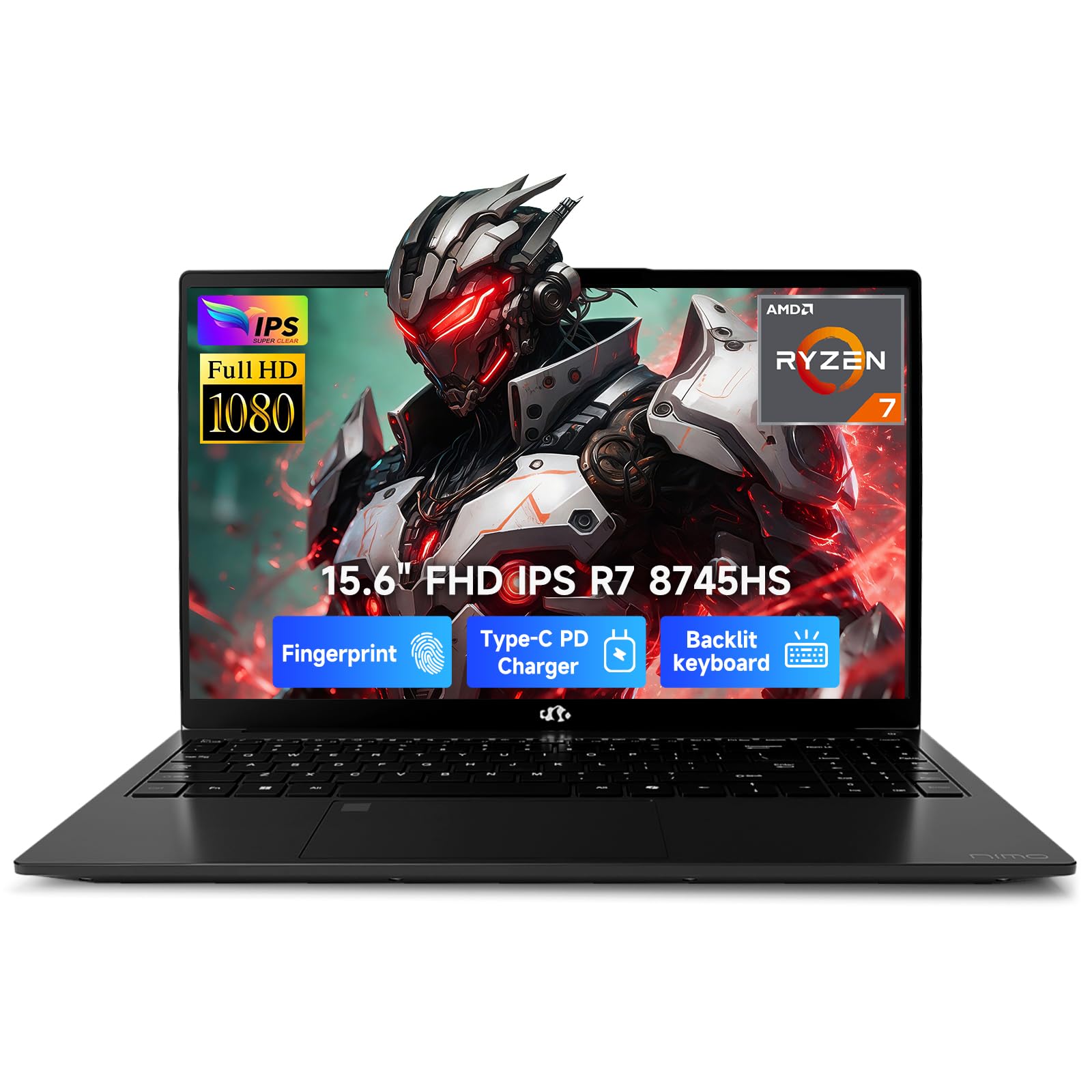


What Each Price Tier Delivers
Rather than naming specific models, this section shows what each price tier in the eight core class generally delivers. Use it to set a realistic budget before you compare individual listings.
The Overall Tier to Aim For
The middle tier, roughly about $800 to $1,200, gives most buyers the best balance. Expect a current generation eight core processor, 16 GB of RAM, a fast solid state drive of 512 GB, and a bright screen that is comfortable for full workdays. Build quality improves here too, with metal lids and better hinges that survive daily commuting.
This tier suits professionals, students in demanding programs, and home users who keep a laptop for five years or more. Its main limit is graphics, since most models rely on integrated graphics that handle photo work and casual games but not heavy video production at high resolutions.
The Value Tier
Value models under about $800 still deliver genuine eight core performance for writing, browsing, spreadsheets, and video calls. Savings usually come from a dimmer screen, 8 GB of RAM on some models, smaller storage, and plastic construction. None of those flaws matter much at a desk with good lighting.
This tier fits students, families, and anyone whose work lives mostly in a browser. Check the RAM carefully, because a cheap model with memory that cannot be upgraded will age faster than its processor suggests. A slightly older processor generation at this price is often a smarter buy than a newer chip paired with too little memory.
The Tier for Beginners
First time buyers should prioritize simplicity and support over raw speed. A straightforward Windows or macOS model in the value to middle range, with a clear warranty and a keyboard that feels comfortable in a store, beats a powerful machine with features you will never configure. Eight cores give a beginner headroom to grow into new software without replacing the laptop.
Beginners also benefit from lighter weight and long battery life more than from maximum performance. If you are unsure about the processor families themselves, our guide to the best core processors for laptops explains the naming systems in more depth.
How to Choose the Best 8 Core Laptops: Buying Guide
Processor and Performance Tier
Current eight core laptop processors come from Intel, AMD, and Apple, and each splits cores between performance and efficiency roles in different ways. For office work and study, any modern eight core chip is ample. For compiling code, data work, or video editing, look at sustained performance, which depends on cooling, rather than short burst speeds quoted in ads.
A useful know how point is to check the wattage class of the processor. Chips designed for thin laptops prioritize battery life, while higher wattage versions in thicker bodies run faster for longer. Readers comparing Intel options specifically can see our guide to the best intel core for laptops for a closer look at those tiers.
Graphics (Integrated vs Dedicated GPU)
Integrated graphics, built into the processor, now handle everyday visuals, external monitors, photo editing, and many popular games at modest settings. A dedicated graphics card adds real power for 3D work, gaming at high settings, and faster video exports, but it raises price, weight, heat, and fan noise.
Buy dedicated graphics only when your software clearly benefits from it. Otherwise the money serves you better as extra RAM or a nicer screen, upgrades you will notice every single day rather than only during the occasional game or export.
RAM and Storage
Treat 16 GB of RAM as the recommended amount for an eight core laptop in this class, with 8 GB acceptable only for light browser based work on a tight budget. Storage should start at 512 GB on a fast solid state drive if you store photos, games, or large project files locally.
Check whether memory and storage can be upgraded later. A model with an accessible second drive slot or replaceable memory can gain years of useful life for a modest cost, while a fully sealed design locks you into the configuration you buy on day one.
Display Size, Resolution, and Brightness
Screens from 13 to 16 inches cover most needs. Choose 14 inches for travel balance, 15 or 16 inches for split screen work at a desk, and 13 inches only if you carry the laptop all day. Resolution of 1920 by 1200 or higher keeps text sharp, and brightness near 300 nits or more stays readable near windows.
Higher refresh rates make scrolling and games feel smoother but use more battery. Matte finishes cut glare in bright rooms, while glossy OLED panels give deeper color for media and design work at a higher price. For most office and study use, a good IPS panel is the sensible middle ground.
Keyboard, Trackpad, and Build
You will touch the keyboard and trackpad more than any other part, so they deserve real attention. Look for keys with clear travel and stable feel, a backlight for dim rooms, and a trackpad that tracks smoothly without wobble. In store, type a full paragraph rather than tapping a few keys.
Aluminum bodies feel sturdier and resist flex, while good plastic keeps weight and cost down. Either is fine if the screen hinge is steady and the base does not creak. Ports matter too, and at least one USB C port with charging support makes travel with a single charger possible.
Operating System (Windows, macOS, ChromeOS, Android, iPadOS)
Windows offers the widest software and hardware choice and is the default for most offices and games. macOS suits buyers already using an iPhone and Apple services, with strong battery life on Apple silicon models. ChromeOS is simple and secure for web based school work but rarely pairs with eight core processors, so it sits mostly outside this category.
Choose the system your school, employer, or key software requires first. Saving money on the wrong system is no saving at all if a required program does not run on it. Shoppers who prefer a slim notebook style above all can compare formats in our guide to the best notebook laptops.
Battery Life in Real World Use
Manufacturer battery claims assume light tasks at low brightness, so expect less in real mixed use. A realistic target is about seven to ten hours of browsing, documents, and video calls from a mid size model. Dedicated graphics, bright large screens, and heavy multitasking can cut that figure nearly in half.
Fast charging over USB C is worth having, since a short top up during lunch can restore several hours of use. A second practical point is to keep a small charger in your bag and the larger one at your desk if the maker supplies both styles, which reduces daily carrying weight.
Types of 8 Core Laptops
Budget Laptops
Budget eight core models focus on processor value and accept plainer screens and bodies. They suit students and home users who want speed for everyday tasks at the lowest cost. Battery life is usually fair rather than outstanding, and speakers and webcams tend to be basic but workable for classes and calls.
Gaming Laptops
Gaming models pair eight cores with dedicated graphics, faster screens, and stronger cooling. They deliver the highest performance in this guide but weigh more, run louder, and cost more. Buy one if gaming or 3D work is a weekly habit, not an occasional treat, because you pay for that power every day in weight.
Chromebooks
Chromebooks favor simplicity, fast startup, and long battery life for web based work. Most use lower core counts, so true eight core Chromebooks are uncommon and aimed at users who run many browser tools or Linux apps at once. For pure school and browsing use, a simpler Chromebook often makes more sense than paying for unused cores.
Ultraportables
Ultraportables pack eight core processors into thin, light bodies around three pounds or less. They are the commuter and traveler choice, trading some sustained performance and upgrade options for portability. If your workday moves between meetings, trains, and cafes, this type usually feels best over a full week. Buyers set on Intel can narrow the field with our guide to the best i7 core laptops, while those comparing a step down can see the best i5 core laptops.
Tips to Get the Most From Your 8 Core Laptop
- Keep the operating system and firmware updated so performance fixes and security patches arrive on time.
- Avoid running at a full charge all the time if the laptop lives on a desk, and use any built in charge limit setting near 80 percent.
- Use a padded sleeve when commuting, since screen damage is the most common costly repair.
- Clean the vents with short bursts of compressed air every few months to keep cooling and sustained speed where they should be.
- Close or remove startup programs you do not use, because background load wastes the core headroom you paid for.
FAQs
Is a Chromebook enough for school?
For web based classes, documents, and research, yes, a Chromebook is enough for many students. It falls short when a course needs specific Windows or macOS software, offline tools, or serious creative work. Check the course software list before buying, because that single check prevents the most common school laptop mistake.
Is a dedicated GPU worth it in an 8 core laptop?
It is worth it for regular gaming, 3D design, and frequent video exporting, where it can cut render times sharply. For office work, study, and photo editing, integrated graphics are enough and give you better battery life and a lighter machine. Spend the difference on RAM or screen quality if your work is mostly two dimensional.
Should I buy a laptop or a tablet?
Buy a laptop if you type often, manage files, or run full desktop programs. Buy a tablet if reading, video, and travel convenience matter most and your tasks live in apps. Students who write essays weekly should treat the laptop as the main device and any tablet as a companion screen.
How much RAM do I need in an 8 core laptop?
Most buyers need 16 GB, which keeps browsers, office apps, and calls running together without slowdowns. Choose 32 GB for large data sets, virtual machines, or heavy creative work. Because many thin models cannot be upgraded later, buying enough memory at purchase is safer than planning an upgrade that may not exist.
How long should an 8 core laptop last?
A well built model should stay useful for about five to seven years, with the battery and storage usually aging first. Eight cores age gracefully because everyday software grows slowly in its demands. A battery replacement and a storage upgrade midway through its life can keep an otherwise strong laptop feeling current.
Our Verdict
Match the processor tier to your workload, secure 16 GB of RAM, and pick the screen size you can happily carry or view all day. Those three choices matter more than small clock speed differences. Review the product table above with those priorities in mind, and the best 8 core laptops choice for your budget and routine should stand out clearly.


