
Best Cell Phone Signal Booster: Complete Buying Guide
Disclosure: We may earn a commission when you buy through links on this page, at no extra cost to you. As an Amazon Associate we earn from qualifying purchases. Learn more

Dropped calls in the basement. One bar of signal that disappears the moment you step into the kitchen. Data that crawls even though your phone shows full coverage outside. If any of that sounds familiar, you're probably dealing with a dead zone that no amount of walking around the house can fix. A cell phone signal booster solves that problem by capturing the weak signal already reaching your property and rebroadcasting it stronger throughout your home. Before you buy one, though, it helps to know what actually separates a good system from a disappointing one, and how to tell whether your dead zone is even fixable in the first place.
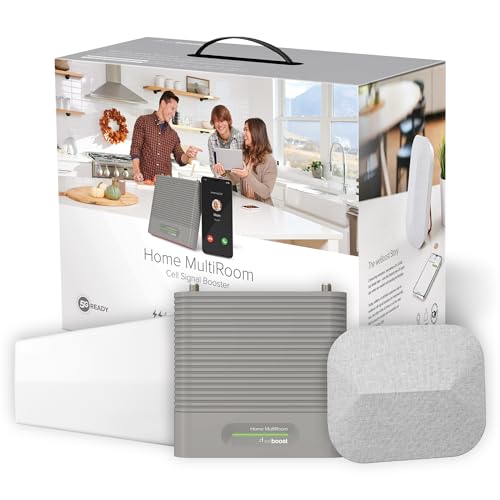
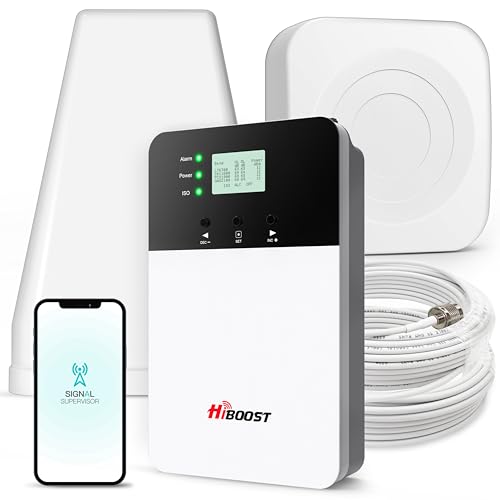
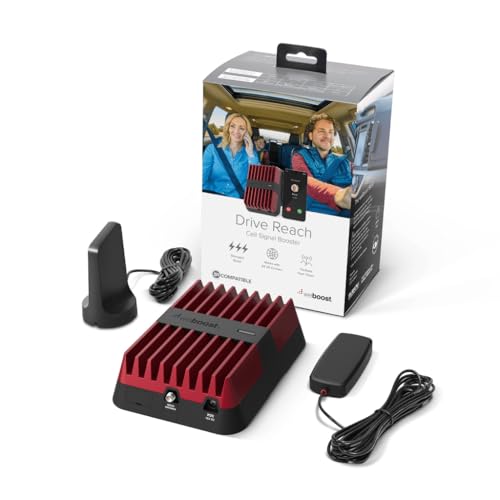
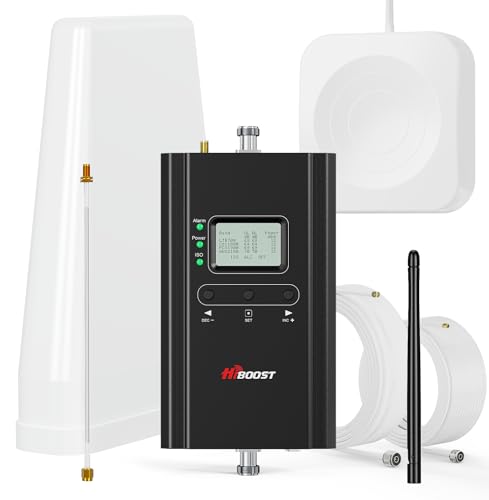

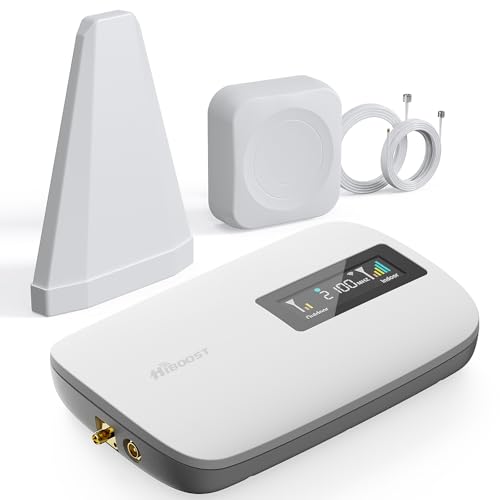

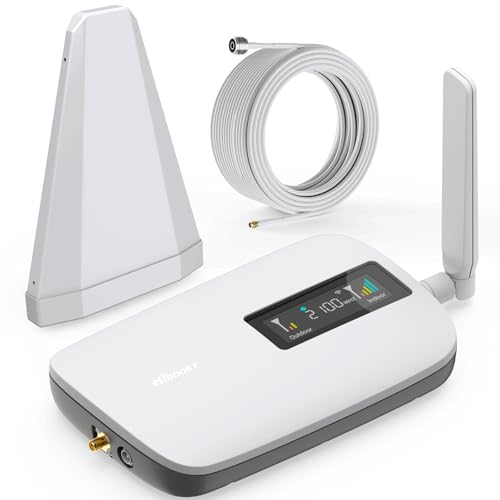

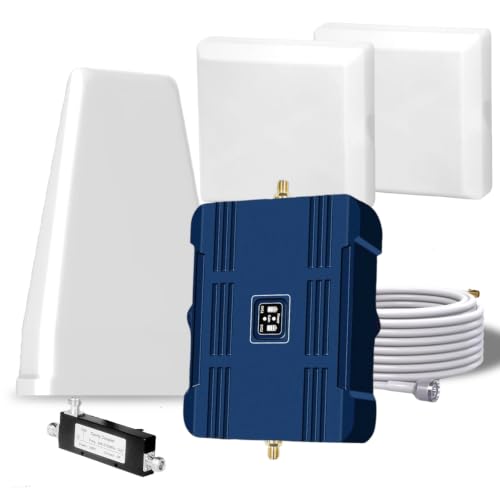
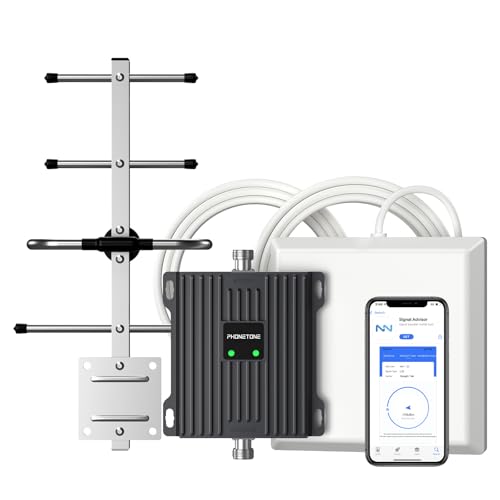
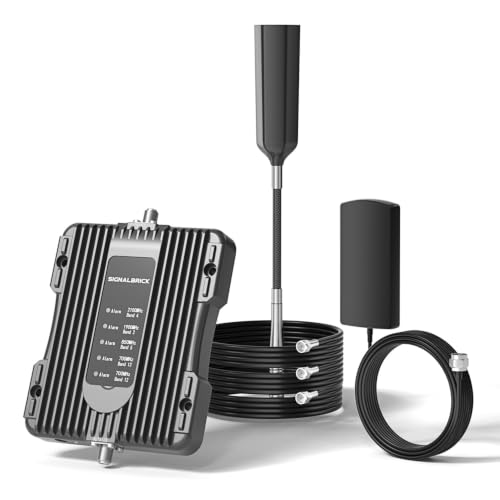
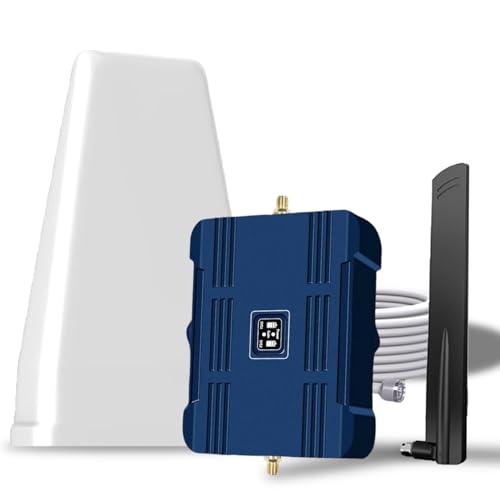
Gain, Coverage, and User Count: What the Numbers Actually Mean
Every cell phone signal booster listing throws around specs that mean little until you know what to compare them against. Here's what actually drives performance.
Decibel Gain Is the Spec That Matters Most
Gain, measured in decibels, tells you how much a system strengthens the signal it captures. Consumer multi-carrier boosters generally fall somewhere between the mid 50s and low 70s in dB, and FCC rules cap broadband residential units around 72 dB. A higher gain rating means the booster can work with a weaker outside signal and still deliver usable bars indoors. If your outside signal is already decent, a modest gain rating is plenty. If you're starting from one or two bars near a window, you'll want a system rated toward the higher end of that range.
Coverage Area vs. Real-World Conditions
Manufacturers list a maximum square footage for each unit, but that figure assumes an ideal, open floor plan and a reasonably strong outside signal. Multi-story homes, homes with a lot of concrete or steel framing, and homes with several interior walls all eat into that rated coverage. As a rule of thumb, size up rather than buying a unit rated for exactly the square footage you need.
FCC Certification and How Many Devices It Supports
Only buy a system that carries FCC certification. Uncertified amplifiers can interfere with the carrier network and aren't legal to operate in the United States. Certified units also list how many simultaneous users and devices they support, which matters for a full household or a home office. That spec covers phones and other cellular gear too, including things like a pet GPS tracker that needs a live network connection to report a location, not just the phones in your pocket.
Check Your Outside Signal Before You Buy Anything
This is the step buyers skip most often, and it's the single biggest predictor of whether a booster will actually solve your problem. A cell phone signal booster amplifies an existing signal. It cannot create one where there isn't any to start with.
Reading Your Phone's Field Test Mode
Both iPhones and Android phones can show you a raw signal reading in dBm instead of the usual bars. On an iPhone, dialing a specific field test code brings up detailed signal measurements. On Android, most models show the dBm reading directly in network settings, or you can use a free signal-mapping app. Step outside near where an outdoor antenna would mount and check the number. As a general guide, you need at least a weak reading, roughly -109 dBm or stronger on older networks and around -119 dBm or stronger on 4G/LTE, for a booster to have something worth amplifying. The closer that number is to zero, the stronger the starting signal. If you genuinely get no reading at all outside your home, a booster likely won't help, and the fix is a different technology entirely, such as a carrier-provided network extender that uses your home internet instead of a distant tower.
Matching the Antenna to Where You Live
The outdoor antenna does most of the real work in any system, and the right type depends on how far you are from the nearest cell tower, not just your budget.
Omnidirectional Antennas for Town and Suburb
An omnidirectional antenna pulls in signal from every direction at once, which works well when a tower is reasonably close and the outside signal is already moderate. Most suburban and urban installs use this type because there's usually a strong nearby source in more than one direction.
Directional Antennas for Semi-Rural and Rural Distances
A Yagi-style directional antenna focuses tightly on a single tower and offers much stronger pickup, which suits semi-rural properties roughly a few miles from the nearest tower. For truly rural locations, where the nearest tower might be closer to ten miles out, a higher-gain log-periodic directional antenna is usually the better call. Aiming one of these is a lot like pointing an outdoor TV antenna at a distant broadcast tower, except here the target is a cell tower, and the same signal-mapping approach used to check your dBm reading is worth using again to find its direction.
Metal Roofs and Metal Buildings Change the Math
Metal roofing, metal siding, and steel-frame construction block a meaningful amount of signal before it ever reaches your indoor antenna. A cell phone signal booster still works in these buildings, but the outdoor antenna has to be mounted clear of the metal, usually on a mast above the roofline or on a non-metal exterior wall, and the indoor distribution often needs extra antennas to compensate for how much the structure itself blocks the rebroadcast signal.
Home Systems, Vehicle Systems, and Carrier Coverage
Not every booster is interchangeable with every use case, and mixing them up is a common, avoidable mistake.
Home and Office Units Aren't Built Like Vehicle Units
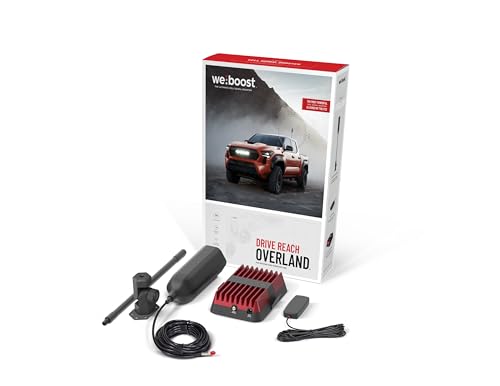
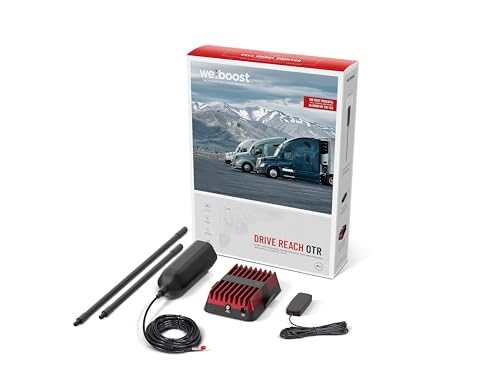
Home and office systems are designed to run continuously in one fixed location, with an outdoor antenna that stays pointed at the same tower, the same way a smart home security system with cellular backup is built to stay put rather than travel with you. Vehicle systems are engineered for movement, pairing a compact exterior antenna with a smaller amplifier so the setup can maintain a connection while switching between towers on the road. The two are certified under different rules for stationary versus mobile use, so a home unit won't work properly in a moving vehicle and a vehicle unit won't cover a house.
Single-Carrier vs. Multi-Carrier Coverage
A single-carrier booster is tuned to one provider's bands and can offer slightly stronger performance for that carrier alone. A multi-carrier cell phone signal booster spreads its amplification across all the major US networks at once, which is the more practical choice for most households, especially if more than one carrier is in use under the same roof.
Installing It Right: Separation, Placement, and Setup Mistakes
The outdoor antenna needs a clear path toward the nearest tower and enough physical separation from the indoor antenna to avoid feeding the boosted signal back into itself. Most systems require at least 50 feet of horizontal separation or about 20 feet of vertical separation, ideally with a wall or floor between the two. Skipping this requirement is the most common reason a booster underperforms, since too little distance causes oscillation, which the system detects automatically and responds to by reducing its own gain.
Loose or damaged coaxial connectors are another frequent culprit, along with mounting the outdoor antenna somewhere with a partially blocked view of the sky. It's also worth remembering that a booster only strengthens cellular signal. If the actual complaint is slow browsing while connected to home wifi rather than dropped calls, the fix is a stronger router or mesh setup, not a signal booster.
Frequently Asked Questions
Do cell phone signal boosters really work?
Yes, a properly installed system does amplify real signal, and independent testing backs this up consistently. The catch is that it needs at least a small amount of usable signal outside your home to begin with.
How much area does a cell phone signal booster cover?
Coverage ranges from a single room to tens of thousands of square feet depending on the unit's power and the strength of the outside signal. Since manufacturer figures assume favorable conditions, it's safer to choose a system rated for more space than your home actually measures.
Do I need to register my signal booster with my carrier?
Yes, US regulations require every consumer booster to be registered with the carrier whose network it amplifies. Registration is free and typically just needs the unit's make, model, and serial number, and most carriers process it online in a few minutes.
Will a signal booster work with zero bars outside?
No. A booster amplifies an existing signal, so it can't generate one from nothing. If your outdoor antenna location shows no reading at all, even the most powerful system won't produce usable coverage indoors.
Can I install a cell phone signal booster myself?
In most cases, yes. Home systems are generally designed for DIY installation, and the hardest part is usually locating the strongest outside signal and maintaining proper antenna separation, not the physical mounting itself.
Are cell phone signal boosters legal and FCC approved?
Consumer boosters are legal in the United States as long as they carry FCC certification and are registered with your carrier. Uncertified or improperly installed amplifiers can interfere with cellular networks and may violate federal regulations.
What's the difference between a signal booster and a wifi router?
A signal booster strengthens the cellular connection coming from your carrier's tower, improving calls, texts, and mobile data even when your phone isn't on wifi at all. A router or mesh system strengthens your home internet network and only helps devices actually connected to it. If calls drop but streaming is fine, the issue is cellular. If pages load slowly everywhere but calls sound clear, it's a wifi problem instead.
Solving the Dead Zone for Good
A weak cell signal at home is usually fixable once you understand what you're actually shopping for. Check your outside dBm reading first, match the antenna type to how far you are from the nearest tower, and size the system a bit larger than your space technically requires. Get those three things right and the rest of the buying decision gets a lot simpler.