Best 4x6 Photo Printers: What Actually Matters Before You Buy for 2026
Disclosure: We may earn a commission when you buy through links on this page, at no extra cost to you. As an Amazon Associate I earn from qualifying purchases. Learn more
Use this checklist to choose the best 4x6 photo printers with confidence, comparing print quality, running costs, paper handling, and phone printing.
Most 4x6 photo printers promise lab quality prints from your phone, yet ownership costs and print quality vary more than the boxes suggest. One model is cheap to buy and costly to feed. Another costs more upfront and prints for years on the same supplies. A checklist cuts through that confusion better than any star rating.
This article gives you that checklist first, with clear pass and fail thresholds for each criterion. Use it to judge the best 4x6 photo printers in the comparison table below, and you will know exactly why one model fits your habits and another does not.



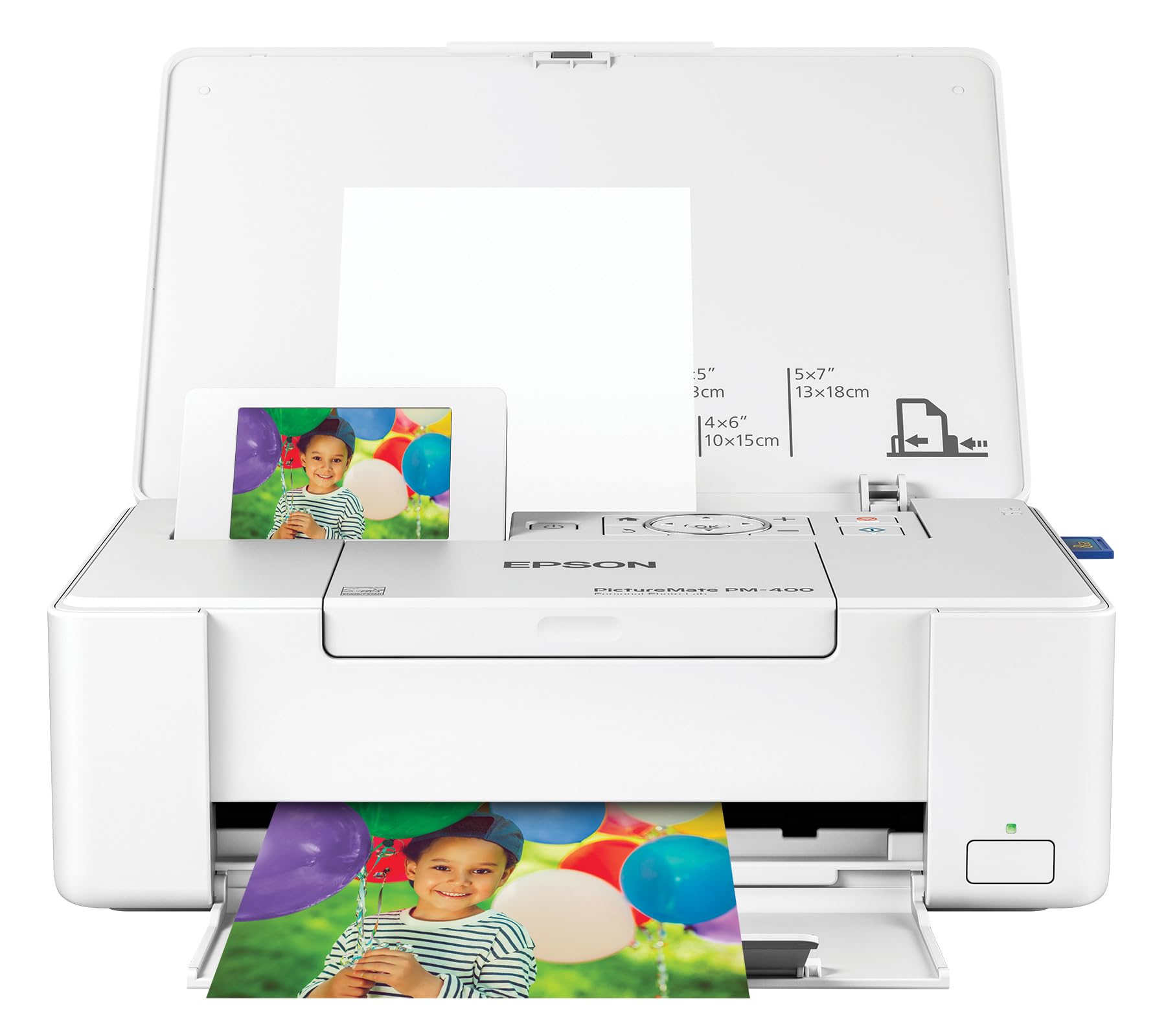
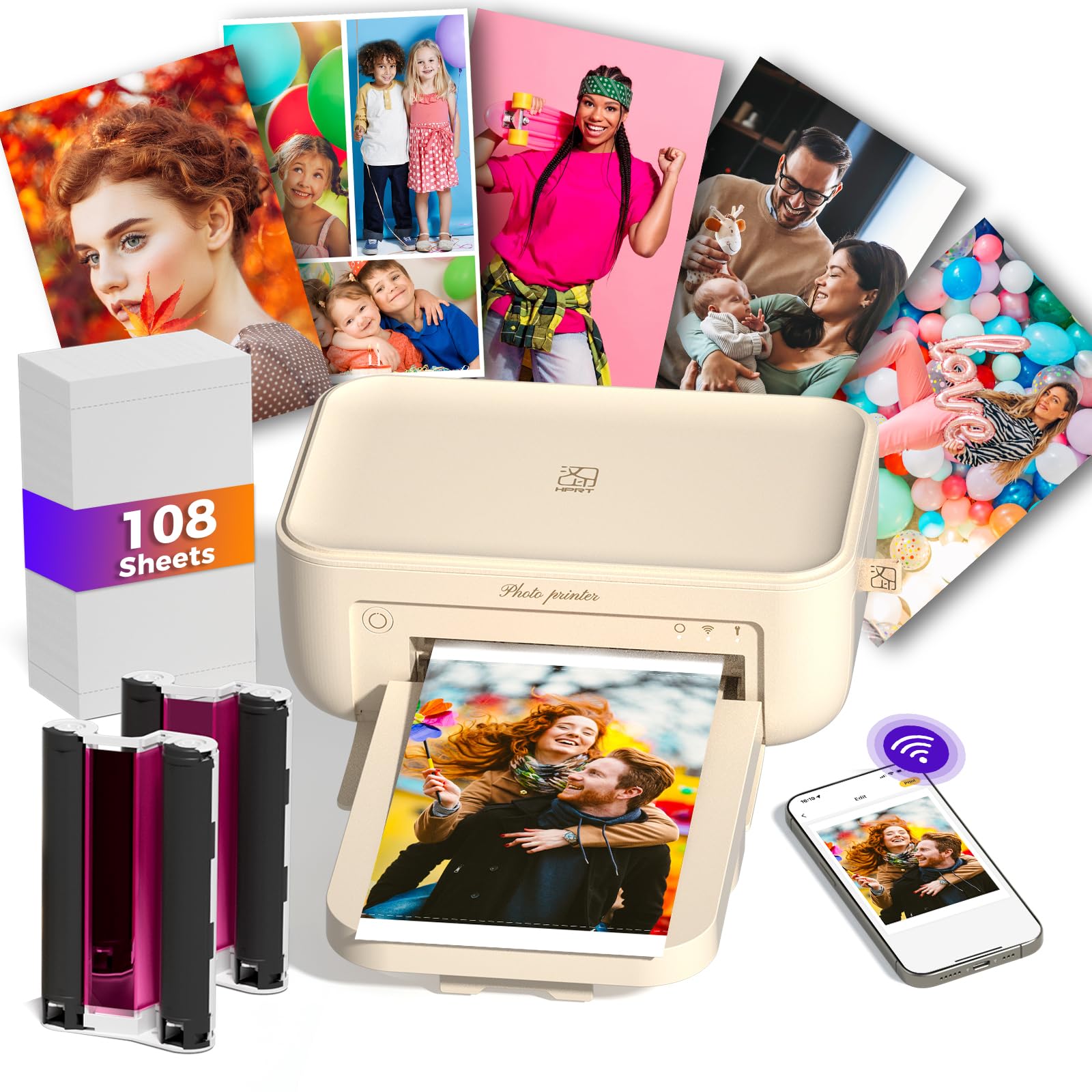
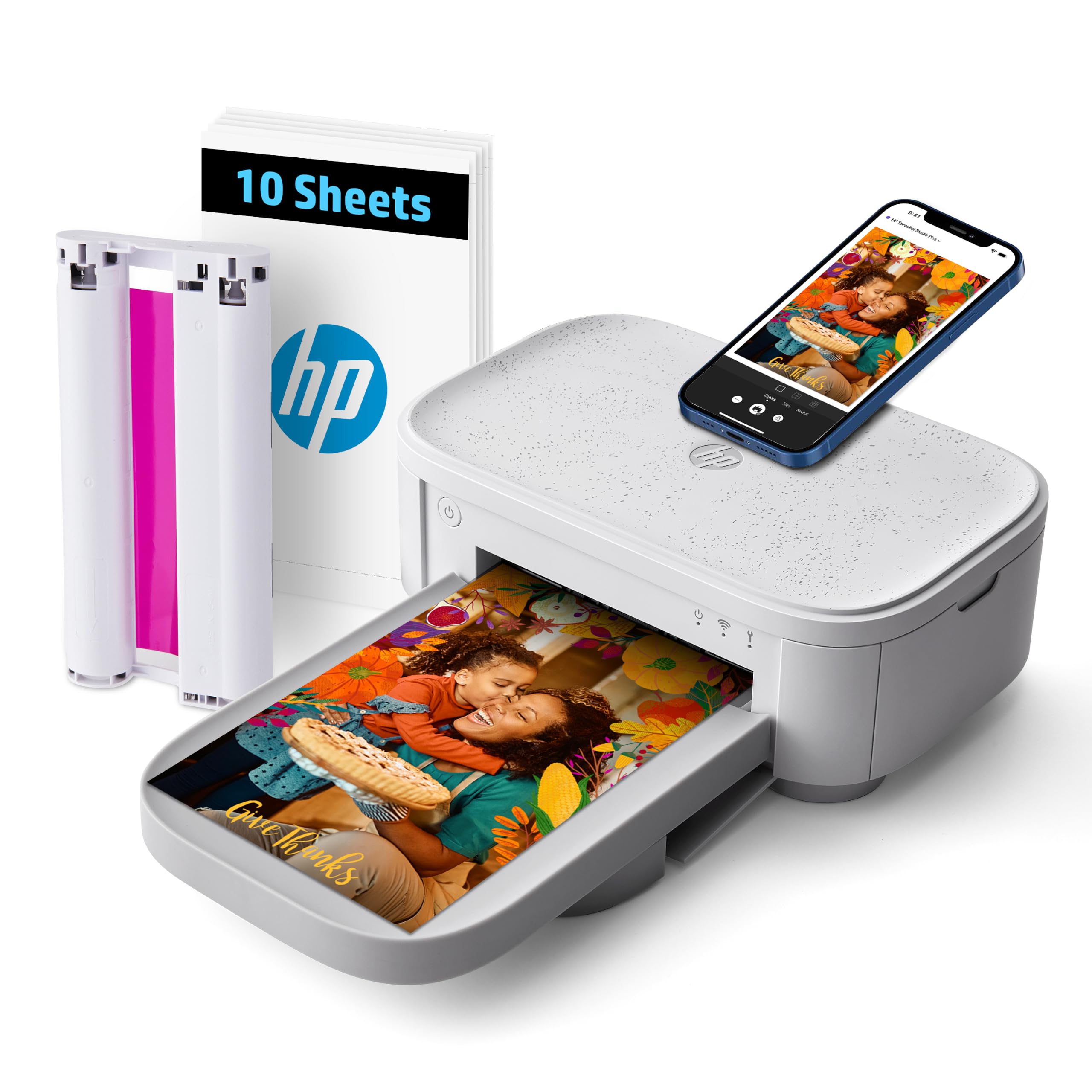

How to Evaluate 4x6 Photo Printers
Printer Type (Inkjet, Tank, Dye Sublimation)
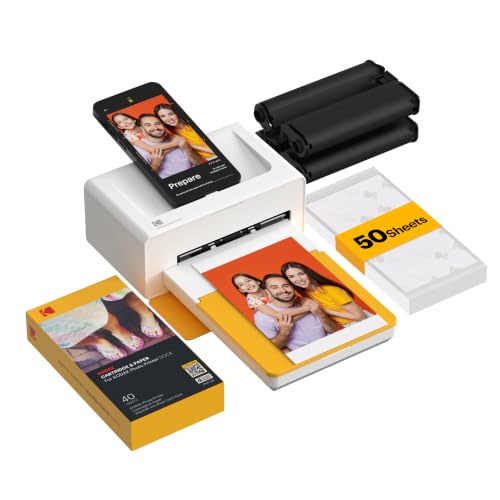
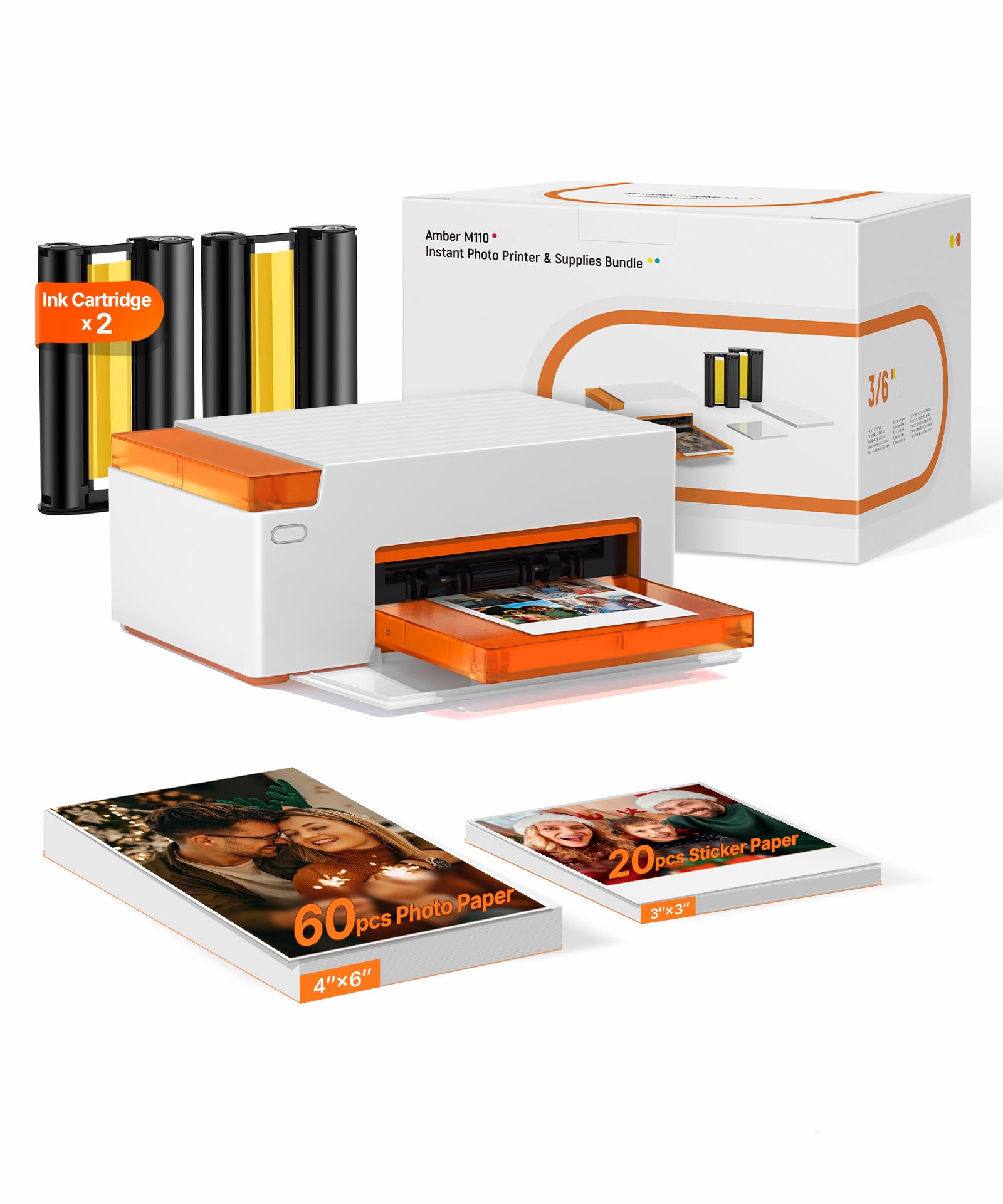
For photographs, the realistic types are inkjet, ink tank, and dye sublimation. Inkjet models spray tiny droplets and deliver smooth skin tones. Tank models work the same way but store ink in refillable reservoirs, which lowers running costs. Dye sublimation models bake color into coated paper and give durable, water resistant prints with a fixed cost per sheet.
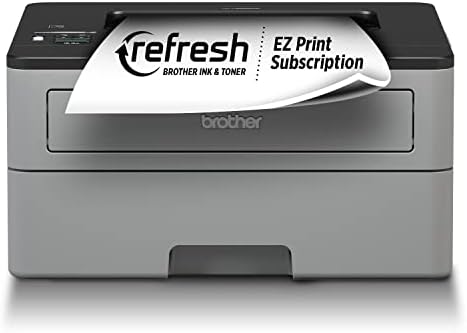
Laser printers suit documents, not photos, because their color gradients look coarse. If a listing borrows document printer specs to describe a photo printer, treat it as a red flag and move on.
Ease of Setup and Calibration
Good setup takes under fifteen minutes from box to first print, guided by an app that finds the printer on your WiFi without manual codes. Pass any model that needs a computer for basic setup if you plan to print only from a phone. Color calibration should be automatic, with an optional manual profile for picky users.
A useful know how check is the first test print. Print one bright photo and one dark photo right after setup. If skin tones look orange or shadows crush to black, run the built in alignment and cleaning cycle once before judging the machine. Many early complaints trace back to skipping that step.
Print Speed
For a single 4x6 print, expect about 30 to 90 seconds depending on type. Dye sublimation models often finish in under a minute with a dry, finished print. Inkjet models vary more, and the highest quality setting can double the time. Speed matters most at parties and events, where guests wait for prints.
Judge speed by completed dry prints, not by the first page out figure quoted for documents. For home albums, even a slow printer is fine, since you print a batch and walk away. For event work, set a firm threshold of about one print per minute or faster.
Footprint and Noise
Dedicated 4x6 printers are compact, often close to the size of a shoebox, and fit a shelf or desk corner. Full size inkjet and tank models need a footprint around 15 by 18 inches plus space for the paper tray to open. Measure your shelf depth before ordering, not after.
Noise is modest on all photo printers, closer to a quiet conversation than to an office laser unit. Vibration on a light desk is the bigger annoyance, and a solid surface solves it.
Connectivity and Mobile Printing
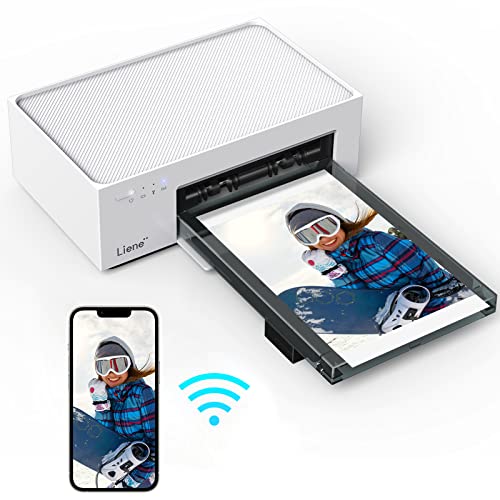
WiFi with AirPrint support is the baseline, so iPhone and Android users can print without installing anything. A companion app should handle cropping, borders, and collage layouts, because the 4x6 format leaves little room for framing mistakes. Bluetooth only models can be slower with large photo files.
Check whether the printer keeps working when your internet drops. Local WiFi printing should continue on your home network, while cloud dependent models add a failure point you do not need. A memory card slot is a useful backup for camera direct printing.
Paper Handling and Tray Capacity
Paper handling decides daily convenience. A dedicated tray that holds 20 or more 4x6 sheets beats a rear feed that takes five sheets at a time. Confirm the printer supports true borderless 4x6 printing, since some models leave a white edge on this size despite advertising borderless output for larger paper.
Duplex printing matters only if you also print documents, and most compact photo models skip it entirely. Tray capacity plus the largest paper size the printer accepts tells you whether it can grow beyond snapshots.
Print Quality and Resolution
Judge quality by results, not headline DPI numbers, which are often interpolated. Look for smooth gradients in skies, natural skin tones, and shadow detail that stays visible. Inkjet models with five or six ink colors usually beat basic four color models on subtle tones, especially reds and deep blues.
A practical test is a photo you know well, printed at the default setting. Compare it with the same image on your phone screen in daylight. Muddy shadows, banding lines across skies, or a strong color cast signal a model to skip. For more on judging output quality, see our guide to the best photo quality printers.
Which Printer Profile Fits You
Most buyers land in one of three groups. Compact inkjet or dye sublimation printers, usually around $100 to $250, suit families who print birthdays, holidays, and school moments a few times a month, because they offer borderless output, simple phone apps, and a predictable cost per print. Their weakness is volume: hundreds of prints for a reunion or small business make cartridge or dye pack costs add up.
Ink tank models, often around $200 to $300, suit scrapbookers, teachers, and anyone who prints weekly, because the included ink covers thousands of pages and drops the cost per photo. They are bigger, slower per photo, and need regular use to keep the printhead healthy. If you print only a few photos a year, the savings never repay the higher price.
Premium models, around $250 to $400, buy better color, faster event printing, or a built in screen. Photographers selling small prints or running event booths feel the difference first. Pay extra only for a gain you can name. For travel friendly options, compare with our guide to the best compact photo printers.
Quick Buyer Checklist
- Does it print true borderless 4x6 photos, confirmed in the full specifications?
- Can you state the cost per print, including paper, in one number?
- Does setup work from your phone alone, with AirPrint or an Android equivalent?
- Does the tray hold at least 20 sheets so batches do not need constant refills?
- Is replacement ink or dye pack stock easy to buy from more than one seller?
- Does the footprint fit your shelf with the tray open?
- Is the warranty at least one year, with support reachable in your country?
- Will you print at least monthly, which inkjet printheads need to stay healthy?
Red Flags to Watch For
- Vague print quality claims with no ink color count, no tray capacity, and no cost per print information anywhere in the listing.
- Supplies sold only by the original maker at prices that make each photo cost more than a local print shop charges.
- Review patterns that praise shipping speed and packaging but say nothing about actual print quality after weeks of use.
- Warranties shorter than one year, or support that exists only through a web form with no published response path.
- Listings that borrow specs from other product types, such as document speeds, to inflate a photo printer.
If two or more flags appear on one model, remove it from your list. The market has enough honest options, and our broader guide to the best printers for photo printing shows what complete, transparent listings look like.
Picking the Right 4x6 Photo Printers for Different Uses
Best Printers for 4x6 Photos: What to Check
When your search is specifically about the best printers for 4x6 photos, three checks matter most. First, confirm the 4x6 size is a native strength, not an afterthought, with its own tray or guide. Second, compare cost per finished print including paper. Third, look at drying time and smudge resistance, because snapshot prints get handled and stacked right away.
Best No PC 4x6 Photo Printers
If you want the best no pc 4x6 photo printers, the whole workflow must live on the printer and your phone. Require app based setup, firmware updates over WiFi, and a screen or app tools for cropping. A memory card slot adds a computer free path from camera to print. Skip any model whose manual quietly requires a desktop driver for full quality output.
How to Make Your 4x6 Photo Printer Last Longer
Print at least one color page every week or two, even a small test image, so inkjet nozzles stay clear. Use genuine or reputable refill ink matched to your model, since poor ink causes most clogs and faded color. Store paper flat away from sunlight and humidity.
4x6 Photo Printers: Your Questions Answered
What does cost per page mean?
Cost per page is the total supply cost divided by the number of finished prints, and for photos you must include the paper. A cartridge model might spend around 40 to 60 cents per 4x6 print with paper, while a tank model can land near 10 to 20 cents. Multiply by your expected yearly prints to see which printer truly costs less.
Are ink tank printers worth it?
Yes, if you print regularly, because the low cost per print repays the higher price within the first year or two for most families. They are not worth it for rare printing, since idle printheads still need maintenance and the upfront gap never closes. Weekly or monthly users gain the most. Occasional users should choose a compact cartridge or dye model.
Inkjet or laser: which is cheaper long term?
Inkjet is cheaper long term for photos, and laser is not a real contender for photo work at all. Laser toner excels at low cost text pages, but photo gradients look flat and glossy photo paper can damage some laser units. If one machine must do both jobs, choose a tank inkjet and accept slower document speeds as the compromise.
Do I need a computer to use a 4x6 photo printer?
Not for most models. Compact 4x6 printers set up through a phone app and print over WiFi or Bluetooth, and a memory card slot adds a computer free path from camera to print. Check the full specifications if you want full quality output without installing a desktop driver.
The Bottom Line
Run every candidate through the checklist: true borderless output, a cost per print you can state, phone first setup, and supplies you can buy easily. Those four points separate satisfying purchases from drawer clutter. Compare your finalists in the product table above, and you will choose the best 4x6 photo printers for your home with clear eyes. If you print on the go, our guide to the best mobile photo printers covers the smallest options.