
Best 4K TVs for PS5 Made Simple: A Clear Buying Guide for 2026
Disclosure: We may earn a commission when you buy through links on this page, at no extra cost to you. As an Amazon Associate I earn from qualifying purchases. Learn more

A simple first purchase guide to the best 4k tvs for ps5, explaining HDMI 2.1, refresh rate, panel types, and size in plain, friendly language.
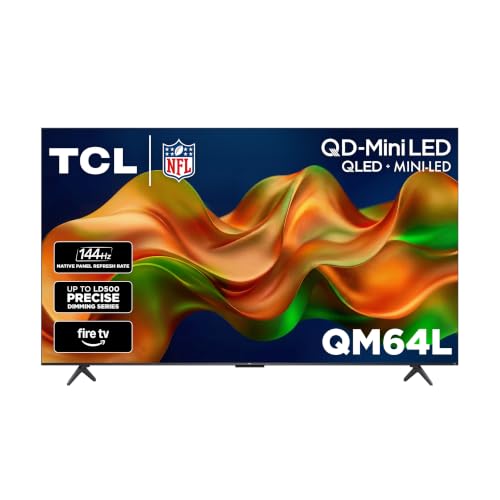
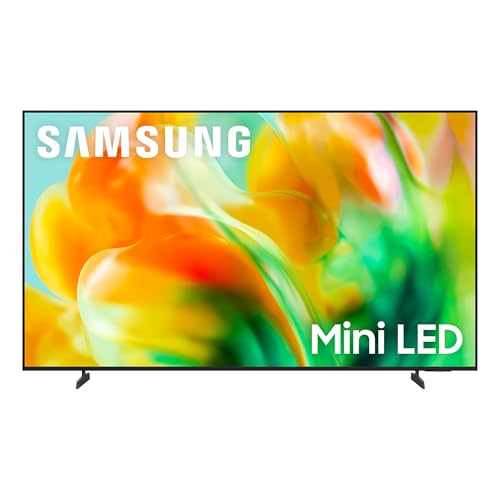
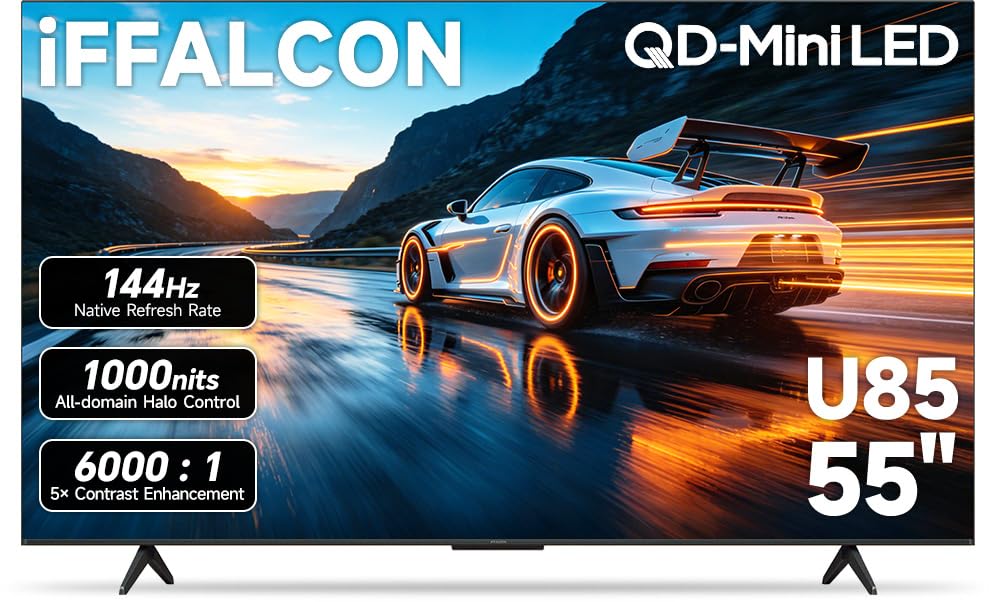
Buying your first gaming TV can feel confusing, because shop pages throw around terms like HDMI 2.1, VRR, and HDR as if everyone already knows them. You do not need to know them yet. This guide explains the best 4k tvs for ps5 in plain language, step by step, so you can match a TV to your room and budget with confidence. The comparison table below collects the main specs in one place for a quick first look.
We will start with what a 4K TV actually is, then cover the few specs that change how your games look and feel, and finish with setup basics and the mistakes new buyers make most often.

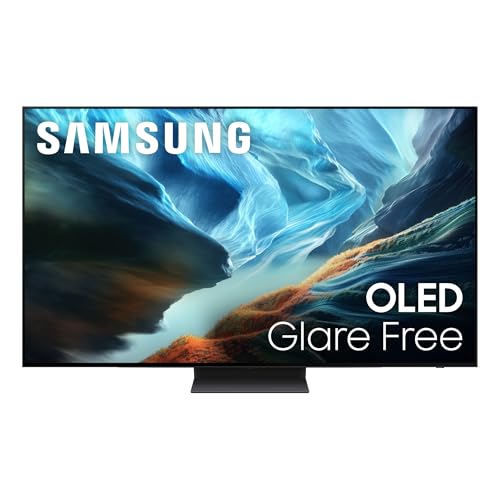
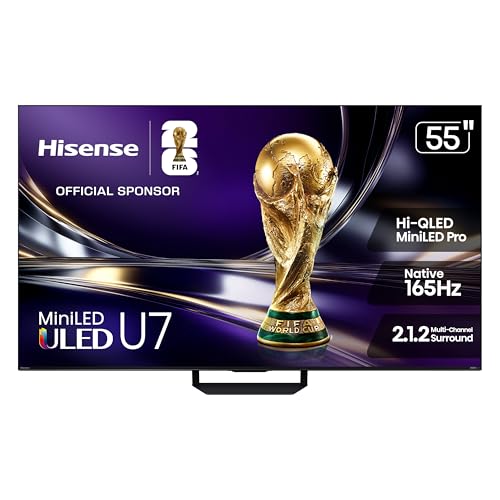
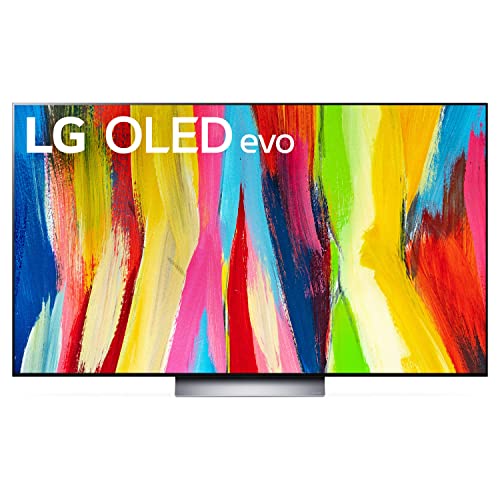

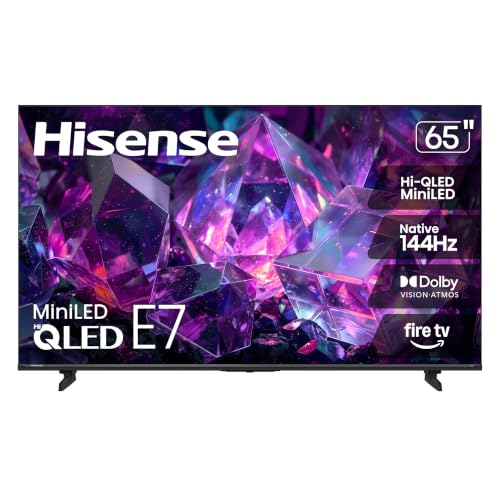

4K TVs 101: The Basics
A 4K TV has about 3840 pixels across the screen and 2160 down, which is four times the detail of an older 1080p set. More pixels means game worlds look finer, text in menus stays readable, and you can sit closer without seeing a grainy pattern. Your PS5 was built to output 4K, so a 4K TV lets the console show what it can actually do.
Three other terms will follow you through this guide. Refresh rate, measured in Hz, is how many times per second the picture updates, and higher numbers mean smoother motion. Input lag is the delay between pressing a button and seeing the action, and lower is better. HDR is a way of showing brighter highlights and deeper shadows at the same time, which makes sunlight, fire, and night scenes look more real.
Price is the last basic to place. Entry 4K gaming TVs often start around $400 to $600 at 55 inches, mid range models with brighter panels and more HDMI 2.1 ports sit around $700 to $1,100, and premium OLED sets cost more again. Spending more mainly buys brightness, contrast control, and smoother motion, not a different console experience. Decide your ceiling first, then apply the checks below inside that budget, rather than letting a shop discount quietly raise your spending.
Key Specs Explained in Plain English
Features That Matter for PS5
The PS5 can send games at 4K resolution and up to 120 frames per second, so the TV needs an HDMI 2.1 port to receive that full signal. Look for at least one, and ideally two, HDMI 2.1 ports, a 120 Hz panel, and input lag under about 10 milliseconds in game mode. Those three items matter more for console play than almost any smart feature or extra app a TV advertises.
Panel Technology
OLED panels control every pixel alone, giving perfect blacks and very fast response, which suits dark games and films. VA panels, used in most LED TVs, give strong contrast at lower prices but lose some color when you sit far to the side. IPS panels keep color steady from wide seats, though blacks look lighter. Mini LED is an improved backlight that gets brighter and controls light in smaller zones, a good middle path.
Resolution and Screen Size
Stick with native 4K resolution, since the PS5 is designed for it and smaller resolutions waste the console. Size depends on distance. Sit about 4 to 6 feet away and a 55 inch screen feels immersive without overwhelming the room. At 6 to 9 feet, 65 inches works well. Bigger is not always better, because a screen that is too large for the room makes fast games harder to track with your eyes.
Adaptive Sync and Gaming Features
Variable refresh rate, or VRR, lets the TV adjust to the frame rate the game is producing moment by moment. That removes screen tearing, the split image effect you see when the picture cannot keep up. Auto low latency mode, or ALLM, tells the TV to switch into game mode the moment the console turns on. HDMI 2.1 carries both features, so a TV with that port and VRR support covers you for most current games.
To compare wider console setups, see our guide to the best tvs for ps5, which covers non 4K options as well.
Smart Platform and Sound
Smart platforms such as Google TV, Roku, and webOS run streaming apps like video and music services on the TV itself. All three are fine, so choose based on the remote and menu you find easiest, or plan to use the PS5 for streaming anyway. Built in TV sound is usually thin, so budget around $100 to $200 later for a simple soundbar if voices sound unclear in your room.
Picture focused buyers may also want to read about the best quality 4k tvs to see what extra money buys in processing and color.
Best 4K TVs for PS5: Rookie Mistakes to Avoid
- Buying a 60 Hz TV for 120 frame games. The console can output more than the screen can show, so fast games will not feel as smooth as they could.
- Ignoring the port count. If the single HDMI 2.1 port is also the sound return port, adding a soundbar can force awkward cable swaps.
- Judging picture in the shop only. Store screens run in vivid mode under bright lights, which tells you little about a dim living room at night.
- Forgetting the stand width. Wide feet on larger TVs often exceed the width of older TV benches, so measure before you order.
- Skipping game mode. Leaving normal picture processing on can double or triple input lag and make every game feel heavy.
Getting Started: Setup and First Use
Start by placing the TV, connecting the PS5 to the HDMI 2.1 port with the cable that came with the console, and turning on the enhanced HDMI setting for that input. On the console, run the HDR adjustment screens in a dim room and follow the on screen steps slowly. On the TV, choose game mode, turn off vivid picture settings, and set sharpness near the neutral point.
If you choose an OLED set, let it run its built in pixel refresh when it asks, usually after long sessions, and avoid leaving a paused game image on screen for hours. Finally, sit at your normal distance and play a familiar game for ten minutes. Small tweaks to brightness and motion settings are easier to judge in a game you already know well.
Fast paced players can compare more gaming focused models in our guide to the best gaming tvs 4k before deciding.
Frequently Asked Questions
What features matter most in 4K TVs for PS5?
HDMI 2.1, a 120 Hz panel, and low input lag matter most, because they decide whether the console can run at its best settings. VRR comes next for smooth play when frame rates dip. One tip new buyers miss is checking whether 120 Hz works at full 4K on the specific port they plan to use, since some TVs limit one port. The port diagram on the specification sheet answers this in seconds.
Is 4K worth it for PS5 gaming?
Yes, 4K is worth it because the PS5 renders most major games at or near 4K, and the difference shows in fine detail like distant signs, foliage, and character faces. On screens of 55 inches and up, the jump from 1080p is easy to see from a normal sofa distance. If you sit far from a small screen, the gain shrinks, so size and distance should guide the decision.
What size should I get for my room or desk?
Match size to your seating distance. About 55 inches suits 4 to 6 feet, 65 inches suits 6 to 9 feet, and 75 inches needs roughly 9 feet or more to stay comfortable. Measure the wall and the viewing distance with a tape before shopping, and remember that game heads up displays sit at the screen corners, so an oversized screen forces more eye travel during play.
Does refresh rate matter for non gamers?
Refresh rate matters less if you only watch films and shows, because most video runs at 24 to 60 frames per second and a 60 Hz panel handles it well. Sports fans do gain smoother motion from 120 Hz panels, and menu scrolling feels nicer. Since you own a PS5, though, some gaming is likely, so a 120 Hz screen keeps your options open without a second purchase later.
How long do 4K TVs for PS5 last?
Most modern TVs last about 7 to 10 years of normal use before brightness or parts become an issue. LED backlights fade slowly and evenly. OLED panels can develop image retention if the same static image stays on screen for very long periods over years, but normal varied use makes this uncommon. Keeping brightness at a sensible level rather than maximum helps any panel age gracefully.
IPS vs OLED: which is better for PS5?
OLED is better for contrast, response time, and dark room play, while IPS is better for wide seating and bright rooms at lower prices. For a dedicated gaming corner, OLED usually wins on picture alone. Panel fans who want the deep black option can explore the best 4k oled tvs for a focused comparison. For a family room with seats spread wide, IPS or VA may serve everyone better.
Final Thoughts
Keep your first purchase simple. Insist on HDMI 2.1 and a 120 Hz panel, choose the size that fits your seating distance, and pick the panel type that suits your room light. With those basics right, the best 4k tvs for ps5 for you will make games look sharp and feel responsive from the first evening. Use the product table above to compare your finalists, then set aside twenty minutes on day one for careful setup.

