
Best 4K Smartphones for 2026: Which One Fits the Way You Use It?
Disclosure: We may earn a commission when you buy through links on this page, at no extra cost to you. As an Amazon Associate I earn from qualifying purchases. Learn more

Storage, camera, display, carrier support and battery life explained to help you pick the best 4k smartphones.
No single phone is right for everyone, because people ask very different things from a device they carry all day. One person needs a camera that handles birthdays and travel without thought. Another needs battery life that survives a long shift and a screen that stays readable outdoors.
When you compare best 4k smartphones, start with your daily habits, your carrier, and how long you plan to keep the phone. The comparison table below lists the current options so you can weigh storage, camera, display, and charging against the guidance in this article.
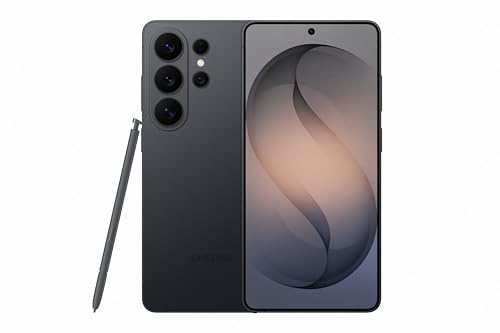

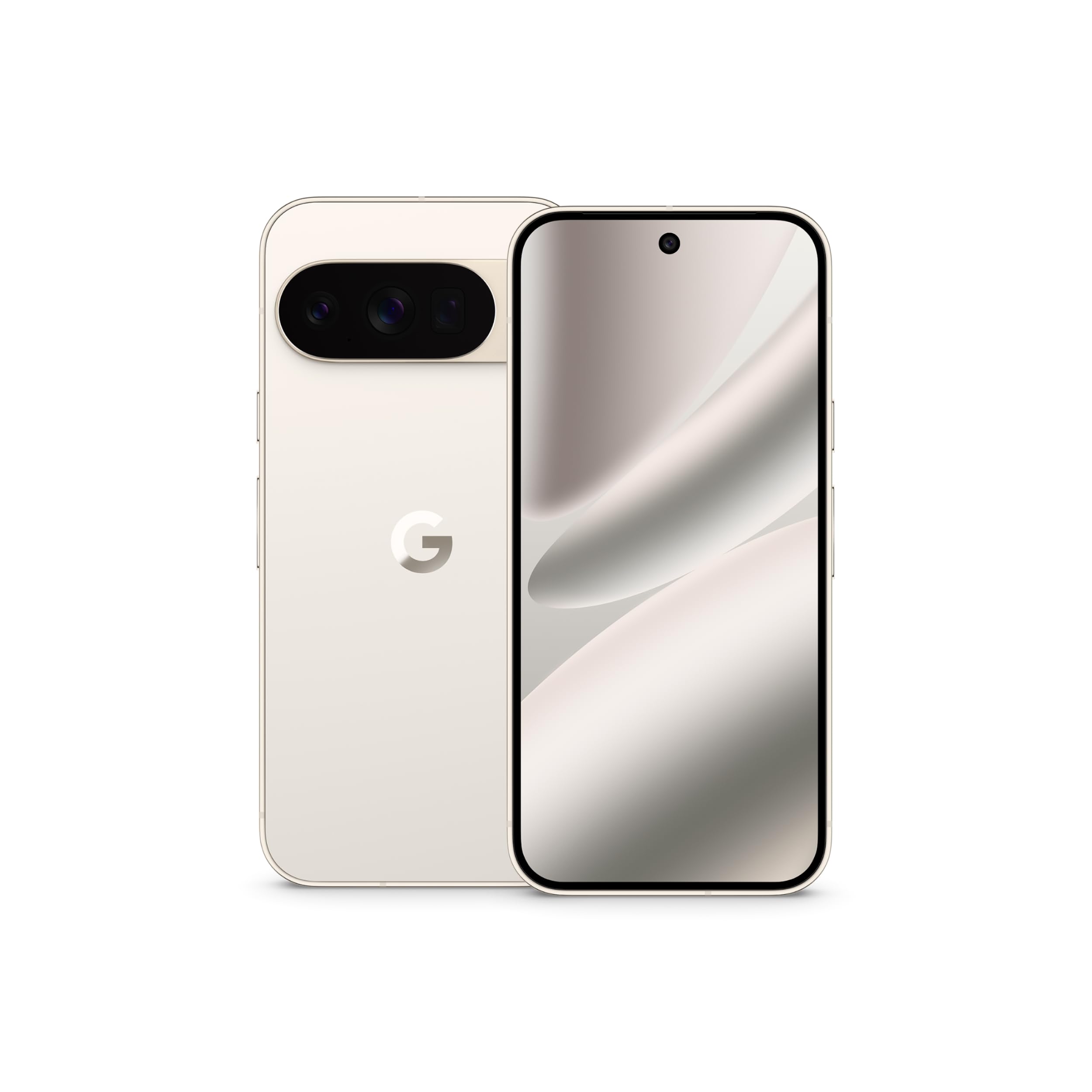


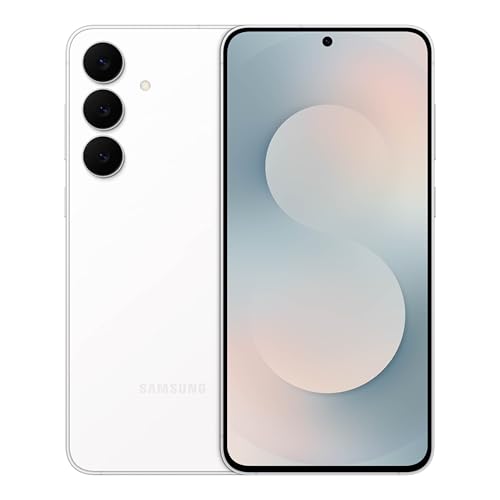

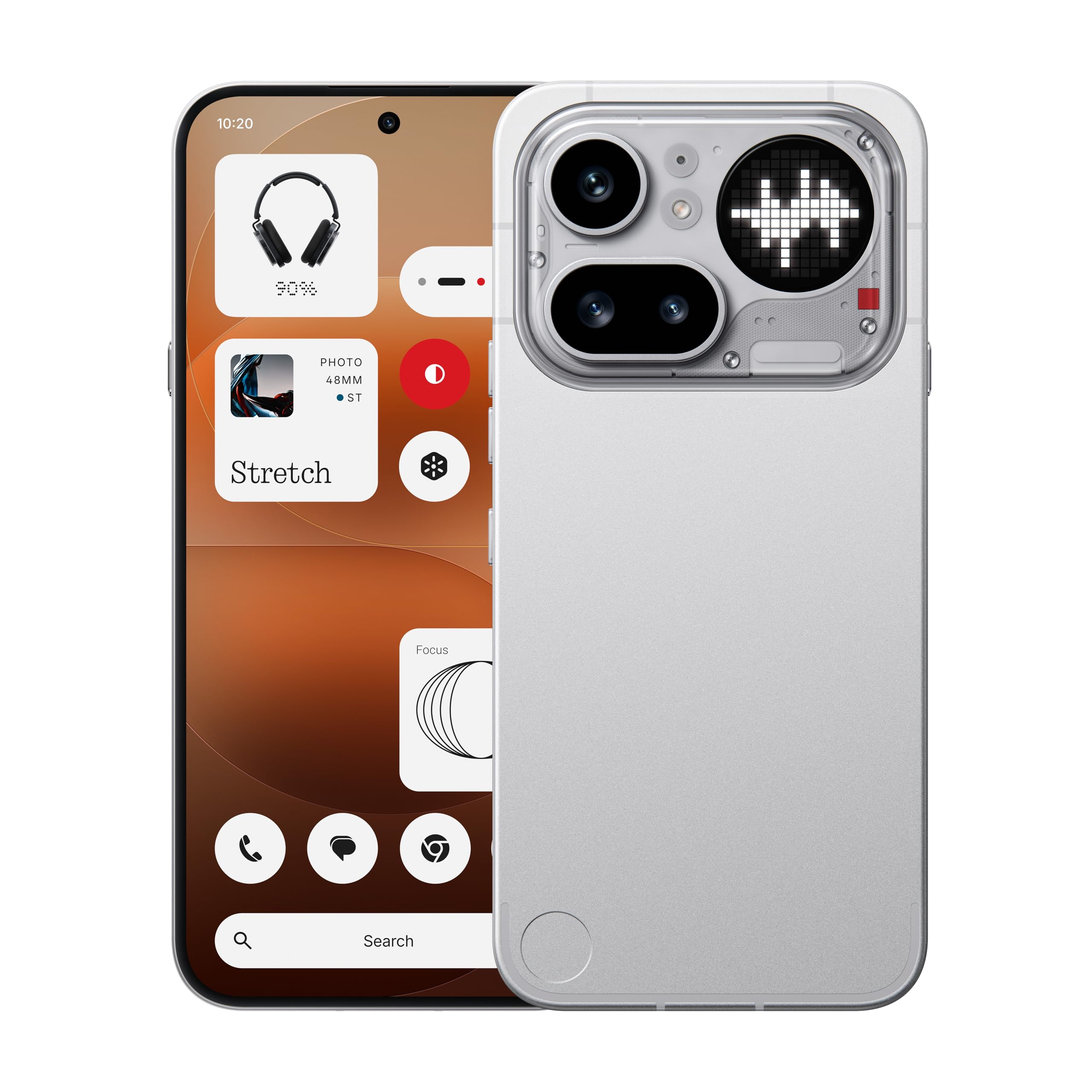


Who Should Buy Which 4K Smartphones?
Phones in this class share sharp displays and 4K video recording, but they differ in processor speed, camera tuning, update support, and price. The groups below help you decide where extra money actually helps you and where a simpler model will feel just as good in daily use.
For People Who Want the Best Performance
Premium performance pays off if you edit video, play demanding games, or keep a phone for four years or more. You get the fastest processor, the brightest OLED screen, and the most flexible camera system with a true telephoto lens. You also tend to get longer software support and faster charging. If you shoot a lot of 4K video, prioritize storage and heat control, because long clips fill space and warm the phone quickly.
For a wider view of flagship level choices, see our guide to the best smartphones ranked and note how performance tiers line up with price.
For First Time Buyers
A first smartphone should feel simple, dependable, and forgiving while you learn. Look for clear menus, strong call quality, and a screen you can read without strain. A mid size body that you can hold with one hand, plus a case friendly design, will serve you better than the largest screen. Choose a model with at least three years of security updates so the phone stays safe while you build confidence.
For Value Seekers
Value is about balance over time, not the lowest sticker price on day one. A good value phone pairs a capable processor with an OLED display, a battery that lasts a full day, and update support that keeps apps running for years. You may give up wireless charging or a telephoto lens, and that trade is often wise. Spend on storage if you keep photos on the device, because running out of space is the regret value buyers mention most.
If price is your main filter, our guide to the best bargain smartphones shows how much you can save before daily speed starts to suffer.
For Gift Shoppers
A phone given as a gift should be easy to set up, widely supported, and simple to return or exchange if the size feels wrong. Choose a popular size, a neutral color, and a model your carrier sells and services locally. Include a case and a screen protector in the box so the phone is protected from the first hour. Check the return window before you buy, and keep the receipt with the gift.
Key Features to Compare
Shoppers comparing best 4k smartphones often focus on the camera alone, but five areas decide daily satisfaction. Storage decides how much you can keep, the camera decides how your memories look, carrier support decides whether the phone works well in your area, the display decides comfort, and the battery decides freedom. Weigh all five before you pay for extras.
Storage Options
For most people, 128GB fills up within two years if you shoot video and keep photos on the phone. Choose 256GB if you record 4K clips, download shows for travel, or plan to keep the phone for three years or more. Few phones in this class still accept a microSD card, so assume the storage you buy is the storage you keep. Check how much space the system itself uses, because usable space is always less than the number on the box.
Camera System
A strong main camera with optical stabilization matters more than a long list of lenses. An ultrawide lens helps with group photos and tight rooms, while a telephoto lens gives clean zoom for travel and school events. Night mode quality varies a lot, so value real sample galleries over megapixel counts. For video, steady 4K recording and clear audio matter more than 8K modes you may never use.
If photos are your top reason to upgrade, see our guide to the best smartphones with good camera for a closer look at lens choices and night shooting.
Carrier Compatibility and 5G
An unlocked phone gives you freedom to change carriers, but you must confirm it supports the bands your carrier uses in your area. In the United States, check support for the main 5G bands of your carrier and for features such as WiFi calling and visual voicemail. A phone that lacks a key band can show weaker signal at work or at home even if it looks identical on paper. When in doubt, buy the carrier version or confirm the exact model number.
Display Size and Quality
An OLED display gives deep blacks, strong contrast, and good visibility outdoors, which is why it dominates this class. A 120Hz refresh rate makes scrolling and animation feel smooth, though it uses more battery than 60Hz. Screen size is a comfort choice: about 6.1 inch suits one hand use, while about 6.7 inch suits video and reading. Look for high peak brightness if you use maps and photos outside often.
Smaller hands often prefer the options in our guide to the best compact smartphones, where grip and pocket fit come before screen size.
Battery Life and Charging Speed
Battery size in mAh is only part of the story, because screen brightness, 5G use, and processor efficiency change real results. As a guide, a phone near 5000 mAh should last a full day for most users. Fast wired charging helps when you top up before leaving home, while wireless charging adds convenience at a desk or bedside. Avoid charging in extreme heat, such as a hot car, because heat ages the battery faster than normal use.
Common Mistakes to Avoid When Buying 4K Smartphones
A short check before you order prevents the most common returns and regrets in this category.
- Choosing on price alone and ignoring update support, so the phone feels old and unsafe within two years.
- Buying too little storage, then paying monthly for cloud space you could have avoided with a larger model.
- Picking a screen size that looks great in store but tires your hand or strains your thumb in daily use.
- Skipping carrier band checks on an unlocked model, which can mean weak 5G signal where you live.
- Ignoring the warranty and return window, which matter if the screen, battery, or camera has a fault.
Setup and Care Tips
Start with protection and updates. Fit a case and a screen protector before the first outing, because most screen damage happens in the first month. Run every software update during setup, then turn on automatic updates for security fixes. Back up photos to a cloud account or a computer so a lost phone does not mean lost memories. Review app permissions once a month and remove apps you no longer use.
Know how tip: charge the phone while it is cool and out of direct sun, and unplug it when it reaches full charge during the day. You do not need to drain the battery to zero. Small top ups are fine and often kinder to long term battery health than deep cycles.
4K Smartphones: Your Questions Answered
Do I need 5G?
Yes, you should choose a phone with 5G if you plan to keep it for more than two years. Coverage now reaches most towns and cities, and carriers are building new capacity on 5G first. A 4G only phone can still work for calls and basic apps, but speeds and support will fall behind. Check your carrier coverage map for the places you live and work.
How much storage do I need?
Most people should choose 256GB if the price gap is modest. Choose 128GB only if you stream nearly everything, store photos in the cloud, and rarely record video. A single minute of 4K video can use several hundred megabytes, so video habits decide fast. If you keep phones for three years or more, extra storage is the cheapest upgrade you can buy at purchase time.
Is a mid range phone good enough?
Yes, a mid range phone is good enough for calls, maps, social apps, streaming, and everyday photos. You give up the fastest gaming speed, the best zoom lens, and sometimes wireless charging. What you keep is the core experience most people use all day. If your budget is tight, a strong mid range model with long update support will satisfy you longer than a cheap flagship from years ago.
How many years of updates should a phone get?
Aim for at least four years of security updates, and more if you keep phones a long time. Security updates protect banking, mail, and photos, so they matter more than feature updates for safety. Some brands now promise five to seven years on premium models. Check the promise for the exact model you want, because support often differs between a brand flagship line and its budget line.
Should I buy unlocked?
Buy unlocked if you value freedom to switch carriers, travel with local SIM cards, or sell the phone later. Buy from your carrier if you want monthly payments, trade in credit, or guaranteed support for every network feature. Either route can be right. The key step is to confirm band support and WiFi calling on your carrier before the return window closes.
The Bottom Line
Choose storage for how you shoot, a camera for how you remember, and update support for how long you will keep the phone. Those three choices decide satisfaction more than any single spec. Use the product table above to compare current models against those priorities. The right best 4k smartphones choice is the one that fits your hands, your carrier, and your habits without strain.


