Best 4k Portable Monitors: A Practical Checklist for 2026
Disclosure: We may earn a commission when you buy through links on this page, at no extra cost to you. As an Amazon Associate I earn from qualifying purchases. Learn more

Compare panel types, brightness, ports, and refresh rate to find the best 4k portable monitors for your laptop, travel bag, and daily work.
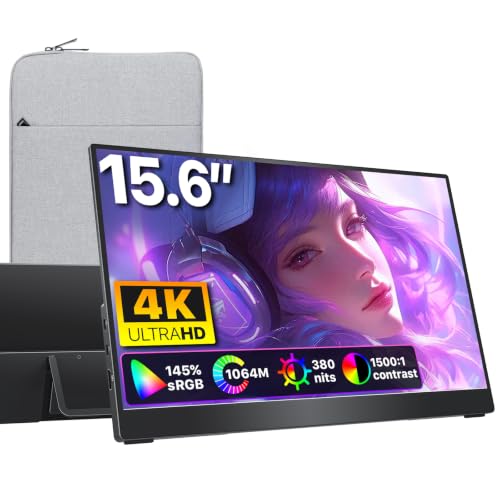
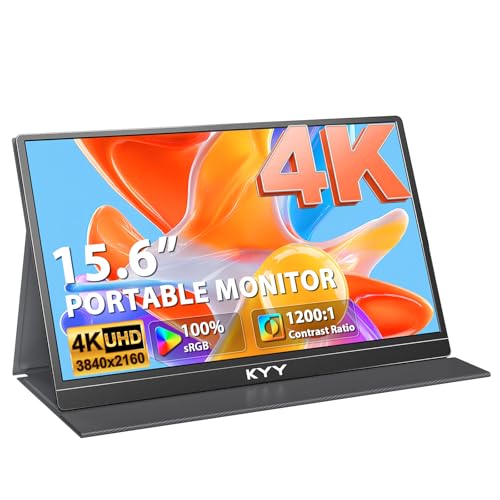
A portable 4k screen can turn a laptop into a two screen setup almost anywhere, but the wrong one can feel dim, heavy, or awkward to connect. The best 4k portable monitors balance sharp detail with a weight you are willing to carry, a brightness level that works in real rooms, and ports that match your laptop. Use the product table to narrow the field before you dig into specs.
This guide walks through a simple checklist you can apply to any model. You will learn which specs matter most for work, travel, and casual play, which ones you can safely ignore, and which warning signs suggest a screen is not worth its price. Keep your laptop, your bag, and your usual work space in mind as you read.
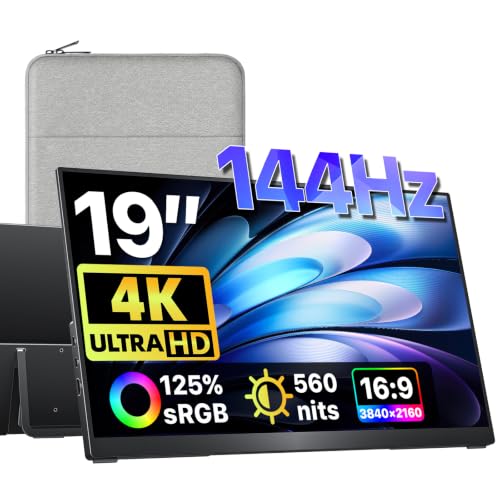
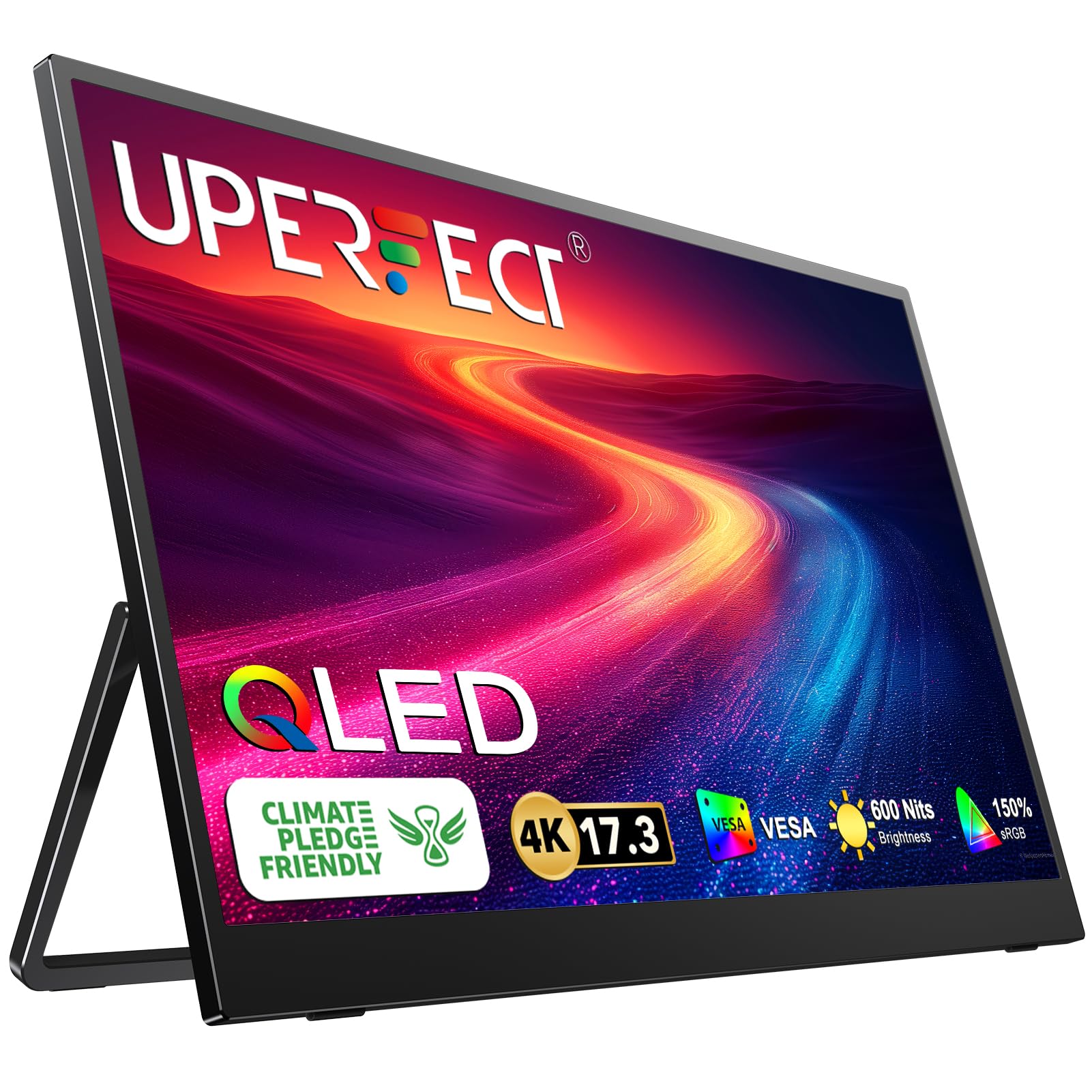
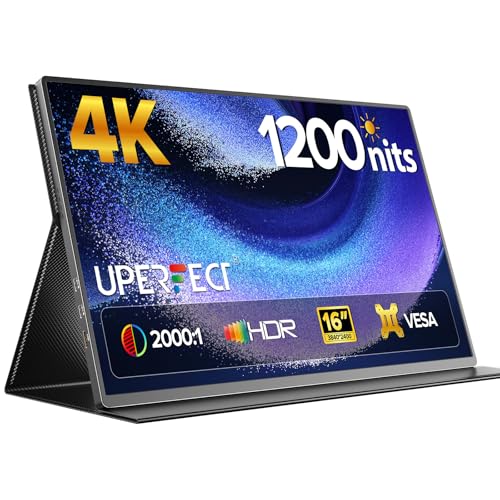
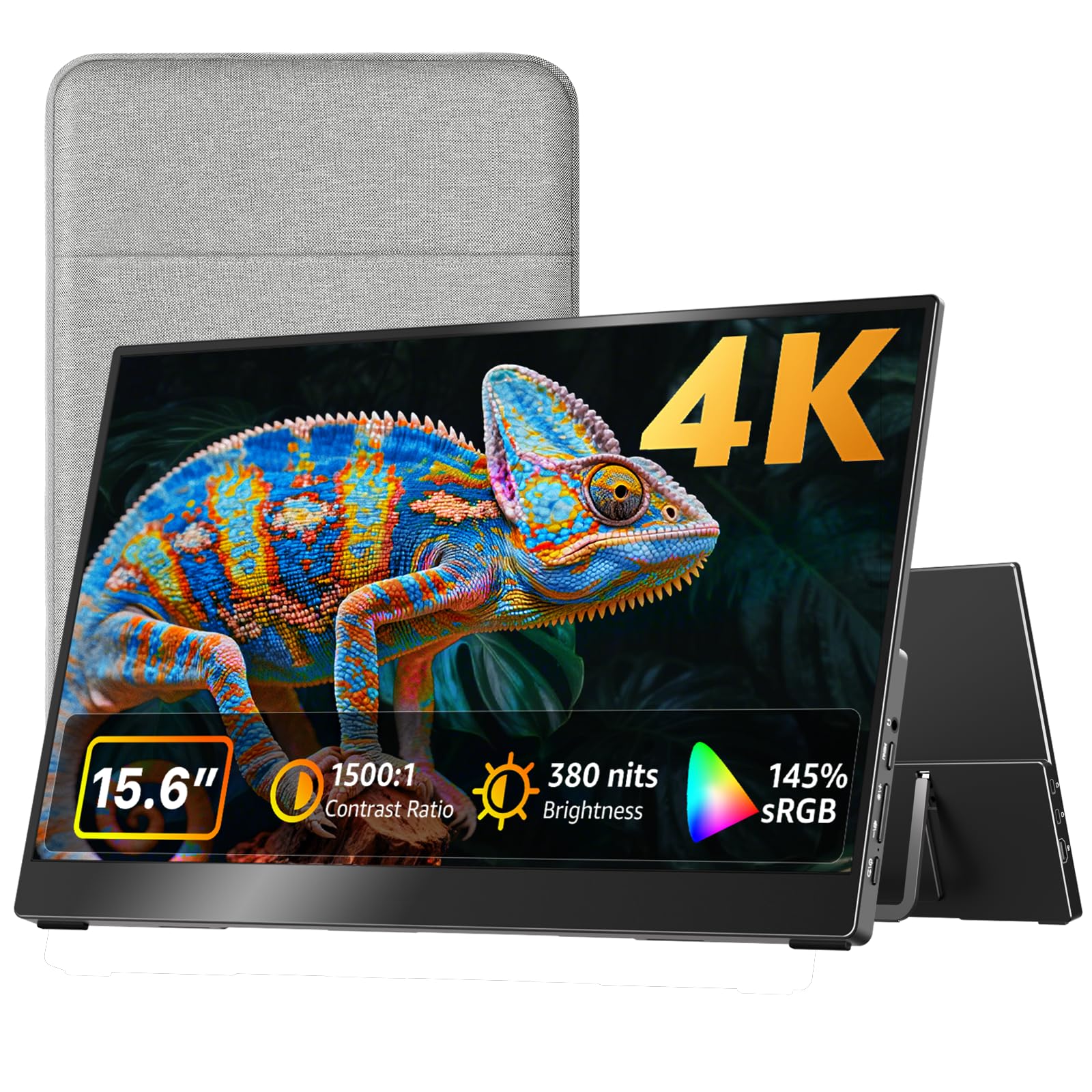

Key Features to Compare in 4K Portable Monitors
Start with the factors that change daily use. A portable screen lives a harder life than a desk screen, so size, weight, brightness, and connection type deserve attention before you worry about bonus features.
Measuring for Size and Portability
Most portable screens measure 13 to 16 inches across, and that range covers very different travel habits. A 13 inch screen slips into a slim laptop sleeve and adds the least weight, while a 15 or 16 inch screen gives more room for spreadsheets and timelines but needs a larger bag. See our guide to the best portable computer monitors for more size comparisons, and weigh the screen with its cover, since a folding cover can add noticeable bulk. Also check the folded thickness, because a thin screen that needs a thick case may not save space at all.
Panel Technology
Panel type shapes color, contrast, and viewing angle. IPS panels offer steady color and wide viewing angles, which suit shared work and photo editing. VA panels can show deeper blacks but may shift color when viewed from the side.
OLED panels deliver rich contrast and vivid color, yet they cost more and need care to avoid image retention. Mini LED backlights improve contrast on some LCD screens, though they add weight and cost. Pick the panel that matches your main task rather than chasing the most dramatic spec sheet.
Adaptive Sync and Gaming Features
Adaptive sync matches the screen refresh to the output of your device, which reduces tearing and stutter in fast moving content. Look for support that matches your laptop or console, since some screens support one system and not another, and see our guide to the best gaming monitors for more on sync features. HDMI 2.1 helps with high refresh 4k signals, while VRR and low latency modes matter most for play. If you mainly write, browse, and join calls, these features add little, so do not pay a premium for them.
HDR and Brightness
Brightness decides whether a screen stays readable near a window or outdoors. A screen rated around 300 nits suits indoor use, while 400 nits or more handles brighter rooms with more comfort. HDR labels vary widely, and a basic HDR label does not guarantee a dramatic picture.
True HDR impact needs strong brightness, good contrast, and wide color coverage together. Treat vague HDR claims with skepticism and check brightness and contrast figures instead.
Refresh Rate and Response Time
Refresh rate tells you how often the picture updates each second. A 60Hz screen feels fine for documents, video, and most office work. Higher rates such as 120Hz or 144Hz feel smoother when scrolling and playing, but they also draw more power over USB C.
Response time measures how fast pixels change color, and lower values reduce blur in motion. For everyday work, a modest response time is plenty, while players should weigh refresh and response together. See our guide to the best 4k monitors gaming for the full gaming spec rundown.
Smart Platform and Sound
Some portable screens include a smart platform or built in speakers, and both are conveniences rather than essentials. A smart platform can be handy for streaming in a hotel room, but it adds menus and accounts you may never use at a desk. Built in speakers save you from carrying earbuds, yet they rarely sound full at higher volume.
If sound matters for calls, a headset will beat tiny screen speakers. Judge these extras only after the core screen quality passes your checklist.
Connectivity and Ports
Ports decide how easily the screen works with your devices. USB C with video and power delivery lets one cable carry picture and charge, which is ideal for travel. A second USB C port helps when you also need to charge a laptop or phone.
HDMI suits consoles and older laptops, while DisplayPort fits some desktop setups. Check whether the screen needs an external power supply at full brightness, since some models dim when powered only by a laptop. See our guide to the best 4k pc monitors for port layouts on desktop focused screens.
Spending Levels to Compare
Price tiers in portable screens mostly buy brightness, panel quality, and build, not a different kind of product. Use these levels to set expectations before you shop.
Everyday Travel Budget
Budget portable screens usually offer a basic IPS panel, modest brightness, and a simple folding cover. They work well for documents, email, and video calls in indoor light. Expect plastic construction and fewer ports, often a single USB C port plus mini HDMI. Around $150 to $250 buys a usable travel companion, provided you accept dimmer output in bright rooms.
Balanced Work and Play Range
The middle range adds brighter panels, sturdier covers, and more complete port selections. Color accuracy improves, which helps photo work and design review. Many screens in this range also add higher refresh rates or better speakers. About $250 to $450 covers most buyers who want one screen for office work, travel, and light play without carrying extra gear.
Top Tier Portable Range
High end portable screens use OLED or mini LED panels, stronger brightness, and slimmer metal builds. They suit color critical work and buyers who use the screen daily. Prices above $450 reflect panel cost and build quality rather than extra size. Before spending at this level, confirm the brightness, ports, and warranty justify the jump over the middle range for your own use.
Quick Buyer Checklist
Run through these questions before you order, and skip any screen that fails more than one of them:
- Does the screen fit your bag with its cover on, and can you carry it comfortably?
- Is brightness rated high enough for the rooms where you will actually work?
- Does it connect to your laptop with one cable, without a separate power brick?
- Does the panel type suit your main task, whether that is documents, design, or play?
- Are the ports you need present, including a spare port for charging?
- Does the warranty cover at least a full year, with clear return terms?
- Can you read the full spec sheet, or are key figures such as brightness missing?
Red Flags to Watch For
Vague specs are the clearest warning sign. A listing that trumpets 4k resolution but hides brightness, panel type, or port details deserves a pass. Extremely short warranties, missing certification marks, and review patterns that repeat the same phrases also suggest trouble.
Be cautious with screens that claim premium HDR at a budget price, since real HDR performance needs brightness and contrast that budget panels rarely deliver. If the seller cannot answer basic questions about power needs, look elsewhere.
Setup and Care Tips
When the screen arrives, set it to a natural or standard picture mode and turn off any vivid mode, which often oversaturates color. Calibrate brightness to your room rather than leaving it at maximum, which saves power and reduces eye strain. On OLED screens, run the pixel refresh routine the maker provides and avoid leaving a static image on screen for hours.
Clean the screen with a dry microfiber cloth only, and store it in its cover to guard against scratches in your bag. For lasting comfort, take regular breaks and see an eye care professional if eye pain or vision changes persist.
Frequently Asked Questions
Is 4K worth it in a portable monitor?
Yes, 4K is worth it if you work with detailed text, photos, or video timelines, because the extra pixels keep small type sharp on a compact screen. It matters less for basic email and browsing, where a lower resolution screen can look fine and cost less. Also consider battery draw, since a 4K panel over USB C can use more power than a lower resolution panel. If you travel with a small laptop battery, weigh sharpness against run time before deciding.
What size portable monitor should I get for my desk or bag?
A 13 inch screen suits slim bags and tight travel, while a 15 or 16 inch screen suits a desk setup or a larger backpack. Measure your bag interior and compare it with the screen size including its cover, not just the panel alone. Also think about your laptop size, since a second screen much larger than your laptop can feel unbalanced on a small table. When in doubt, choose the size you will actually carry every day rather than the largest one you can afford.
Does refresh rate matter for non gamers?
Refresh rate matters little for documents, email, and video calls, where a standard 60Hz screen feels smooth enough. It becomes noticeable when scrolling long pages or editing video, where higher rates can feel more fluid. Higher rates also use more power, which can shorten laptop battery life on the road. Unless you play fast moving games, put brightness, color, and ports ahead of refresh rate in your decision.
How long do portable monitors last?
A well built portable monitor often lasts several years with normal travel use, though hinges, cables, and covers wear first. Screens used daily on the road may show wear sooner than screens kept at a desk. Protect the panel with its cover, avoid pressing on the screen in a packed bag, and replace cables at the first sign of flicker. Keep the receipt and warranty details, since a good warranty matters more for a travel product than for a desk product.
IPS vs OLED: which is better in a portable monitor?
IPS is better for most buyers because it offers reliable color, wide viewing angles, and a lower price with no burn in worry. OLED is better for buyers who prize deep blacks and vivid contrast and who accept higher cost and extra care. OLED screens need pixel refresh routines and benefit from varied content rather than static images left on screen for hours. Choose IPS for all round travel use, and choose OLED only if contrast is central to your work.
Final Thoughts
The right portable 4k screen is the one that fits your bag, matches your laptop ports, and stays readable in your usual light. Panel type, brightness, and connectivity matter more than bonus features or dramatic marketing claims. Compare a few screens side by side using the checklist above, and check the product table once more before you decide. For most buyers, the best 4k portable monitors are the ones that disappear into daily work instead of demanding constant attention.