
Best 4K Outdoor Cameras: A First Time Buyer's Guide for 2026
Disclosure: We may earn a commission when you buy through links on this page, at no extra cost to you. As an Amazon Associate I earn from qualifying purchases. Learn more

Best 4k outdoor cameras explained for first time buyers: resolution, weather ratings, night vision, power, storage and the mistakes to avoid.
Buying your first outdoor camera can feel confusing, because every listing throws around terms like resolution, detection zones, and storage plans. This guide slows things down and explains each idea in plain English. If you are comparing best 4k outdoor cameras for a house, apartment, or small business, start with the basics below before you spend any money. The comparison table below gives you a quick side by side view once you know what the specs mean.
You do not need a big budget or a technical background to watch a front door, driveway, or back yard well. You only need to match a few core features to your home, your WiFi, and your power options.


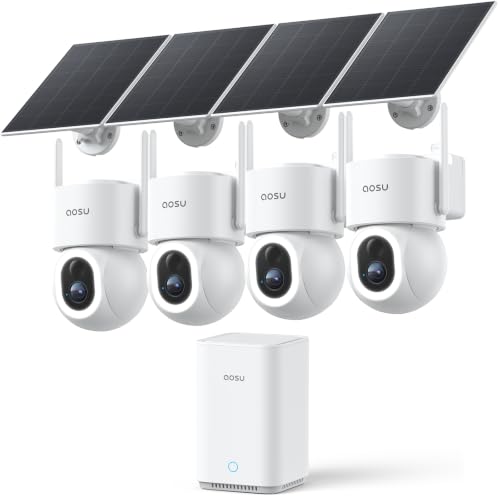
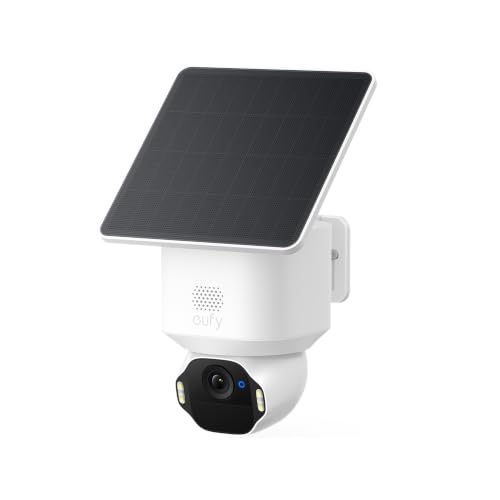


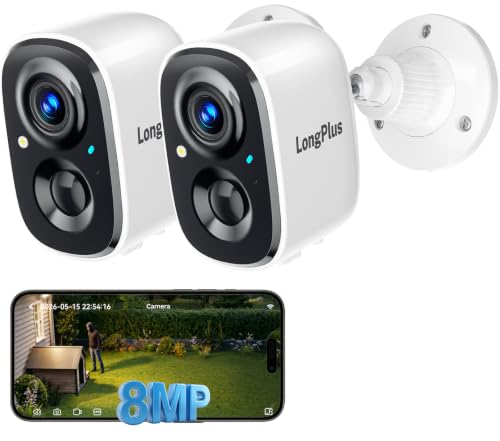

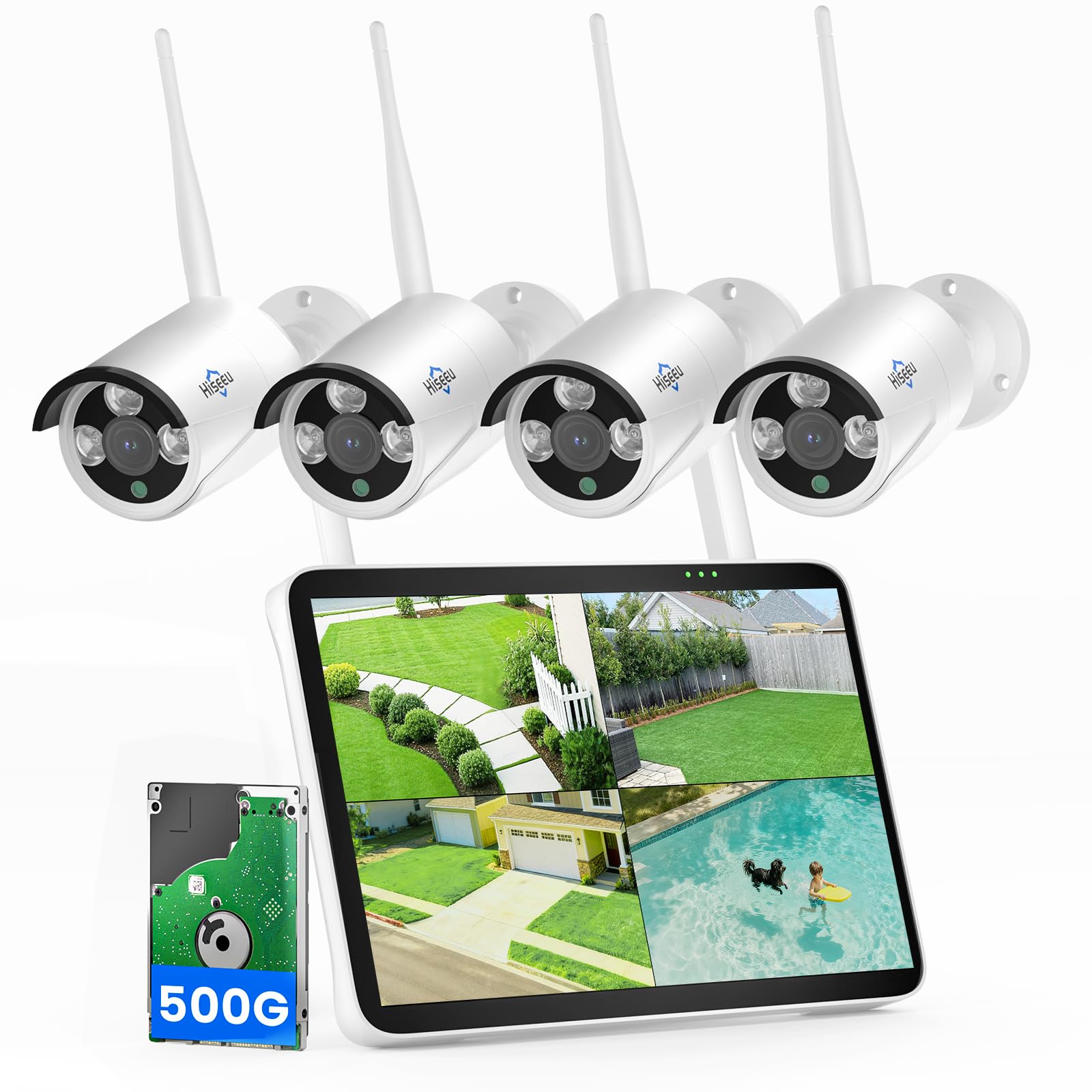
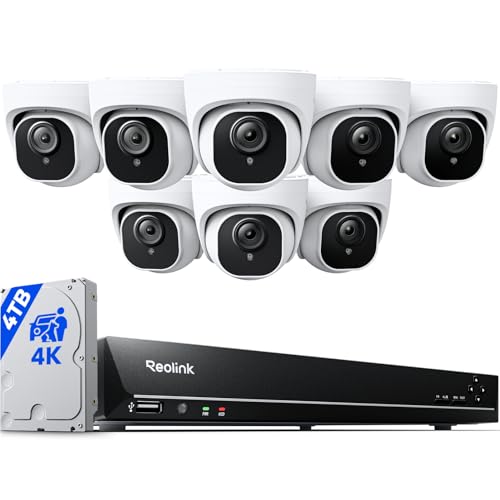
4K Outdoor Cameras 101: The Basics for New Buyers
A 4K outdoor camera is a security camera built to live outside and record video in very sharp detail. The 4K label refers to resolution, roughly four times the pixel count of standard 1080p video. More pixels mean faces, license plates, and package labels stay readable when you zoom in on a clip. That extra detail is the main reason new buyers step up from cheaper 1080p models.
The camera connects to your home WiFi or to a wired network cable and sends alerts to an app on your phone when it senses motion. You open the app to watch live video, review saved clips, and talk through the camera speaker. Many owners pair a camera with video doorbells, so the doorbell covers the front step while another camera watches the driveway or side gate.
Power comes in three common forms. Battery models are the easiest to install and need charging every few months. Solar assisted models add a small panel that tops up the battery in sunny spots. Wired models never need charging but take more install work. Many shoppers search for the best 4k outdoor cameras and then choose on price alone, when power type shapes daily use far more.
Key Specs Explained in Plain English
Only six ideas drive most of your decision. Learn what each one means and what level is good enough for a typical home. Once these are clear, the product table above will read like a simple checklist instead of a wall of numbers.
Video Resolution and Field of View
Resolution tells you how much fine detail the camera records, and 4K sits at the top of the current consumer range. A 2K camera looks clear on a phone screen, but a 4K clip holds up better when you zoom in on a face across the yard. Field of view tells you how wide the scene is. Look for about 130 to 160 degrees, which covers a wide driveway or porch well. Match width to your space, because a very wide view can shrink people in a small yard.
Weather Resistance and Temperature Ratings
Weather resistance is shown with an IP rating, and IP65 is the practical starting point for outdoor use. The first digit covers dust protection and the second covers water, so IP65 means the housing keeps out dust and resists rain from any direction. IP66 adds stronger water protection for exposed spots with wind driven rain. Also check the working temperature range. Battery performance drops in deep cold, so plan on more frequent charging during winter months if you live in a northern state.
Night Vision and Low Light Performance
Night vision lets the camera record after dark using infrared lights that are invisible to your eyes. The image turns black and white at night, and the useful range is often about 25 to 35 feet for a clear view of a face. Some models add a small spotlight and record color at night when motion is found, which helps you describe a jacket or car color. Porch lights improve results a lot in total darkness.
Two Way Audio and Siren
Two way audio means the camera has a microphone and a speaker, so you can hear what is happening and speak through the app from anywhere. It is handy for greeting guests, giving a delivery driver a quick instruction, or telling a stranger at the gate that you can see them. Many models also include a siren you can trigger from the app. Test speaker volume during setup, because a quiet speaker on a noisy street may not carry as far as you expect.
Smart Detection and Alerts
Basic motion detection reacts to any change in the picture, including swaying branches and passing headlights. Smarter models add person detection, and some can also tell a vehicle or a package apart from general motion. That sorting cuts false alerts, and fewer false alerts means you actually read the important ones. Activity zones let you draw a box around the driveway or walkway and ignore the street beyond it.
Smart Home Integration
Smart home integration lets the camera show its live view on a voice assistant display and join simple routines. Common support includes Alexa and Google Assistant, while a smaller group of models works with Apple HomeKit. A typical routine turns on a porch light when the camera finds a person at night. Check the exact assistant named in the listing before you buy, because support varies by model. For general 4K picture questions beyond security, see our guide to the best cameras 4k as a side reference.
Storage: Local Storage Versus Cloud Storage
Every camera needs a place to keep its clips, and you choose between local storage and cloud storage. Local storage usually means a microSD card in the camera or a home hub on your network, with no monthly fee and clips that stay in your house. Cloud storage keeps clips on company servers, so you can still view them if the camera is stolen, but longer history usually needs a paid plan. Many new buyers start with a card and add a plan later. For recording focused setups, see our guide to the best surveillance cameras outdoor after this section.
Who Should Buy Which Type of 4K Outdoor Camera?
Renters and apartment dwellers usually do best with battery powered wireless cameras, because they mount with a few screws and move with you later. You avoid running cable, and you can place the camera on a porch or balcony. The trade off is charging duty, so pick a spot you can reach with a short ladder. This group also benefits most from starting with a memory card and no monthly plan.
Homeowners with a driveway and two entry doors often do better with a mix of one wired camera and one battery model. The wired unit watches the busiest spot without battery worries, while the battery unit covers a side gate where running cable is hard. If that mix sounds like your home, see our guide to the best 4k outdoor security cameras for whole home coverage planning.
Owners of larger properties and small shops should think about continuous recording and longer clip history from the start. These buyers often need several cameras, a hub or recorder, and clear rules for who can view the feeds. Budget for storage and mounting hardware as part of the system, not as an afterthought.
Rookie Mistakes to Avoid
- Mounting the camera too high or too low, because faces turn into the tops of heads or get cut off and identification gets much harder.
- Pointing the camera straight at a busy street, because constant passing cars flood you with alerts until you ignore all of them.
- Skipping the WiFi check at the mounting spot, because a weak signal causes choppy live views and clips that never reach your phone.
- Buying on resolution alone and ignoring storage costs, because a sharp camera with only a few hours of history can miss the one clip you need.
- Forgetting to set detection zones and sensitivity, because default settings often watch too much area and drain the battery with needless recordings.
- Using a weak or reused app password, because a camera account holds video of your home and deserves strong protection.
Getting Started: Setup and First Use
Start indoors at a table before anything goes on a wall. Charge the battery fully if your model has one, insert the memory card if you use one, and create your account with a strong unique password. Turn on two factor authentication right away. Update the firmware when the app offers it, because early updates often fix pairing and alert problems.
Next, hold the camera at the planned spot and check the live view and WiFi signal before you drill. Mount cameras about 8 to 10 feet high, angled slightly down, so the view covers faces and the ground in front of doors. Walk through the view during the day and at night, and adjust the angle until people cross the frame instead of walking straight under the camera.
Finish by setting your detection zone, choosing alert types, and deciding how long clips stay saved. Name each camera by location in the app, such as front door or garage, so alert messages make sense at a glance. Share access through the app invite system instead of sharing your password. If you still need placement ideas by home type, see our guide to the best cameras for outdoor security for more examples.
Care and Maintenance for Outdoor Cameras
Wipe the lens and sensor window with a soft dry cloth every month or two, because dust, pollen, and water spots blur night clips long before the camera fails. Clear spider webs from around the housing, since webs close to the lens glow under infrared light and can trigger false alerts all night. Check mount screws twice a year and tighten them if the camera has shifted in wind.
For battery models, follow the app battery warnings instead of waiting for a full shutdown, and expect shorter run time in cold weather. Keep the app and firmware updated, and review your shared user list every few months. Once a season, walk your property at night and confirm each camera still sees what you expect.
Frequently Asked Questions
Are wired or wireless 4K outdoor cameras more reliable for a home?
Wired 4K outdoor cameras are more reliable for nonstop recording because power and data never depend on a battery or a variable WiFi link. Wireless models are reliable enough for motion based alerts in most homes and are far easier to install. A useful middle path is a wireless camera placed close to the router or a mesh access point.
How much storage do 4K outdoor cameras need for normal home use?
Most homes do well with about seven to fourteen days of saved motion clips. A 128 GB memory card often covers that span for one camera that records only on motion, while busy driveways fill cards faster. Continuous recording uses far more space and points you toward a hub or a cloud plan. Size your storage to how often you truly review old clips.
Are 4K outdoor cameras easy for strangers to hack?
4K outdoor cameras are not easy targets when you set them up with basic care, and most account break ins happen through reused passwords rather than the camera itself. Use a unique password, turn on two factor authentication, and keep firmware current. Avoid viewing feeds on public WiFi without protection, and turn off sharing settings you do not use. Also change the default password on your home router, because the router guards every connected device.
Can 4K outdoor cameras work without WiFi at home?
Some 4K outdoor cameras can record to a memory card or a local hub without WiFi, but you lose live viewing, phone alerts, and cloud backup while offline. Models that use a network cable to a recorder handle this best, because the recorder keeps saving even if the internet drops. Cellular models exist for remote sites, but they need a data plan and strong cell coverage. For a normal house, treat WiFi as required and offline recording as a short backup.
Do 4K outdoor cameras require a paid subscription to be useful?
No, 4K outdoor cameras stay useful without a paid subscription when they offer local recording and basic motion alerts for free. A plan usually adds longer clip history, richer person and package sorting, and easier clip sharing. The smart approach is to run the camera free for the first month and note which missing feature actually bothers you. Many owners find that a memory card plus careful alert settings covers everything they wanted.
Final Thoughts
For a first purchase, focus on three things: a clear picture with a sensible field of view, an IP65 or better housing matched to your climate, and a storage choice you understand before you buy. Power type comes next, because charging duty or cable runs will shape your routine every week. The product table above pulls those points together.
You do not need the most expensive system to watch a front door well. One well placed camera with honest alerts beats three poorly placed cameras that send warnings all day. Start small, learn your alert patterns, and add coverage only where you find a real blind spot. When you are ready to choose your best 4k outdoor cameras setup, use the comparison table above and pick the option that fits your home, your network, and your budget.


