
Best 4K IP Cameras in 2026: Buying Guide for Clear Video
Disclosure: We may earn a commission when you buy through links on this page, at no extra cost to you. As an Amazon Associate I earn from qualifying purchases. Learn more

Compare the best 4K IP cameras by lens, night vision, PoE, weather rating and storage, so you can choose clear security video for your home or shop.
A 4K IP camera sends video over your network, so you can watch a door, driveway or stock room live and review recordings later. The best 4k ip cameras give you detail you can actually use, such as a face at the door or a plate in the driveway. This guide shows you what drives that detail, so you can read the product table below with clear priorities.
Start with the job each camera must do. A fixed view of a front door needs different optics and lighting than a wide view of a yard.


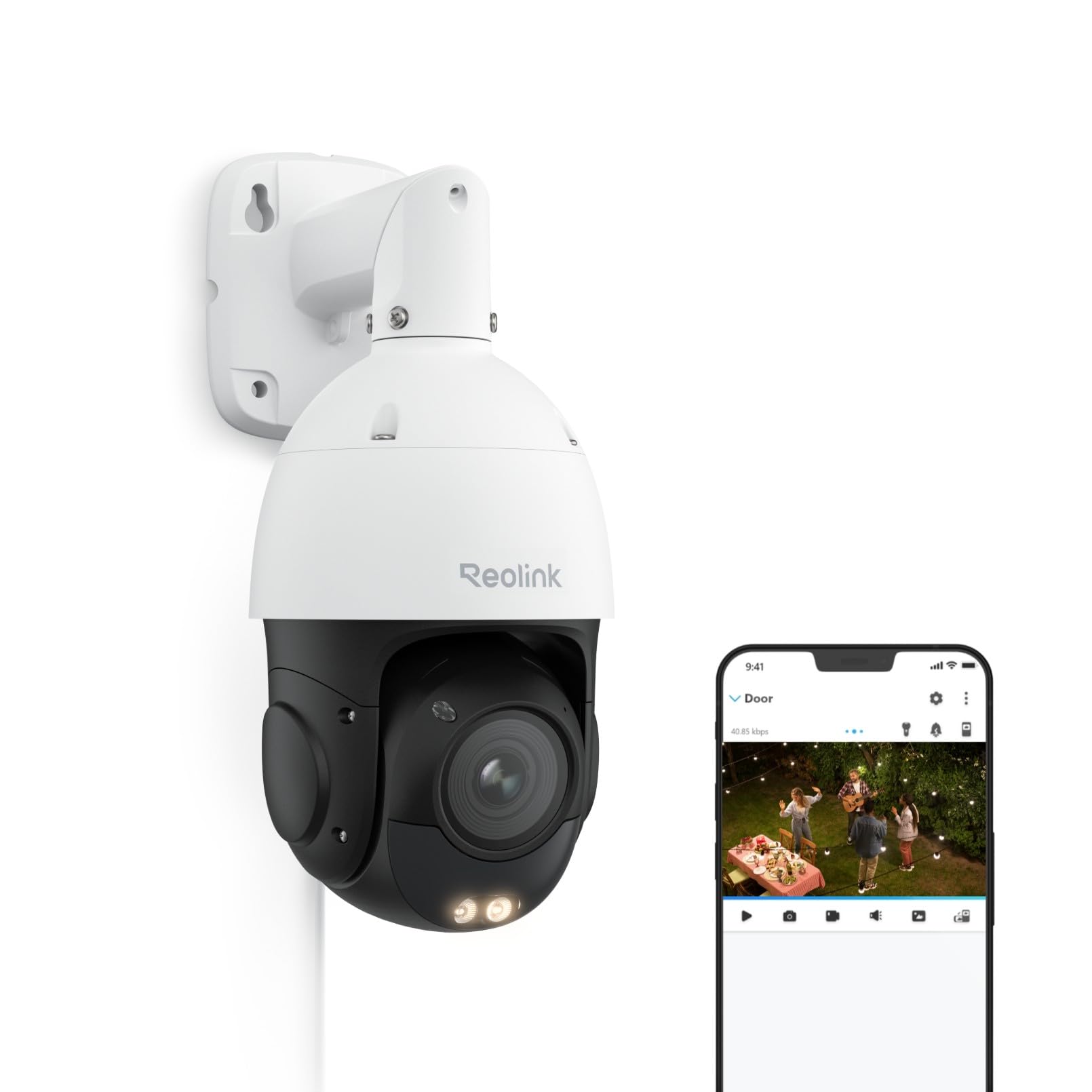

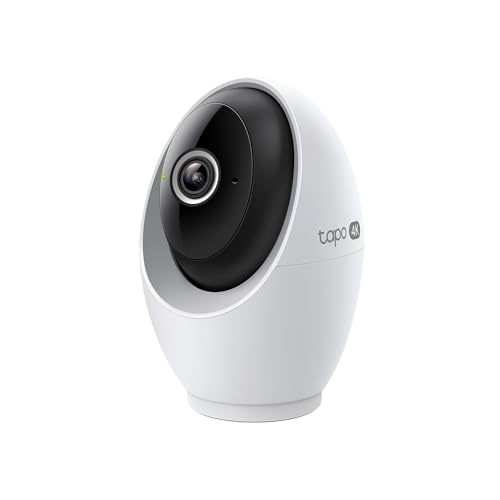
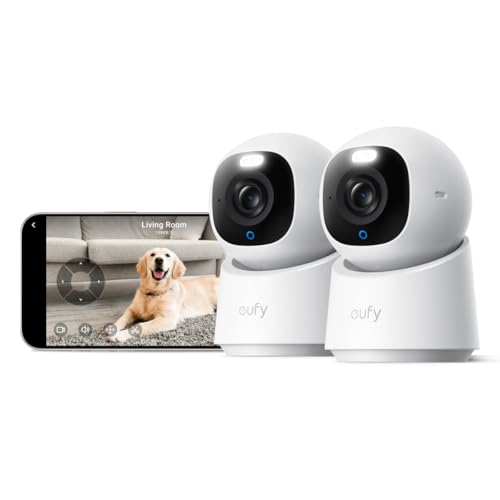
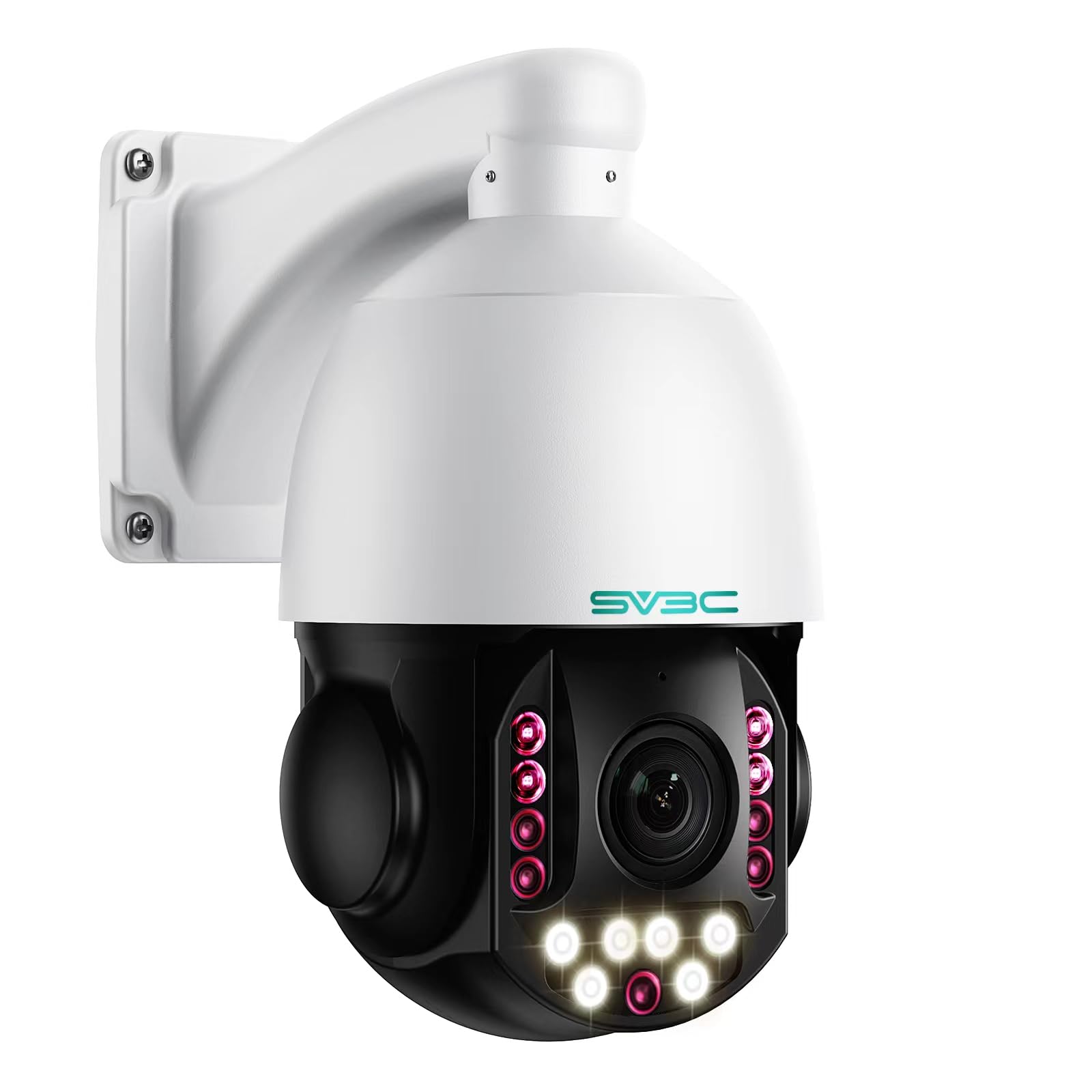


Who Should Buy Which 4K IP Cameras?
Match the camera to the place it watches and to how you will review the video.
Homeowners Guarding Doors and Driveways
You need clear faces at the door and a wide enough view to see a car arrive. Choose an outdoor rated model with strong night vision, a lens around 2.8 mm for a broad view, and smart alerts that tell a person apart from a passing shadow.
Small Business Owners Watching Entrances and Stock Rooms
You need recordings you can search by time and share when something goes missing. Choose cameras that record to a network video recorder, support several users with separate passwords, and keep recording when the internet drops. A narrower lens suits a till, where detail matters more than width.
Parents and Pet Owners Checking Indoor Rooms
You need a live view you can open quickly and audio that lets you listen and speak. Choose a compact indoor model with pan and tilt movement, two way audio and motion alerts you can limit to set hours. Keep it out of private spaces such as bedrooms.
Key Features to Compare
When you compare best 4k ip cameras side by side, work through the factors below in order. The lens, the light and the network decide what the footage can show.
Sensor Size, Real Resolution and Frame Rate
True 4K video means a frame of 3840 by 2160 pixels, which is about 8 megapixels. Check that figure in the spec sheet, because some cameras stretch a smaller image and call the result 4K. A larger sensor gathers more light per pixel, so faces stay cleaner after dark. Video at 15 to 20 frames per second suits most home activity, while 30 frames per second keeps fast movement easier to follow.
Lens, Field of View and Zoom
The lens sets how much of a scene fits in the frame and how much detail lands on each object. A 2.8 mm lens often shows about 100 to 110 degrees, which suits a porch, while a 4 mm lens shows a narrower view with more detail on a gate. Optical zoom changes the lens itself, so detail holds up when you zoom in. Digital zoom only enlarges pixels.
Night Vision and Low Light Detail
Most 4K IP cameras use infrared light after dark, which produces black and white video out to a stated range, often about 30 to 100 feet outdoors. Treat that range as a best case, because walls, rain and insects near the lens reflect light back and shrink the useful view. Some models add a small white light and record color at night, which helps you describe clothing or a car color.
Power over Ethernet, WiFi and Network Load
An IP camera needs both power and a network path. Power over Ethernet, usually called PoE, sends both through one cable from a PoE switch or recorder. WiFi models need only a power outlet, so they suit renters and indoor rooms, but thick walls can weaken the signal. Each 4K stream can use about 8 to 16 megabits per second, so several cameras can strain an older router.
Storage, Recording and Remote Access
You can store video on a memory card inside the camera, on a network video recorder, or in a cloud plan. A card is simple but fills quickly at 4K. A recorder holds weeks of video and keeps working as a local system. Modern compression called H.265 stores similar quality in less space than the older H.264. For recorders from other brands, look for ONVIF support.
Weather Rating, Audio and Smart Alerts
Outdoor models carry an ingress rating such as IP65, IP66 or IP67, and a higher last digit means stronger protection against water. That rating makes a camera weatherproof for rain, but it still needs a sheltered spot and a downward cable loop so water cannot run into the port. Two way audio lets you speak to a visitor through the app. Smart detection for people and vehicles cuts false alerts.
Types of 4K IP Cameras and Where Each One Fits
Shape follows mounting. If you are still weighing network cameras against simpler home models, see our guide to the best ip cameras for the broader category.
Bullet Cameras for Fixed Outdoor Views
A bullet camera is a tube shape that points one way and stays there. Its visible shape can deter casual trespass, and its housing shades the lens from sun and rain. Choose a bullet for a driveway, a side path or a yard gate, where the area you care about rarely changes and a fixed view covers it fully.
Dome Cameras for Ceilings and Porches
A dome camera hides its lens direction inside a round cover, so visitors cannot tell at a glance where it points. The cover also guards the lens against casual tampering. Choose a dome for a shop ceiling, a porch roof or an office entry.
Pan and Tilt Cameras for Wide Indoor Rooms
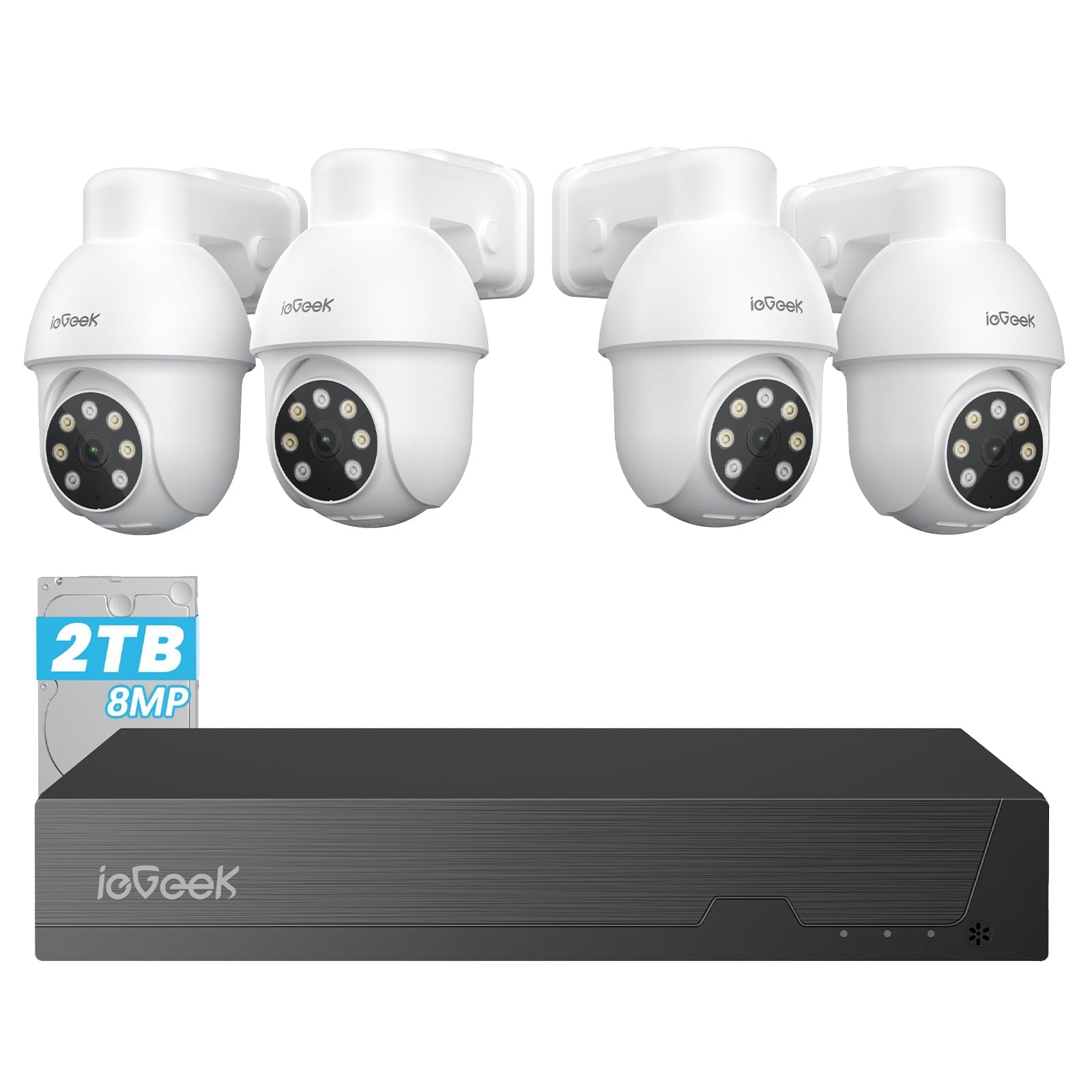
A pan and tilt camera turns its lens left, right and up or down, on your command or as it follows motion. One unit can sweep a living room or a small shop that would otherwise need two fixed cameras. It records only where it points, so a fixed camera still suits a door that must never leave the frame. For outdoor security zones, see our guide to the best 4k surveillance cameras.
Common Mistakes to Avoid
- Mounting a camera too high gives you the tops of heads instead of faces you can identify.
- Choosing the widest lens for a long driveway spreads pixels too thin to read plates.
- Recording every camera at full 4K all day fills a recorder in days instead of weeks.
- Running a WiFi camera at the edge of your signal range causes frozen frames and recording gaps.
- Leaving the default password on a camera exposes your video feed to strangers online.
- Pointing a camera straight at a bright porch light washes out the rest of the scene.
Care and Maintenance Tips for 4K IP Cameras
Wipe each lens and dome cover with a soft, dry cloth every few months, and sooner if pollen or dust builds up. Clear spider webs from around the housing, because webs close to the lens glow under infrared light and trigger motion alerts all night.
Update the camera software when the maker releases a fix, then confirm the camera reconnects and records before you walk away. If you are comparing these models with general cameras that shoot 4K, see our guide to the best cameras 4k to keep the two jobs separate.
Frequently Asked Questions
Does a 4K IP camera need a fast internet connection for remote viewing?
No, a 4K IP camera records locally without fast internet, but remote viewing depends on the upload speed where the camera sits. One live 4K stream can need about 8 to 16 megabits per second of upload. If your upload is slow, set the app to show a lower resolution sub stream on your phone while the recorder still stores the full 4K copy.
Can a 4K IP camera keep recording when the internet goes down?
Yes, a 4K IP camera can keep recording during an internet outage if it stores video locally. A camera wired to a recorder on the same switch keeps saving footage, and a card inside the camera does the same. What you lose is live viewing from outside and cloud backup. When service returns, check the time stamp, because some models drift during a long outage.
How much storage does 4K IP camera video use each day?
A 4K IP camera recording nonstop at about 8 megabits per second uses roughly 80 to 90 gigabytes per day. Motion based recording can cut that figure sharply on a quiet street, because empty hours are never saved. Use the bitrate in the settings, not the headline resolution, to size a drive.
Does optical zoom on a 4K IP camera help you read a license plate?
Yes, optical zoom on a 4K IP camera helps, because it puts more real pixels on the plate instead of stretching the image. Distance and angle still decide the result, so a camera looking down a driveway at a shallow angle reads plates better than one facing them from the side. Test with your own car at the real distance before you rely on plate detail.
Can one 4K IP camera cover a whole backyard?
One 4K IP camera can show a whole backyard, but it cannot give you identifying detail in every corner at once. The far corners get few pixels, and blind spots hide behind sheds and fences. A common fix is one wide camera for the overview plus one narrower camera aimed at the gate, with the two views overlapping slightly so movement stays in frame as a person crosses the yard.
Our Verdict
Choose the lens for the distance, the night vision for the light you actually have, and the storage for how long you need to keep video. Use the product table above to check resolution, lens and rating against those points.
When the best 4k ip cameras on your short list match your mounting spot and your network, the detail in your recordings will match the promise on the box.


